


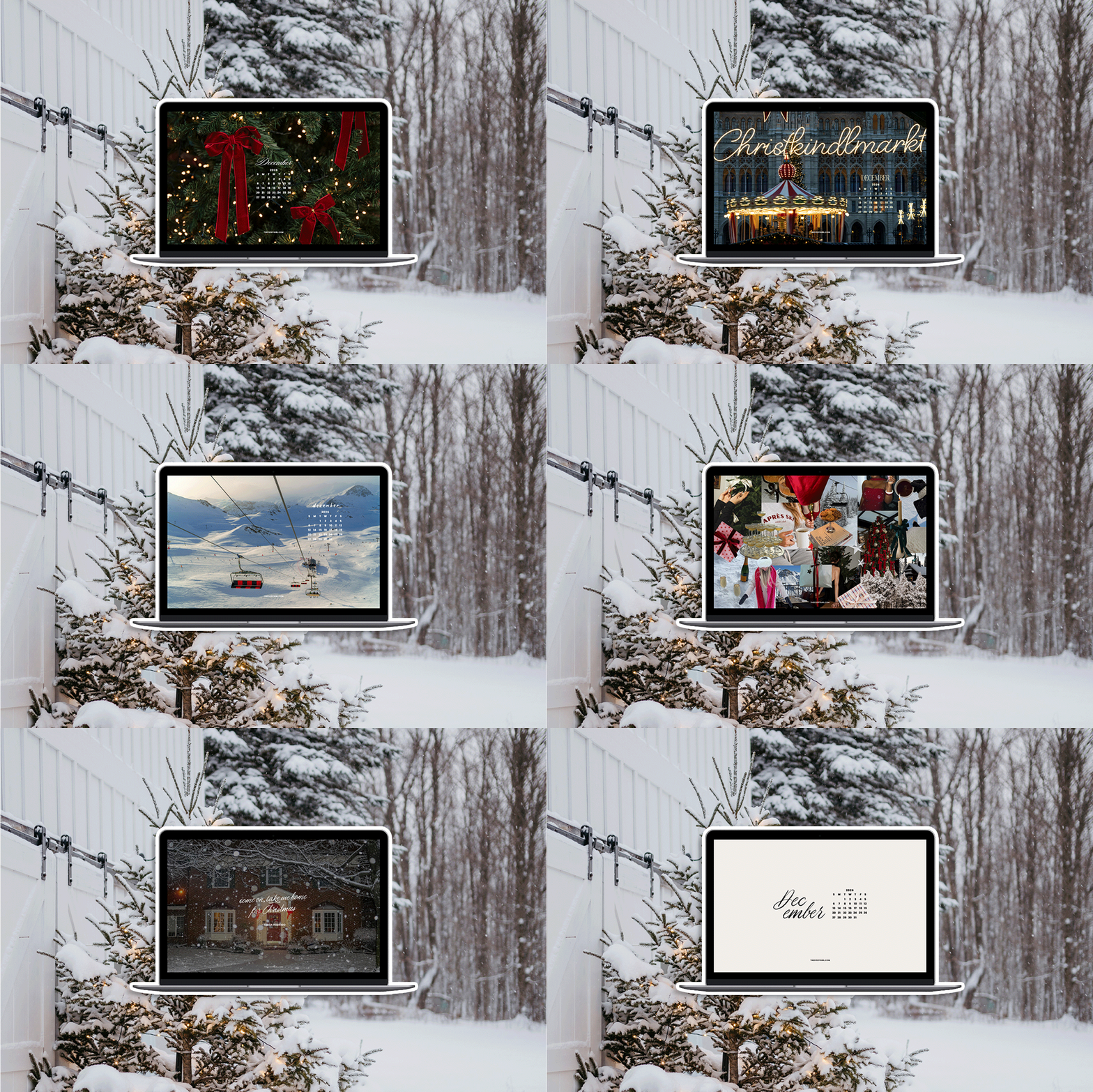
I’m someone who waits until after Thanksgiving to deck the halls (Turkey Day deserves its moment, IMO!) But after sufficiently stuffing myself with pie and basking in gratitude, you better believe I step into my Rudolph slippers, blast The Jackson 5 Christmas album, and resume my role as the jolliest girl around. To kick things off, I’m swathing my screens in holiday cheer à la festive tech backgrounds. Think: velvet ribbons, twinkle lights, holly wreaths, and champagne—lots of champagne.
If your living space is covered in garland and bows, why shouldn’t your phone and laptop screens be, too? Even if your holiday style is quieter, there’s a tech background for you in this collection (ski bunnies, we’re looking at you!) Slip into something soft or sparkly, pour a cup of hot cocoa (or a stronger holiday spirit), and scroll through these 10 free wallpapers that ooze the magic of the season. They’re so festive, I plan on rotating through them during the month of December.
READ: The Everygirl’s 2026 Holiday Gift Guide: Over 1,000 Affordable Gifts for Everyone!
The Everygirl’s Free Wallpaper & Tech Backgrounds
Every month, we give your screens a little refresh with a new collection of free tech backgrounds and wallpapers for your phone, desktop, laptop, iPad, and tablet. For December 2026, we’re leaning into the magic of the holiday season with nostalgic Christmas designs, festive pops of color, cozy winter scenes, and all the little details that make this time of year feel so enchanting.
Between twinkling lights, holiday movie marathons, and evenings spent curled up by the Christmas tree, there’s no shortage of moments worth romanticizing this month. So pour yourself a mug of hot cocoa, turn on your favorite holiday playlist, and give your screens a little Christmas magic, too.
What’s Included in Our December Wallpaper Collection
December is all about embracing the magic of the holiday season and finding joy in even the smallest moments. And what better way to get into the festive spirit than with a fresh set of backgrounds for your screens? Think classic Christmas colors, dreamy winter scenery, nostalgic holiday designs, and all the things we look forward to all year long: twinkling lights, freshly baked Christmas cookies, cozy nights watching holiday movies, and slow mornings spent in festive pajamas. Consider this your reminder to soak up every little bit of holiday magic before the year comes to a close.
Our December wallpaper collection includes free Christmas, holiday, and cozy winter-inspired backgrounds for all of your devices, including your iPhone, desktop, laptop, iPad, tablet, and even your TV. Each design is available in multiple sizes, with December calendar options that start on either Sunday or Monday, plus no-calendar versions if you prefer a more minimal look.
Looking for more? Browse our previous tech backgrounds to find even more wallpapers for your phone and desktop.
Free December 2026 Wallpapers for Desktop, iPhone & iPad
We’ve created a fresh batch of December wallpapers, all free to download, featuring festive holiday hues, nostalgic Christmas designs, cozy winter details, and December calendars to help you embrace the most magical time of the year. Scroll through, save your favorites, and bring a little holiday cheer to your phone, desktop, laptop, or tablet all season long.
Velvet Bows Tech Background
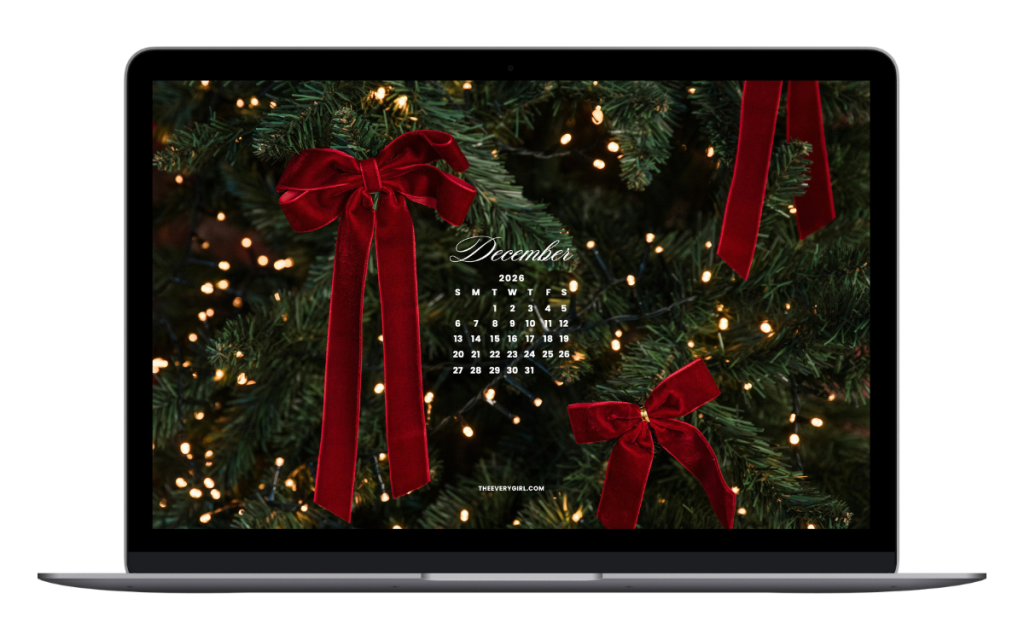
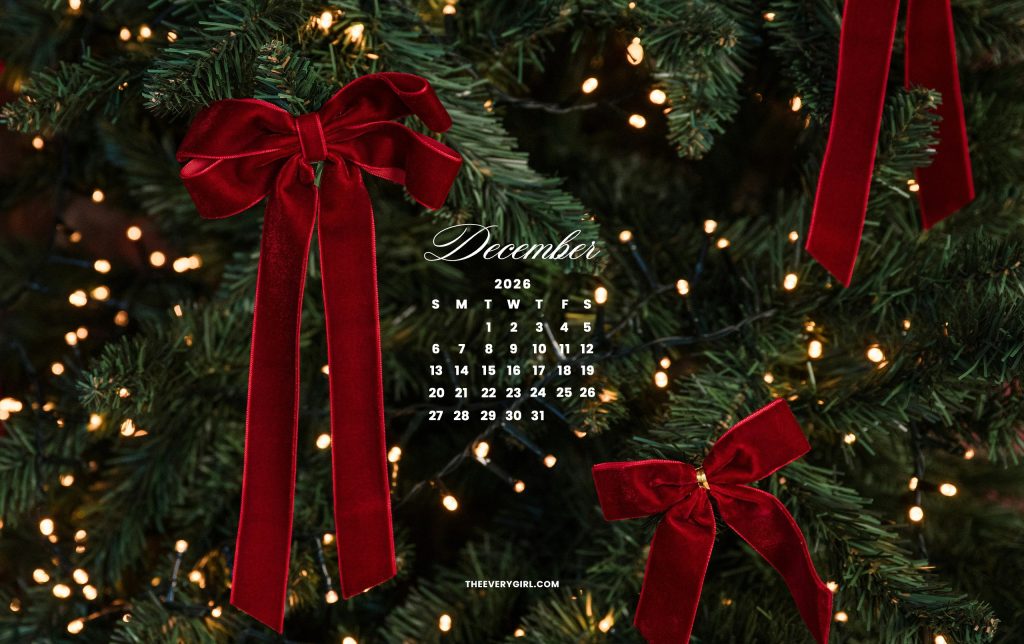
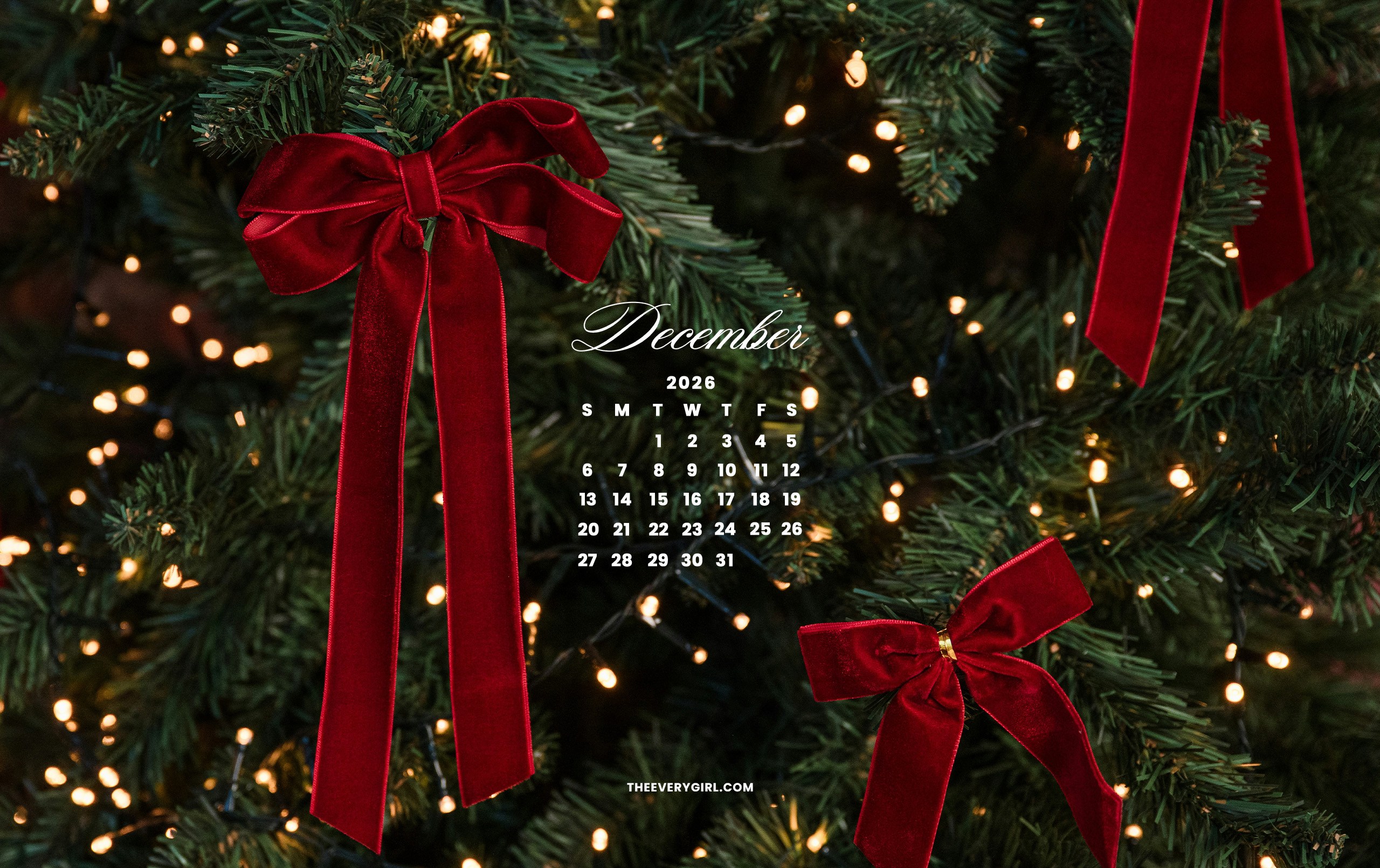
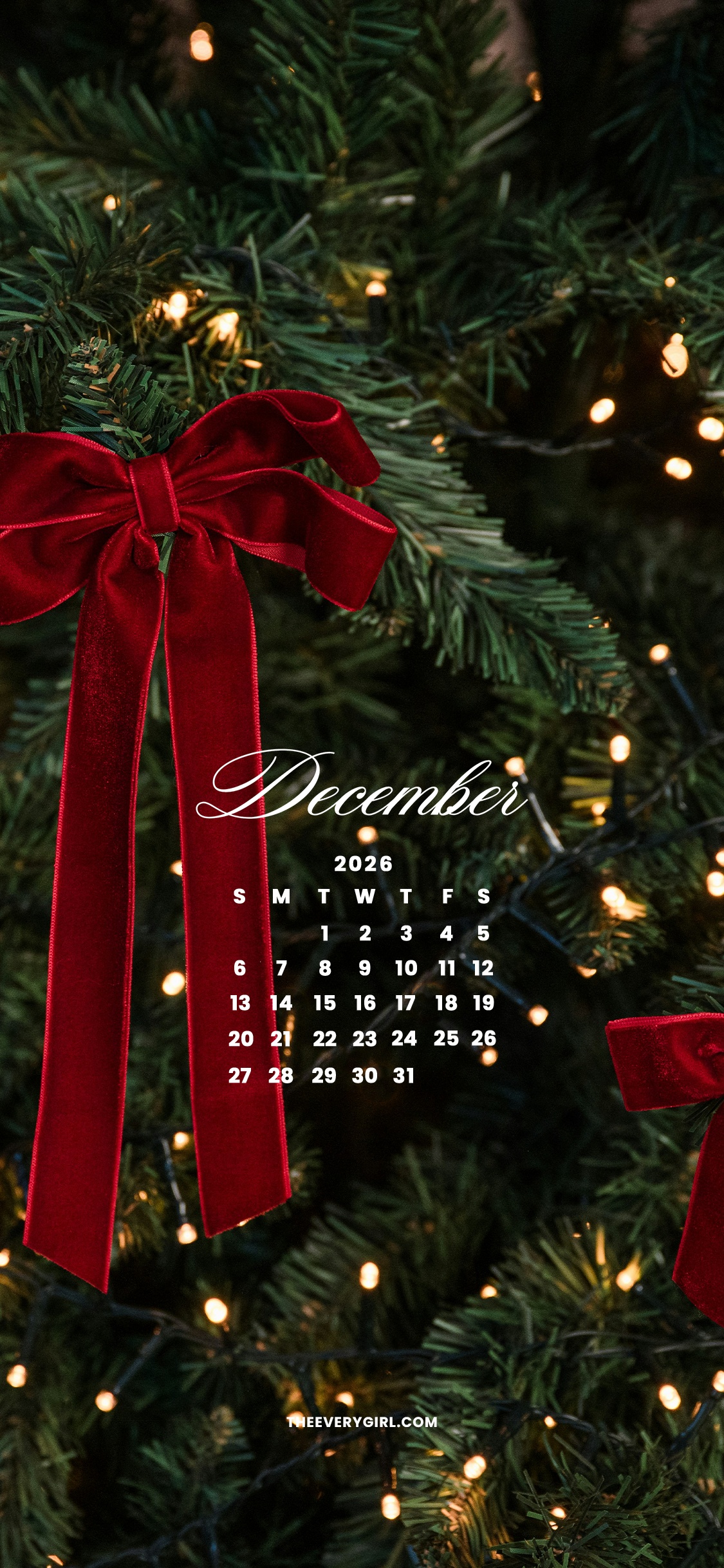
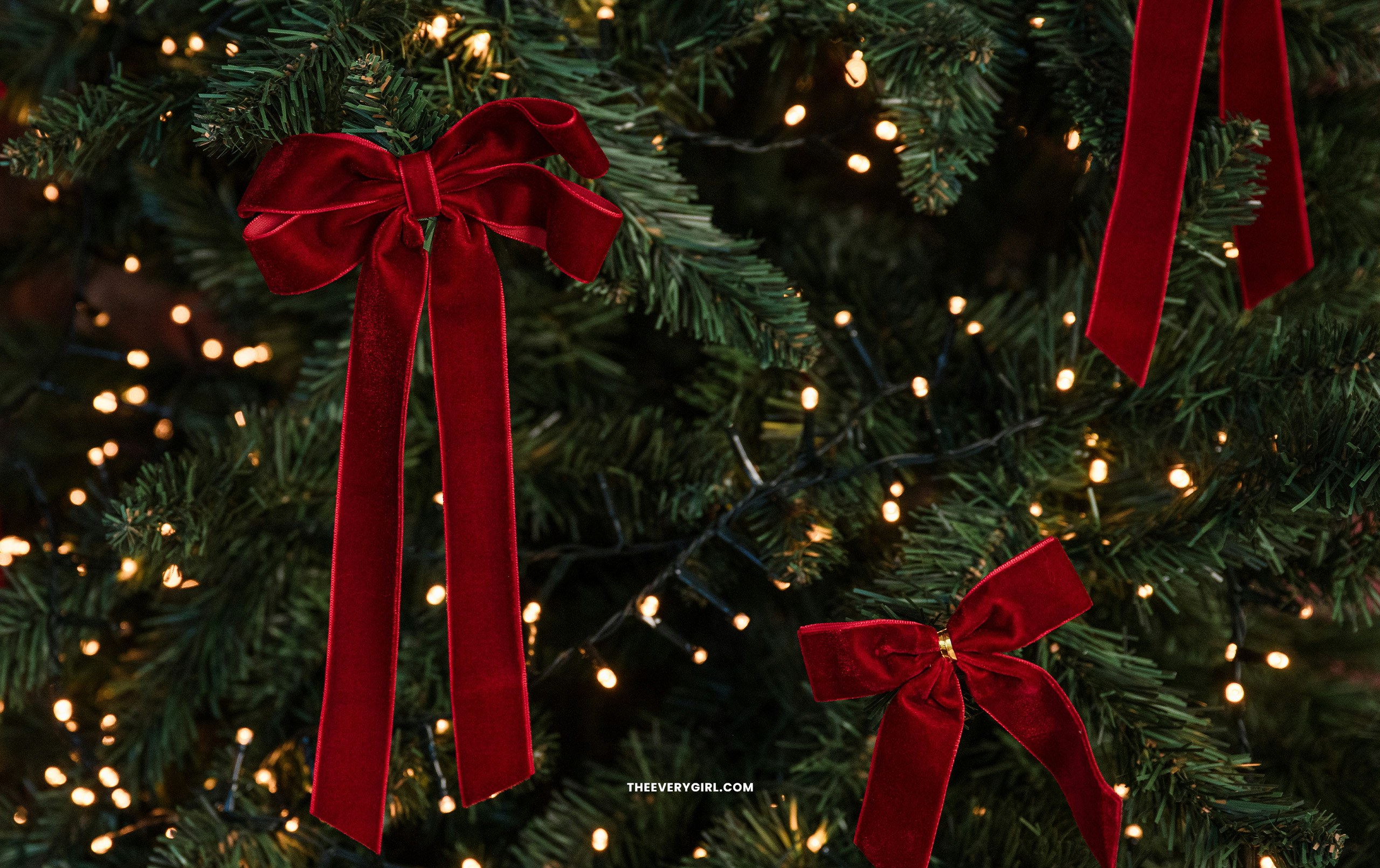
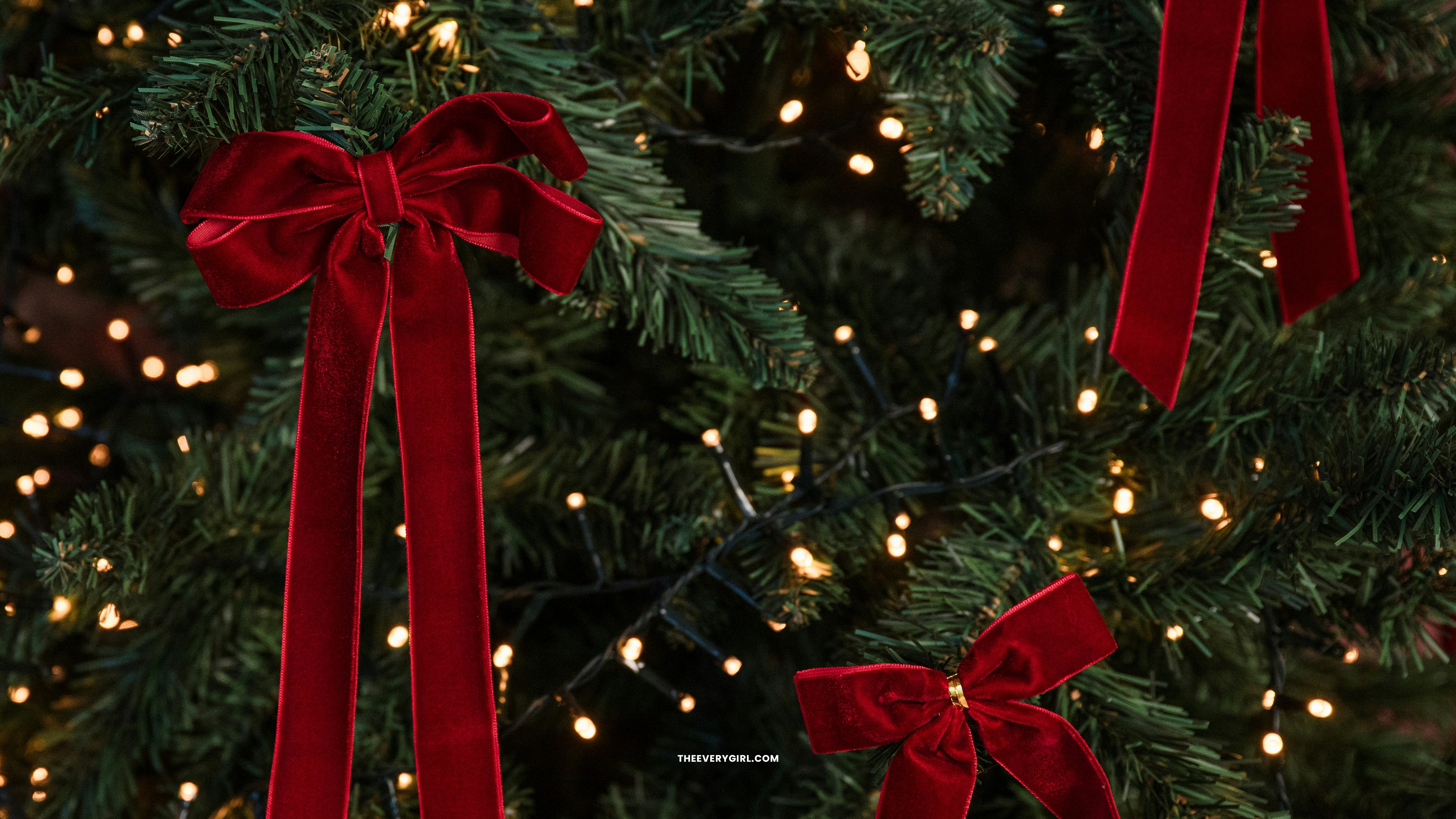
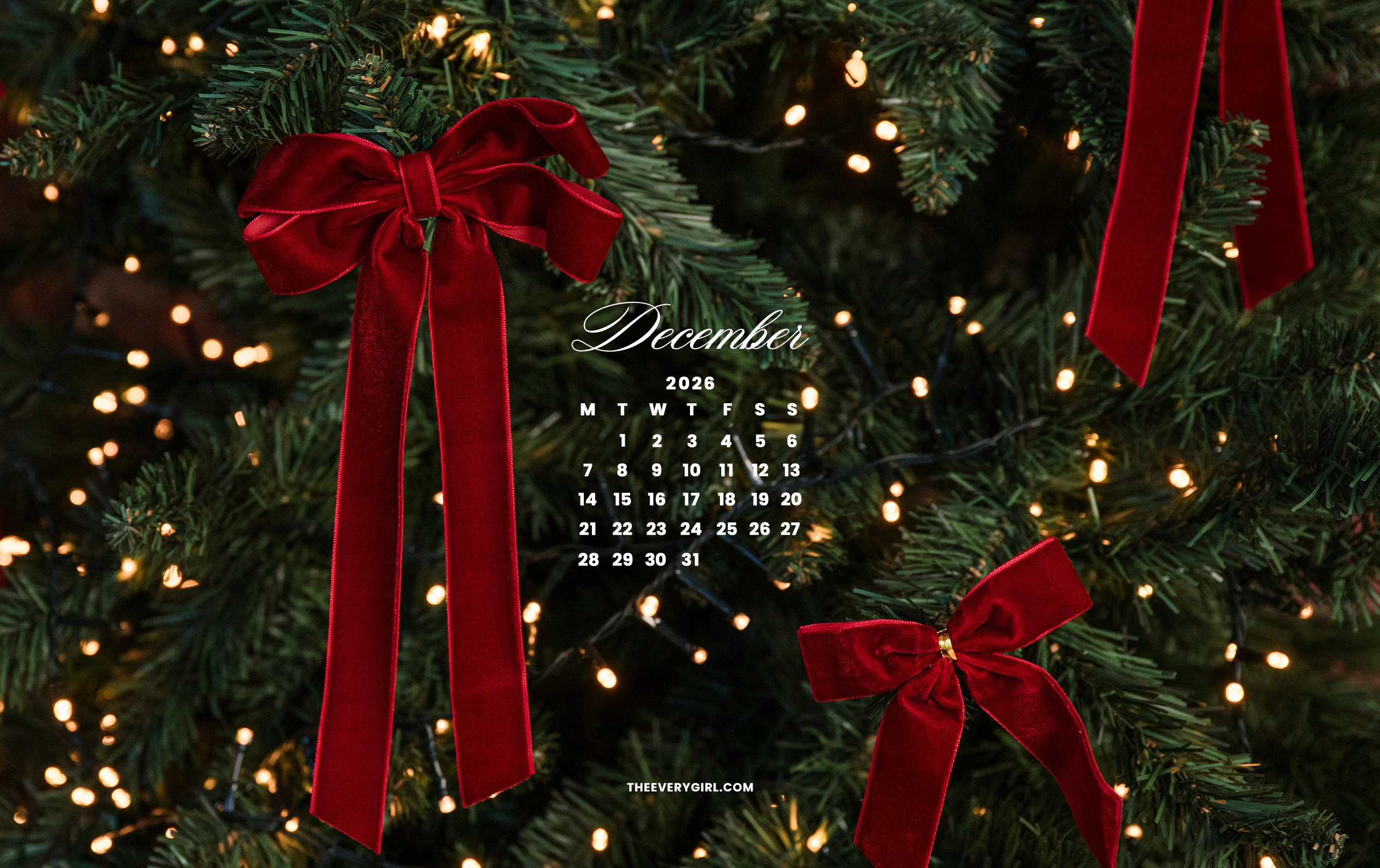
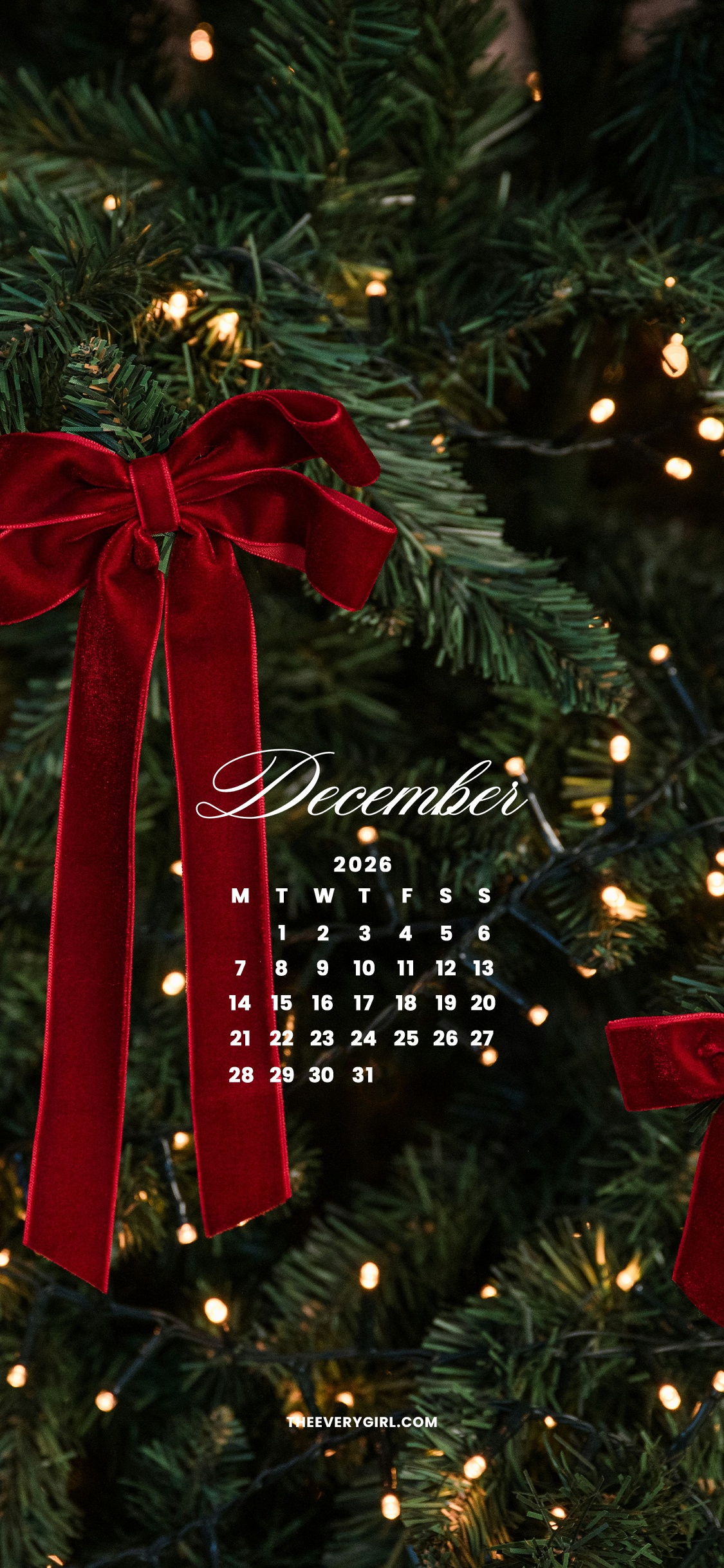
Burgundy velvet bows are tied onto classic evergreen branches strung with white twinkle lights in this timeless tech background. If your holiday aesthetic is cozy traditional, this one is for you. I imagine the presents under this tree are wrapped in tartan paper and satin ribbons. A romantic script font reads December above a calendar of the month, so you can count down to the big day.
CLICK TO DOWNLOAD
Calendar—Sunday Start
Desktop | iPhone | iPad / Tablet | Second Screen | TV Version

Calendar—Monday Start
Desktop | iPhone | iPad / Tablet

No Calendar



Merry-Go-Round Tech Background
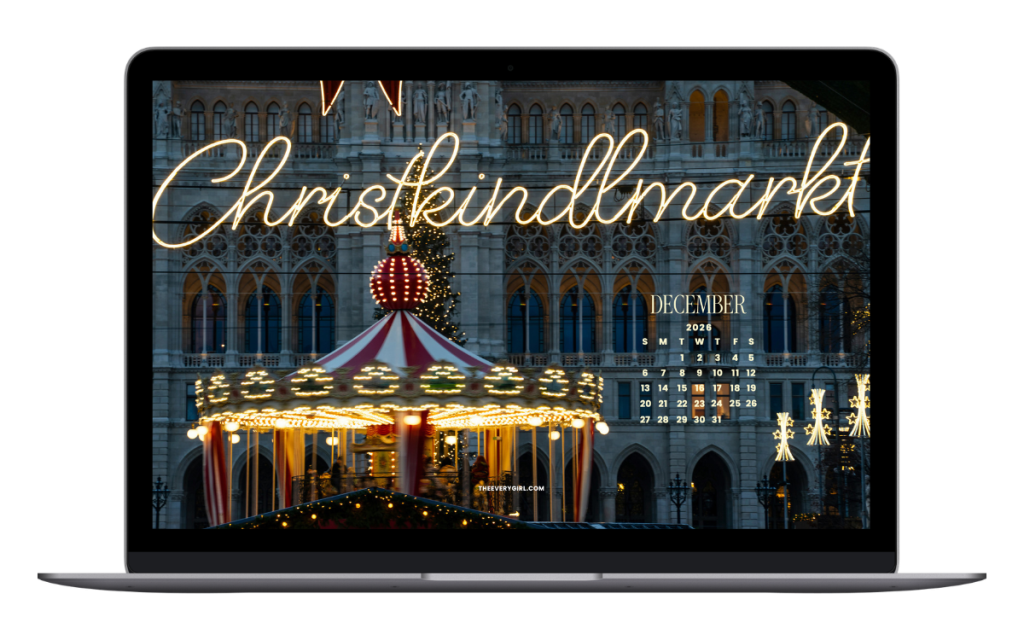
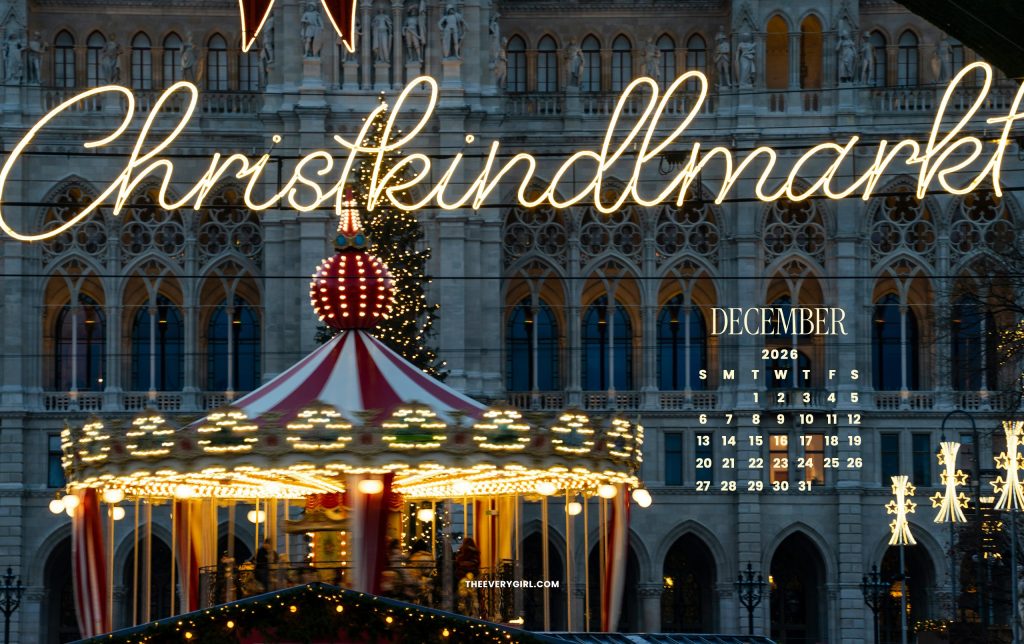
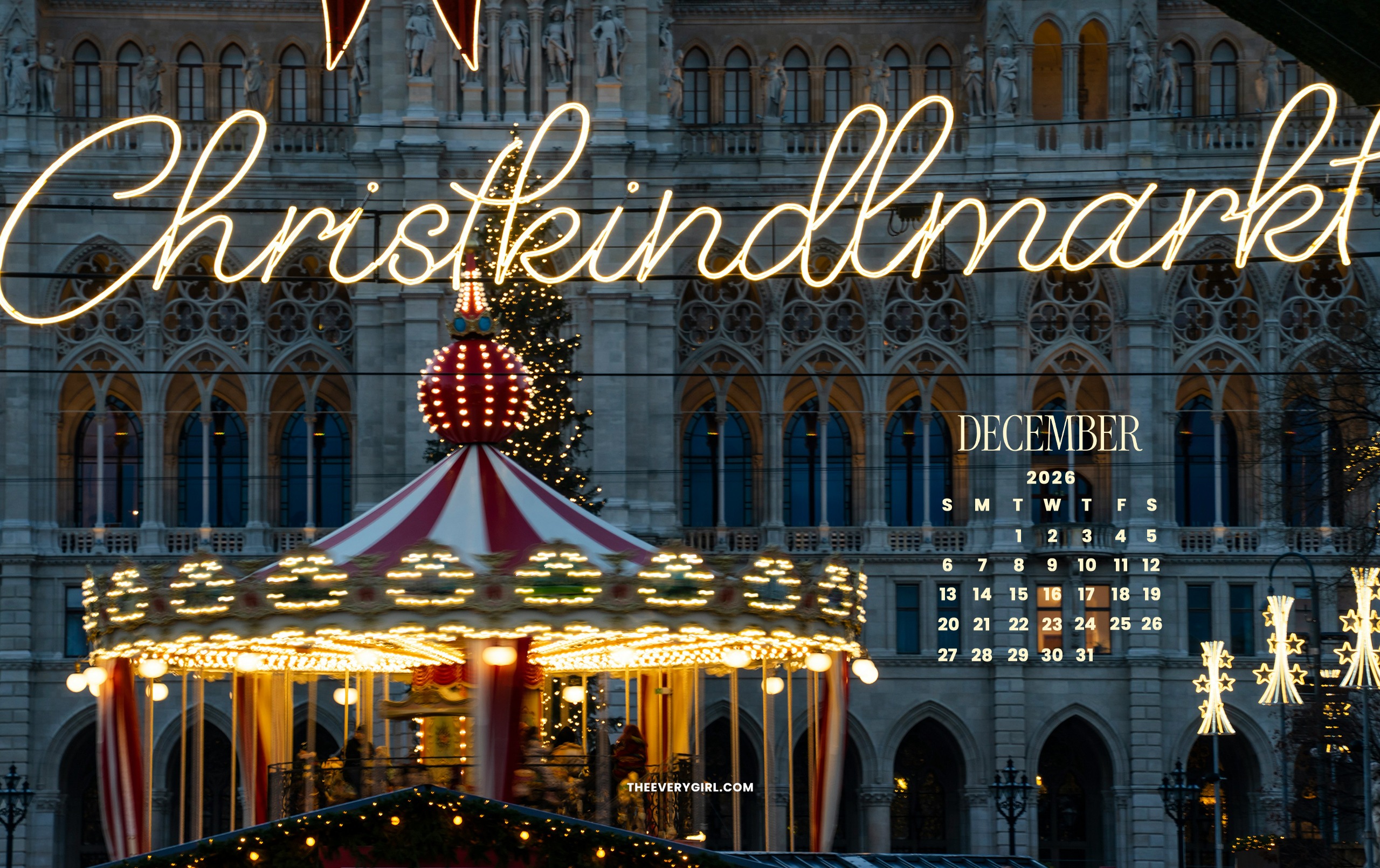
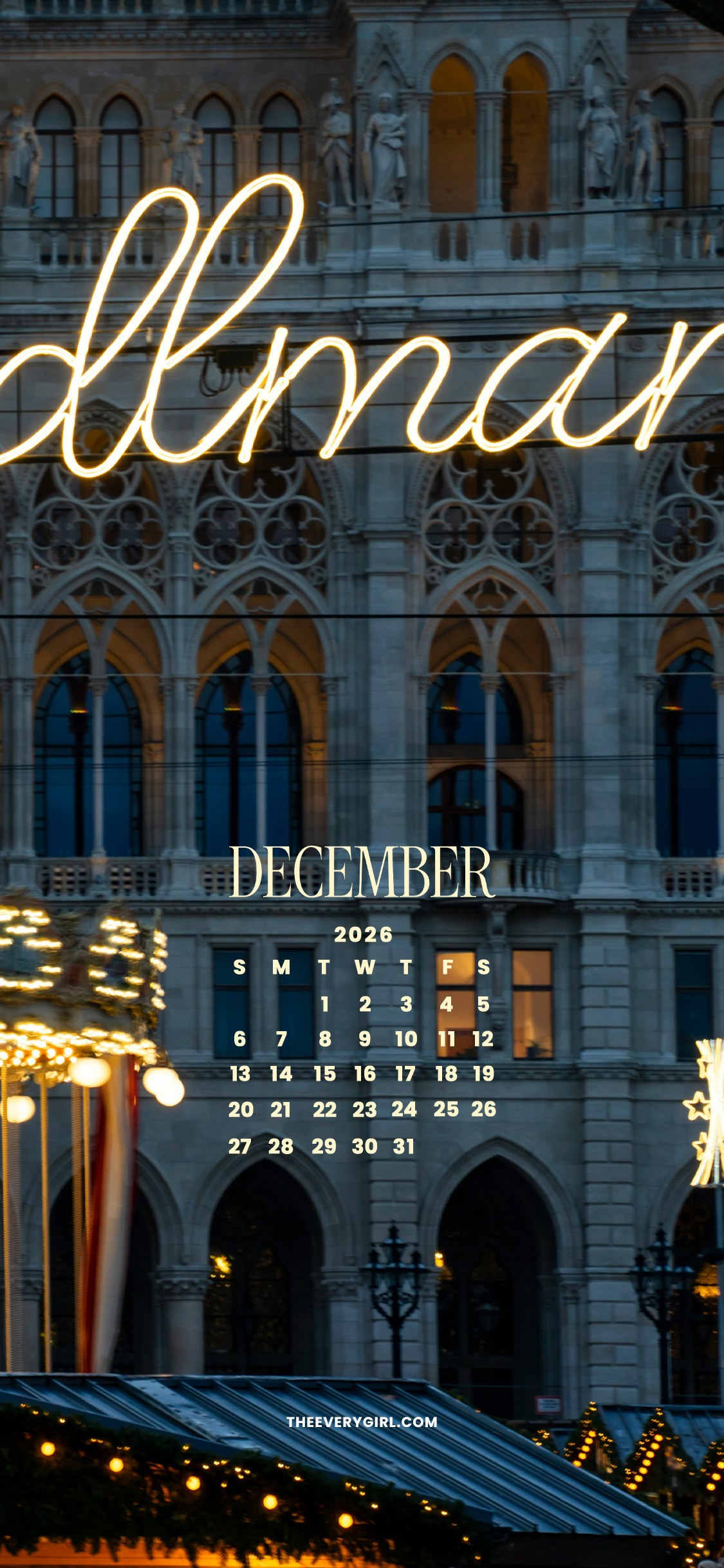
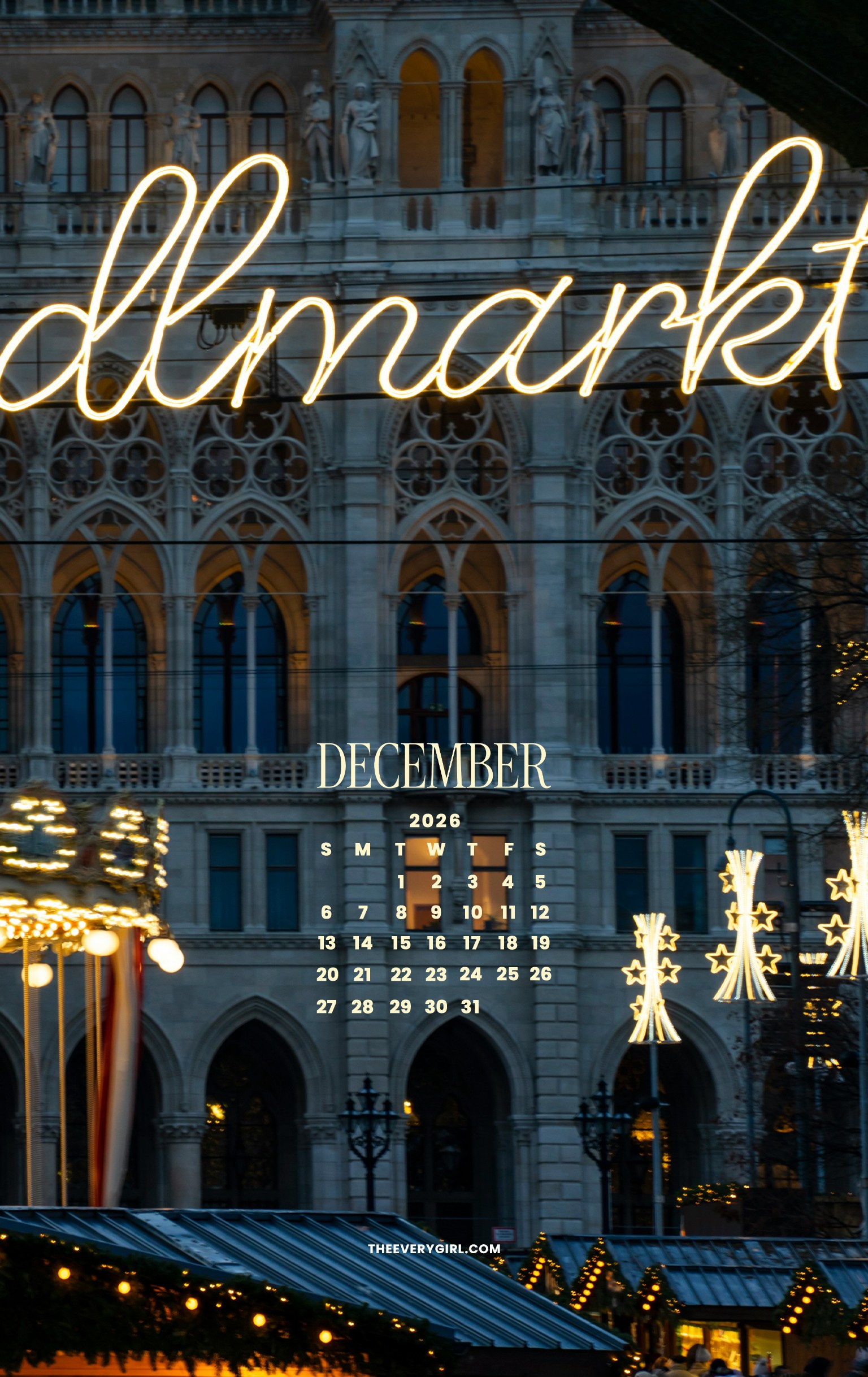
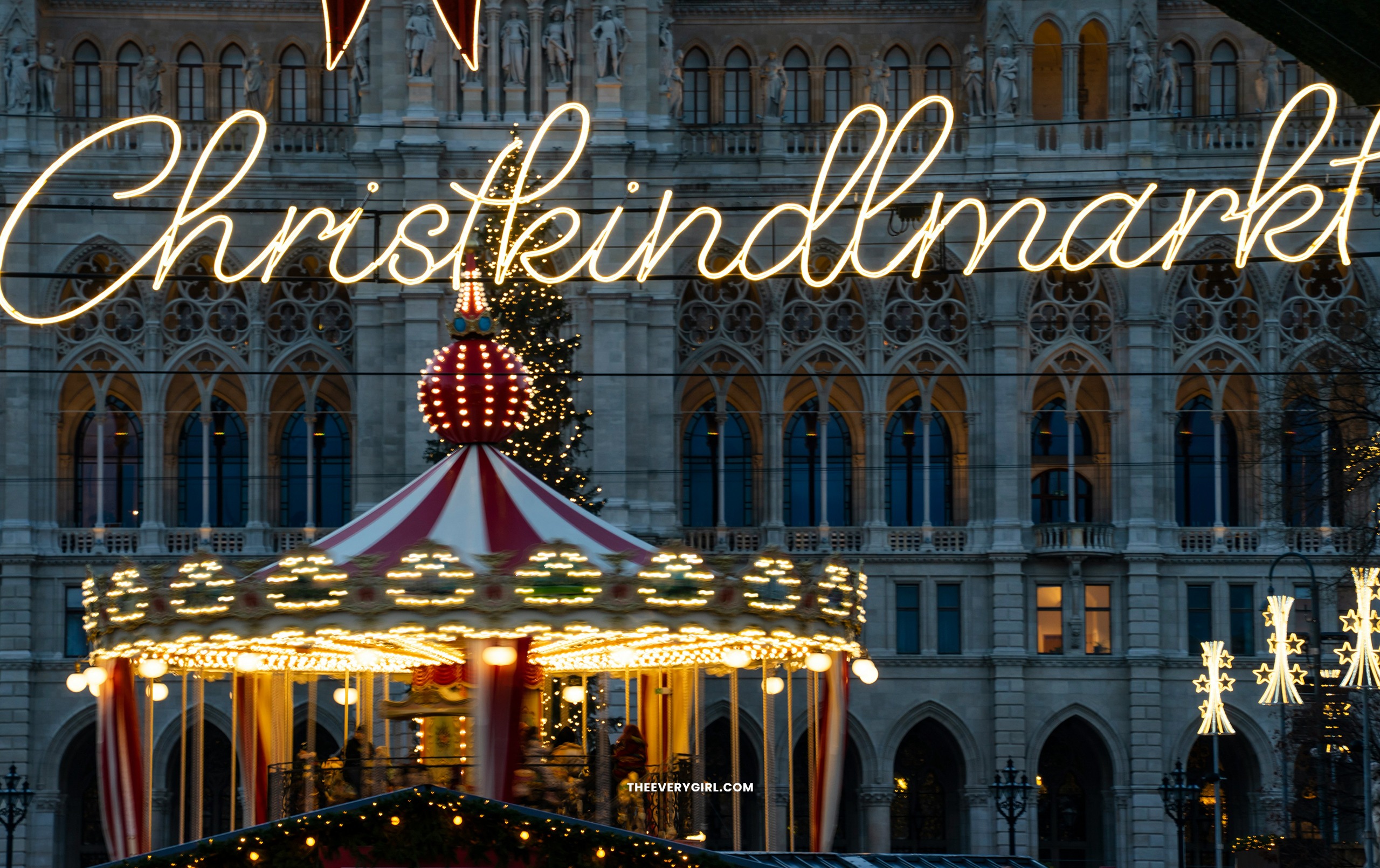
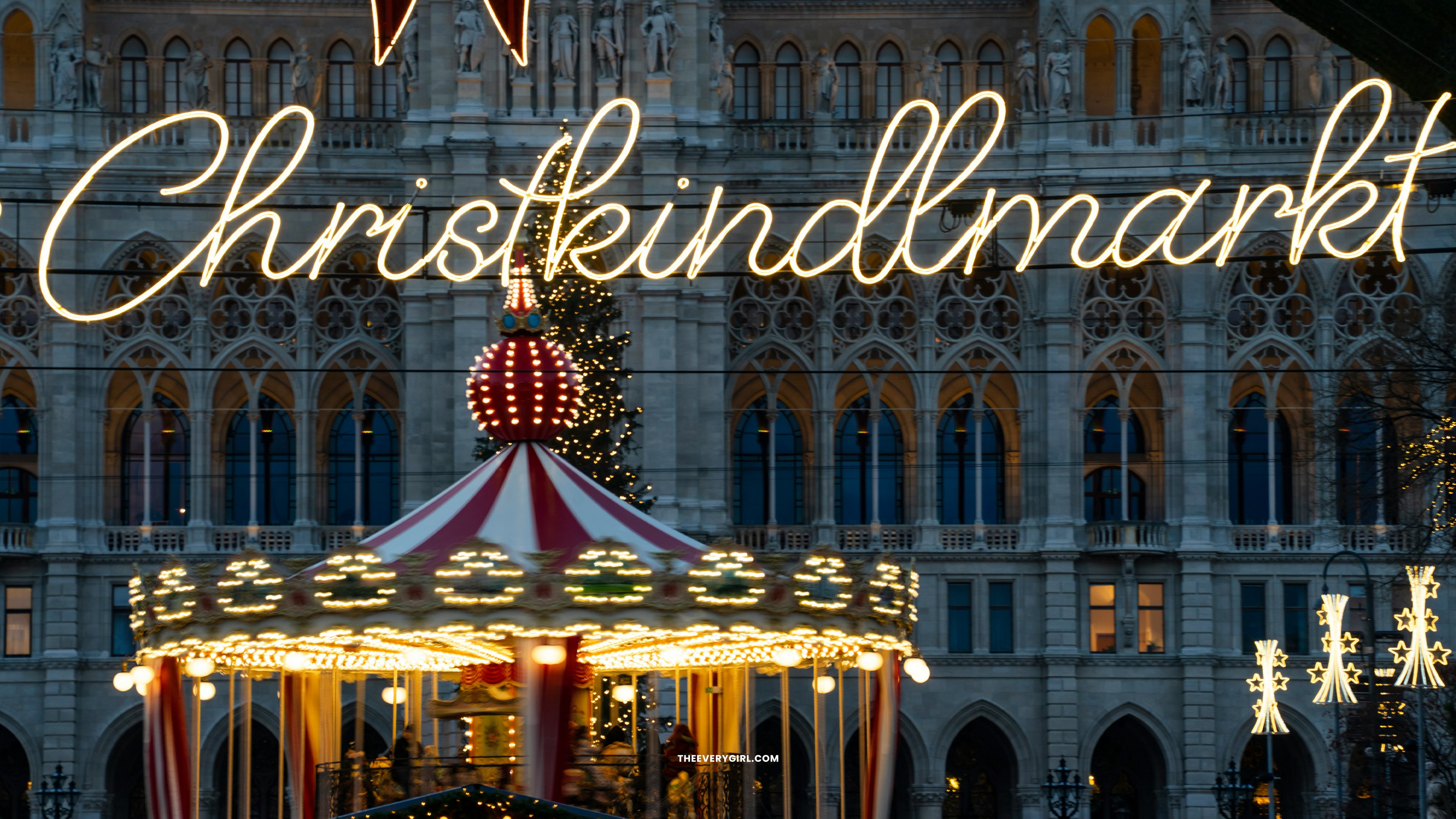
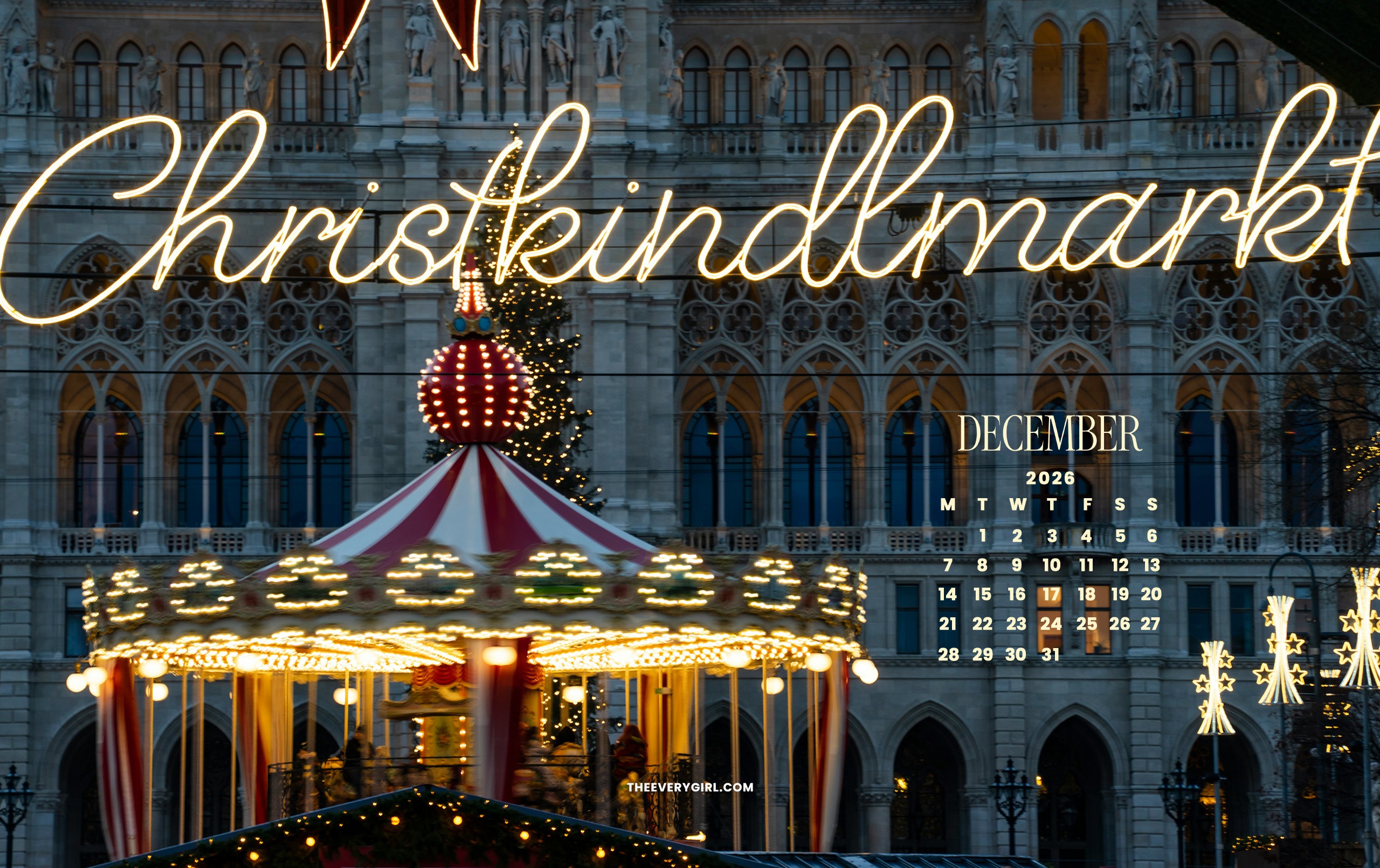
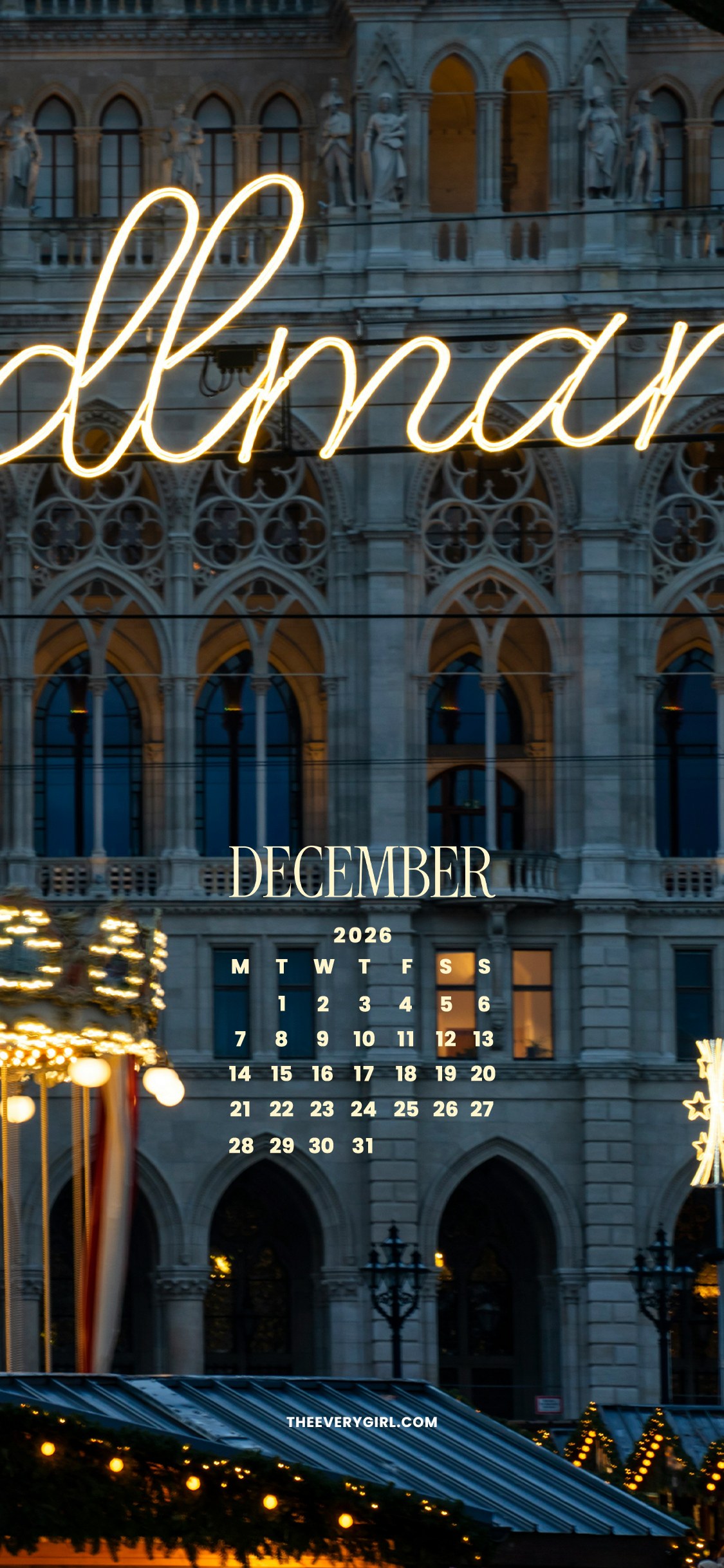
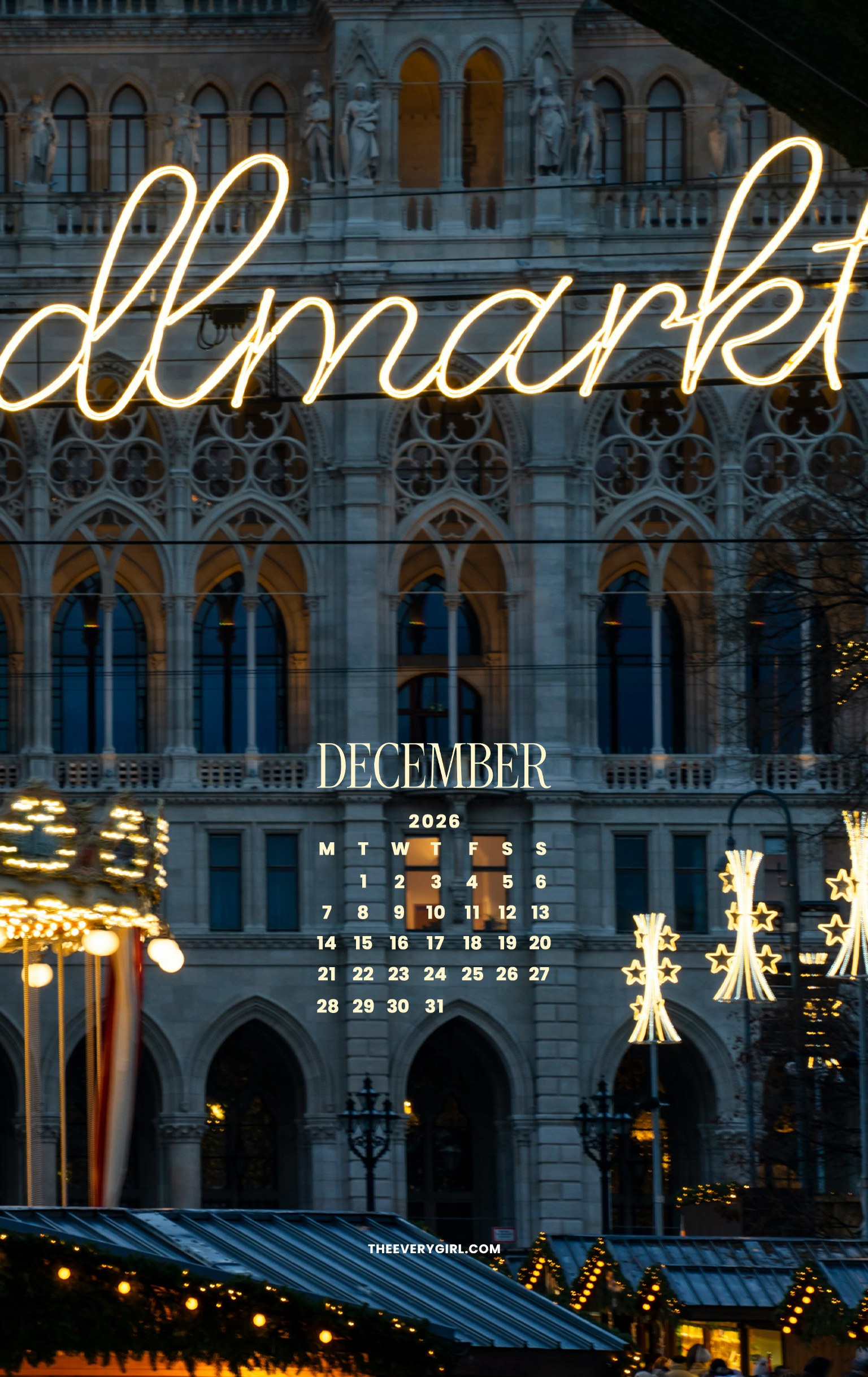
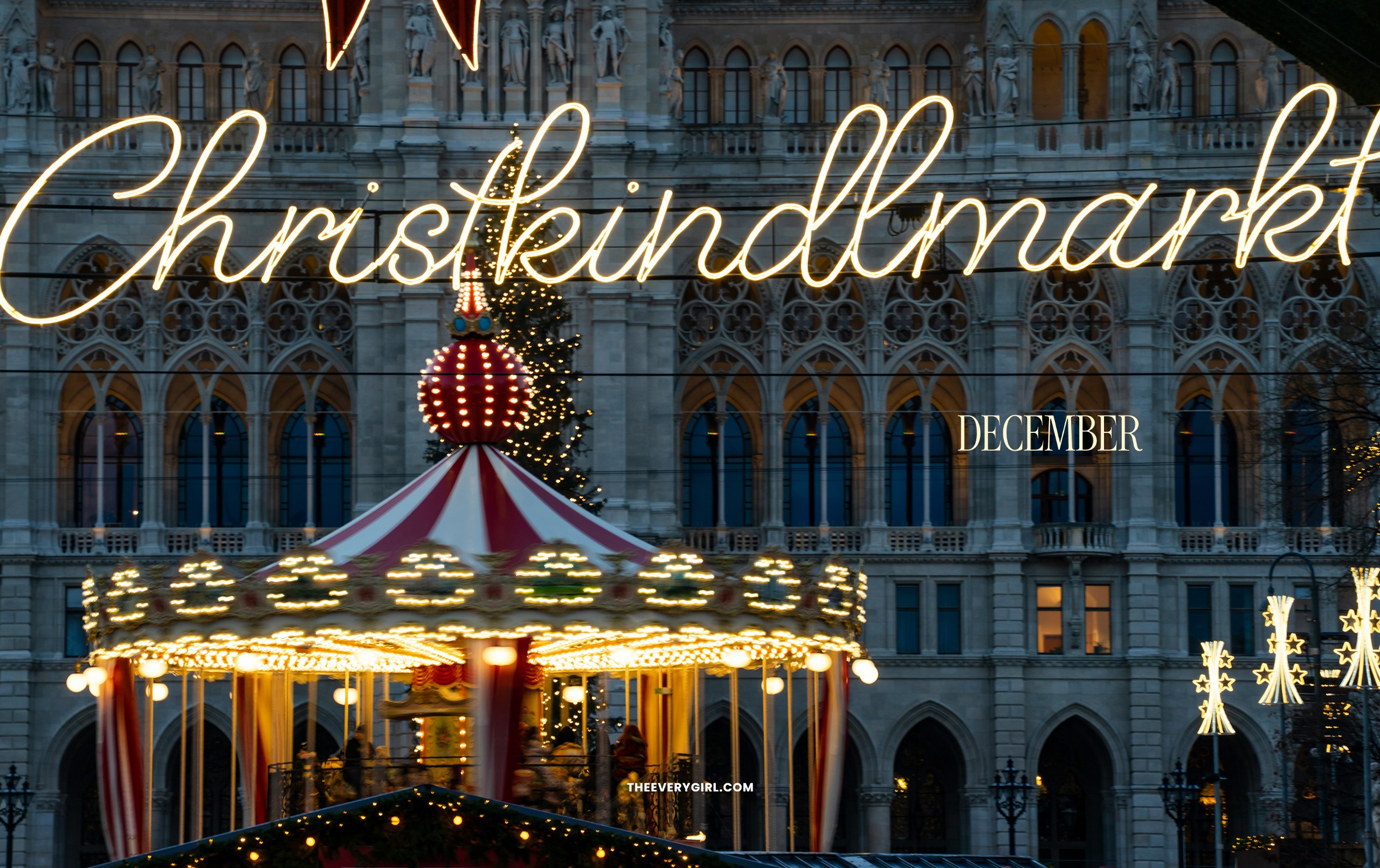
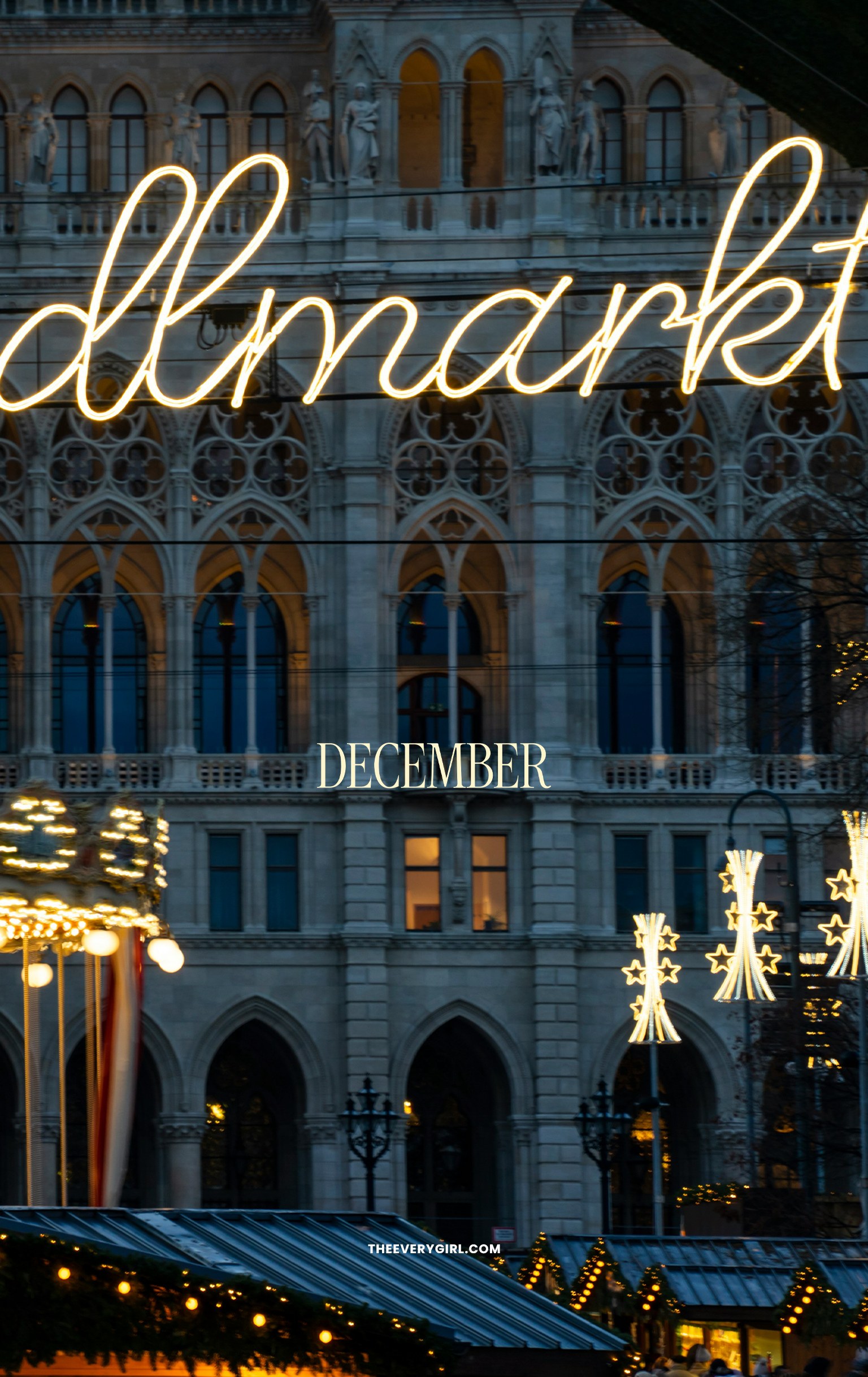
A (very) merry-go-round in motion. A twinkle-light-clad pine tree. Lampposts lit with stars. Centuries-old European architecture. Dimming evening light. One word—in nostalgic yellow gold lettering—above it all: Christkindlmarket. Wherever this whimsical scene is, take me there, please.
CLICK TO DOWNLOAD
Calendar—Sunday Start
Desktop | iPhone | iPad / Tablet | Second Screen | TV Version
Calendar—Monday Start
Desktop | iPhone | iPad / Tablet
No Calendar

Starlight Holiday Patterned Wallpaper
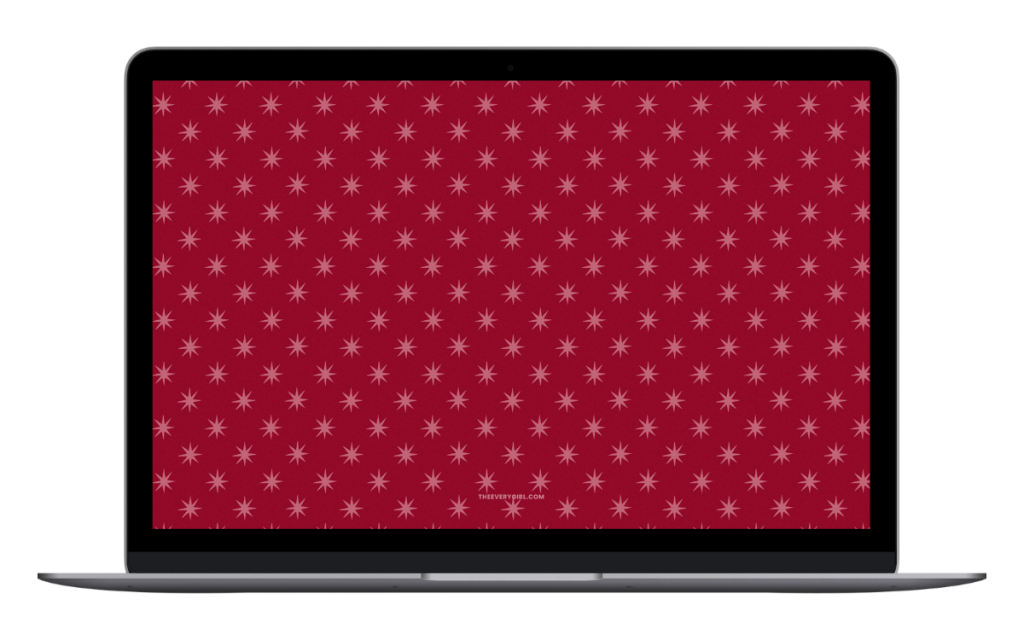
Countless pink stars bring a festive touch to this gorgeous pomegranate-colored background. If you prefer a less overtly-Christmassy image on your computer screen, this one fits the bill—while still brightening your gray work day.
CLICK TO DOWNLOAD
Desktop | iPhone | iPad / Tablet | TV Version
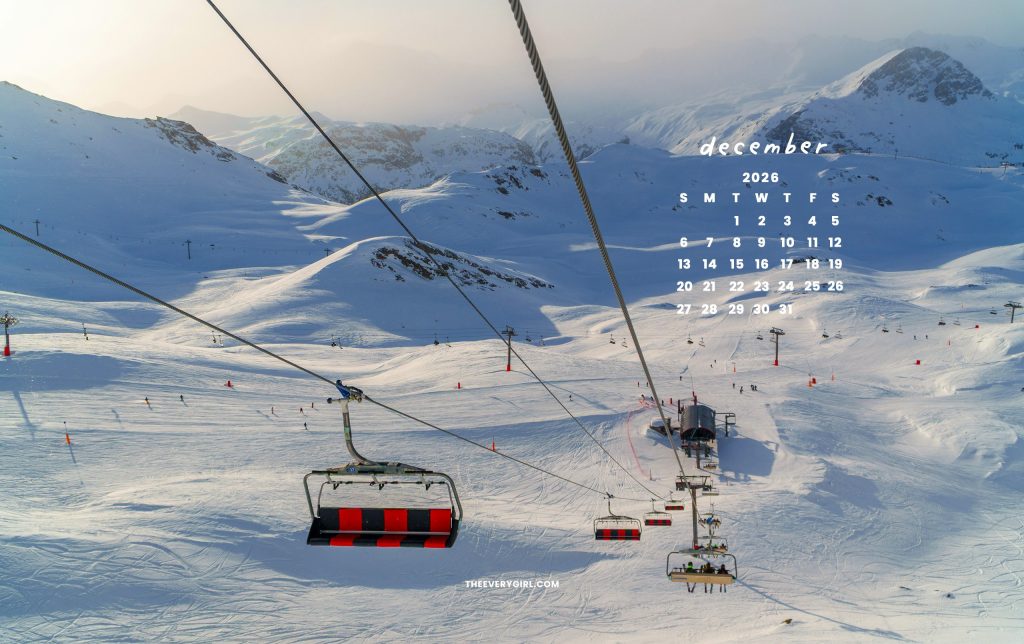
Ski Lift Winter Wallpaper
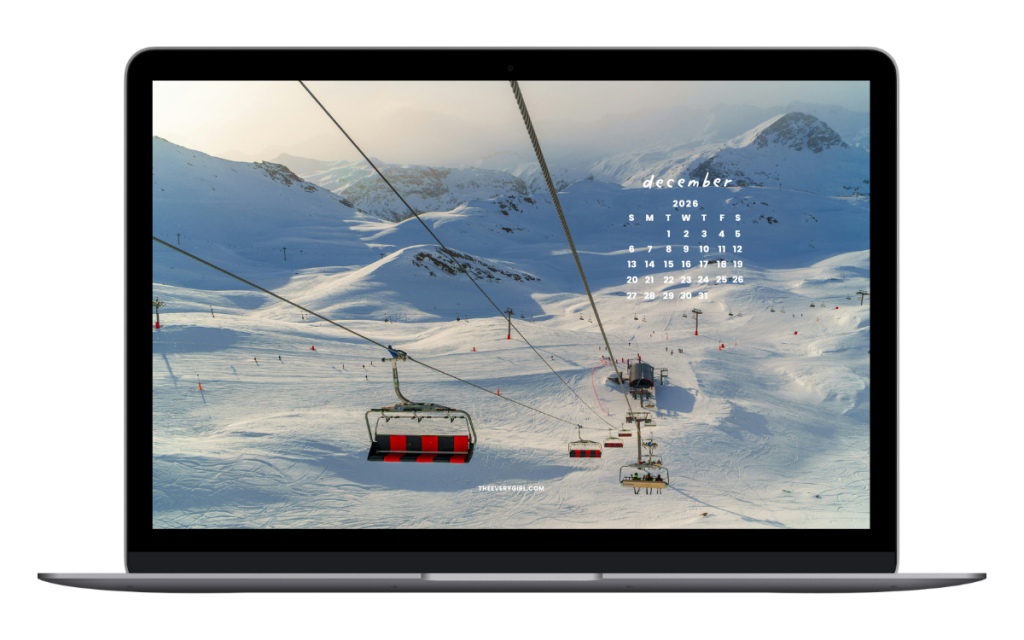
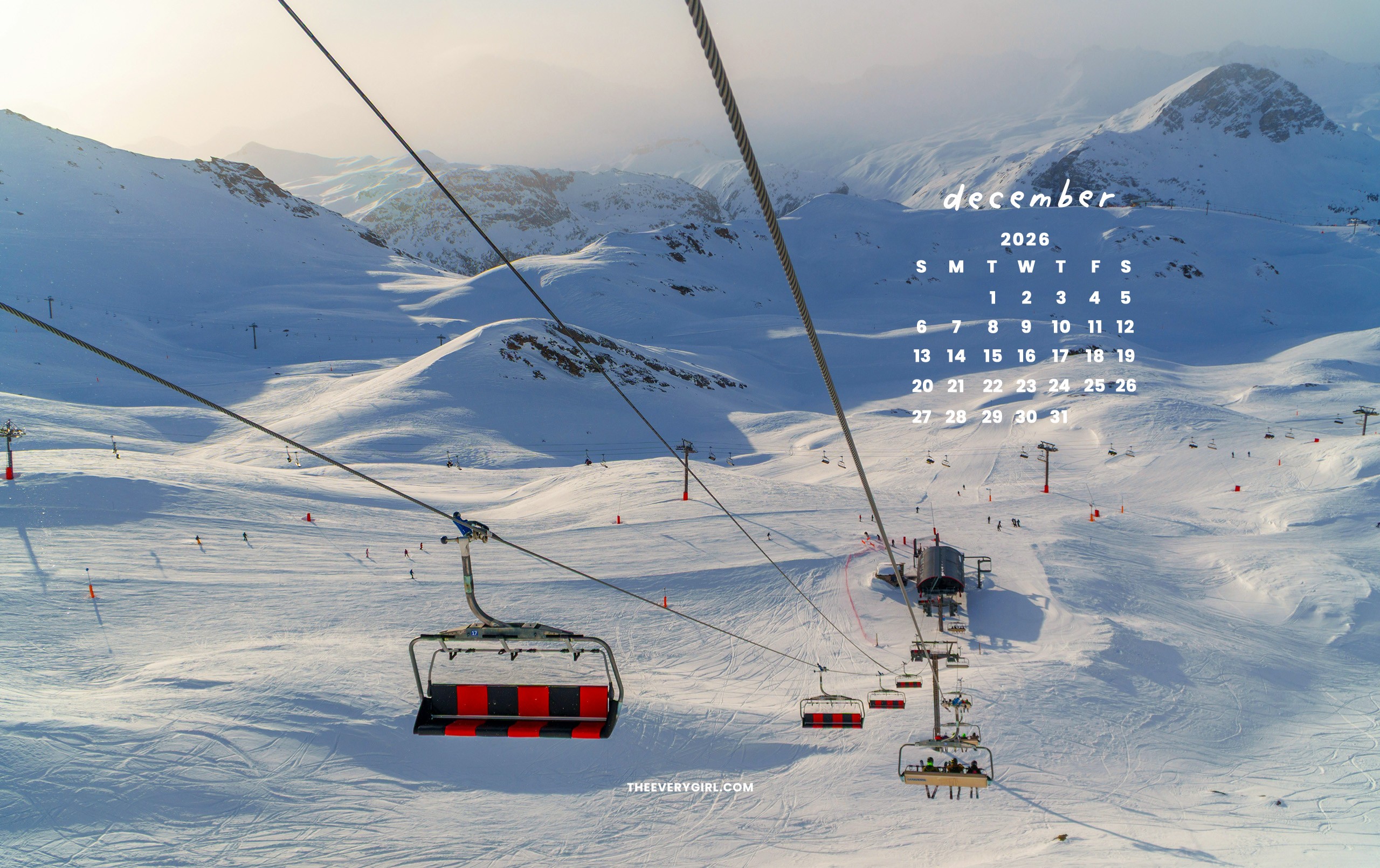
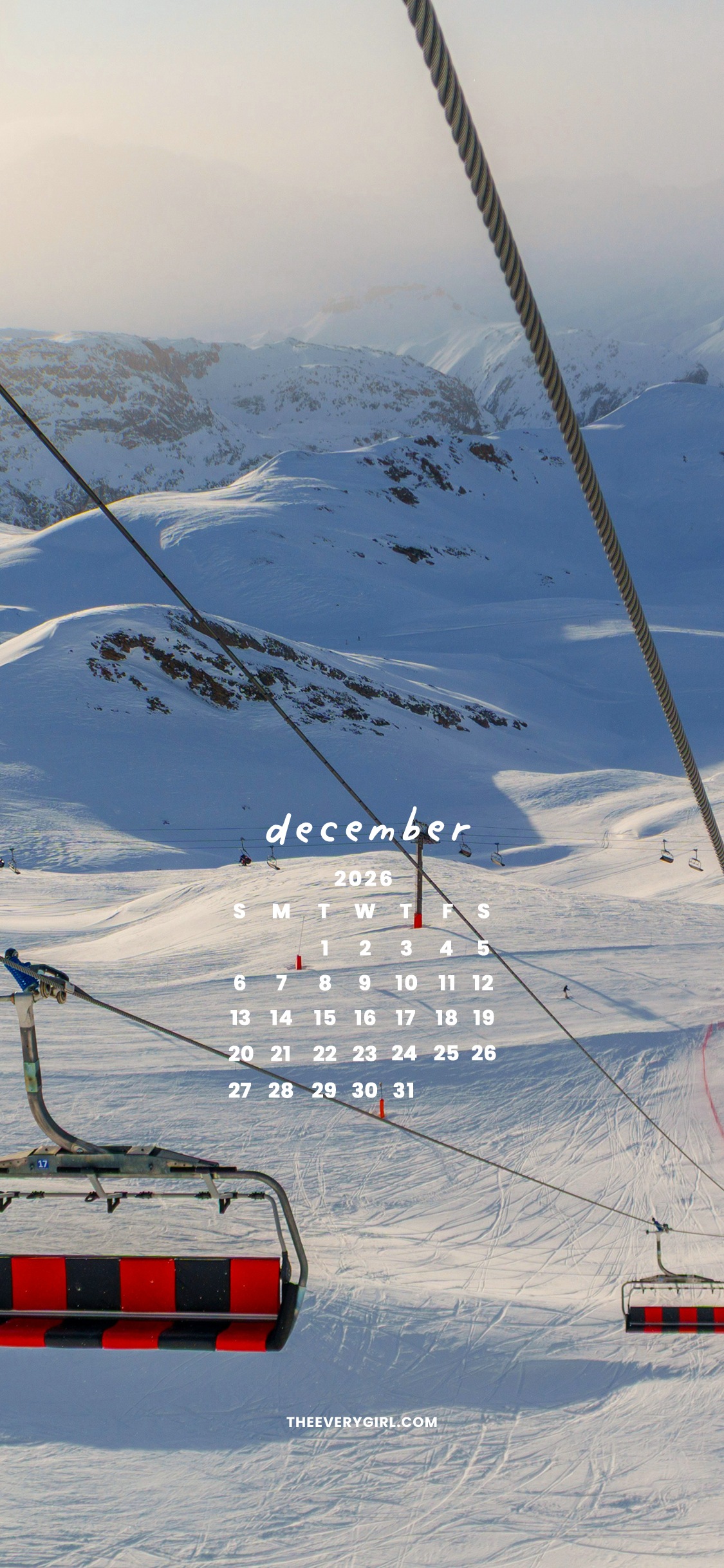
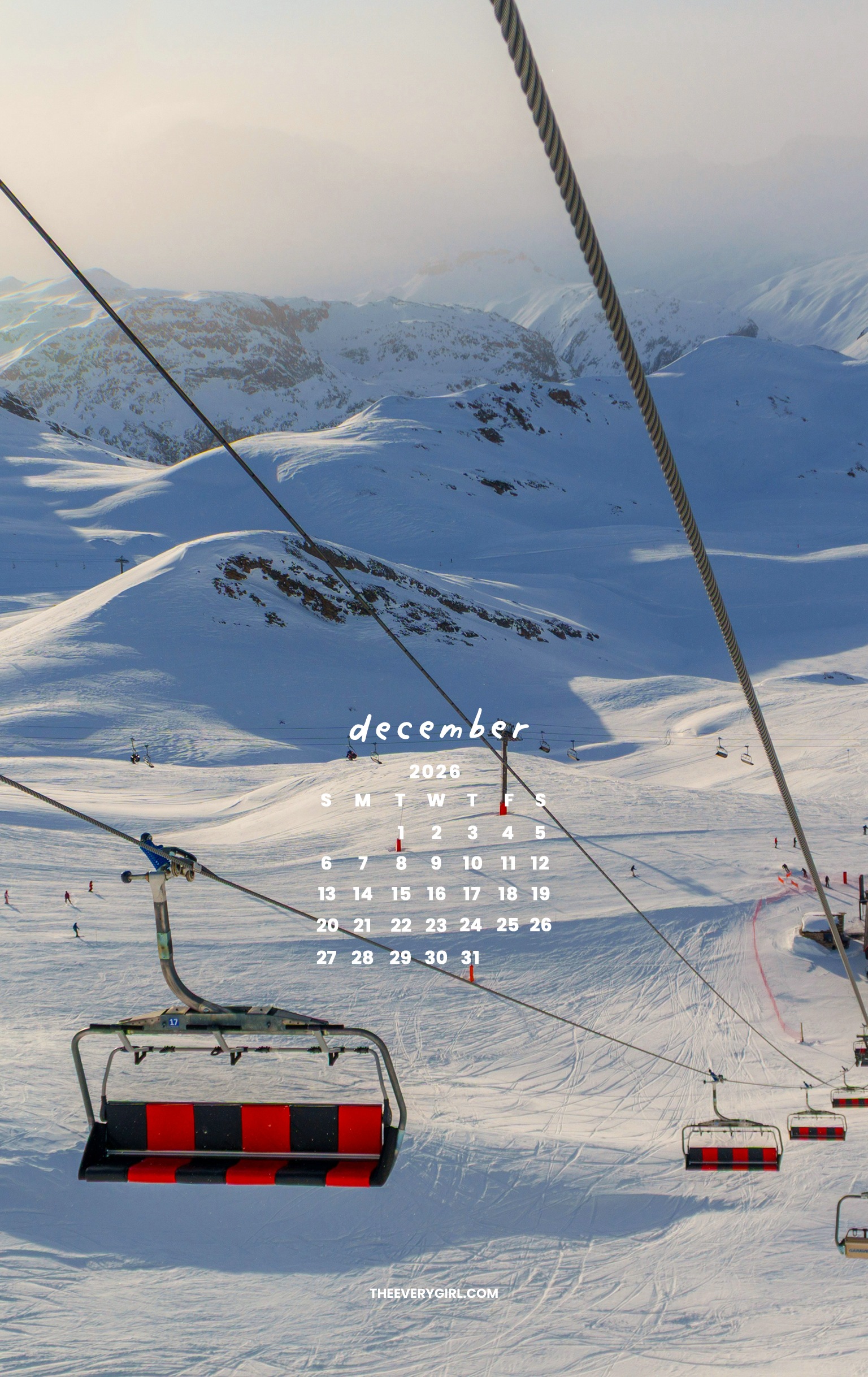
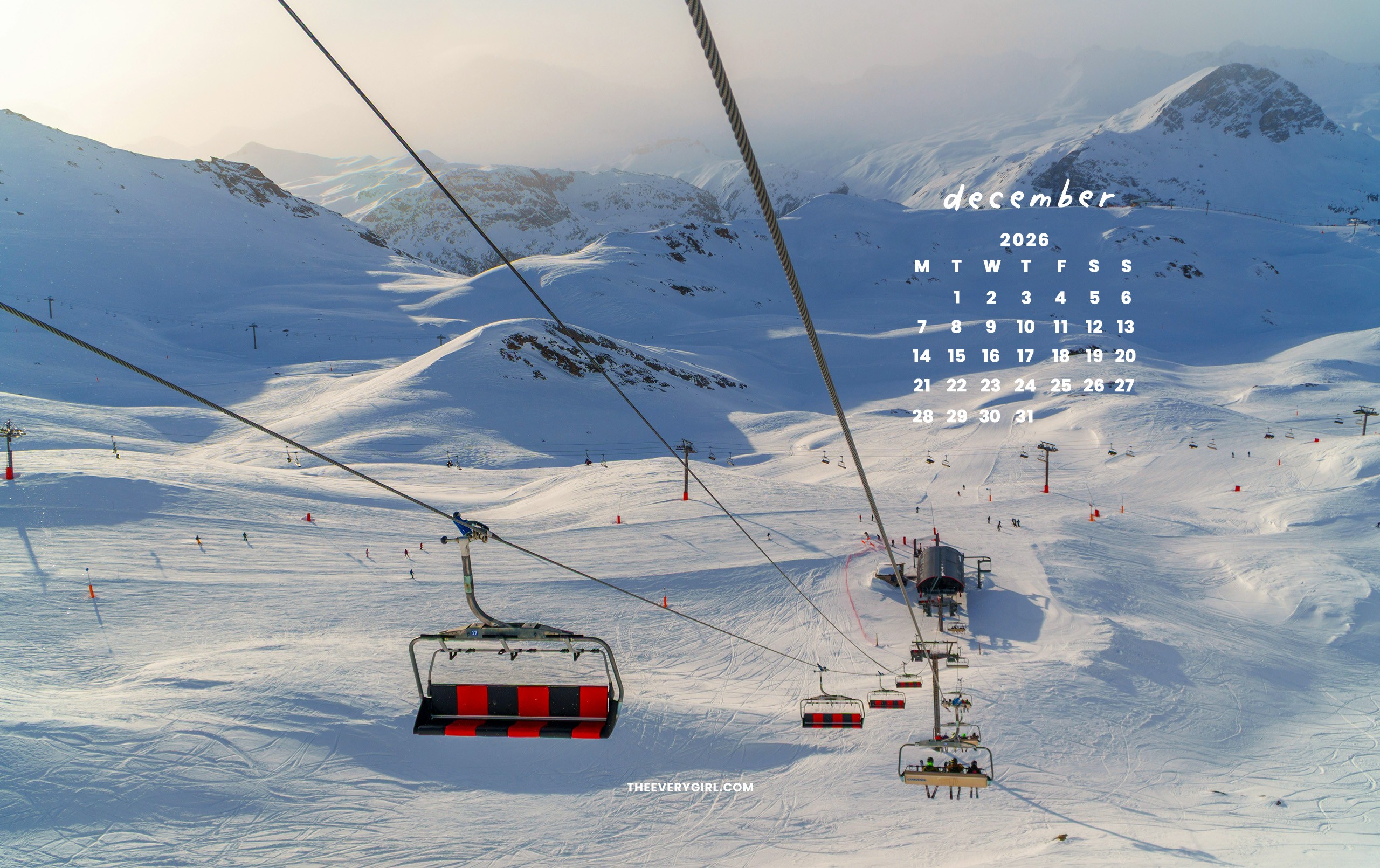
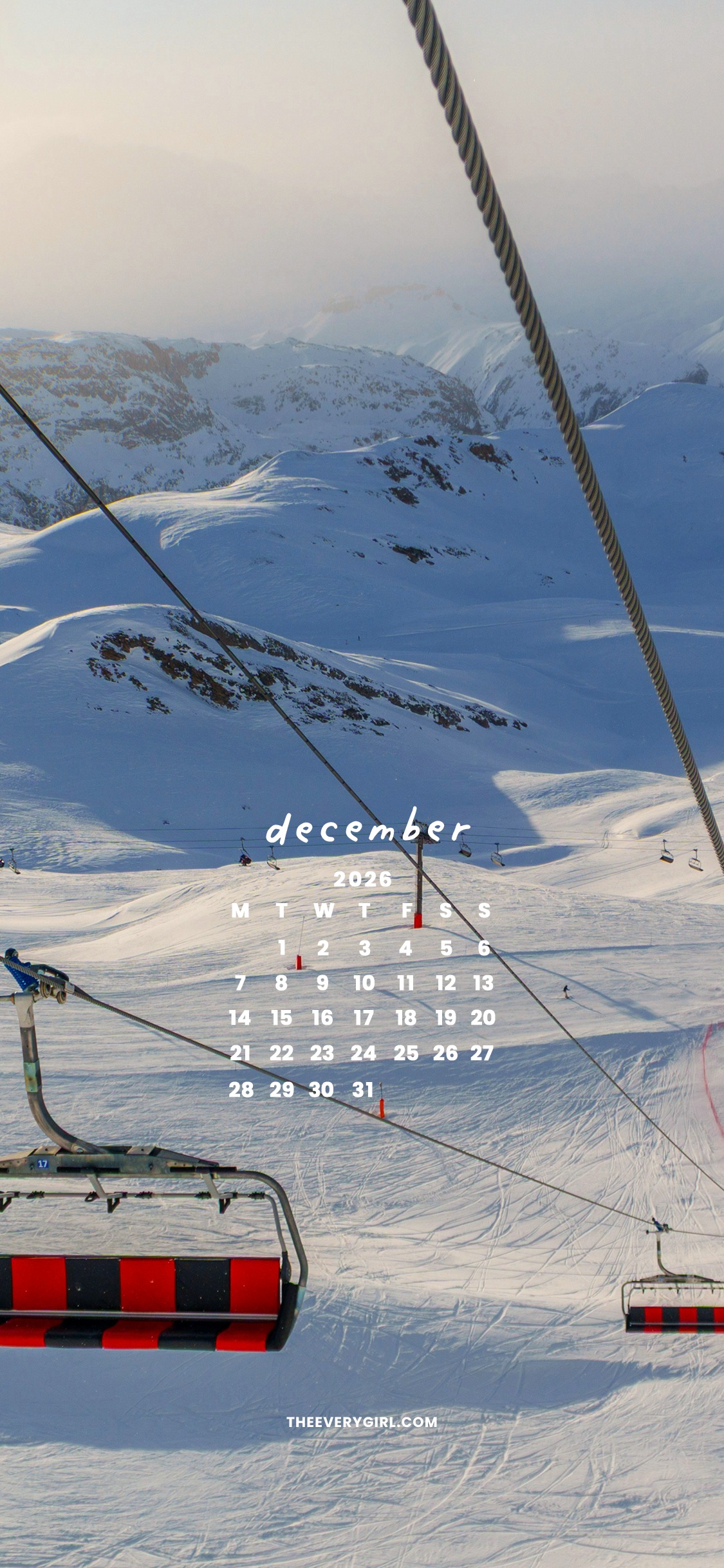
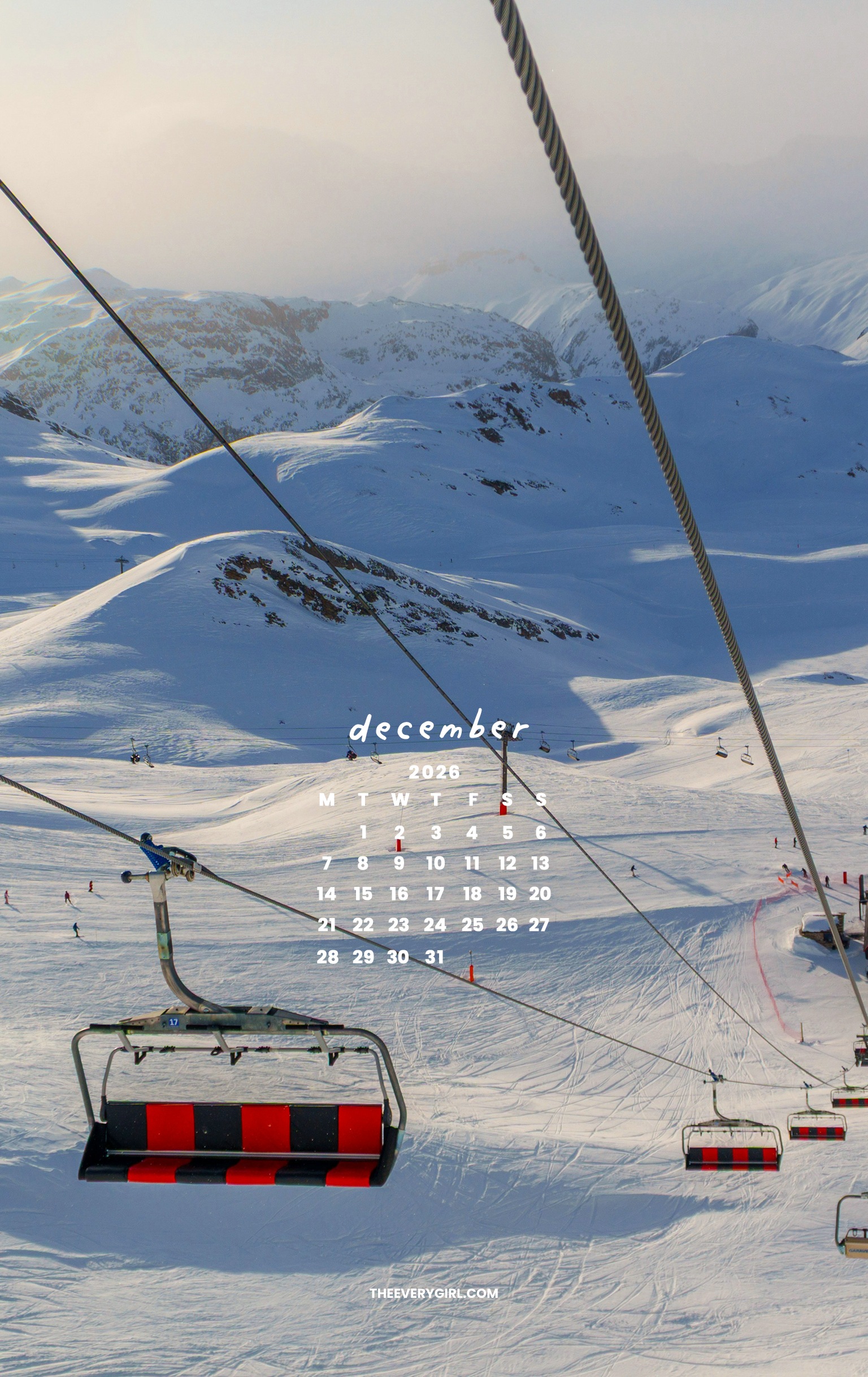
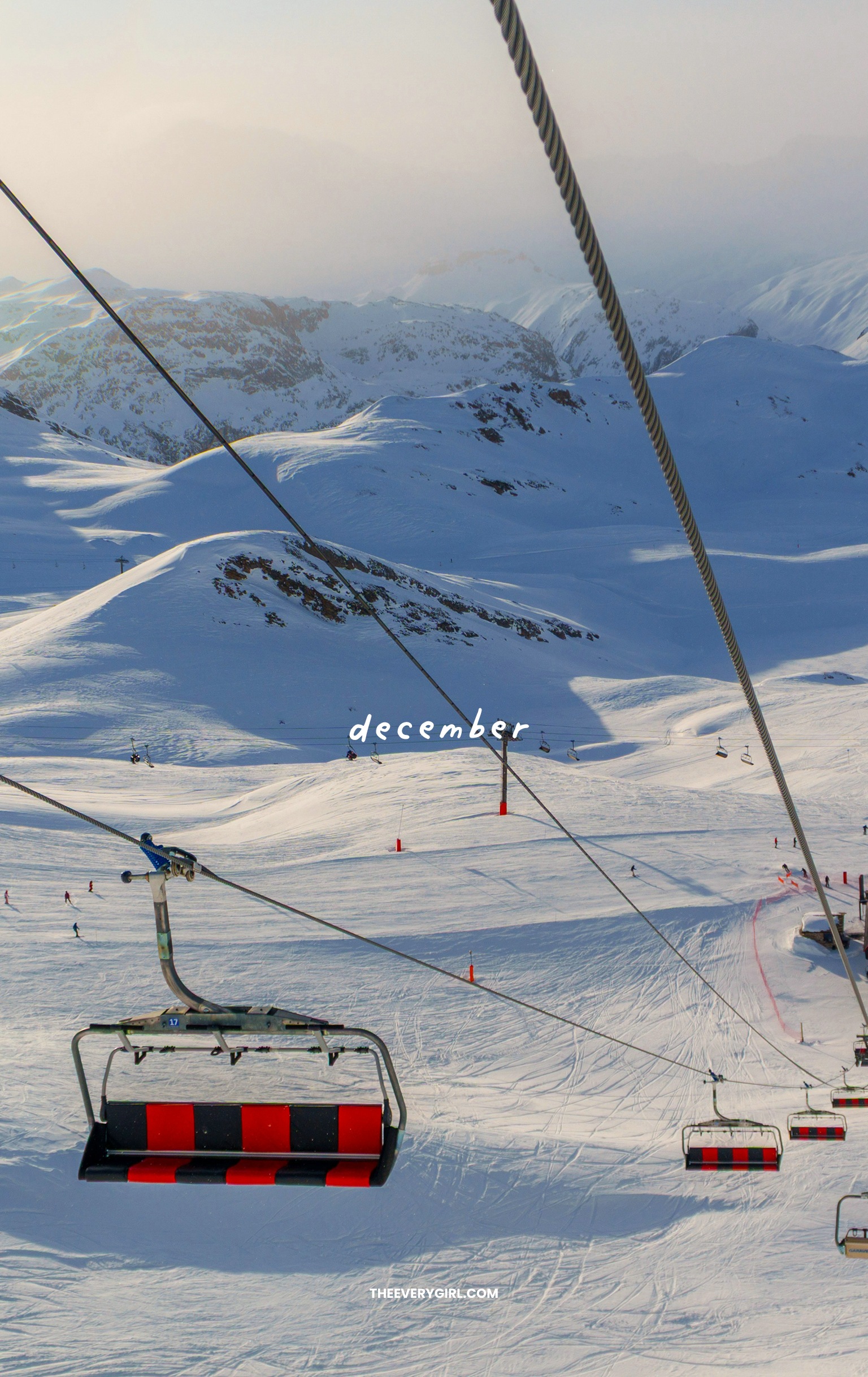
Looking to lift your spirits? This tech background will do the trick. Snowy peaks rise in the distance behind this retro-looking chair lift. Wide open runs beckon for you to sneak in one more trip down the slopes before the sun dips behind the mountain for the night. Then, it’s hot tub time.
CLICK TO DOWNLOAD
Calendar—Sunday Start
Desktop | iPhone | iPad / Tablet | Second Screen | TV Version


Calendar—Monday Start
Desktop | iPhone | iPad / Tablet
No Calendar


Sparkles and Snow Aesthetic Collage Wallpaper
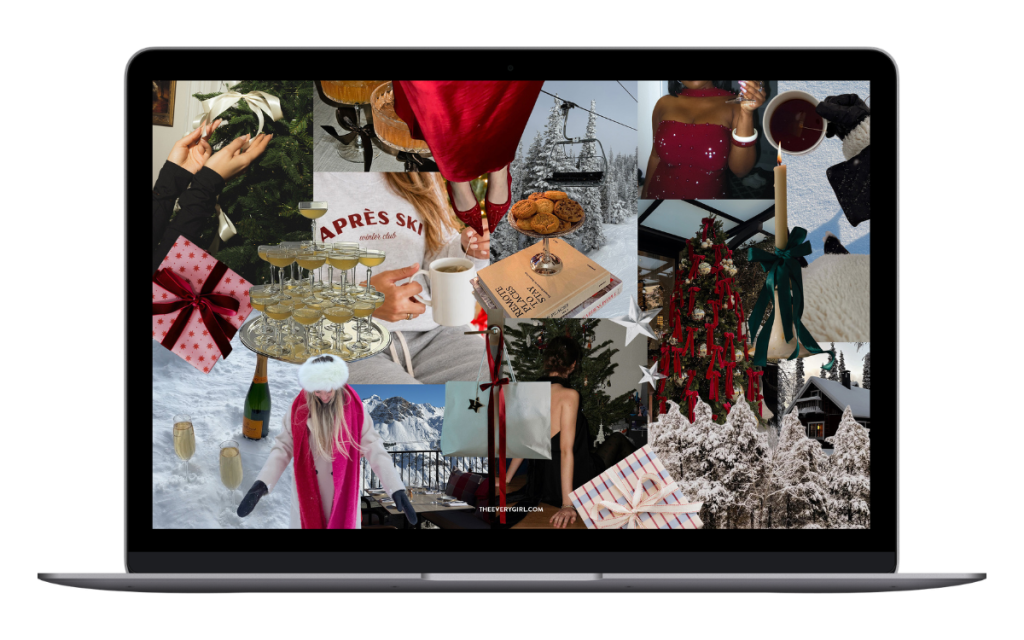
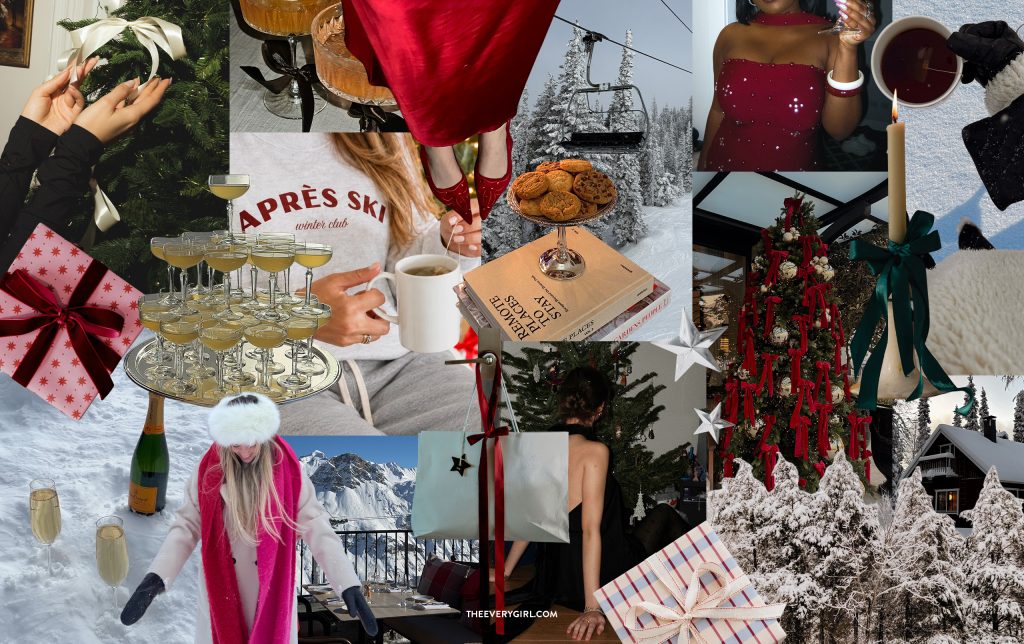
Satin ribbons on presents, trees, candlesticks, and coups. Steaming mugs of tea and cocoa—or crisp flutes of bubbly chilling in the snow. Beaded red stilettos and slinky slips or cozy crewnecks and coats. Snowcapped mountains and cabins. Pine trees blanketed in white. Trays of cookies or cocktails—whichever strikes your fancy (we say both.) This collage is December in a (chest)nutshell.
CLICK TO DOWNLOAD
Desktop | iPhone | iPad / Tablet | TV Version




Home Sweet Home Christmas Tech Background
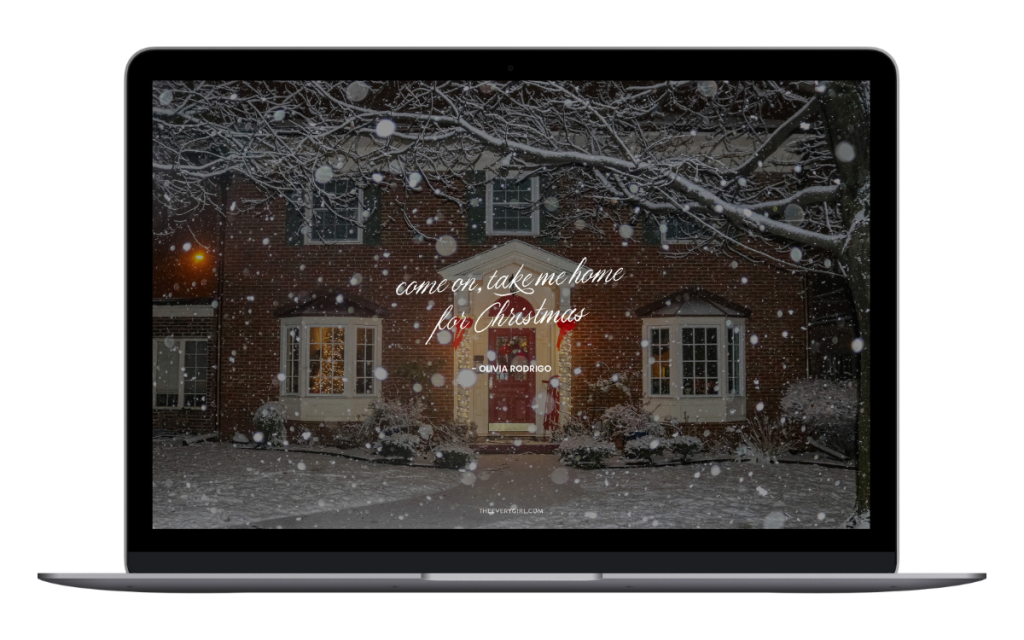
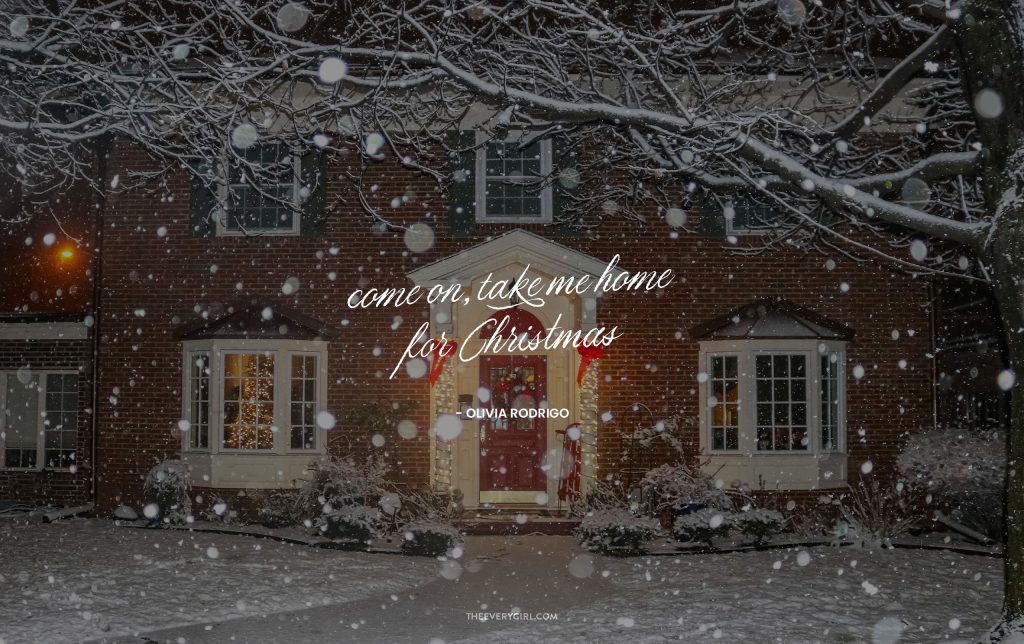
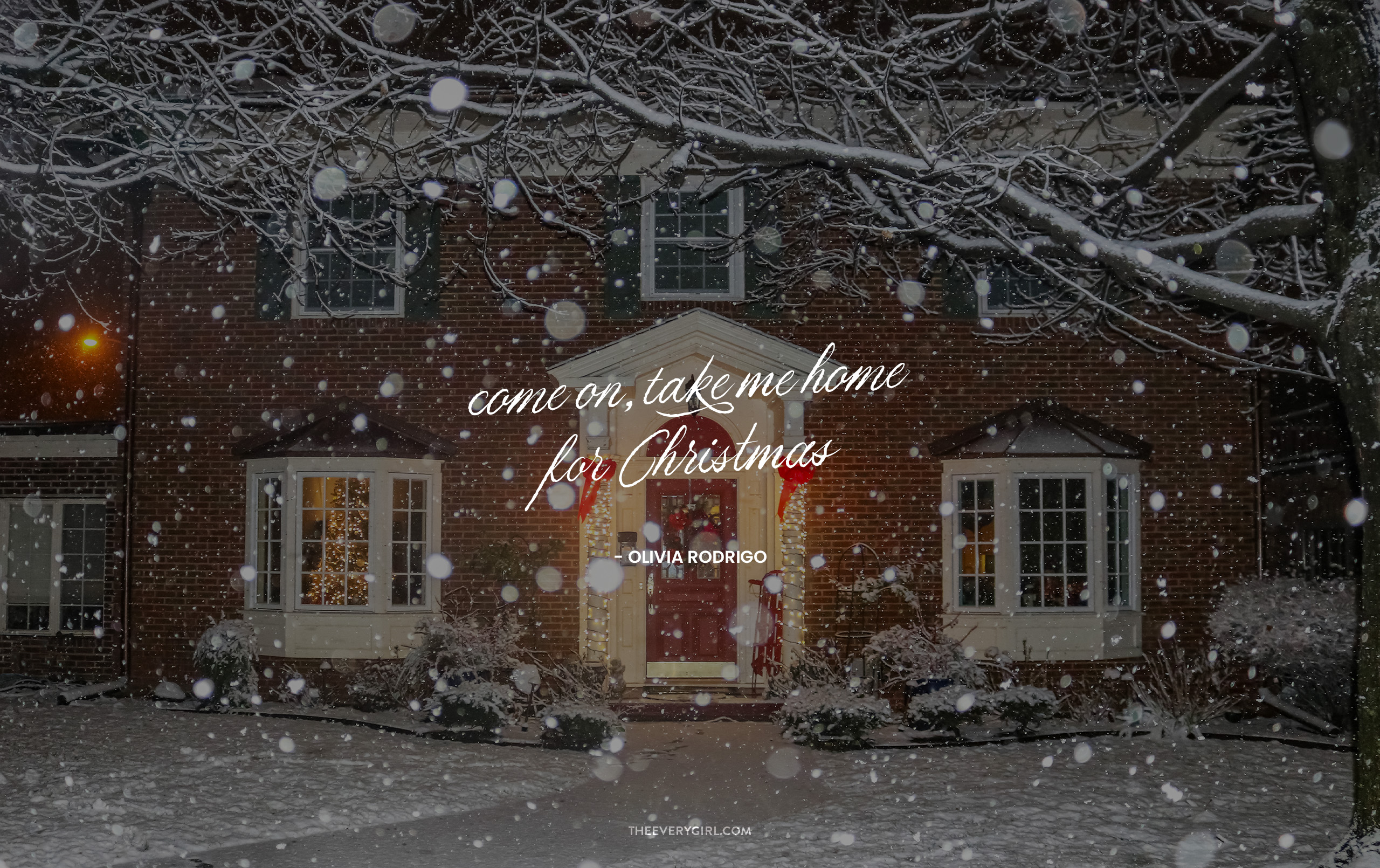
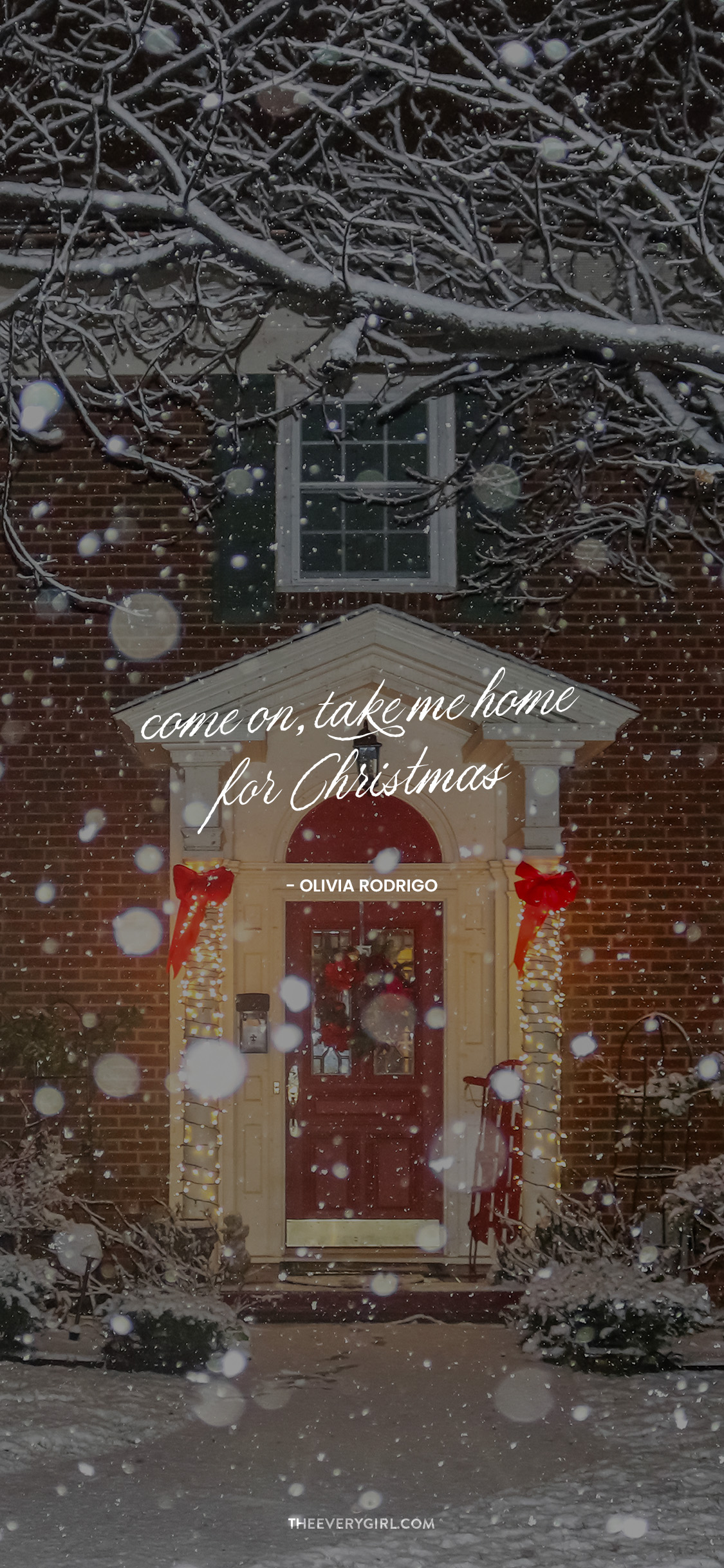
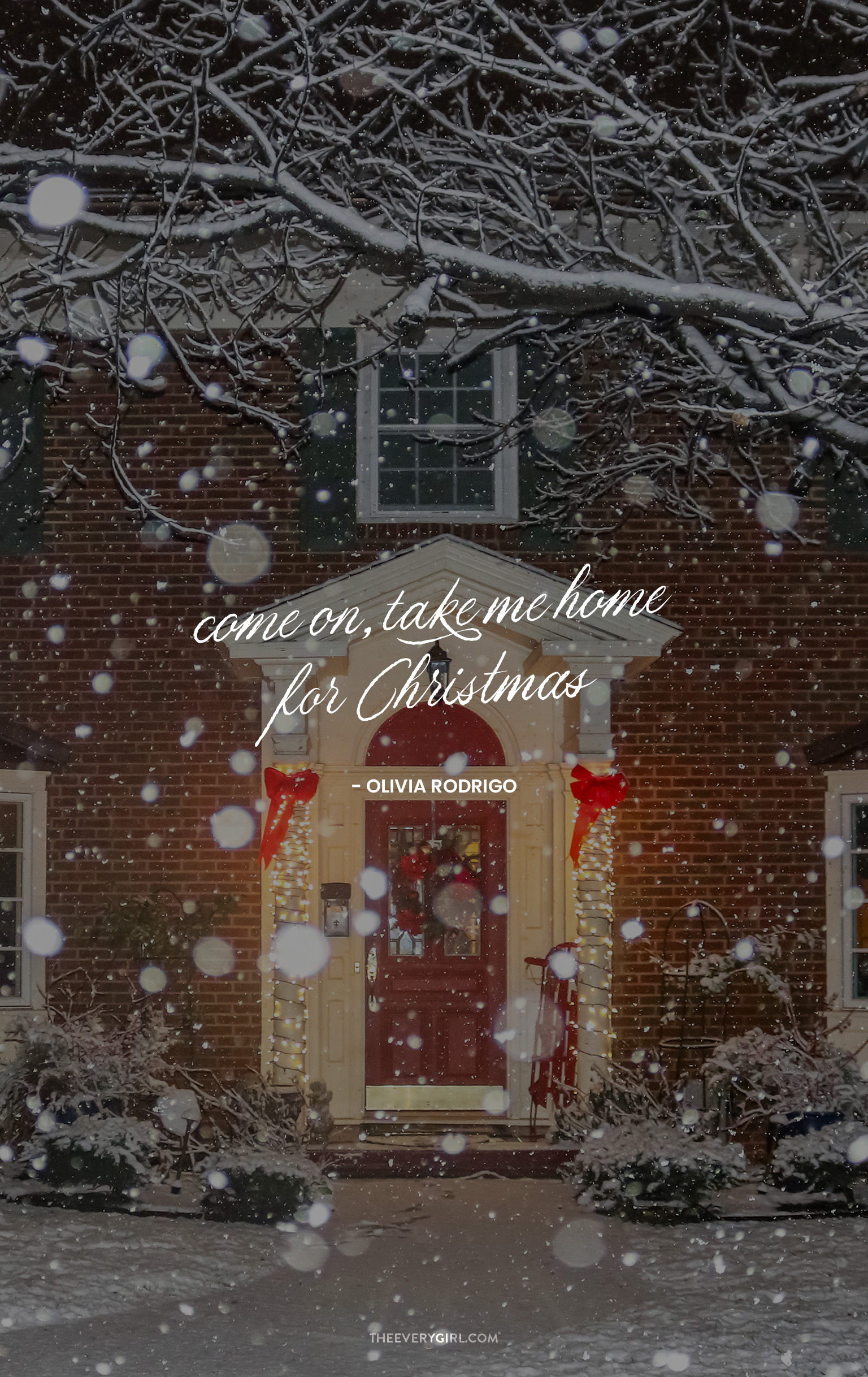
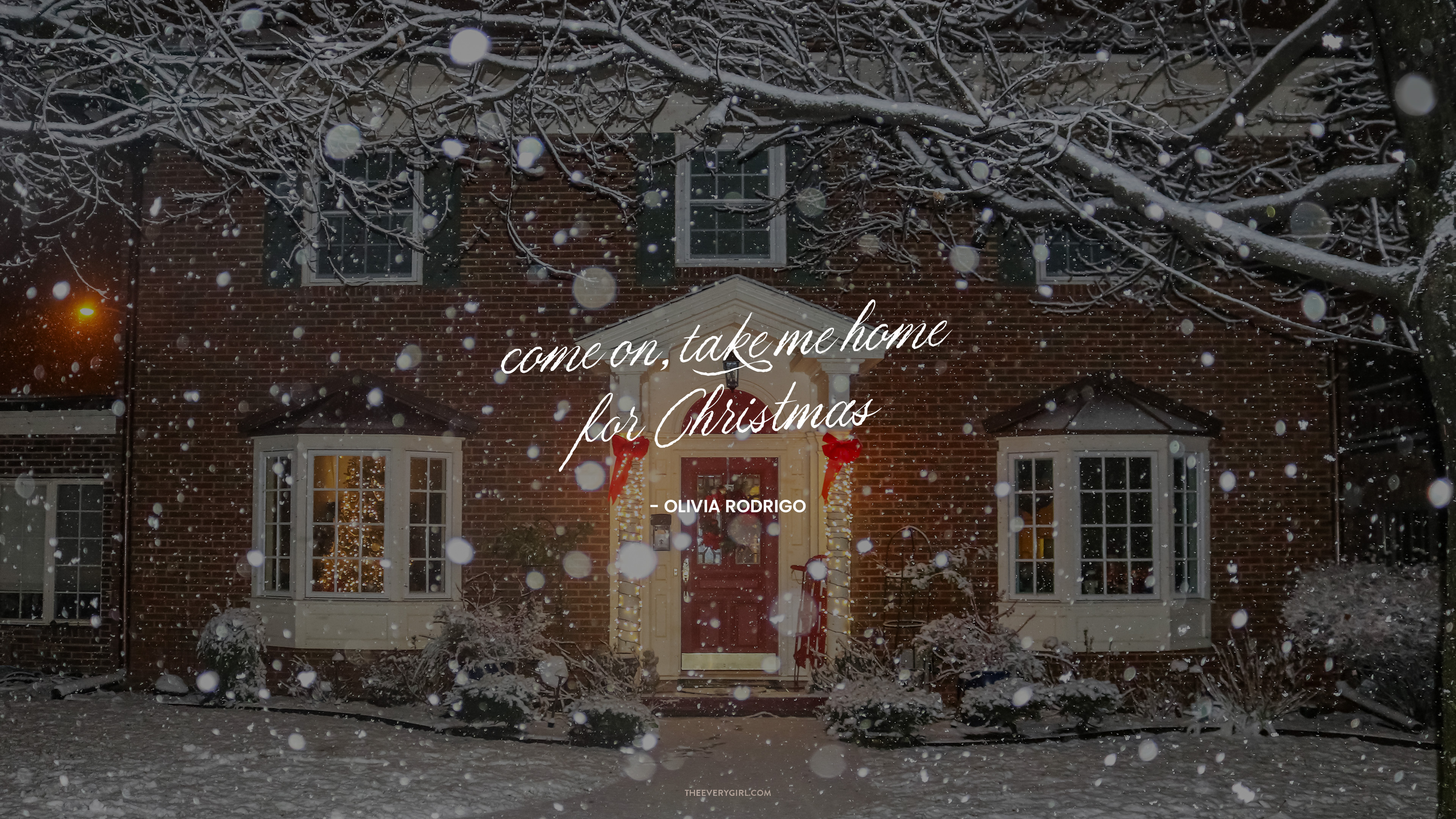
A holiday song isn’t something I knew I needed from Olivia Rodrigo, but now that she’s graced us with her hit “Take Me Home for Christmas,” I can’t imagine the season without it. The titular lyric floats above a gorgeous brick home (reminiscent of the Home Alone house) mid-snowstorm. There’s a twinkly tree in the bay window, a red sled on the doorstep, and, I imagine, egg nog aplenty inside.
CLICK TO DOWNLOAD
Desktop | iPhone | iPad / Tablet | TV Version

Ski Bunny Tech Background
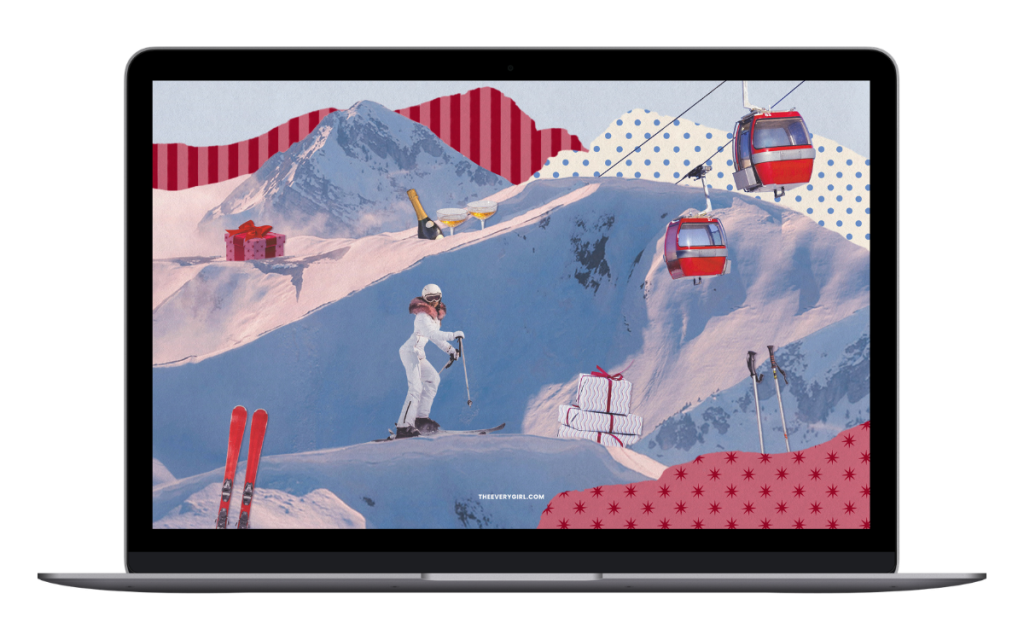
I’m truly obsessed with this scrapbook screensaver designed by The Everygirl art team. Who needs real mountains when you can have polka dot, striped, and pink peaks instead? A red gondola chugs along, offering a warm respite between runs, presents are hidden in snow banks, and chilled champagne is waiting for you après ski. Oh, and your chic white snowsuit? It has a pink-trimmed hood, obviously.
CLICK TO DOWNLOAD
Desktop | iPhone | iPad / Tablet | TV Version




Holly Jolly Tech Background
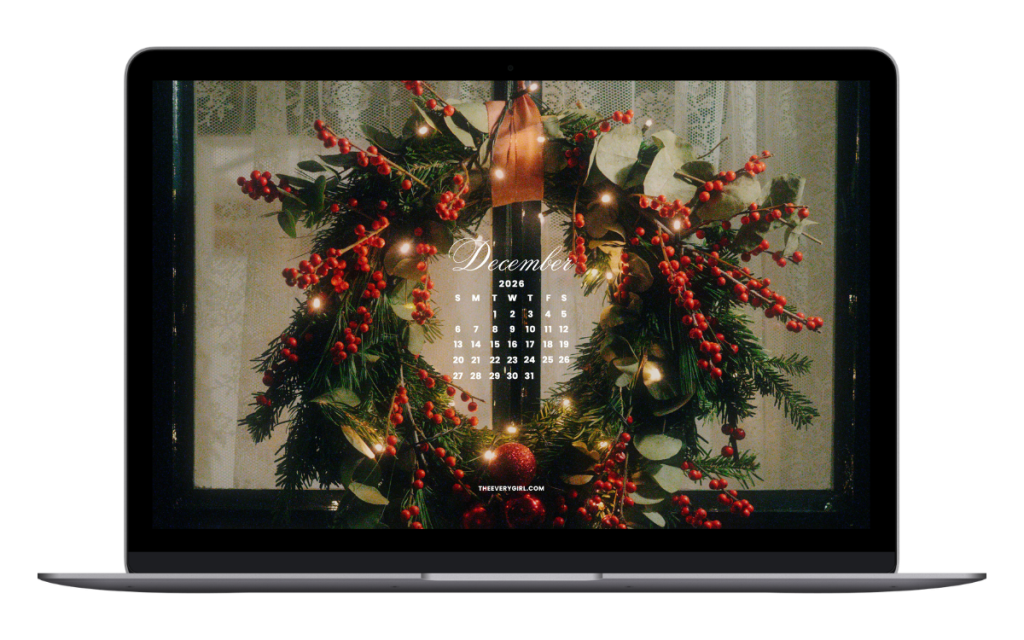
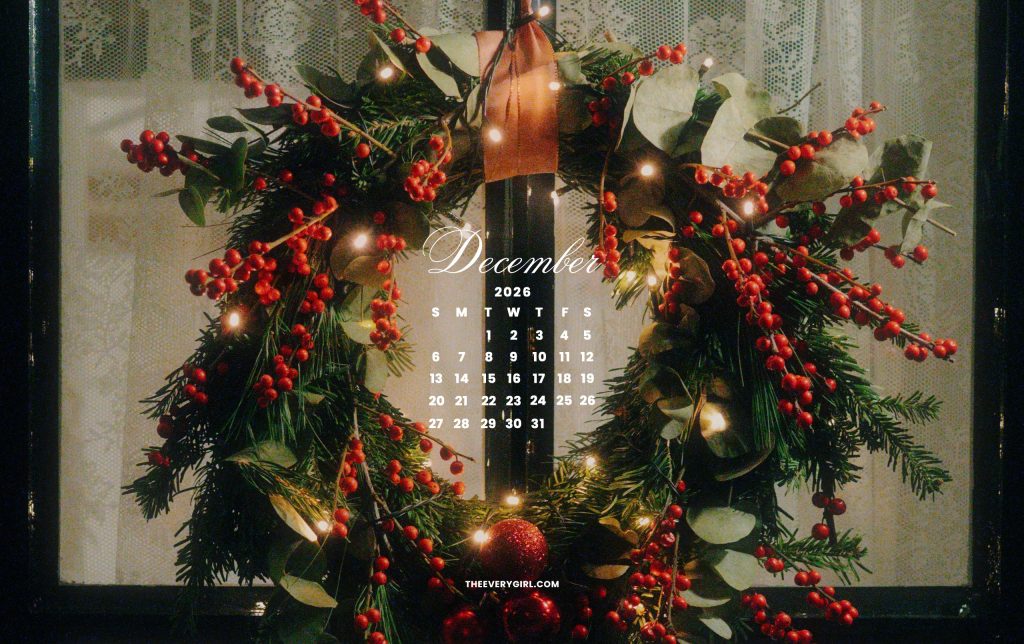
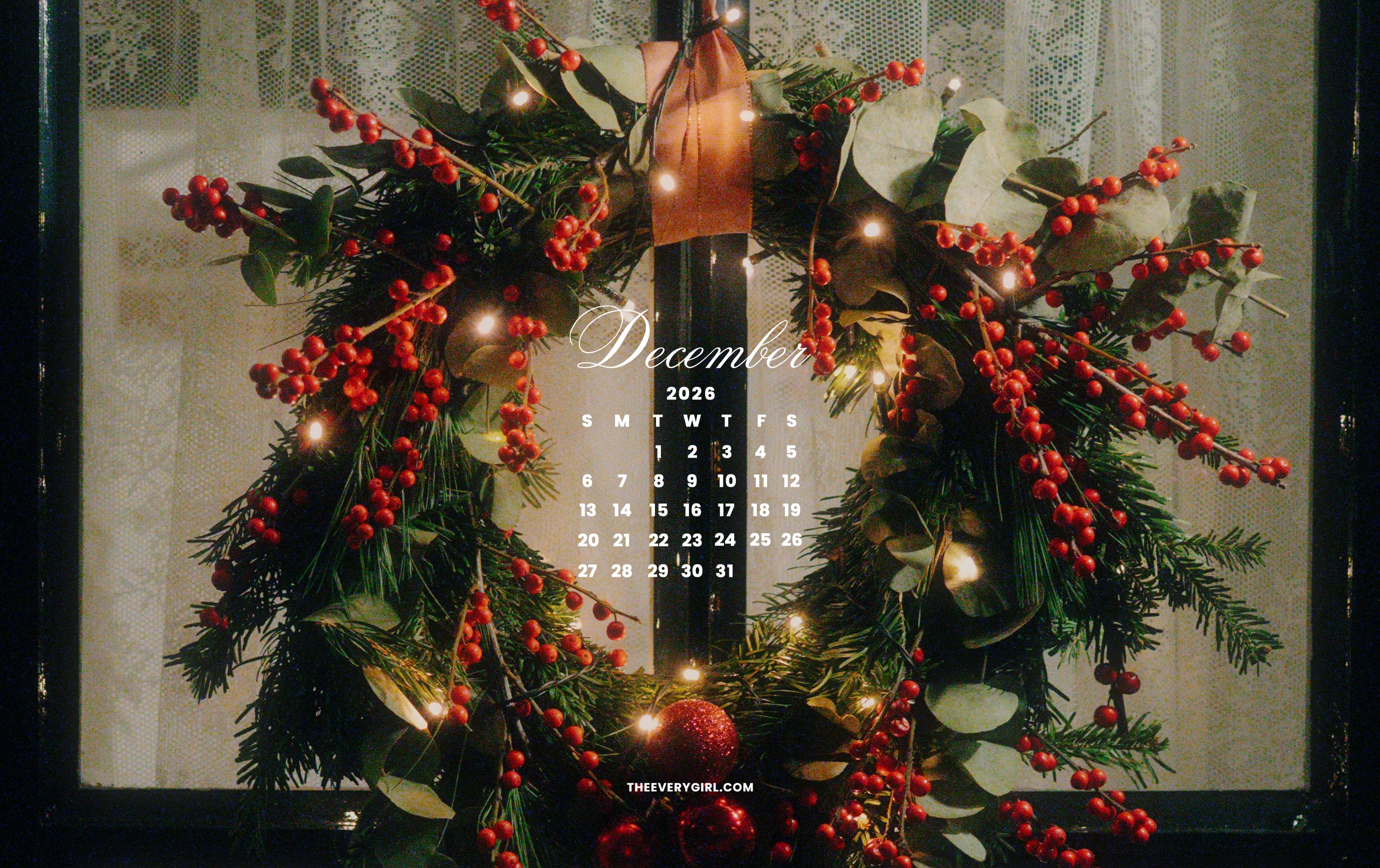
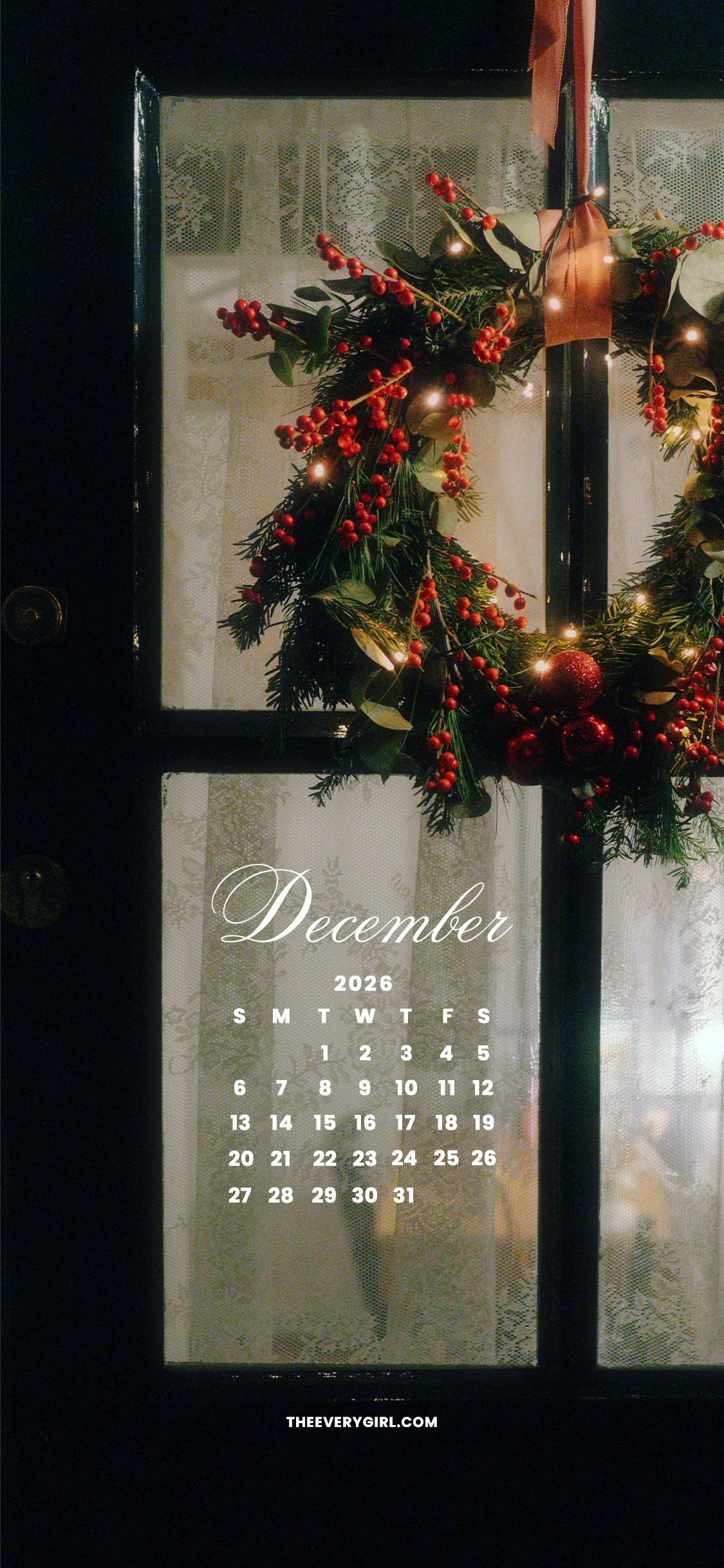
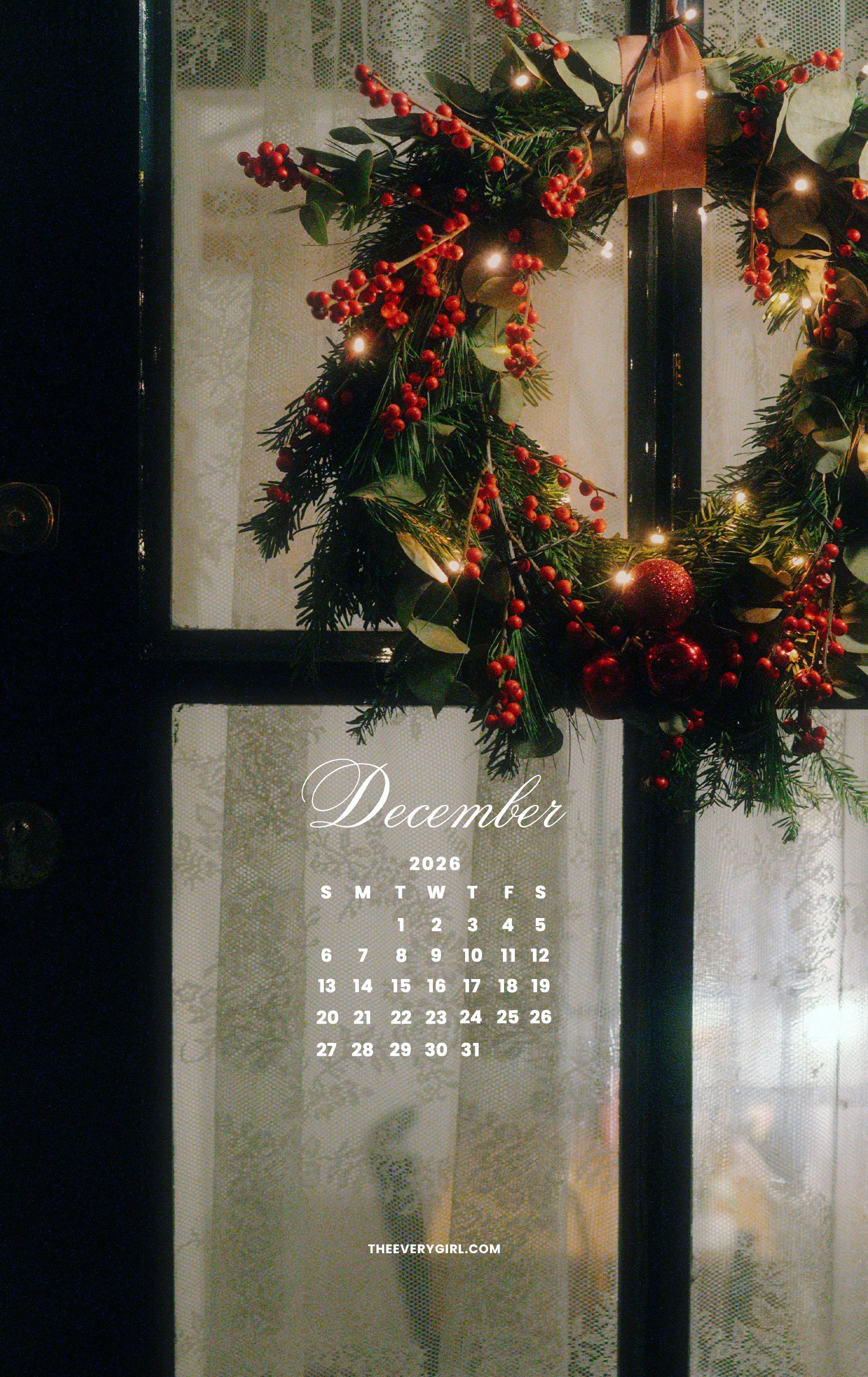
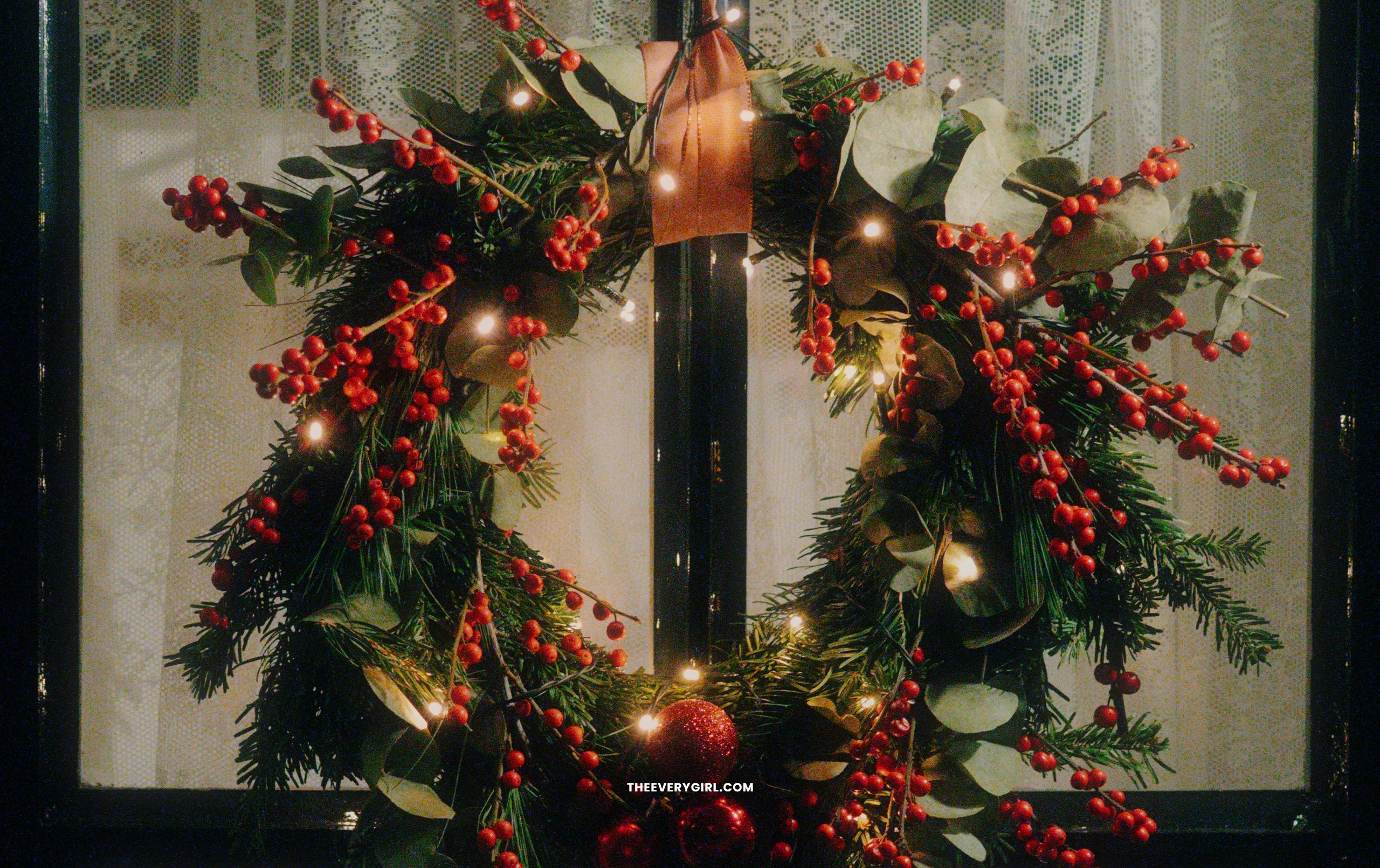
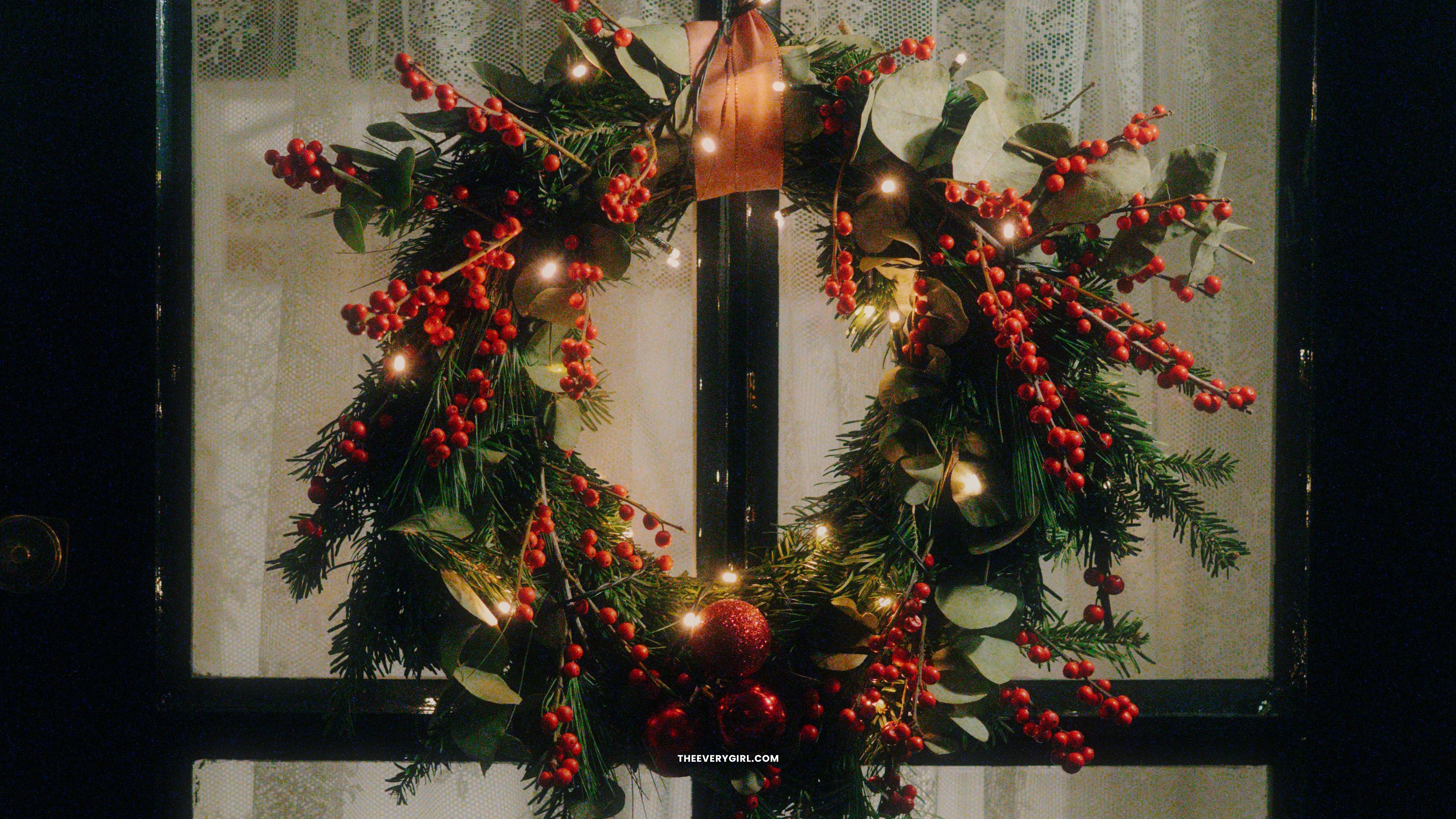
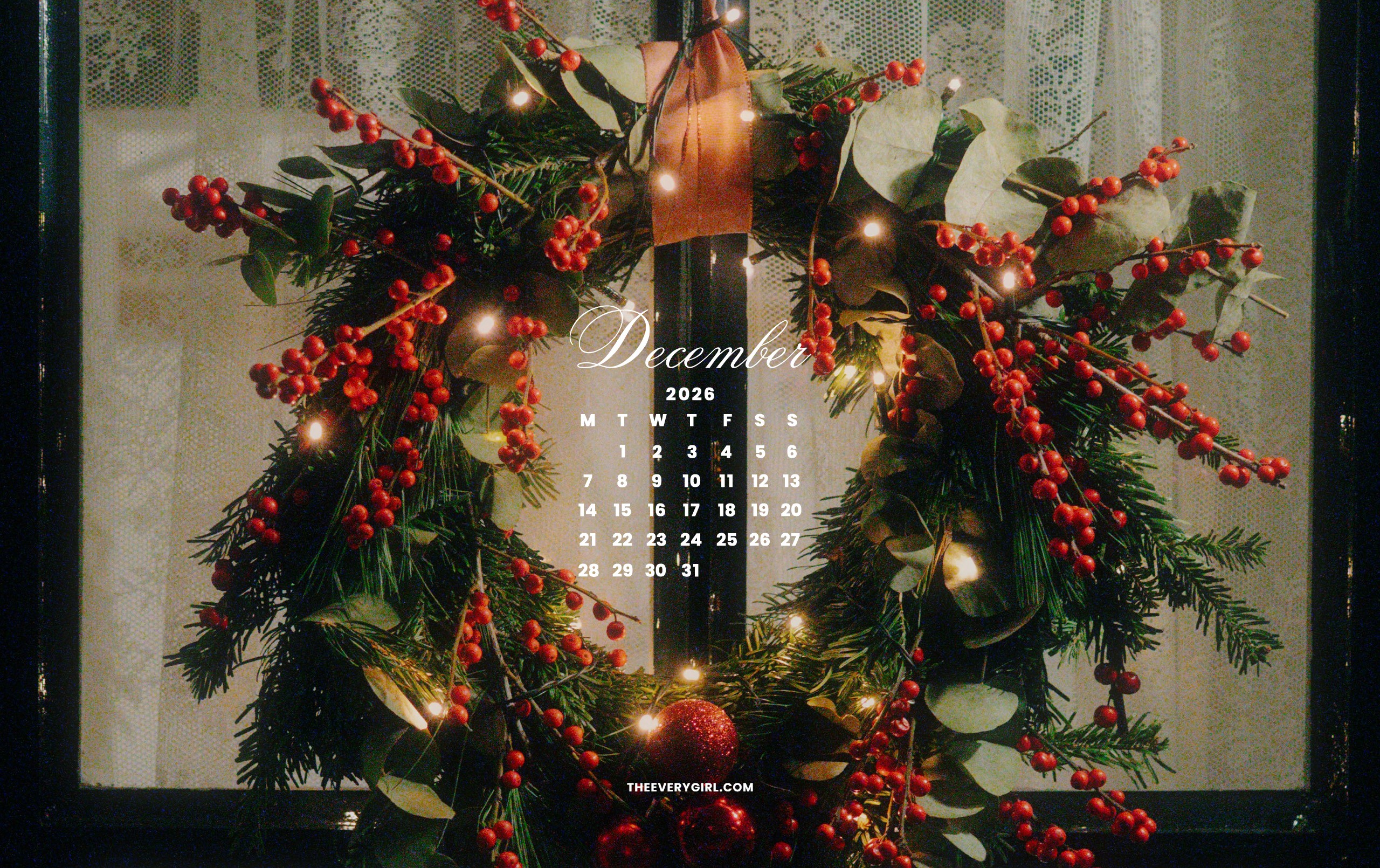
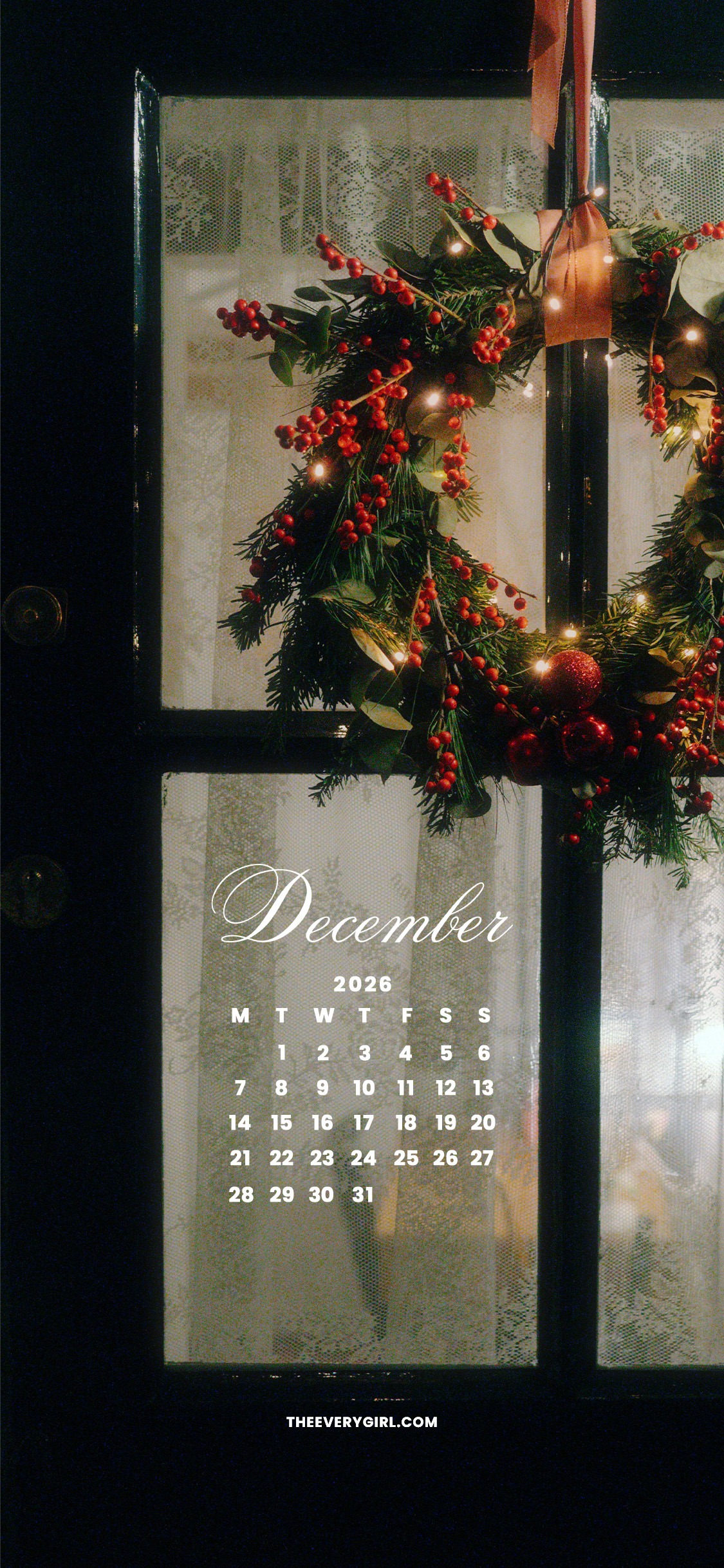
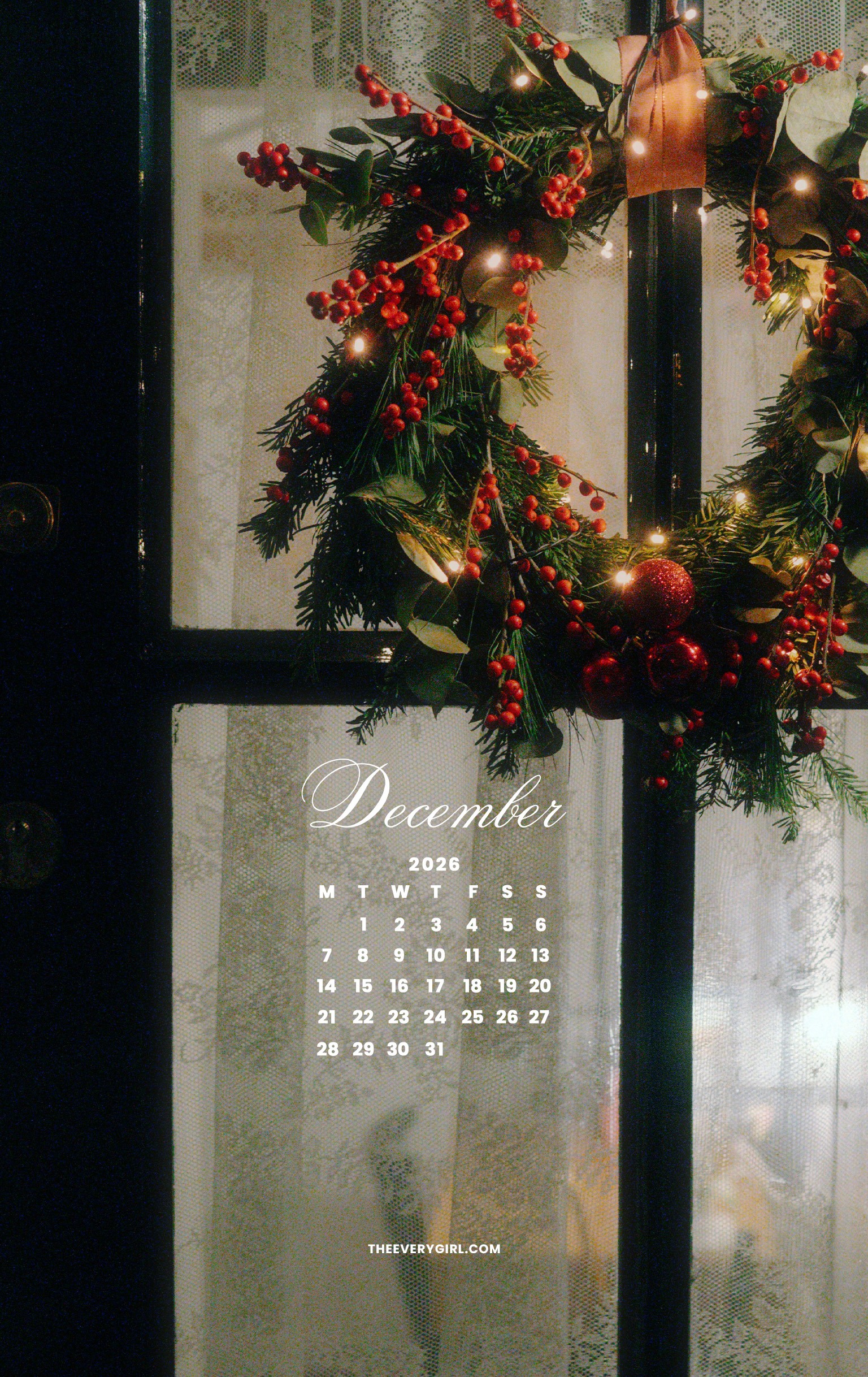
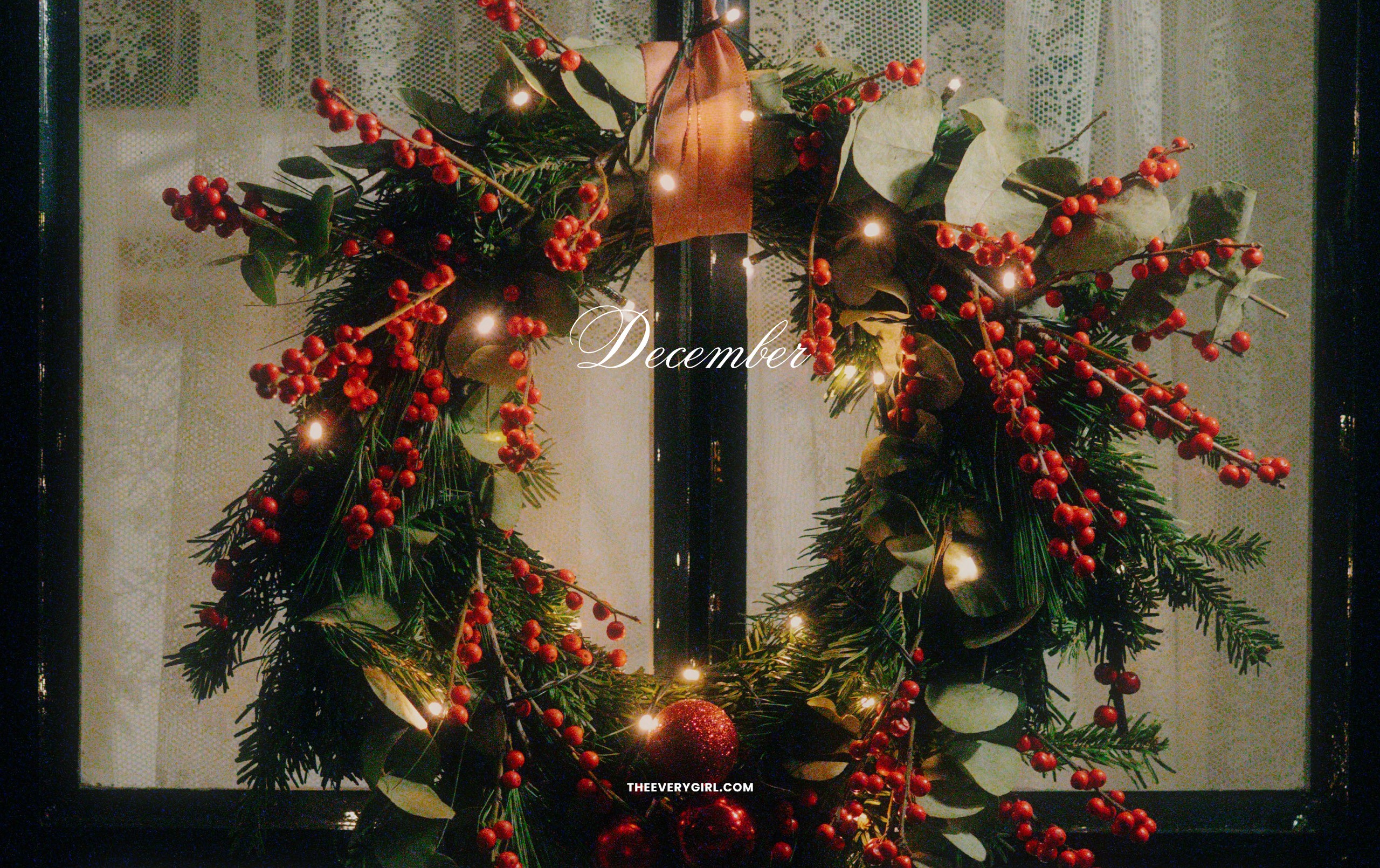
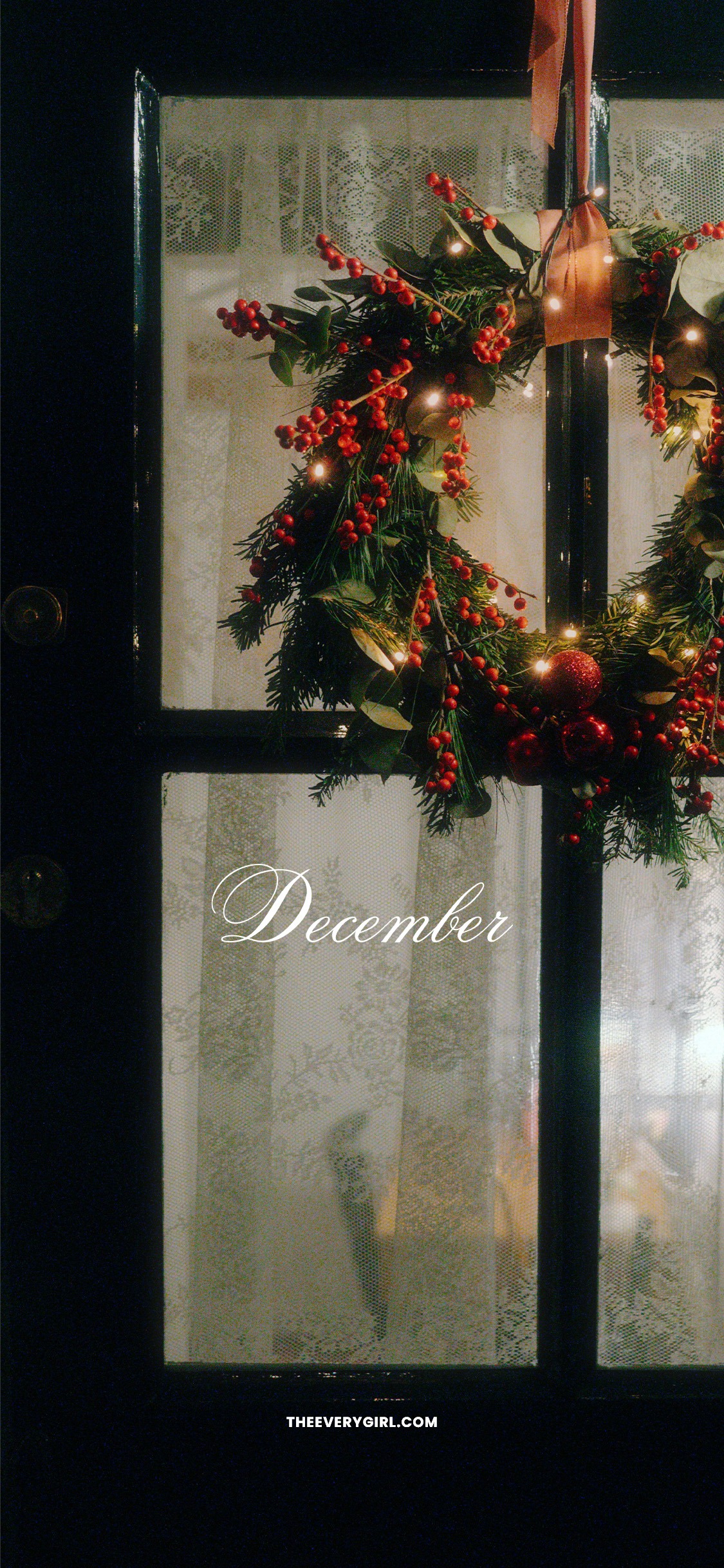
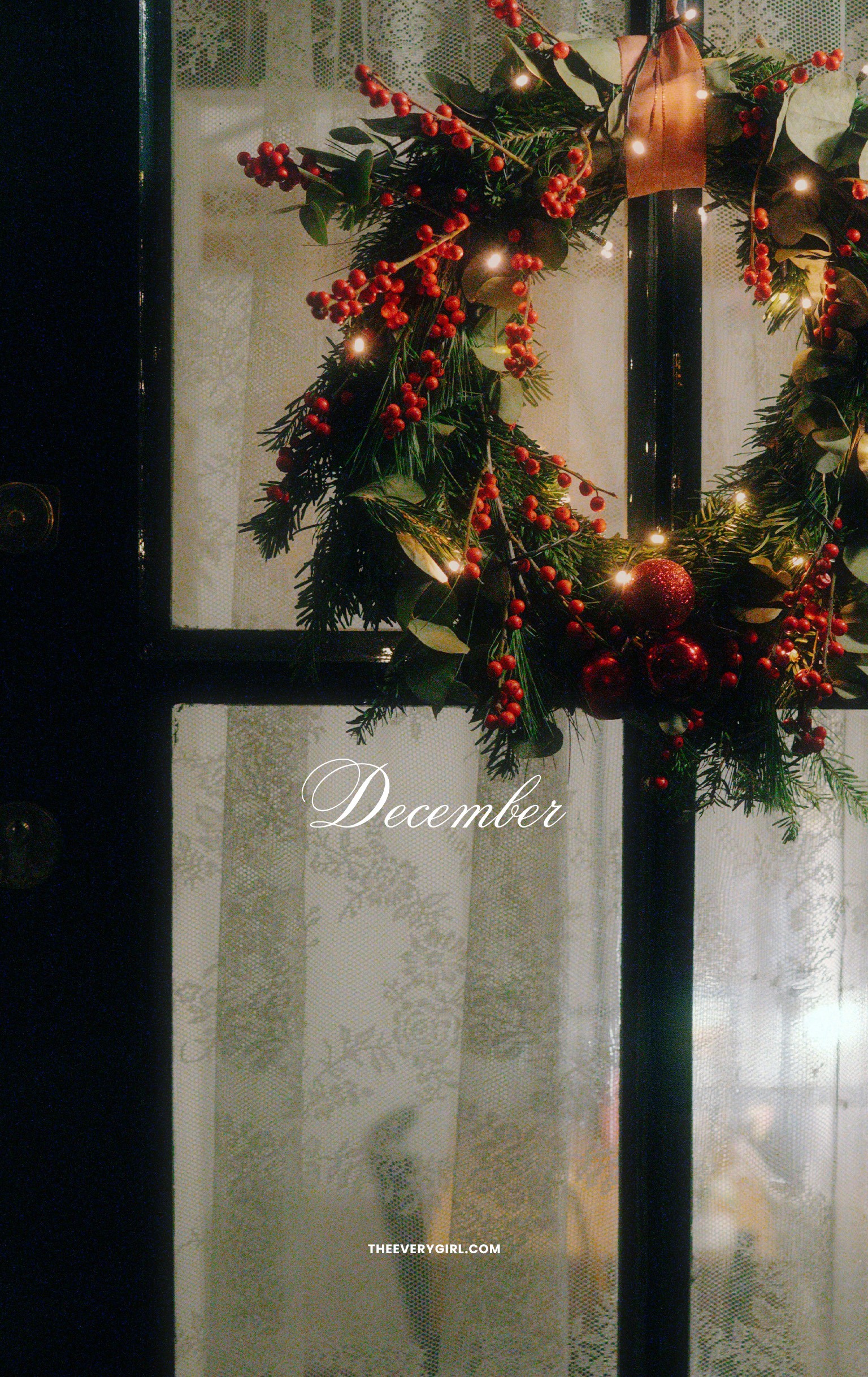
Eucalyptus, pine, holly sprigs, and twinkle lights adorn this wreath hung on a front door, welcoming you inside. The cream lace curtain hints that this is a household with stockings knitted by grandma hanging over the hearth, vintage nutcrackers atop the mantle, and a tray of frosted cookies waiting by the crackling fire.
CLICK TO DOWNLOAD
Calendar—Sunday Start
Desktop | iPhone | iPad / Tablet | Second Screen | TV Version
Calendar—Monday Start
Desktop | iPhone | iPad / Tablet
No Calendar
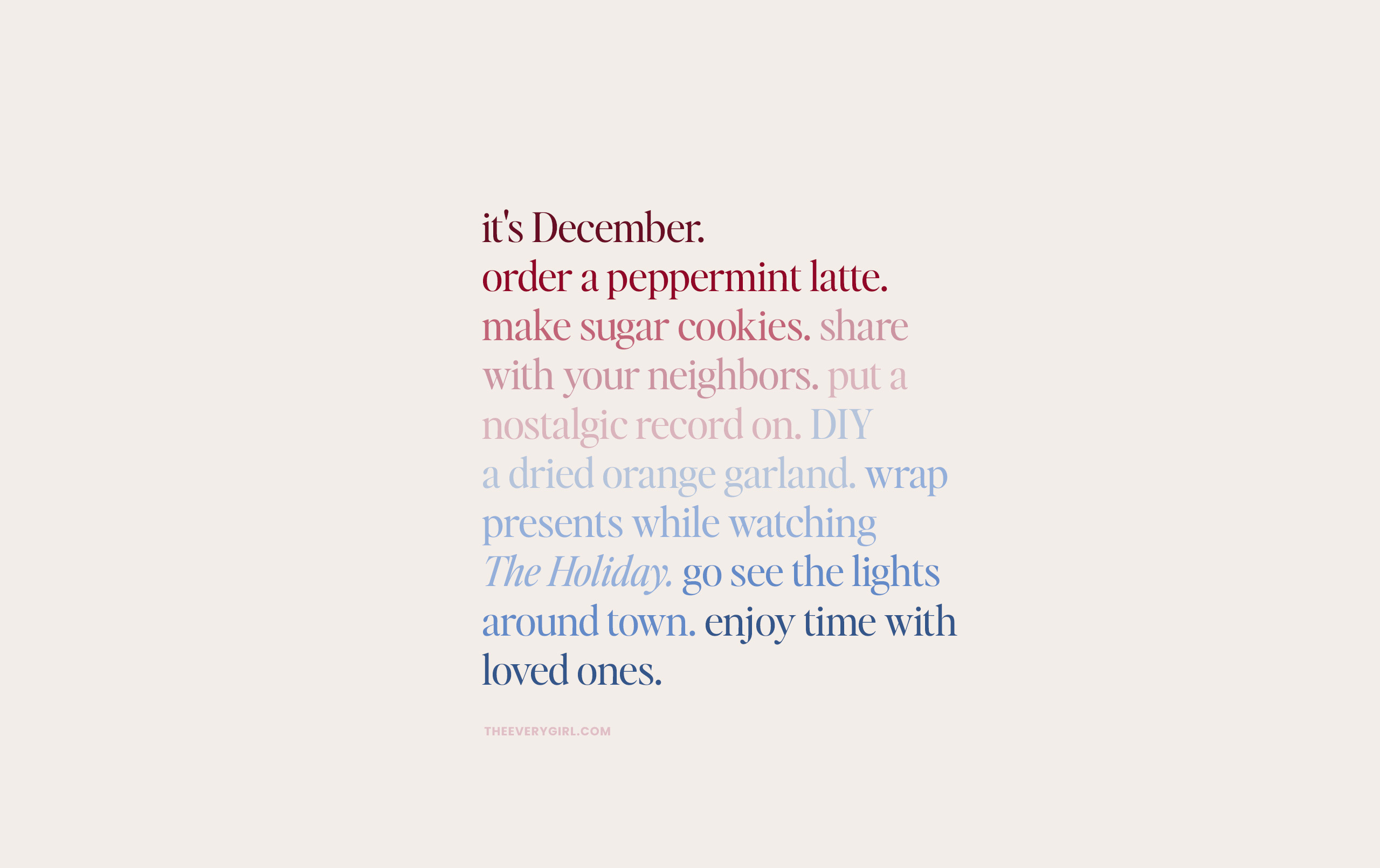
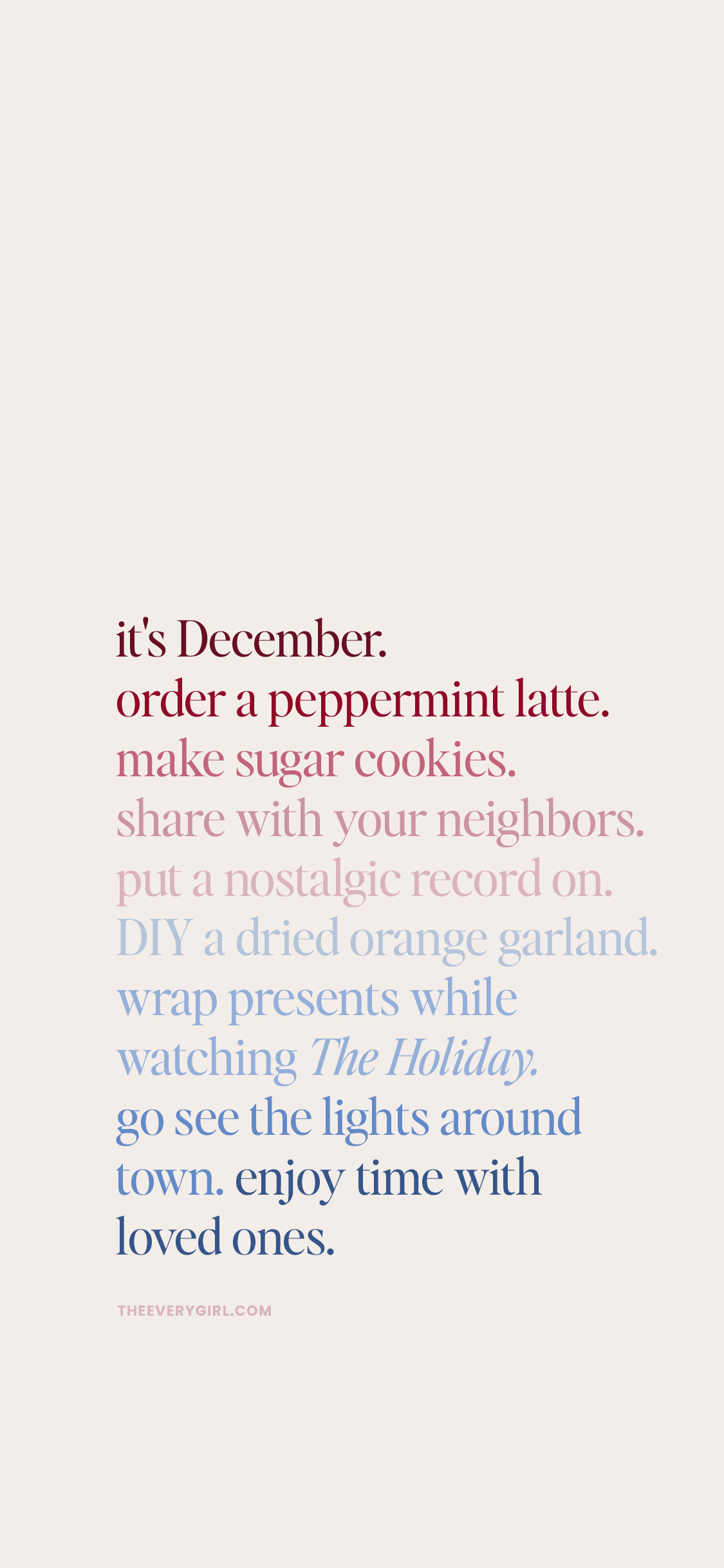
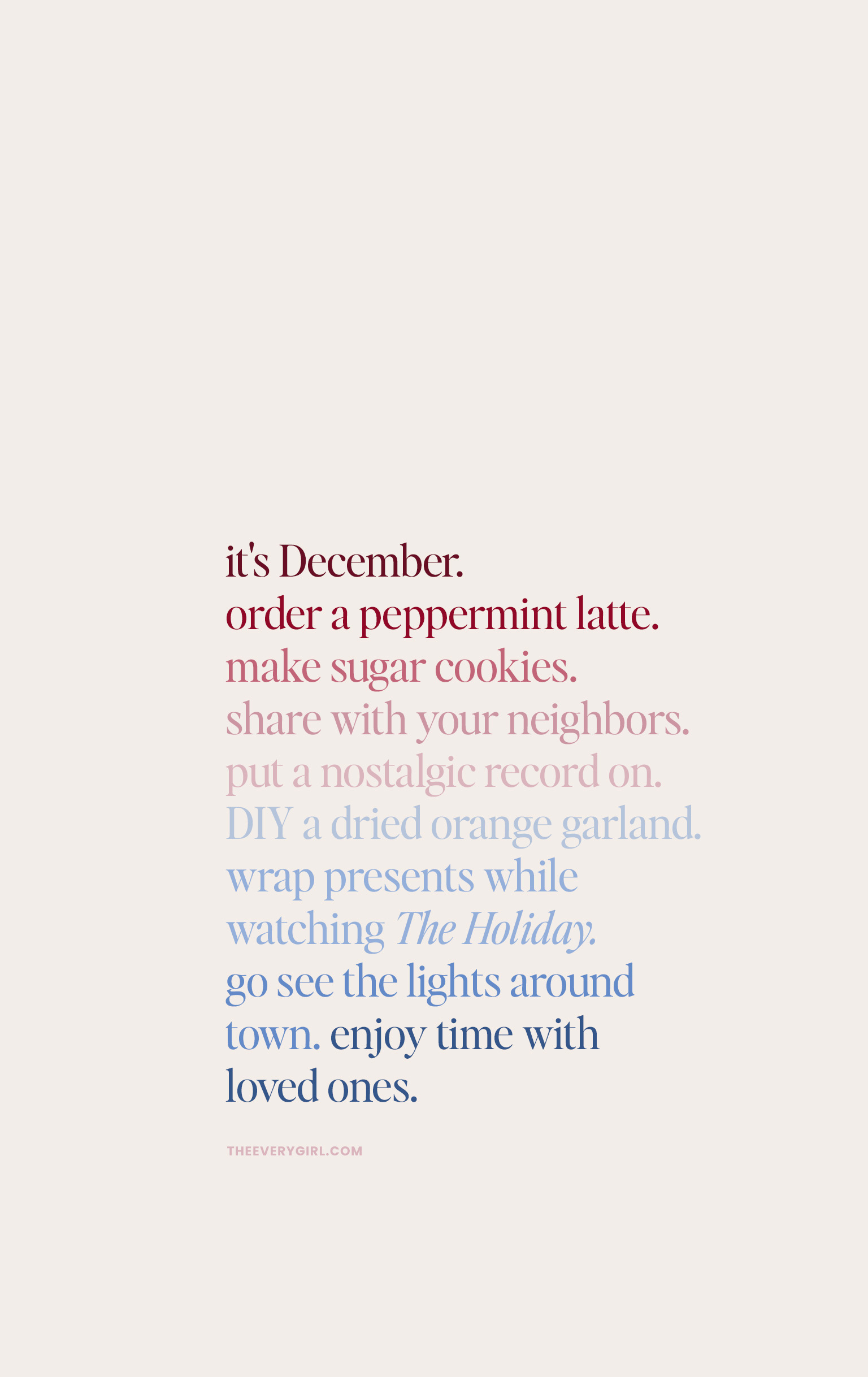
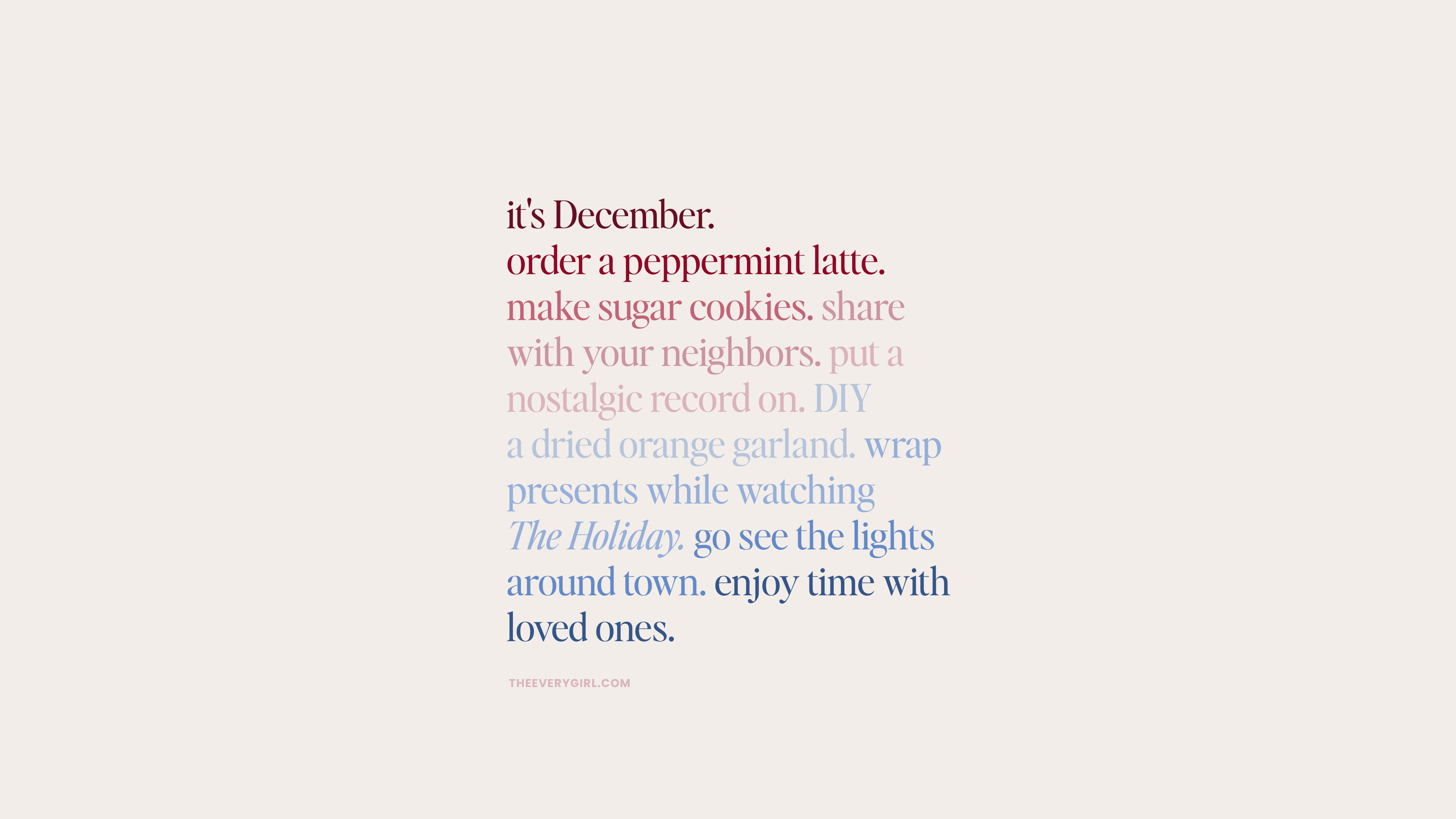
December To-Do List Wallpaper
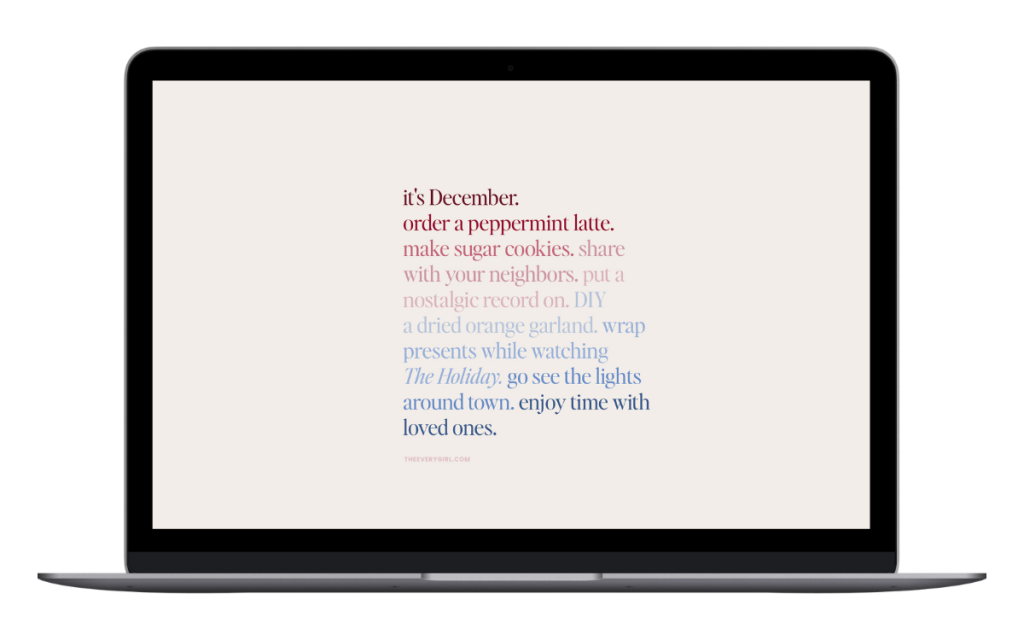
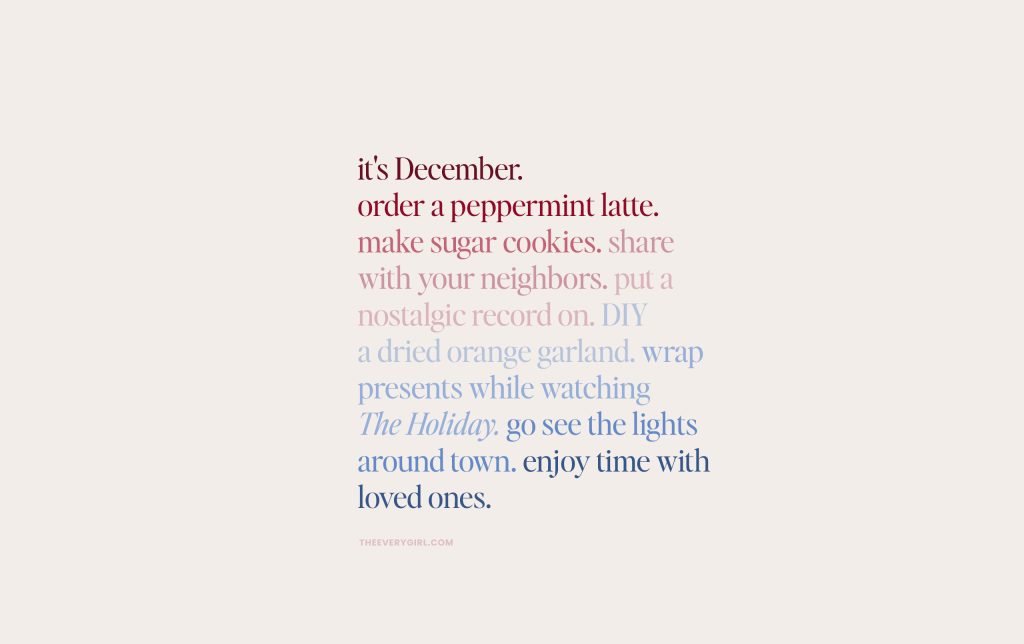
If you need a December permission slip, borrow ours: it’s December. order a peppermint latte. make sugar cookies. share with your neighbors. put a nostalgic record on. DIY a dried orange garland. wrap presents while watching The Holiday. go see the lights around town. enjoy time with loved ones.
CLICK TO DOWNLOAD
Desktop | iPhone | iPad / Tablet | TV Version
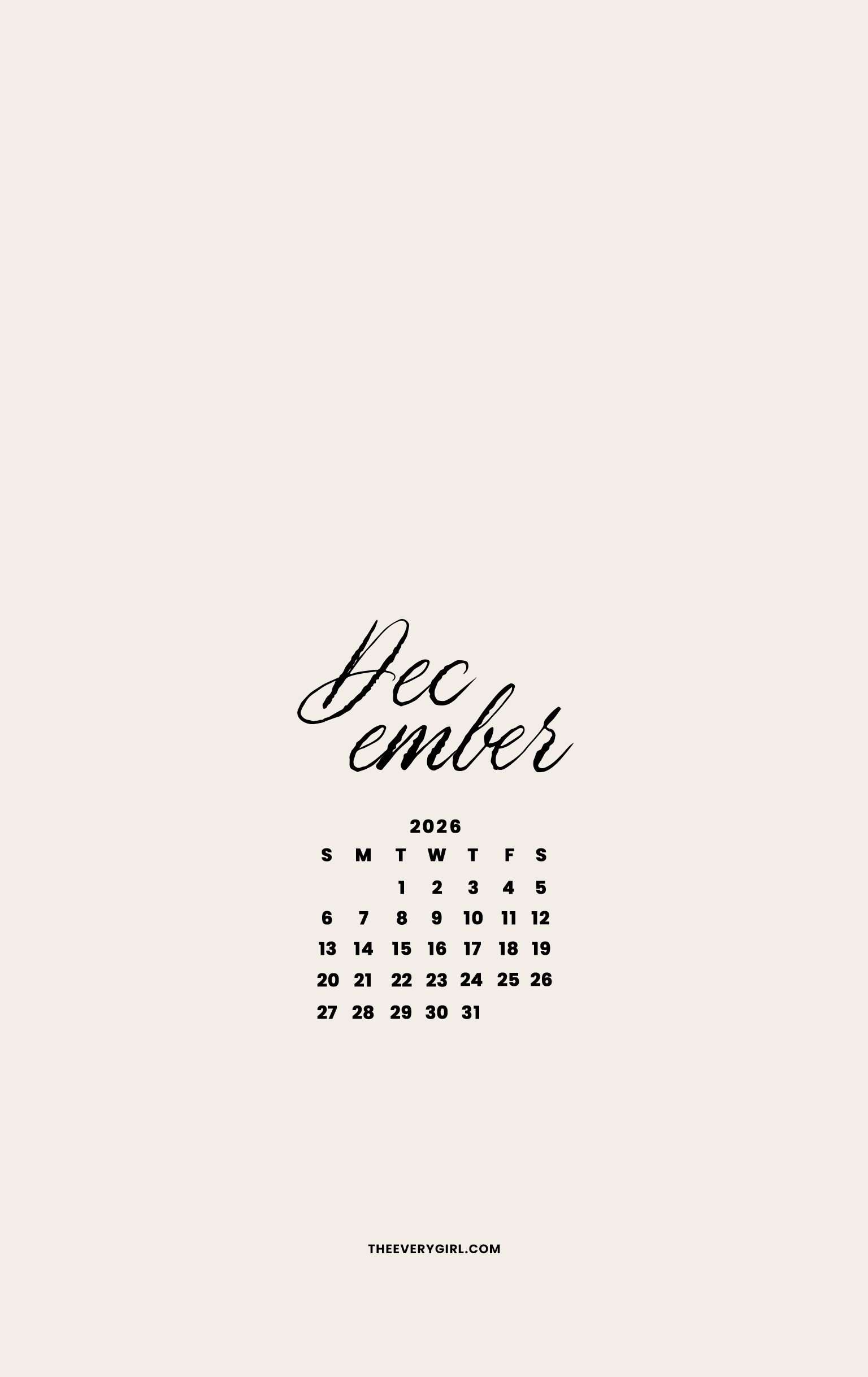
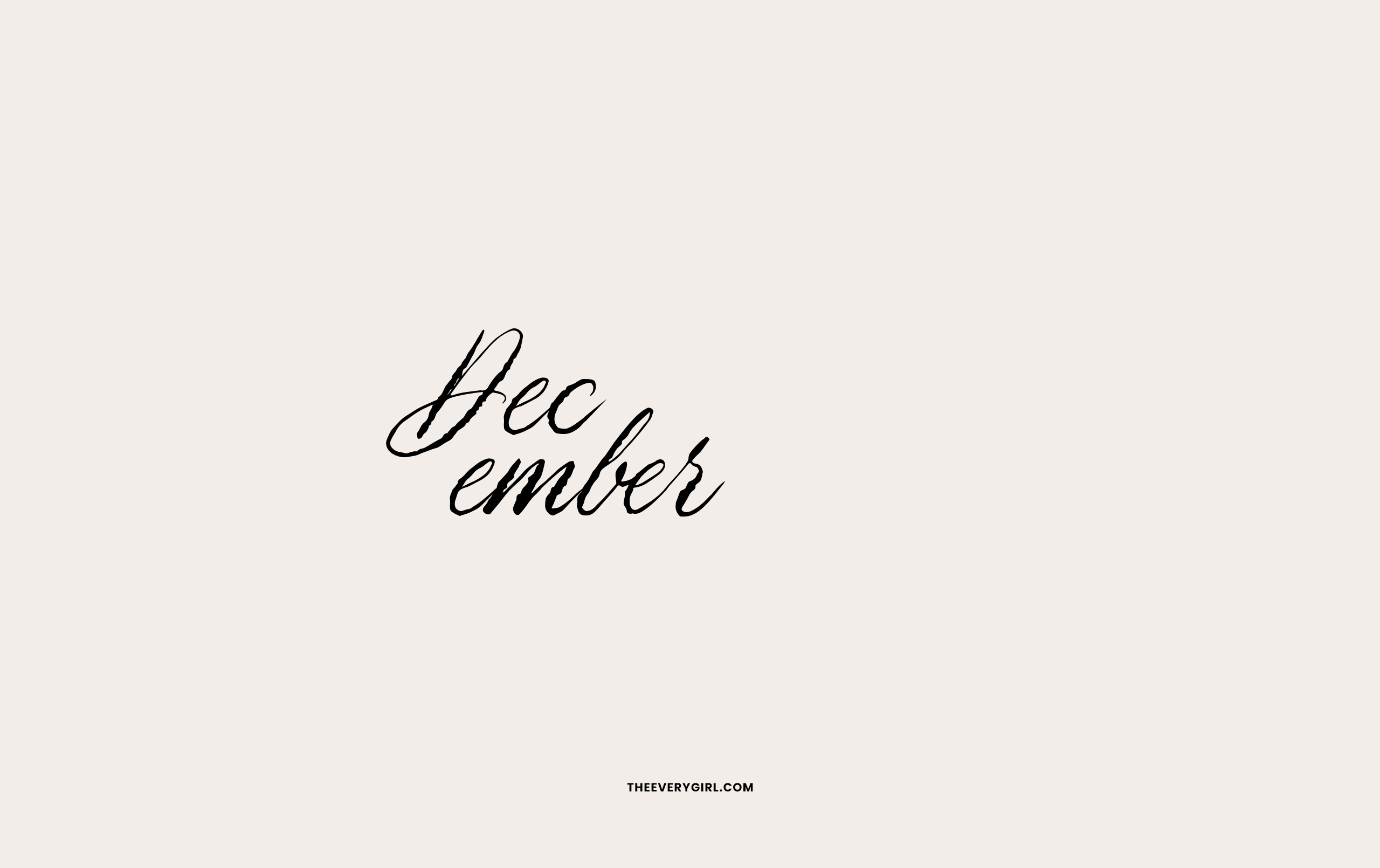
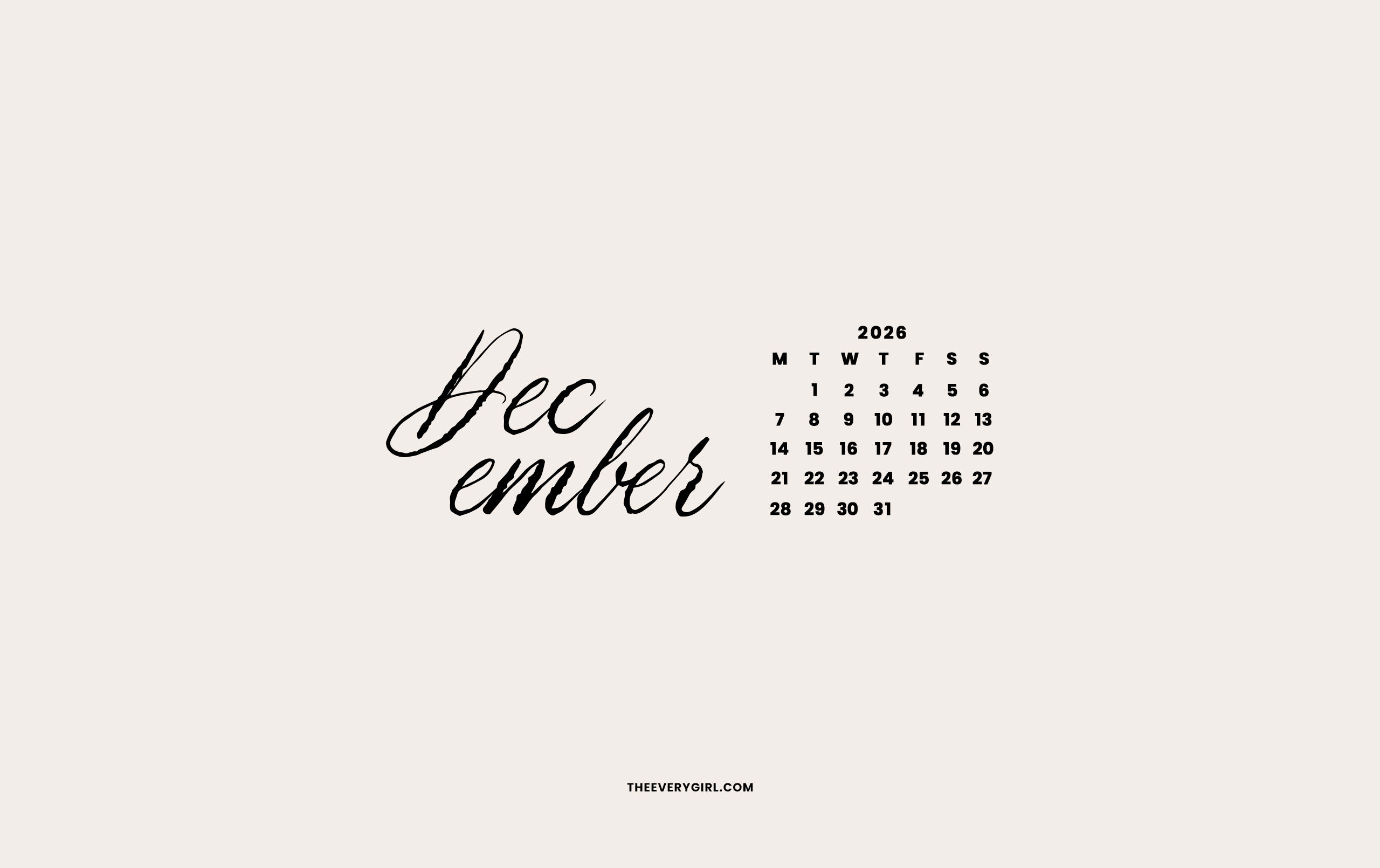
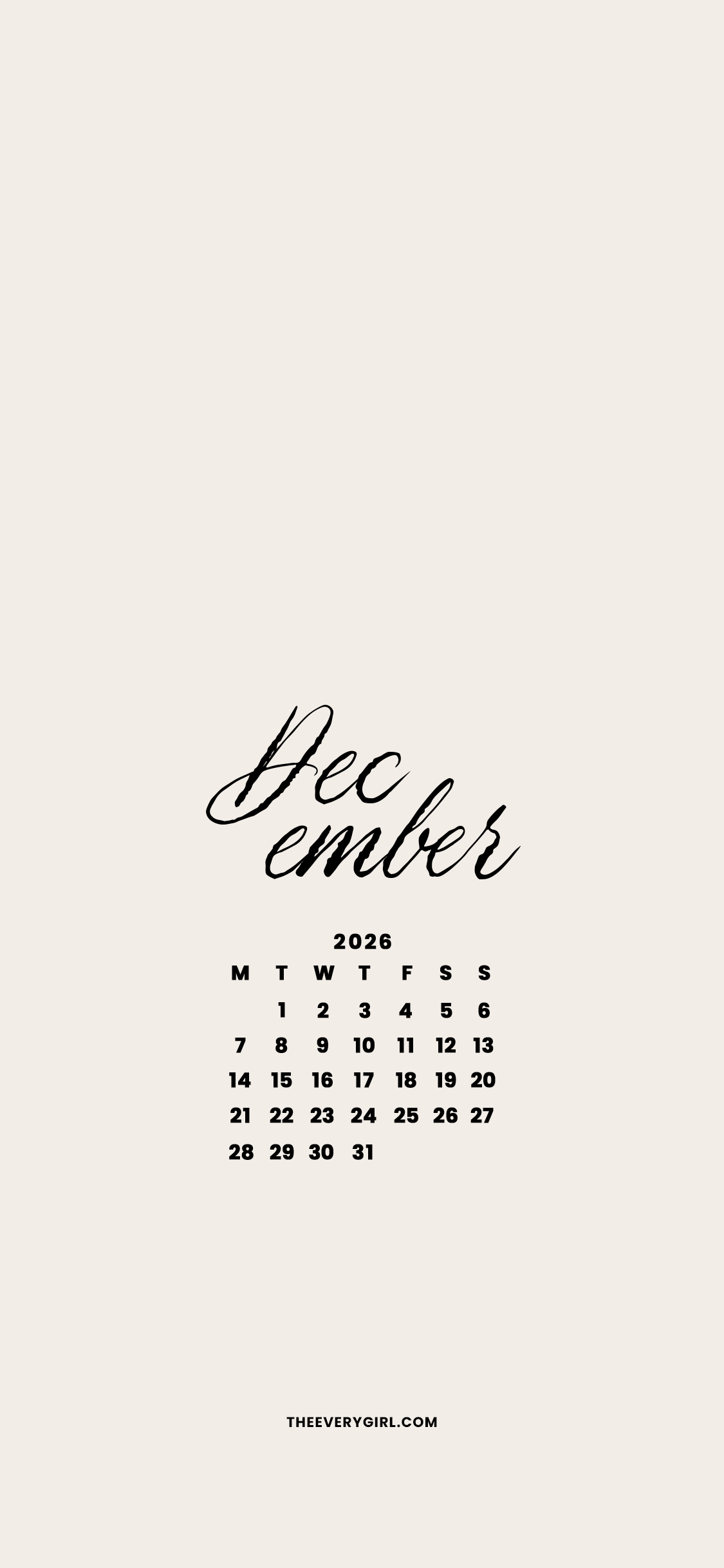
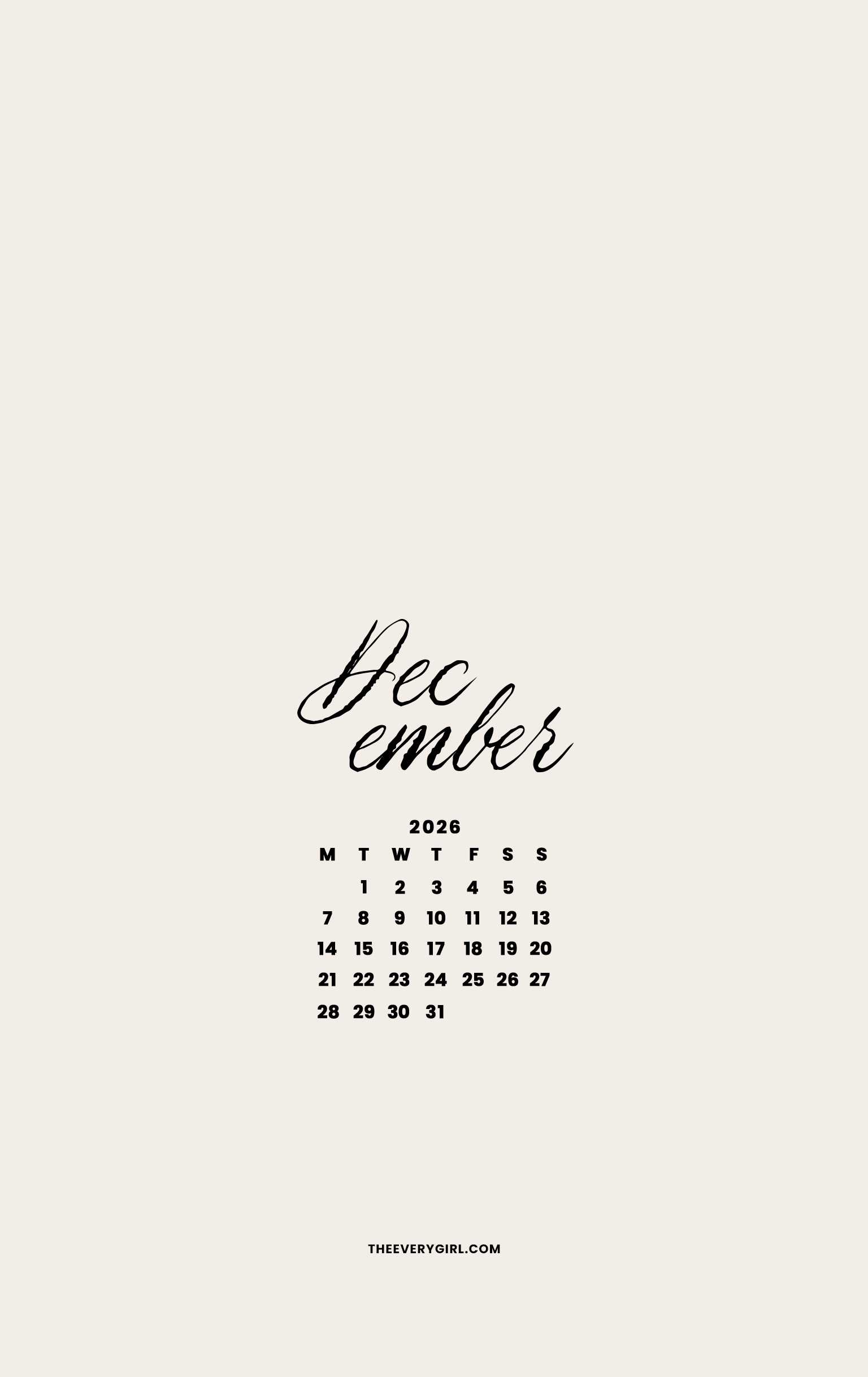
December Calendar Tech Background
Sometimes, less is more—even during the holidays. If you’re feeling overwhelmed by all the bells and whistles that come with December, this simple calendar tech background with a script font is just the palate cleanser you need.
CLICK TO DOWNLOAD
Calendar—Sunday Start
Desktop | iPhone | iPad / Tablet | Second Screen
Calendar—Monday Start
Desktop | iPhone | iPad / Tablet
No Calendar
Even More: Download Your Zodiac Tech Backgrounds
Explore zodiac tech backgrounds for every sign! From zodiac phone backgrounds to zodiac desktop backgrounds, find zodiac wallpapers, astrology wallpapers, and zodiac aesthetic wallpapers that match your energy. Customize your lock screen or iPhone wallpaper with personalized zodiac tech backgrounds and astrology-inspired wallpapers for phone and laptop—perfect for every sign’s style.
Aesthetic Tech Backgrounds You’ll Love:
- Fall Aesthetic Tech Backgrounds
- Dark Academia Tech Backgrounds
- Ralph Lauren Aesthetic Tech Backgrounds
- Coastal Grandma Tech Backgrounds
- Chic, Minimalistic Tech Backgrounds
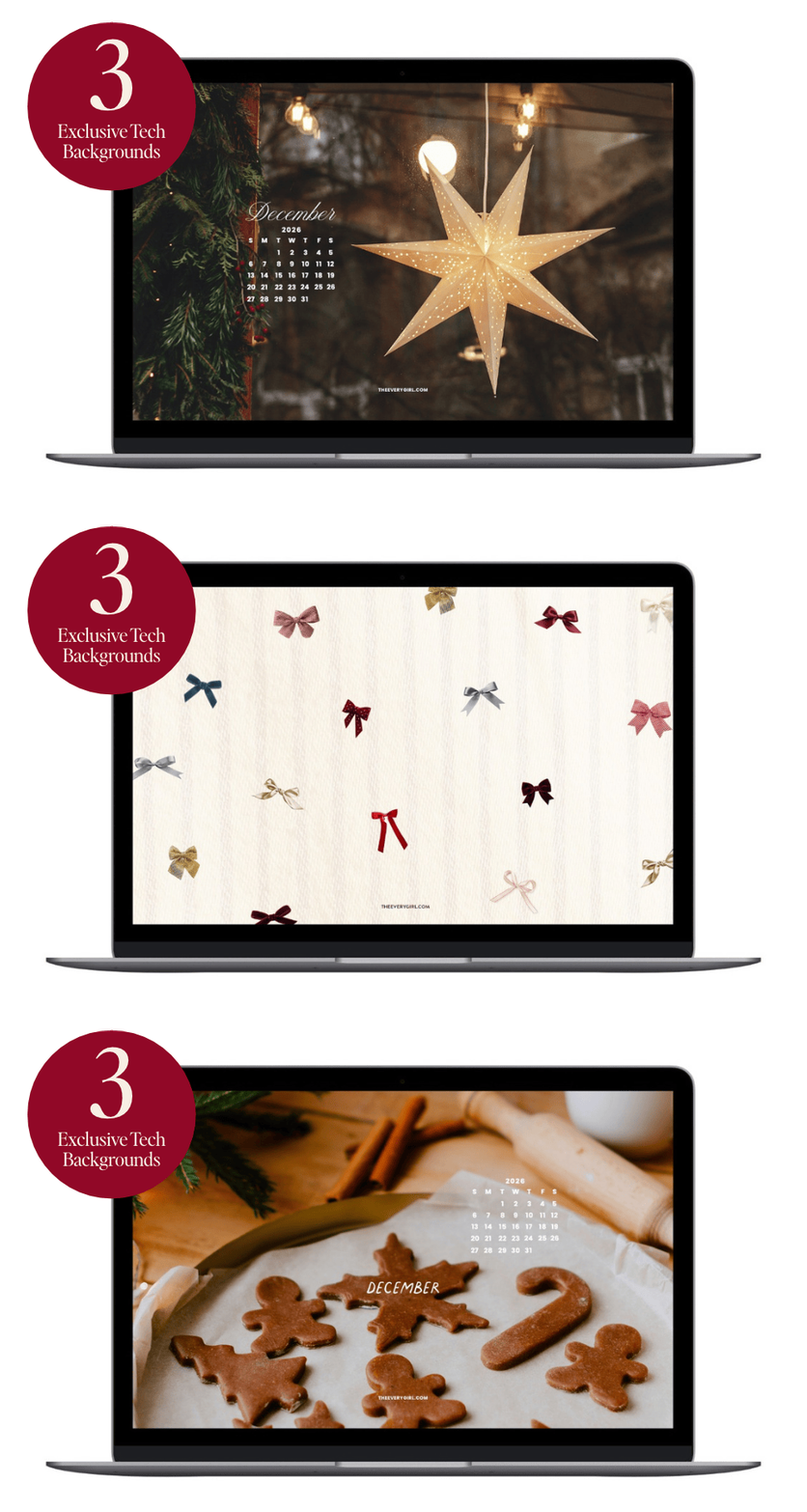
These festive December tech wallpapers are perfect for anyone who wants to embrace the magic of the holiday season and bring a little Christmas cheer to their screens.
Get into the holiday spirit with our free December tech backgrounds! From classic Christmas colors and nostalgic holiday designs to dreamy winter scenery and cozy December aesthetic wallpapers, this collection is made for romanticizing the most magical time of the year. Whether you’re searching for free December phone wallpapers, Christmas desktop backgrounds, cozy winter laptop wallpapers, festive holiday backgrounds, or December calendar wallpapers, these designs will give every screen a merry little makeover.
Frequently Asked Questions About The Everygirl Tech Backgrounds
When do The Everygirl Tech Backgrounds come out?
The Everygirl’s monthly tech backgrounds are available three days before the first of each month to give you plenty of time to change your screens. We also release bi-monthly tech backgrounds midway through the month and special drops (like our zodiac tech backgrounds!) so you have even more to choose from. You can see all the tech backgrounds available here.
How do I download the tech backgrounds?
Downloading our free tech backgrounds is easy. Scroll through the designs below until you find one you love, then select the download link for your device. We offer different sizes for phones, desktops, laptops, tablets, and TV art, plus calendar and no-calendar options. Once the image opens, save it to your device and set it as your wallpaper or background. Repeat with as many designs as you’d like—there’s no need to choose just one.
Can I use more than one December wallpaper?
Yes! If you’re using a Mac, you don’t have to commit to just one December wallpaper. Start by downloading all of your favorite tech backgrounds and saving them to one folder. Then, head to the Wallpaper tab in your Mac settings, scroll down to “Add Folder,” and select the folder you created. From there, turn on the “Rotate” option and choose how often you want your wallpapers to shuffle. It’s an easy way to enjoy all your favorite fall designs without having to pick just one.
Are The Everygirl December wallpapers free?
Yes, every single one of our December tech backgrounds is completely free to download. We release a fresh batch each month, with options for your phone, desktop or laptop, and tablet, so you can refresh all your screens for the new season without spending a thing. Just scroll to the design you love and click the link for the size you need. You can even sign up for our email list for bonus tech backgrounds each month.
How do I change my desktop wallpaper on a Mac?
It’s quick and easy. First, download your favorite December wallpaper to your computer. Then head to System Settings, click Wallpaper, and select Add Photo (or drag your downloaded image in). Choose your newly added background, and you’re all set. Pro tip: if you can’t pick just one, download several, drop them into a single folder, and use the “Add Folder” option under the Wallpaper settings to have them rotate automatically at whatever frequency you like.
When will January wallpapers be available?
Our tech backgrounds are typically available about three days before the first of each month, so you can expect the January wallpapers to drop in late December, right around the 26th or 27th. That gives you plenty of time to swap out your screens before the new month begins. Keep an eye out, because sometimes we release them even earlier.
Do the December wallpapers come with calendars?
Most of them do, and you’ve got options. For the calendar designs, you can choose between a Sunday-start layout or a Monday-start layout, depending on how you like to map out your week. Prefer a clean, uncluttered screen? We also offer calendar-free versions, including our “Second Screen” wordless option, so you can enjoy the design without any dates at all. Whatever your preference, there’s a version to match.

Caitlin Schneider, Brand Design Lead
Caitlin is the Brand Design Lead for The Everygirl and The Everymom. She oversees design execution and visual standards. Caitlin also sets the creative vision, leads campaign and tentpole concepting, assigns work across the team, and leads design direction to ensure brand consistency and elevated standards.

Aryana Johnson, Senior Designer
Aryana is a Chicago-born artist working as a Senior Designer for The Everygirl and The Everymom. She leads the execution of campaign assets and design build-outs, owns UX/UI and website system implementation, and operates autonomously within approved design direction.

Marta Taras, Marketing Designer
Marta is a passionate designer who constantly pushes creative limits. In her role as Marketing Designer, she leads the creation of performance-driven marketing visuals while maintaining scalable templates and visual consistency across channels.

Claire West, Editor
As an Editor for the Home & Living category of The Everygirl, Claire writes and edits stories spanning topics like food, travel, hobbies, and decorating. During her eight years in the media industry, Claire has touched everything from fashion to relationships to celebrity interviews at magazines like People and InStyle.
Love The Everygirl’s tech backgrounds? Browse our full archive with wallpapers from November, October, September, and more.
