

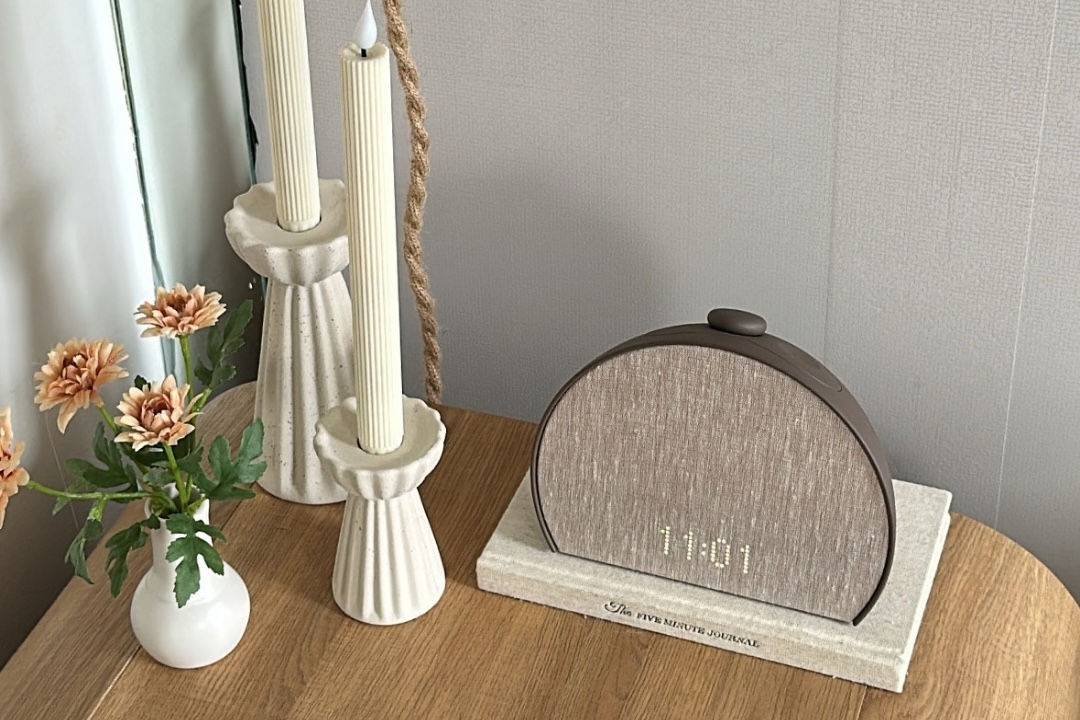
Since I was 12 years old and got my first cellphone (a Nokia flip phone, TYVM), I’ve woken up to an alarm on my phone every morning. For those of you keeping track at home, that’s 18 years of relying on a cell phone to wake me up (before that I purely relied on my mom). And while I appreciate the ease and options that only increase every IOS update, there’s something slightly counterintuitive about using the same device you read stressful emails and scroll through everyone else’s lives, to convince yourself it’s time to relax. Sure, your phone can play sleep sounds and wake you up in the morning, but it can also turn “I’m just setting my alarm” into another 40 minutes on TikTok. Do people really hit “snooze” anymore, or is a morning doomscroll the new “snooze” button?
This past year, I decided to charge my phone outside of the bedroom. TikTok had become the perfect excuse to stay in bed way longer than I want to, and I knew I needed a drastic change. As a wellness editor, my eye has been on the viral Hatch alarm clock for years now, and I earnestly convinced myself the $249.99 price tag was an investment in my best self. If I sleep better, get out of bed quicker, and spend less time on my phone, it’s well worth it.
Read on for my full review of the Hatch Sleep Clock: everything you need to know before you buy and every question you may have had when this wellness-girl-loved product comes up on your FYP (Is it actually worth it? What does it do? How does it compare to the less expensive models?). BTW, the Sleep Clock is 20% off for October Prime Day ($50 off!). The less expensive model Restore 3 also dropped down to $135.99 from $169.99. Here’s how I would decide which one deserves a spot on your nightstand, and whether or not it’s worth investing in this Prime Day.
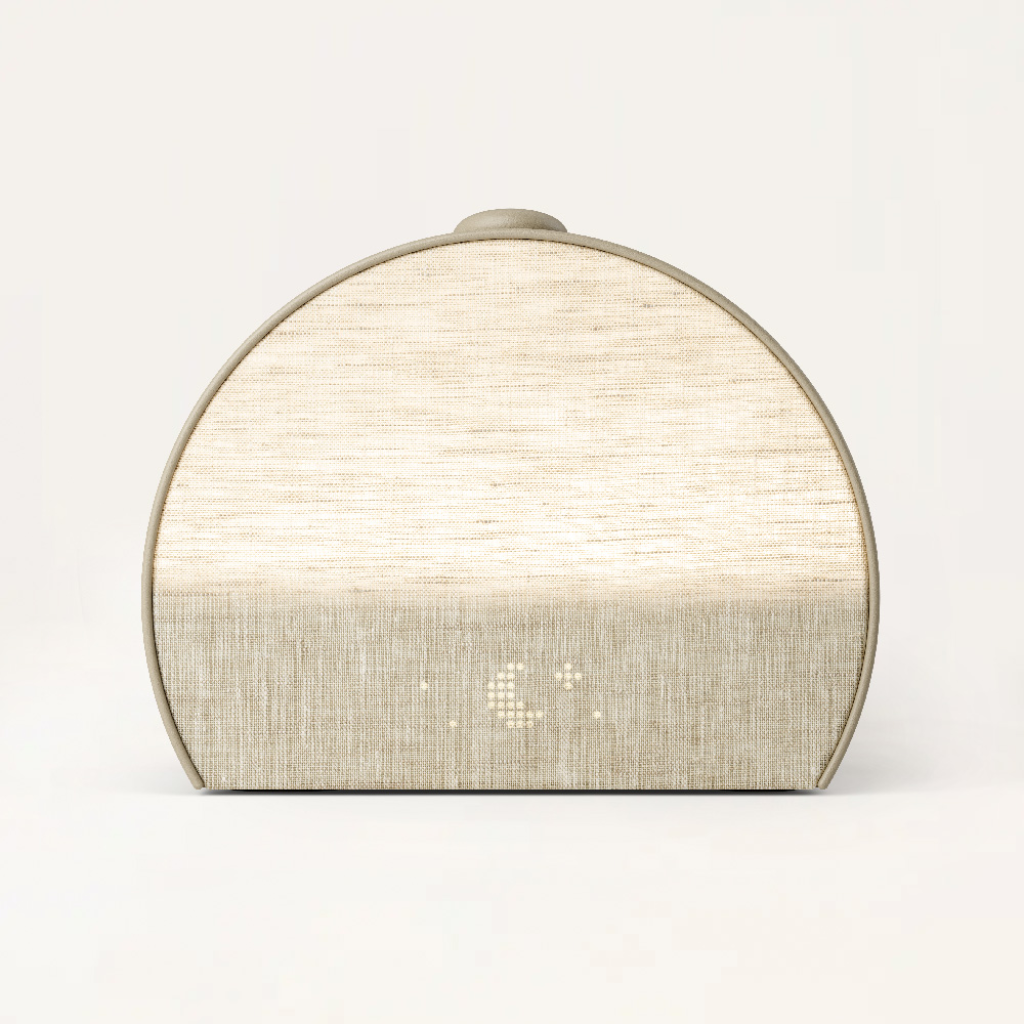
What does the Hatch Sleep Clock actually do?
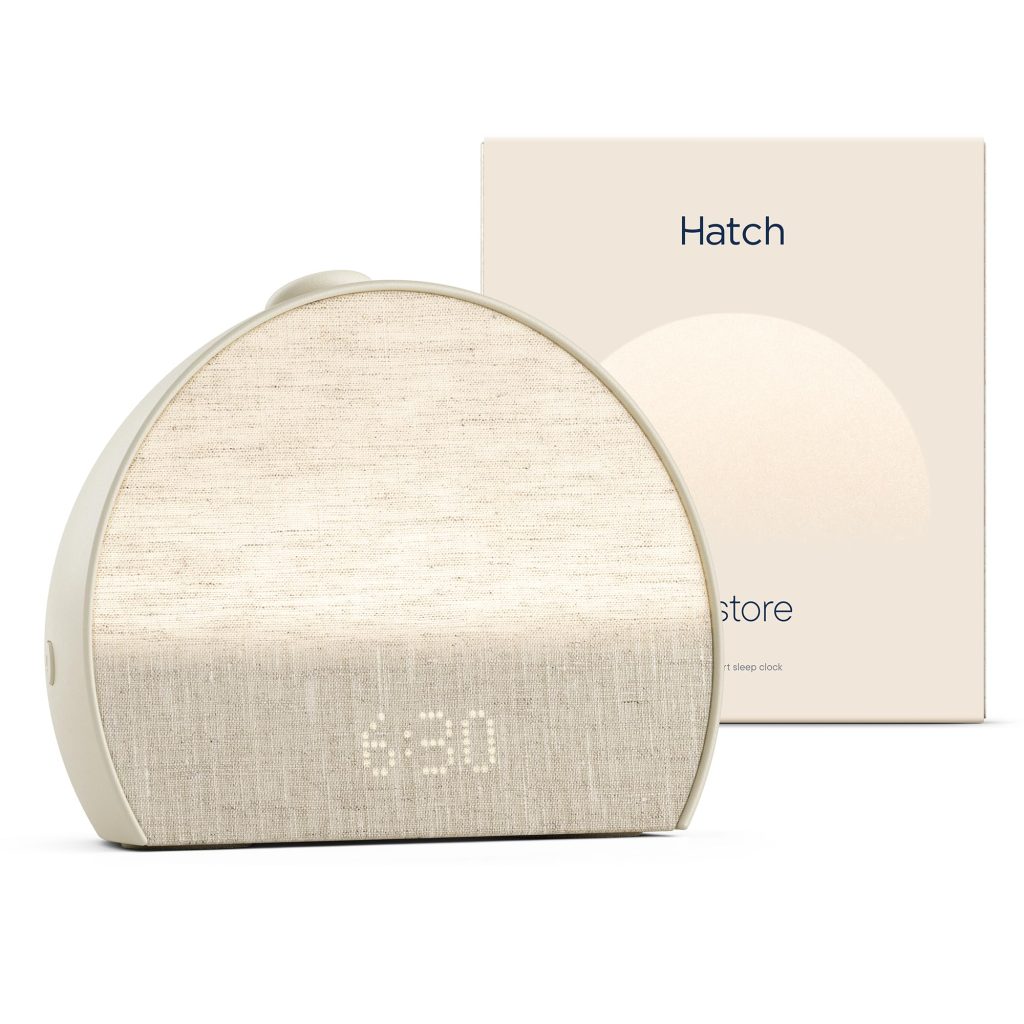
Think of the Sleep Clock as several bedside tools in one: a sunrise alarm clock, a contactless sleep tracker, and a personalized sleep coach.
Here’s what it actually does:
- Tracks your sleep. As it sits on your bedside table, it uses a low-power motion sensor to detect tiny movements from your breath and body to track your sleep length, quality, and REM cycles (important to note that there is no camera or microphone). It will be able to tell you when you got into bed, fell asleep, woke up, got out of bed, how long you slept, and can estimate your sleep stages: awake, light, deep, and REM. Hatch says its underlying sensor technology detects sleep with 97% accuracy.
- Helps you fall asleep with a customized bedtime routine you can build using light (blue-light-free lighting to signal to your body to release melatonin) plus sleep audio like meditations, sound baths, audiobooks, sleep music, etc. You can set your customized bedtime routine to begin at any time automatically, or turn on specific sleep audio when you’re going to bed.
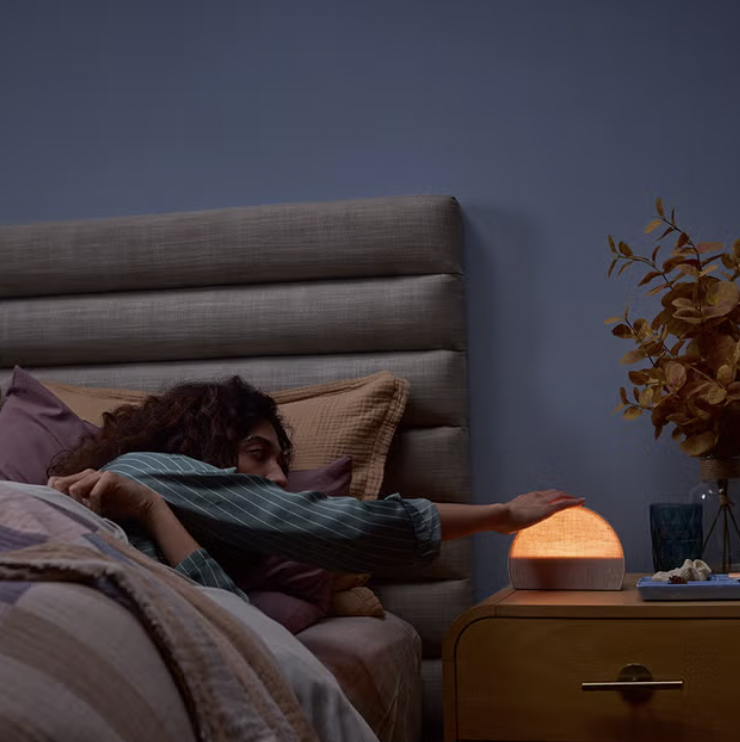
- Wakes you up “naturally.” The sunrise alarm gradually brightens the room (stimulating a sunrise) rather than relying only on a jarring alarm sound. You can also customize a wake up routine, using sounds, meditations, or music to wake you up.
- Learns your patterns overtime to give recommendations. After about seven nights, the Hatch app will start giving you personalized “Night Notes,” such as suggesting a slightly earlier bedtime or changes to your wind-down routine based on your actual sleep patterns.
What I like most about the Hatch Sleep Clock
A bedtime routine that doesn’t start with opening another app
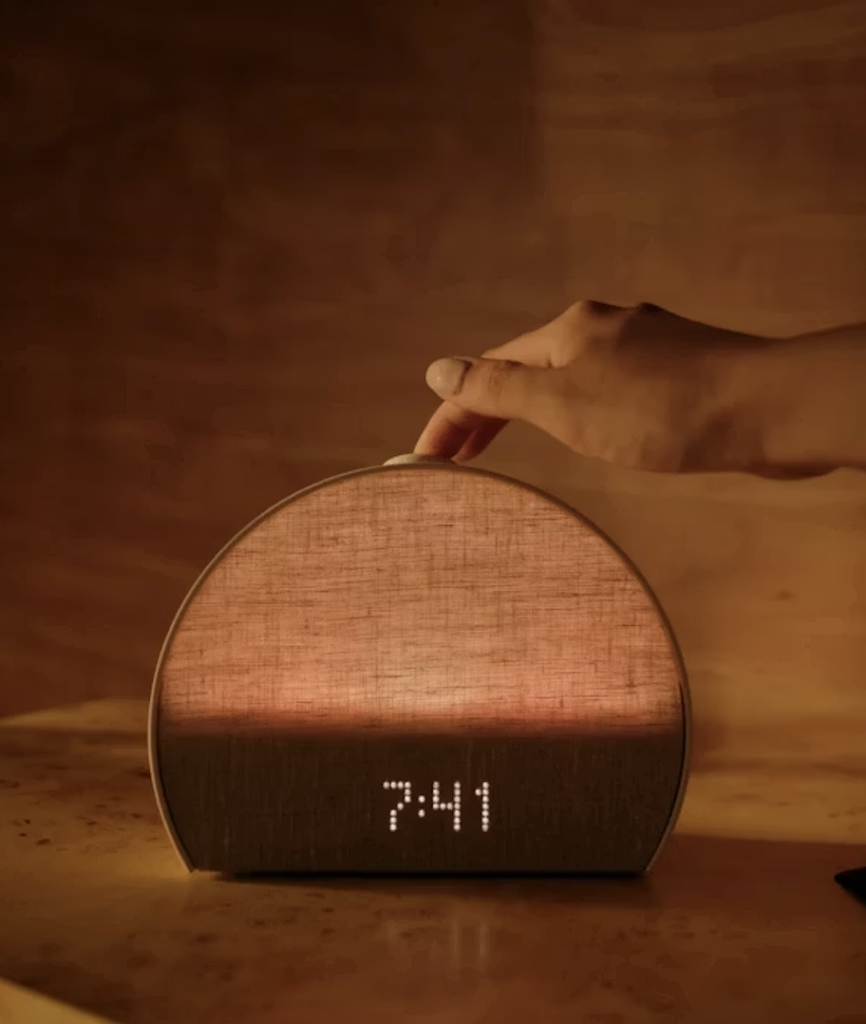
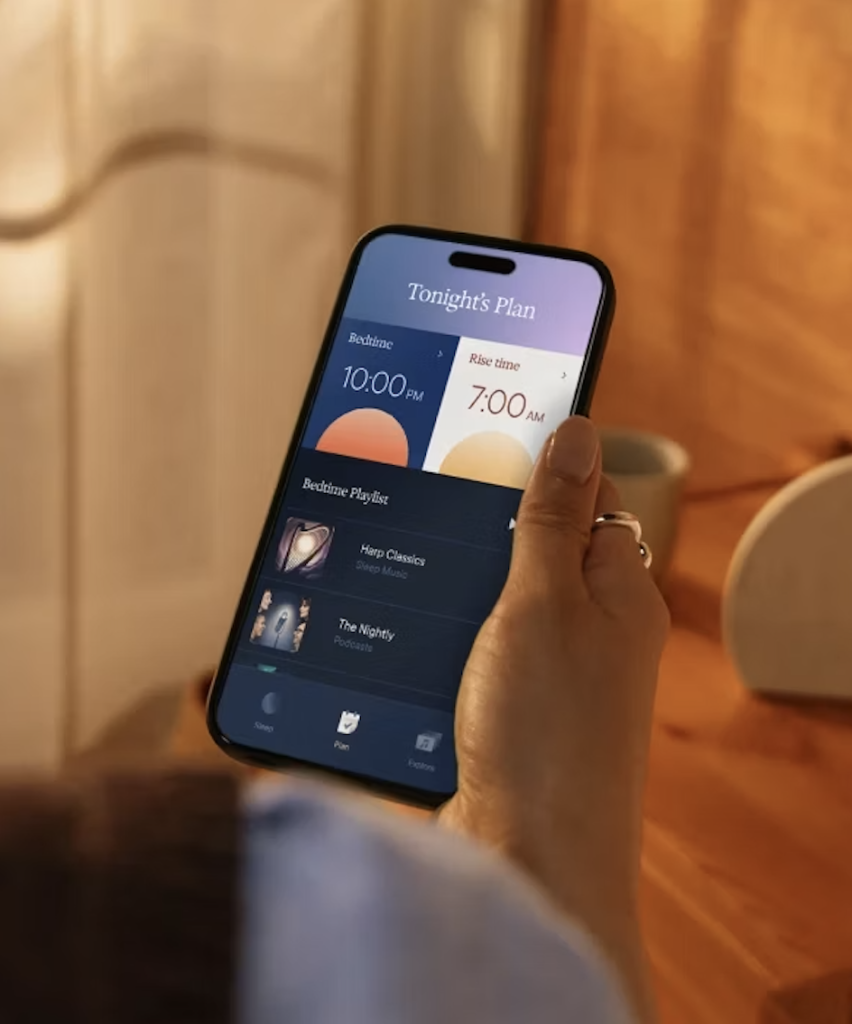
Yes, the clock is connected to an app on your phone, but you don’t have to go on it in order to use the clock or begin your morning and nighttime routines. Once you’ve set up your routine in the app, you can start your bedtime playlist using the large button on the device, twist it to adjust the volume, and hold it to stop the routine or turn off your alarm. For anyone working on being on their phone less, that gives you one less reason to bring your phone into your bedroom at all. You’ll still need your phone for setup and customization, as well as to review your sleep data, but the bedside experience is completely phone-free.
A “sunrise” alarm instead of an abrupt wakeup
The Sleep Clock gradually brightens as your designated wake time approaches, pairing light with sound to wake you up. This was a huge appeal to me, as it works with the way our bodies have evolved to wake up (gradually with the sunrise). I have always disliked a blaring phone alarm, and felt the immediate cortisol spike that came with it. I also like the sounds I can pick from–even just the wake up sounds are way better than the iPhone’s alarm options, but you can also select meditations, audiobooks, etc.
I have been loving waking up to a gratitude meditation–within the first five minutes of my day I have already fit in a meditation (a far cry from months ago when the first thing I did after opening my eyes was check Instagram). I like to be able to choose a “wake-up experience” rather than accepting one of the 10 iPhone alarm sounds I picked years ago (which range from stressful to annoying).
Sleep tracking without another thing to wear
If you’re curious about your sleep but don’t want a device on your wrist or finger overnight, tracking from the nightstand is a compelling option. To be honest, I have historically been weary about trackers (I’ve seen far too many people pacing around their living room at night in order to hit 10,000 steps so their tracker gives them a crown), and I believe they’re just getting us more disconnected from our bodies (I know if I got a good or bad night of sleep based on how my body feels the next day?).
But after testing out the Oura Ring, I did experience a lot of benefits of tracking my sleep. I’ve realized how much more time in bed I need to be able to get enough quality hours of sleep. A few months ago I lost my Oura Ring charger and rather than replacing it, decided to take a break from 24/7 tracking, which is also why the Hatch Sleep Clock appealed to me: basic sleep tracking without anything to wear or giving me a score or making me feel bad about getting 8,000 steps instead of 10,000.
And Hatch’s sleep tracking has it’s benefits. For example, last Saturday night I was in bed from 10:30 p.m. to 8:00 a.m., and was feeling proud of myself for getting so much sleep. But my Hatch app showed I wracked up only seven total hours of sleep that night. The awareness has helped me prioritize my evenings to improve sleep quality, and made me protect extra time in bed in order to get enough sleep. It also sparked conversations with my doctor to figure out what I can do to fall asleep faster and avoid waking up in the middle of the night.
How it compares to other sleep tracking devices
There’s the obvious that it’s a non-wearable sleep tracker, but its approach to sleep data is also noticeably different. Compared to devices like the Oura Ring or Apple Watch, Hatch deliberately does not give you a sleep score, nor does it track metrics like heart rate or HRV. Instead of giving you dozens of health metrics to analyze, it focuses on the basic information that can actually help you sleep better: how long you slept, your sleep stages, movement and breathing patterns, and personalized insights based on what it notices over time.
The concept is less, “Here are 50 metrics so you can know everything happening in your body,” and more like, “Here’s what your sleep looked like and here’s something you can try tonight to improve it.” For anyone who finds traditional sleep trackers overwhelming (or has ever stressed over a less-than-perfect sleep score), that simplicity is actually one of the Sleep Clock’s biggest selling points.
Hatch Sleep Clock vs. Restore 3: Which should you buy?
The Restore 3 is another Hatch product Everygirl Editors have used and loved. The Sleep Clock contains all the same features of the Restore, but it also has sleep tracking. The Restore just has the sunrise alarm clock features, rather than the ability to track sleep.
Choose the Sleep Clock if… you want sleep tracking without a wearable, and expect to use the insights (during Amazon Prime Day sale, it costs $64 more than the Restore 3, so consider if that’s worth the tracking feature).
Choose the Restore 3 if… your main goals are a sunrise alarm, bedtime audio, and less phone use in bed (it covers those features for less money). Especially if you already have a sleep tracker you like, opt for the Restore.
What to know before buying
Placement matters
Since The Sleep Clock tracks your sleep, it isn’t a device you can put anywhere on a dresser and forget about. The setup guide says to place it two to four feet from your body when you’re lying in bed, with the bottom of the device level with or above the top of your mattress. So check your nightstand before buying, especially if it sits much lower than your mattress or far from the bed (the directions also recommend you can put it on a stack of books if you nightstand sits too low).
Some audio costs extra (but the initial purchase should be the only necessary cost)
While other trackers or meditation apps require a monthly subscription, the tracking and the wide library of sleep audio and meditations does not come with a monthly fee. You can purchase Hatch+ (to expand the audio options with more than 2,500 meditations, sleep stories, sound baths, ASMR, etc. The brand lists the subscription at $5.99 per month, with a 30-day free trial included with the Sleep Clock), but you do not need Hatch+ to access the Sleep Clock’s contactless tracking, personalized insights, or a wide variety of sounds, audiobooks, meditations, alarms, and lights. Personally, I feel like their included options were more than enough. If having a hugely extensive content library is what excites you most, factor the ongoing cost into your decision. If you mostly want the alarm and tracking, the subscription is optional.
As I was setting up, the app asked me if I share my bed–and gave me the option to select both with another person, as well as with my dog (my husband sleeps like the dead, and my dog snores like an 80-year-old man, so it was important that it could still track my sleep scores without my bedmates interfering). Hatch’s website clarifies, “The Hatch Sleep Clock’s contactless sensors are calibrated to track the person closest to the device, so sharing a bed won’t affect your data.”
Is the Hatch Sleep Clock worth it?
I think Hatch truly has the best alarm clocks available, due to the light and sound options that help you both wind down and wake up. The Sleep Clock makes the most sense for someone who wants a dedicated bedtime device and is genuinely interested in using its tracking. If your priority is just to wake you up, I’d consider the less expensive Restore 3. But if you’re someone who struggles with sleep, wakes up feeling less than energized, or wants answers to how they’re actually sleeping, I think the Sleep Clock is absolutely worth the investment (especially the Amazon Prime Day 20% off!)–no toxic scores or annoying wearable device necessary.

Josie Santi, Host of The Everygirl Podcast
Josie has been an editor and writer for The Everygirl since 2017 and became a certified Holistic Health Coach in 2020. Listen to Josie on The Everygirl Podcast, where she interviews guests and hosts episodes on a variety of educational, inspirational, and entertaining topics.
