

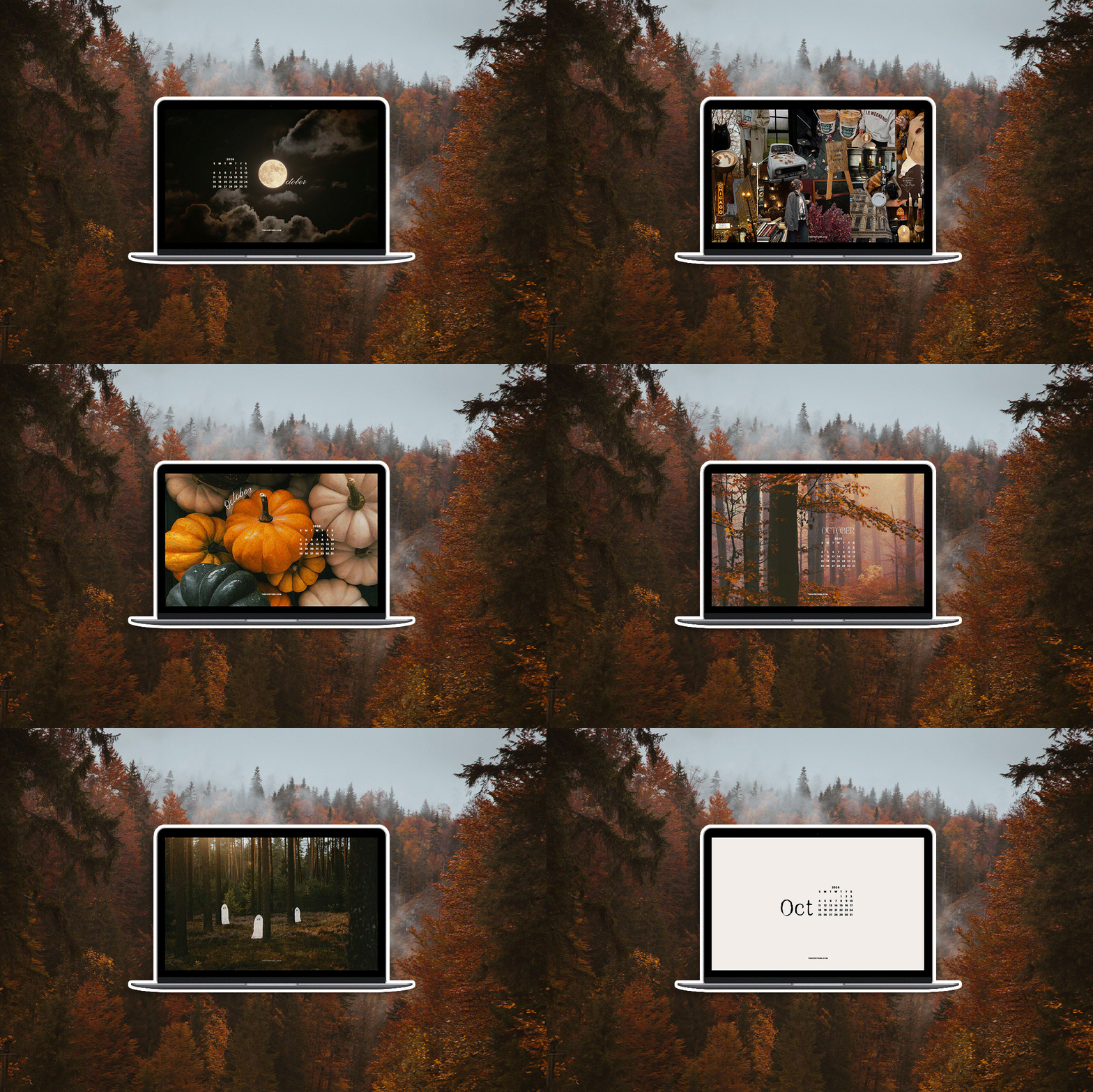
While September is fall’s first act, October is when the season really kicks into gear. We’re officially in prime sweatshirt weather, stoops are stacked with pumpkins and mums, and drugstore aisles are stocked with Halloween candy. Embrace these golden-hued, PSL-flavored days before the leaves drop away—starting with leaning into the October spirit with our latest tech backgrounds.
We rounded up ten free October tech backgrounds to bring a little spooky and spicy energy to your phone, laptop, and tablet. (Missed last month’s set? You can still grab those too.) Whether you’re drawn to a glowing full moon, a bird’s-eye-view of fall foliage, or teeny tiny pumpkins, there’s something here for every mood. Most come with a tidy October 2026 calendar so you can actually keep track of the month, and every single one is free to download. Below, find all of the October Everygirl tech backgrounds.
READ: The Absolute Best Costumes for Halloween 2026
The Everygirl’s Free Wallpaper & Tech Backgrounds
Every month, we give your screens a little refresh with a new collection of free tech backgrounds and wallpapers for your phone, desktop, laptop, iPad, and tablet. For October 2026, we’re leaning all the way into peak fall with moody autumn colors and just the right amount of spooky. So light your favorite fall candle and queue up a comfort movie because it’s time to embrace the season and change your background to fit the vibe. Consider this your permission to romanticize every single day of October.
What’s Included in Our October Wallpaper Collection
October is when fall really starts to show off, and these cozy designs are an easy way to bring a little of that seasonal magic to every screen. Think rich autumn colors, moody scenery, and playful Halloween touches that’ll have you craving crisp mornings and scary-movie marathons. We may be biased, but it really is the best month of the year.
Our October wallpaper collection includes free fall- and Halloween-inspired backgrounds for all of your devices, including your iPhone, desktop, laptop, iPad, tablet, and even your TV. Each design is available in multiple sizes, with October calendar options that start on either Sunday or Monday, plus no-calendar versions if you prefer a more minimal look.
Looking for more? Browse our previous tech backgrounds to find even more wallpapers for your phone and desktop.
Free October 2026 Wallpapers for Desktop, iPhone & iPad
We’ve created a fresh batch of October wallpapers, all free to download, featuring rich fall colors, cozy seasonal designs, Halloween-inspired details, and October calendars to give your screens a festive fall refresh. Scroll through, save your favorites, and bring a little October magic to your phone, desktop, laptop, or tablet.
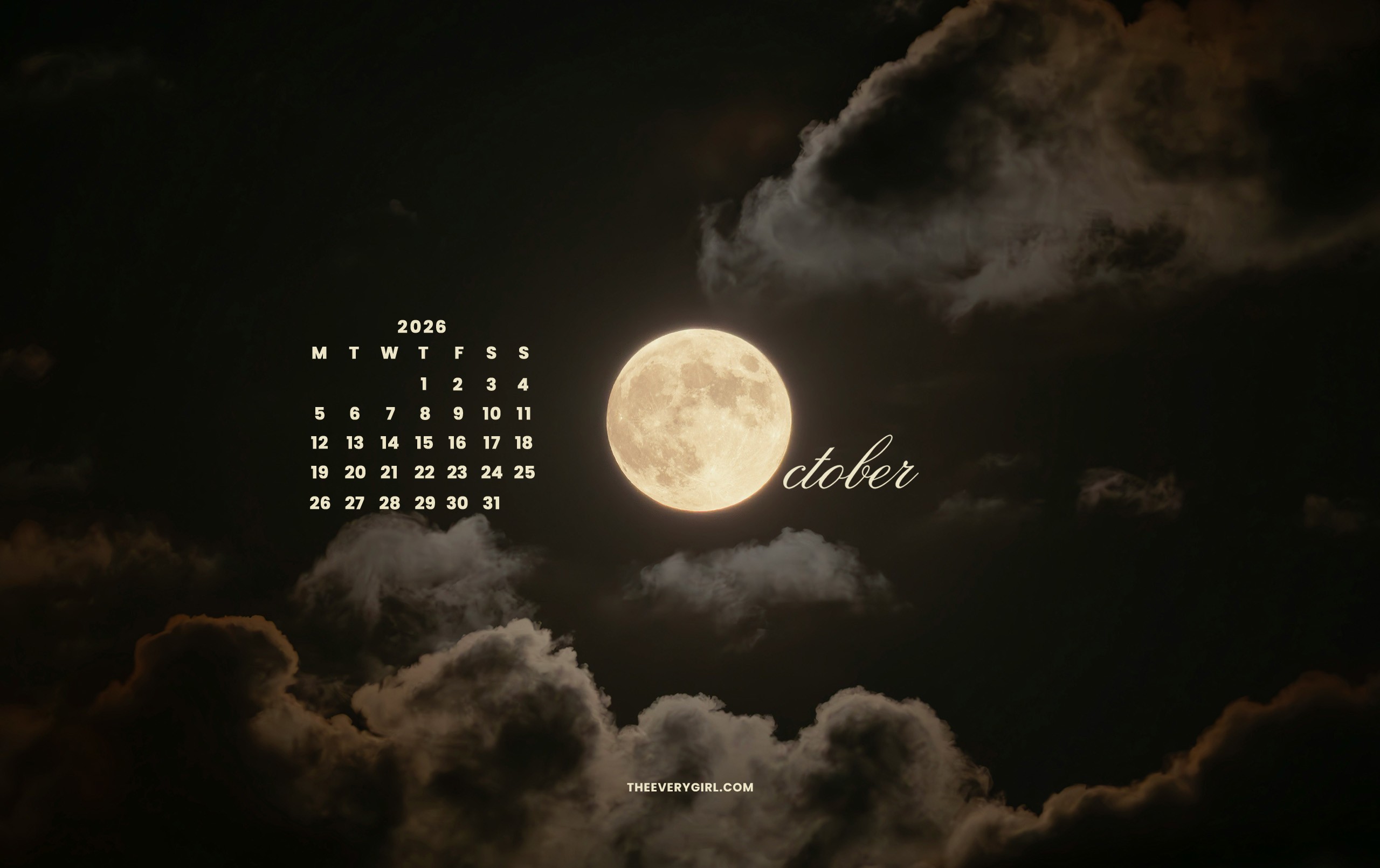
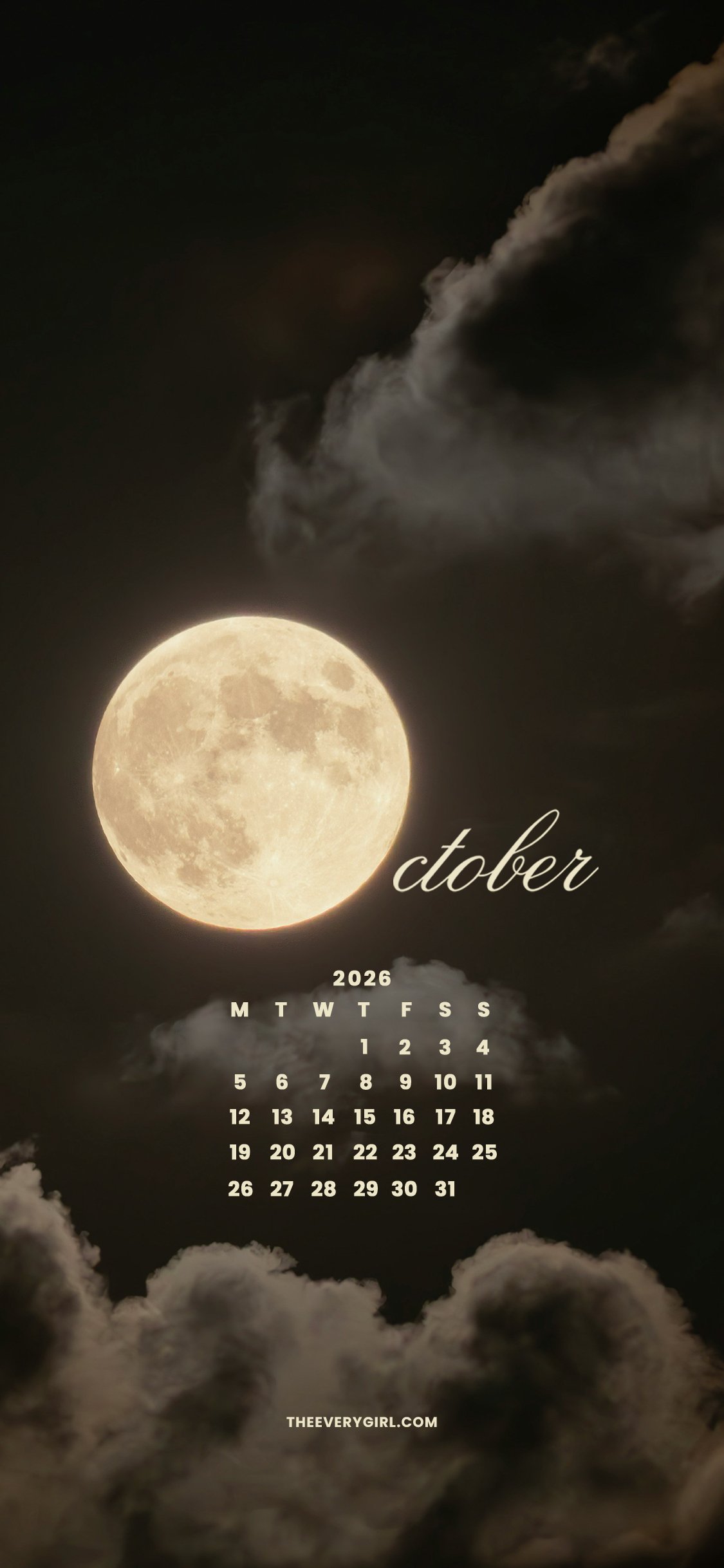
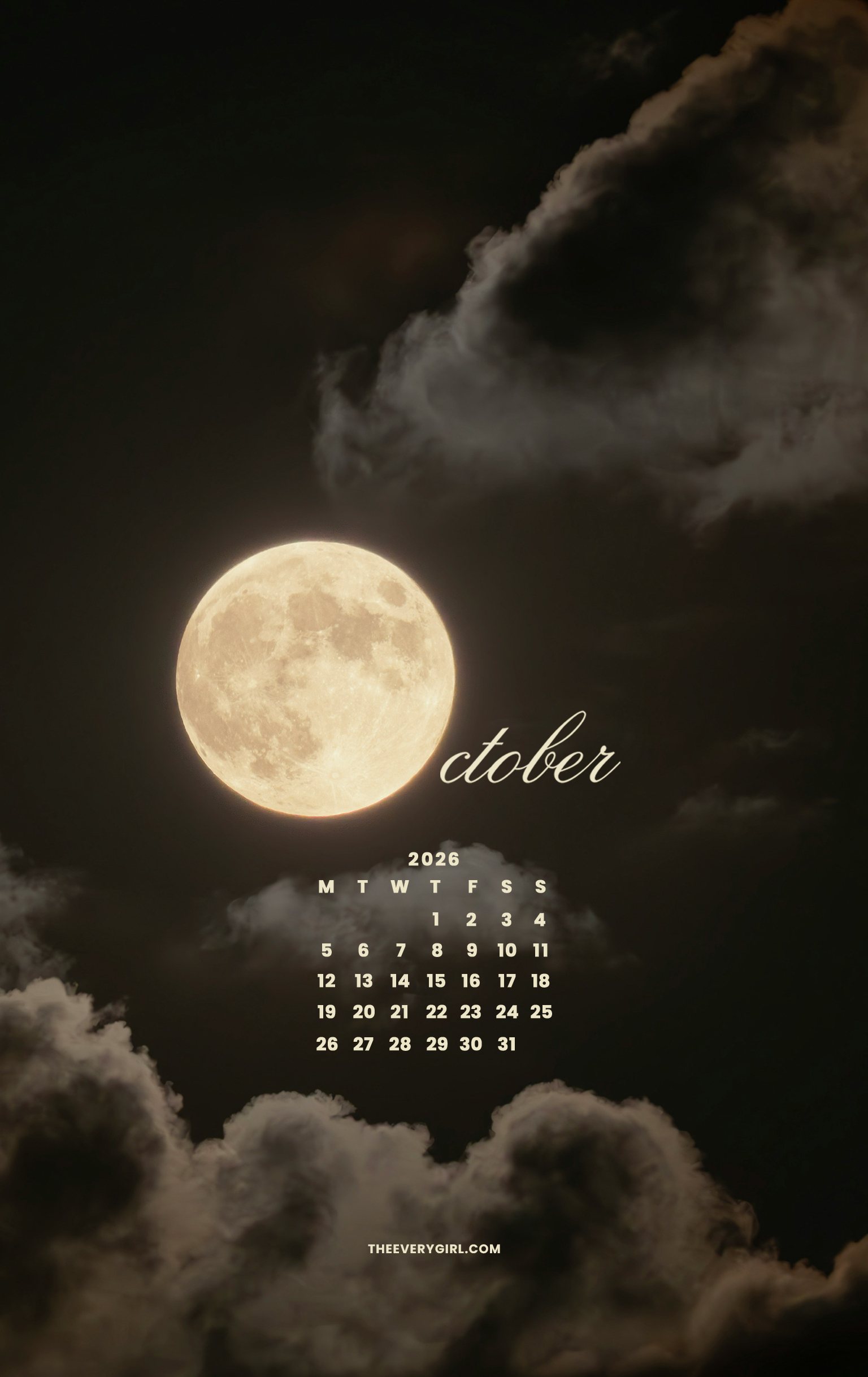
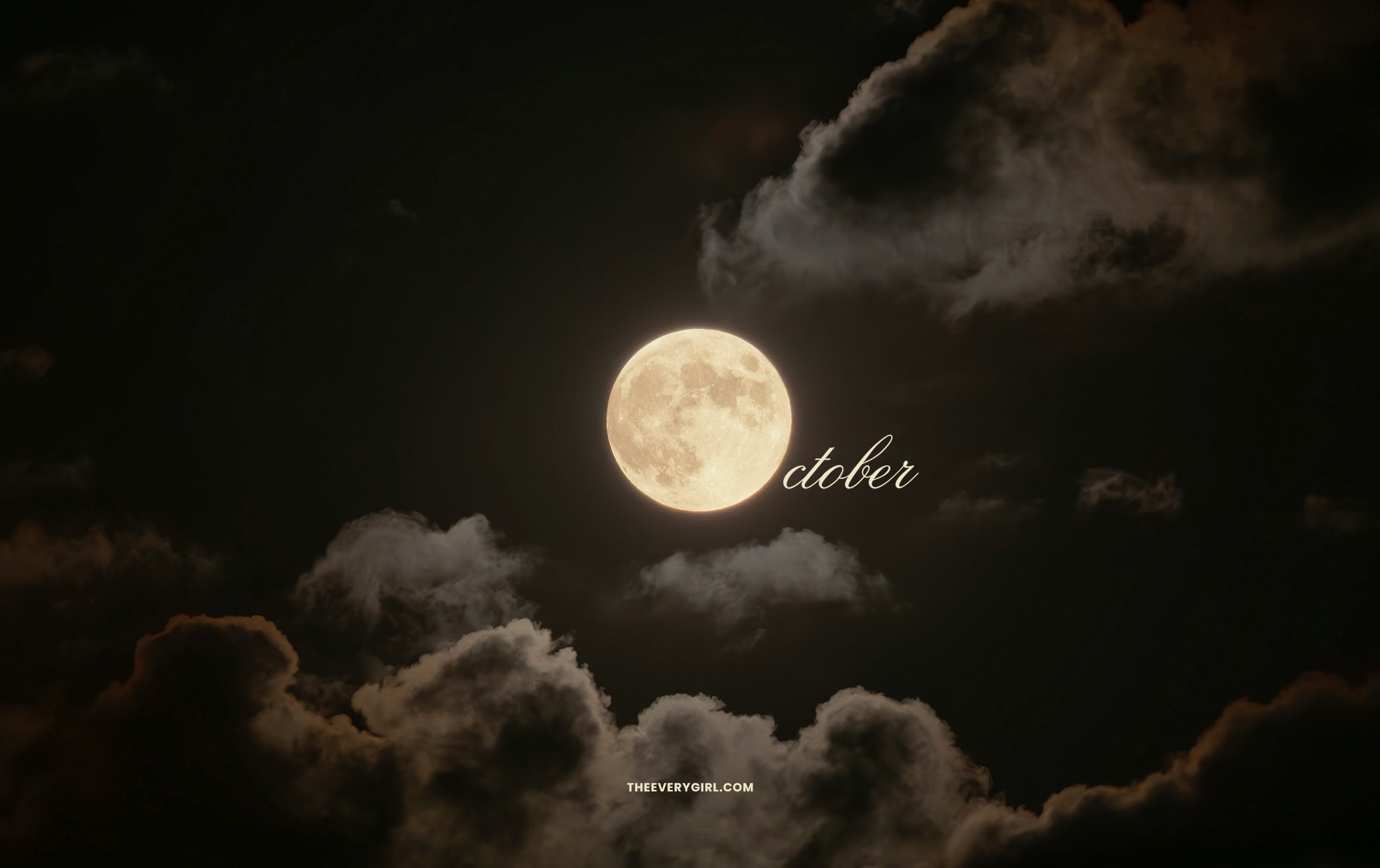
Full Moon Tech Background
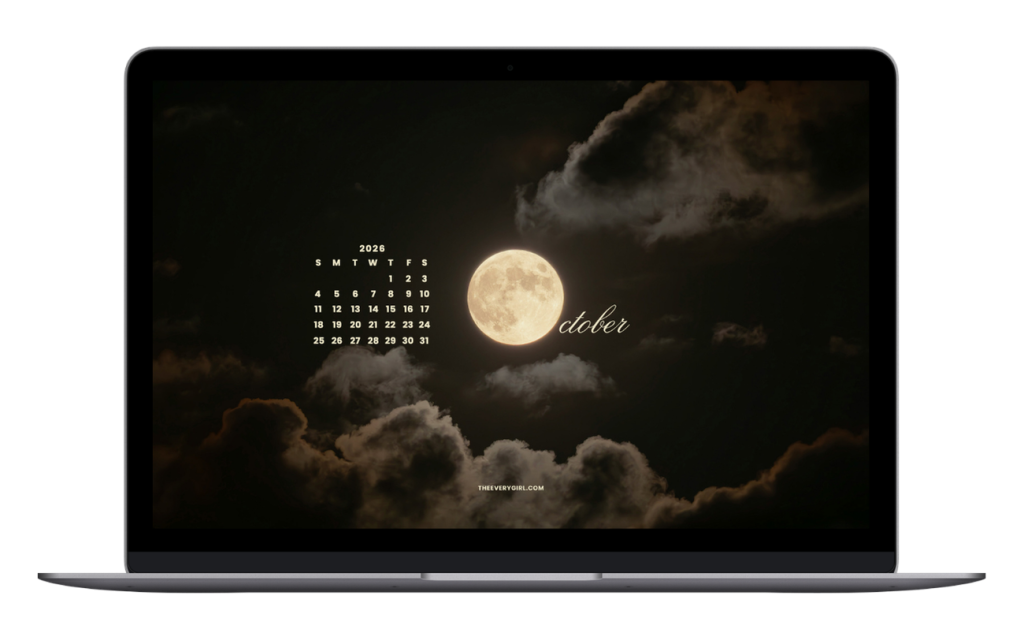
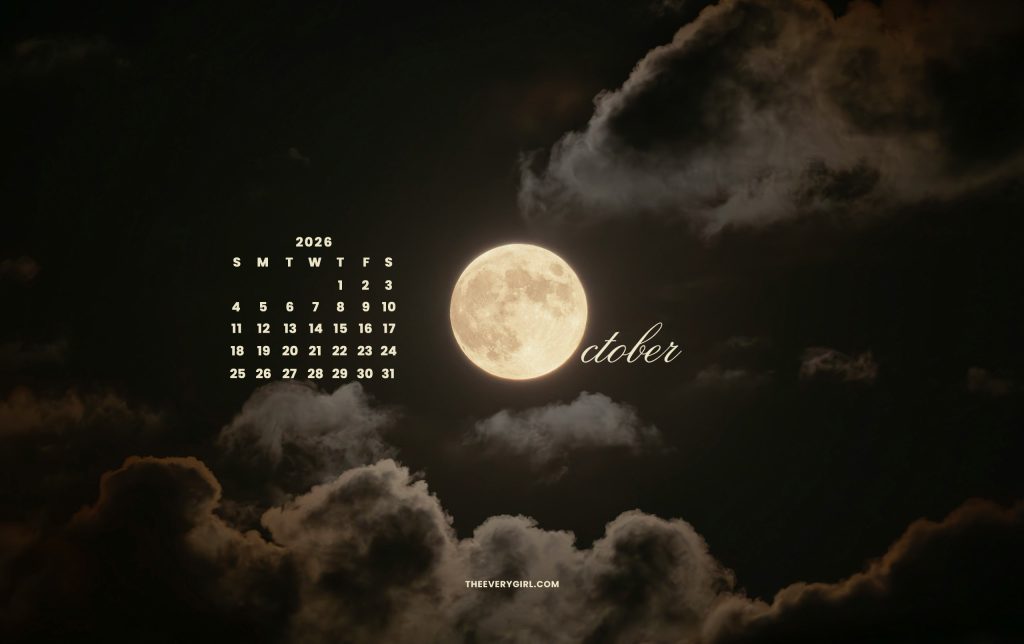
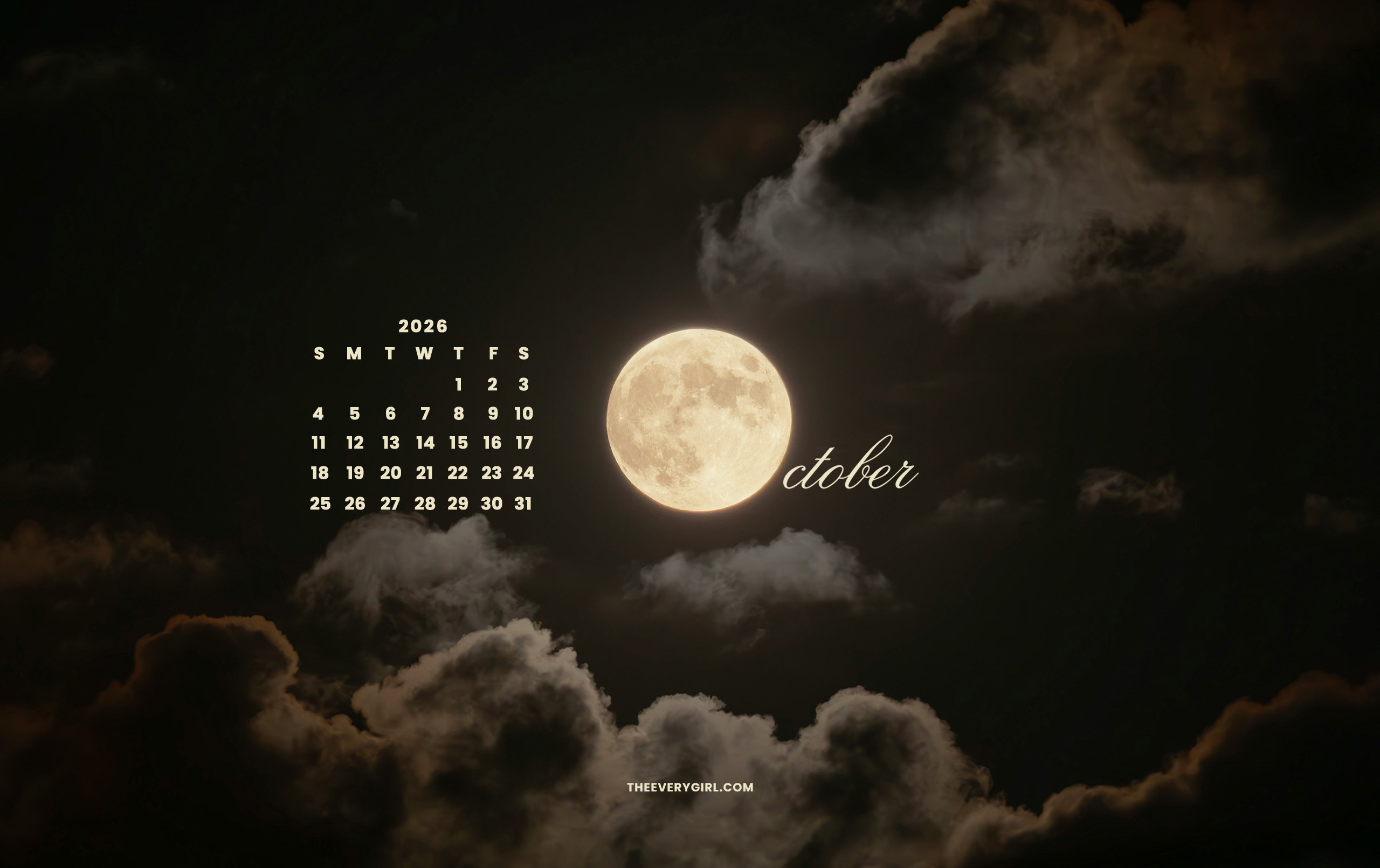
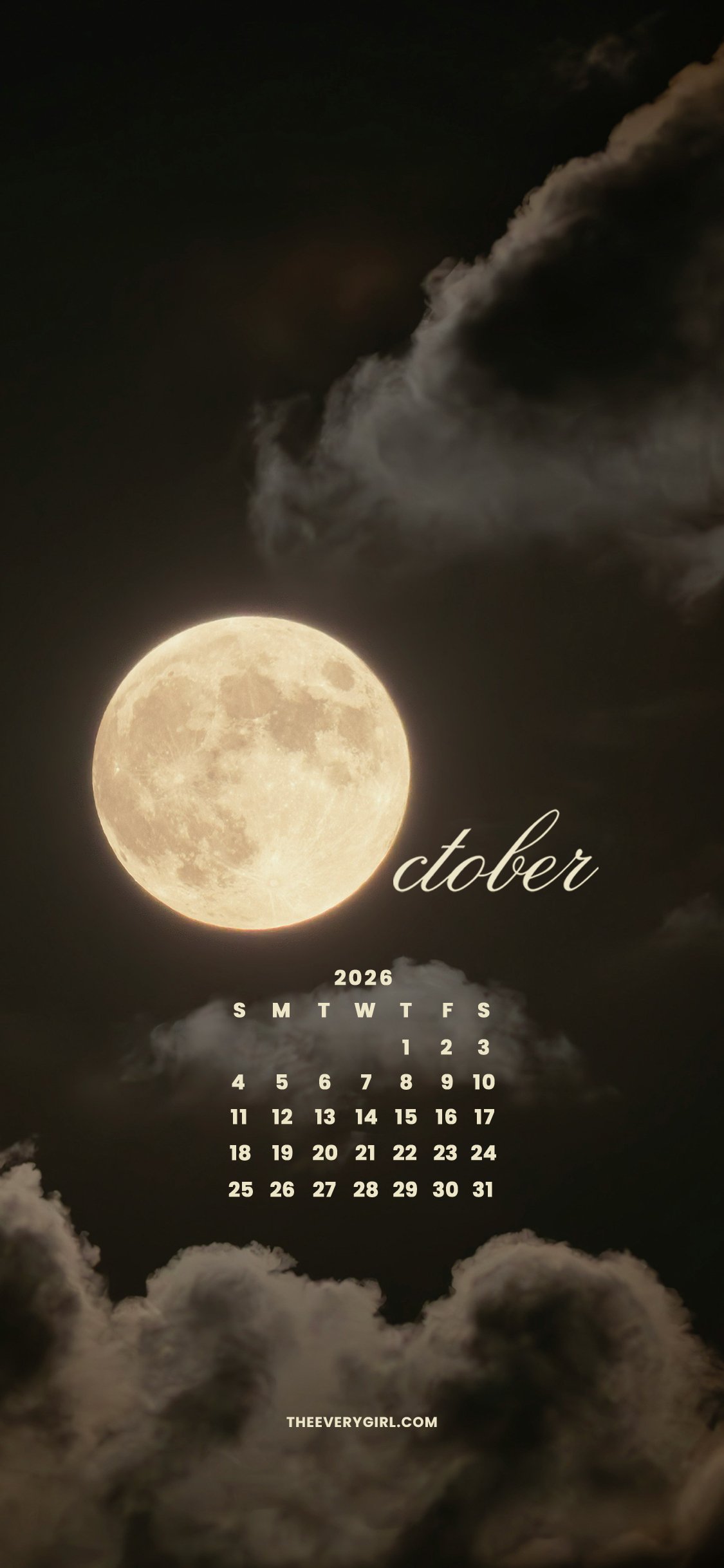
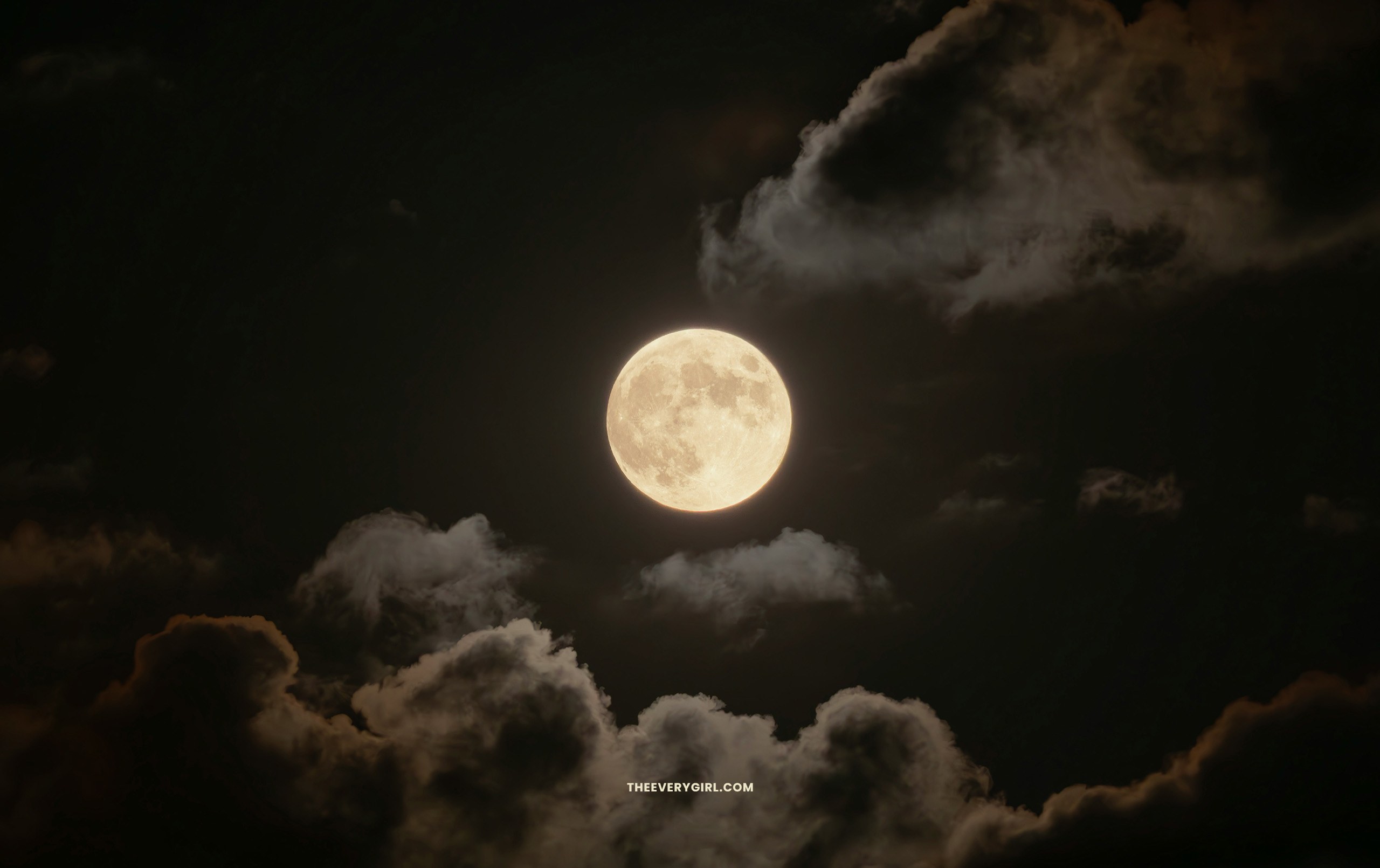
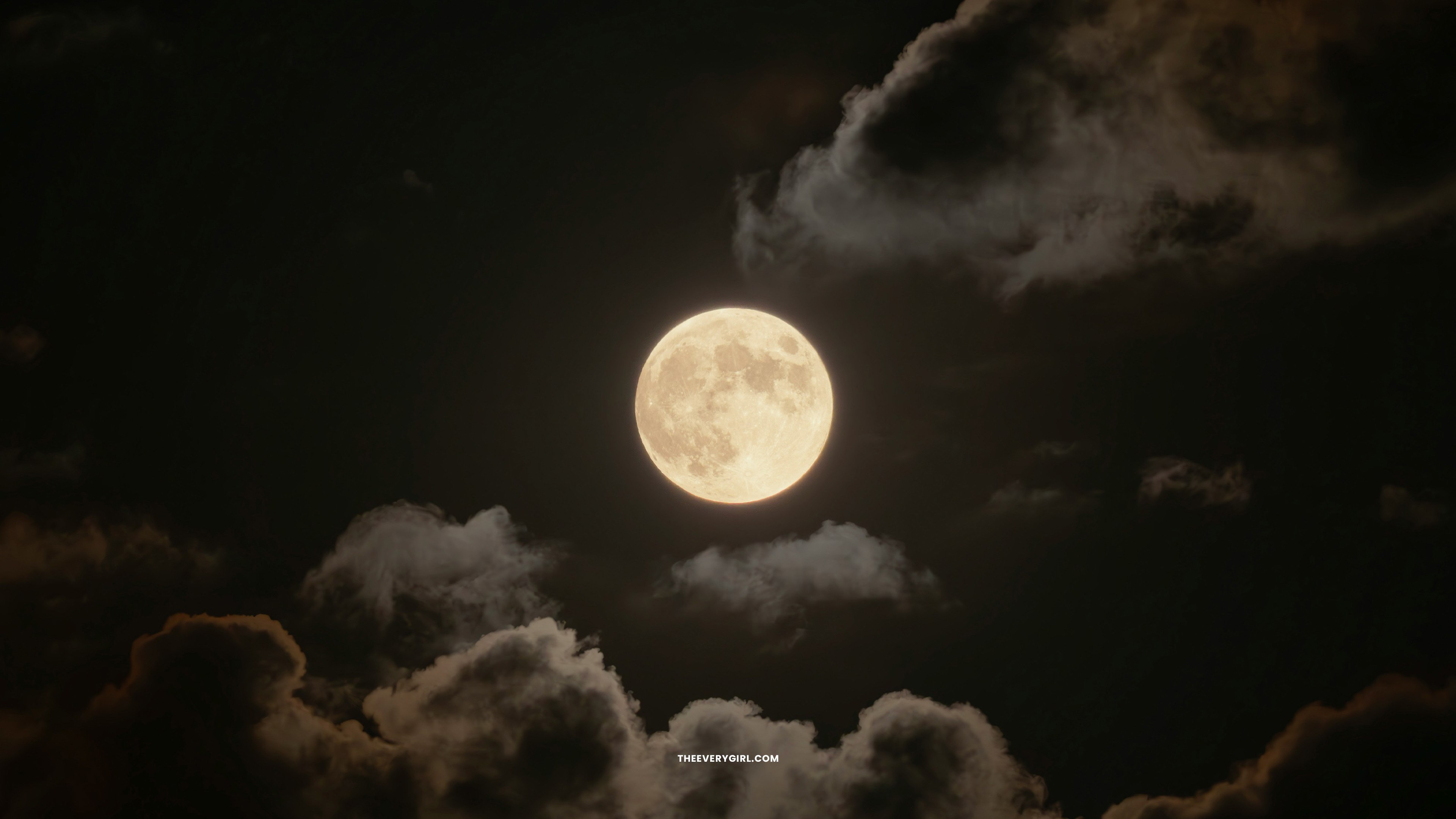
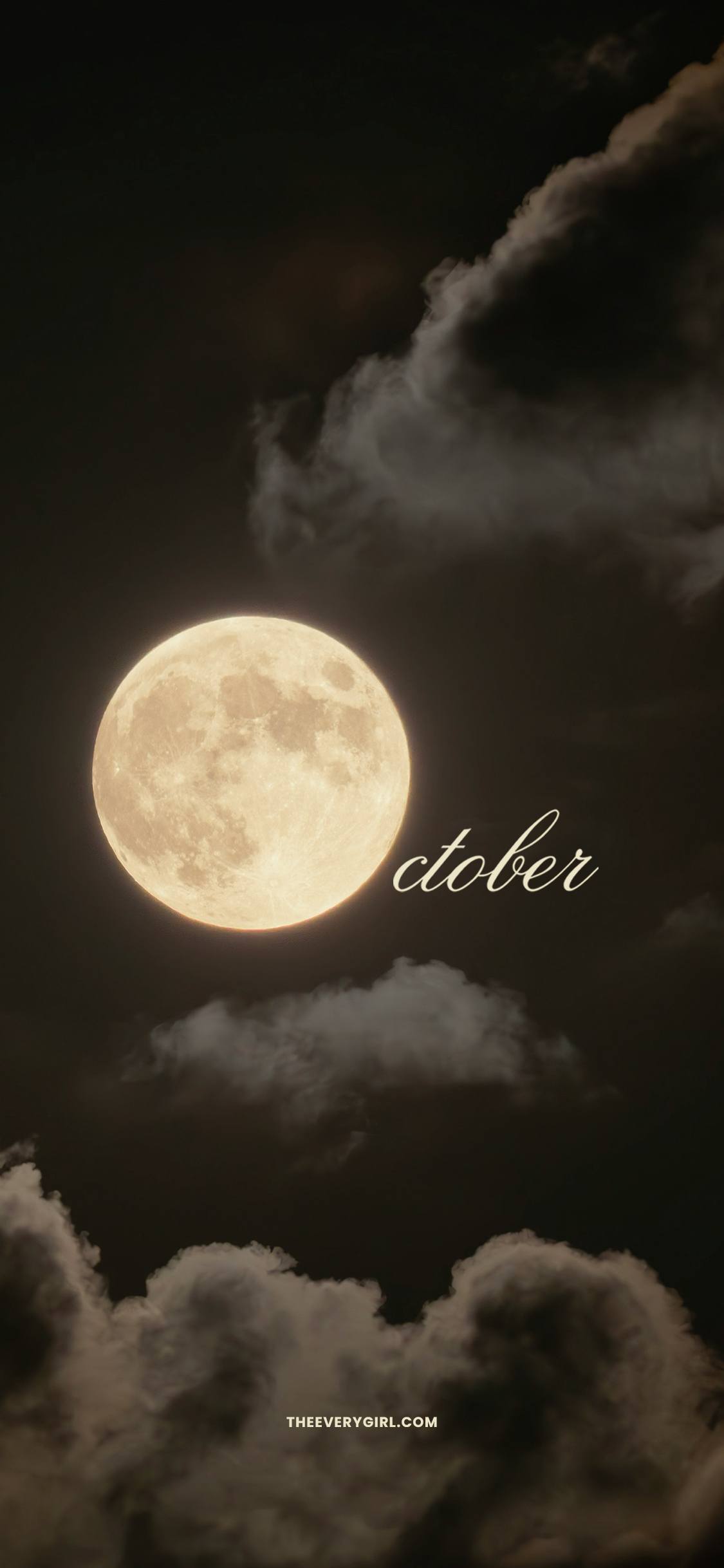
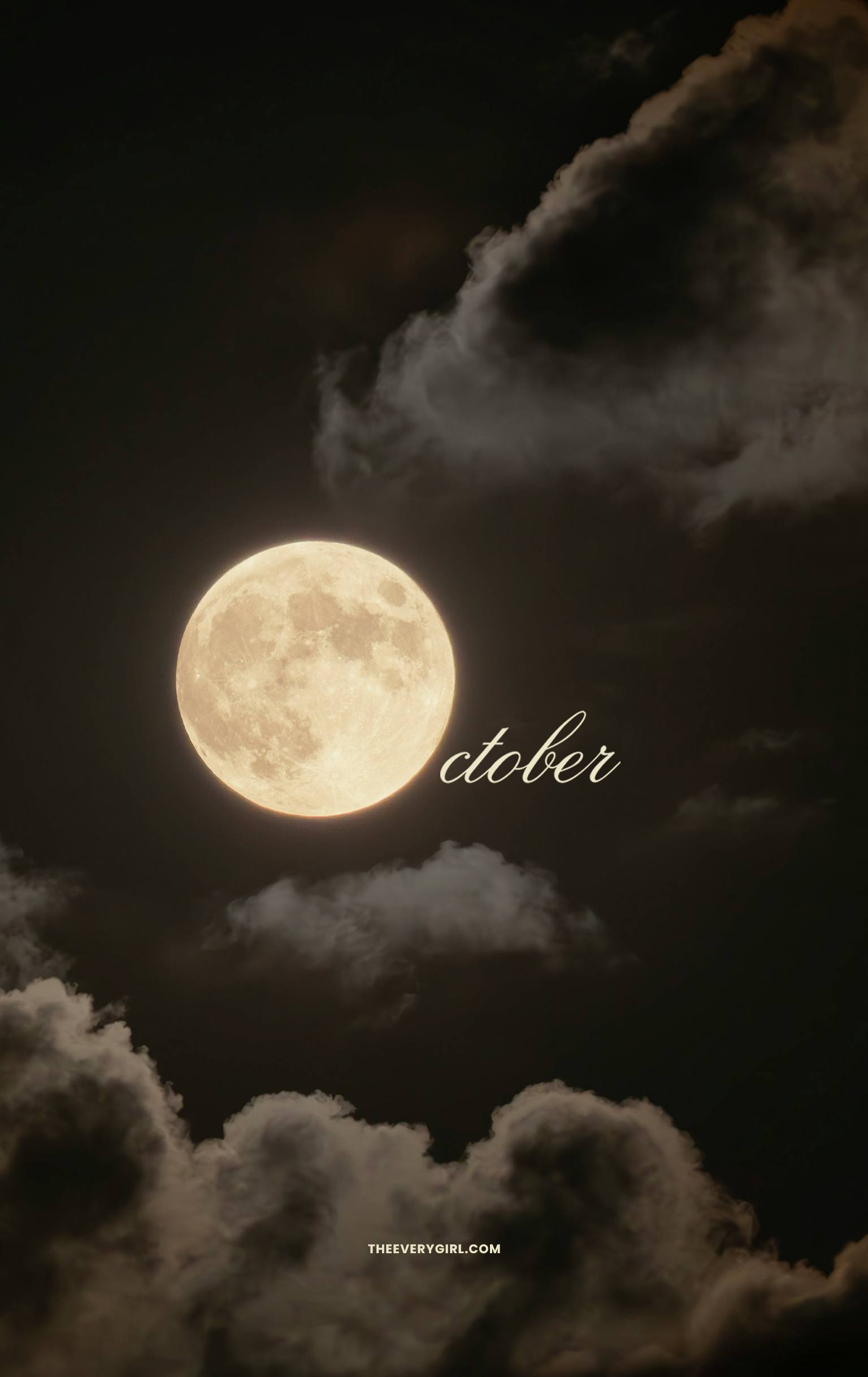
If October is synonymous with “spooky season” in your brain, this one’s for you. Looking at this glowing full moon in the midst of wispy clouds, I can practically hear a werewolf howling in the distance. It makes me want to light some candles, snuggle under a cozy blanket, and press play on Twilight—in other words, what October is all about.
CLICK TO DOWNLOAD
Calendar—Sunday Start
Desktop | iPhone | iPad / Tablet | Second Screen | TV Version
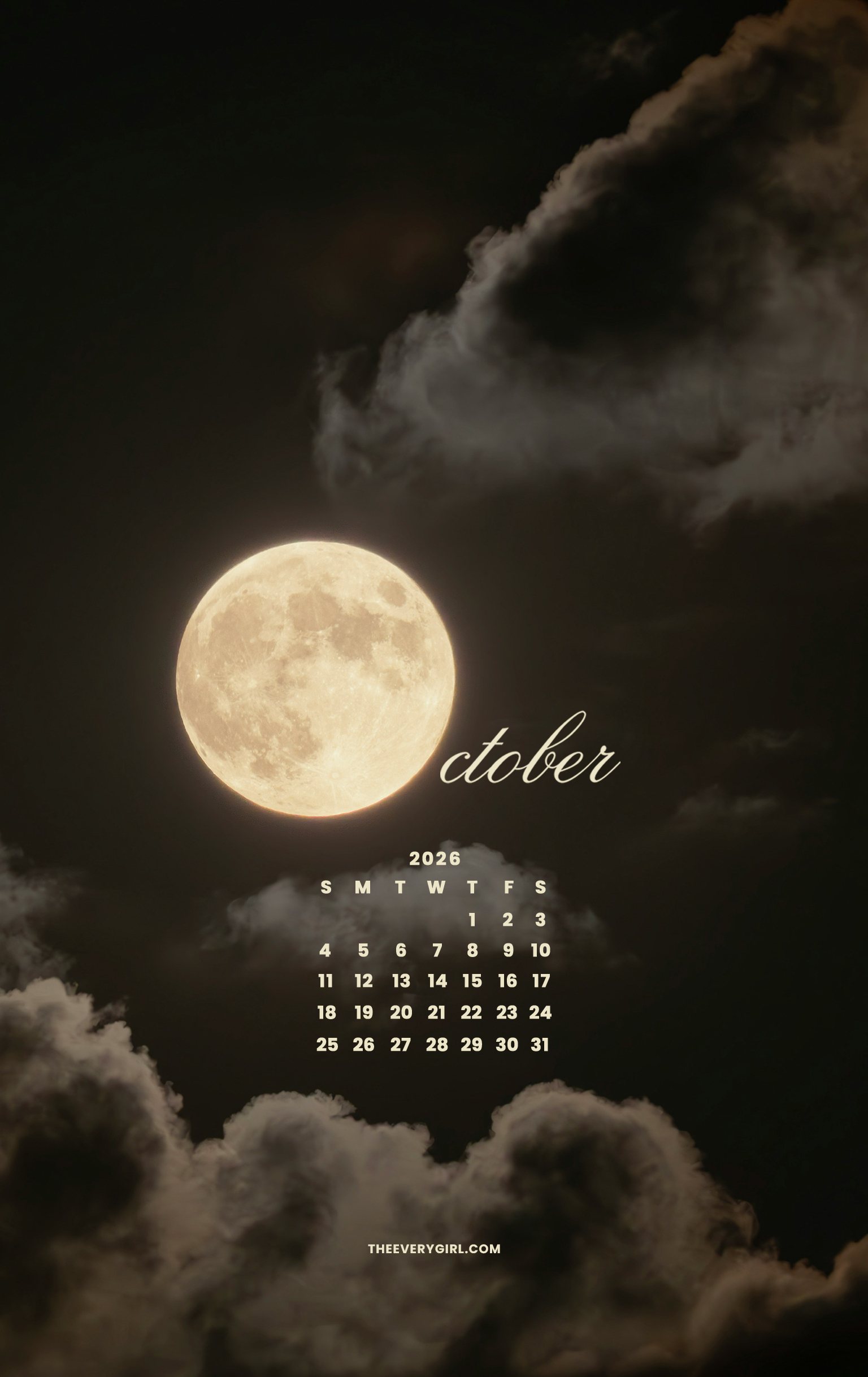
Calendar—Monday Start
Desktop | iPhone | iPad / Tablet
No Calendar
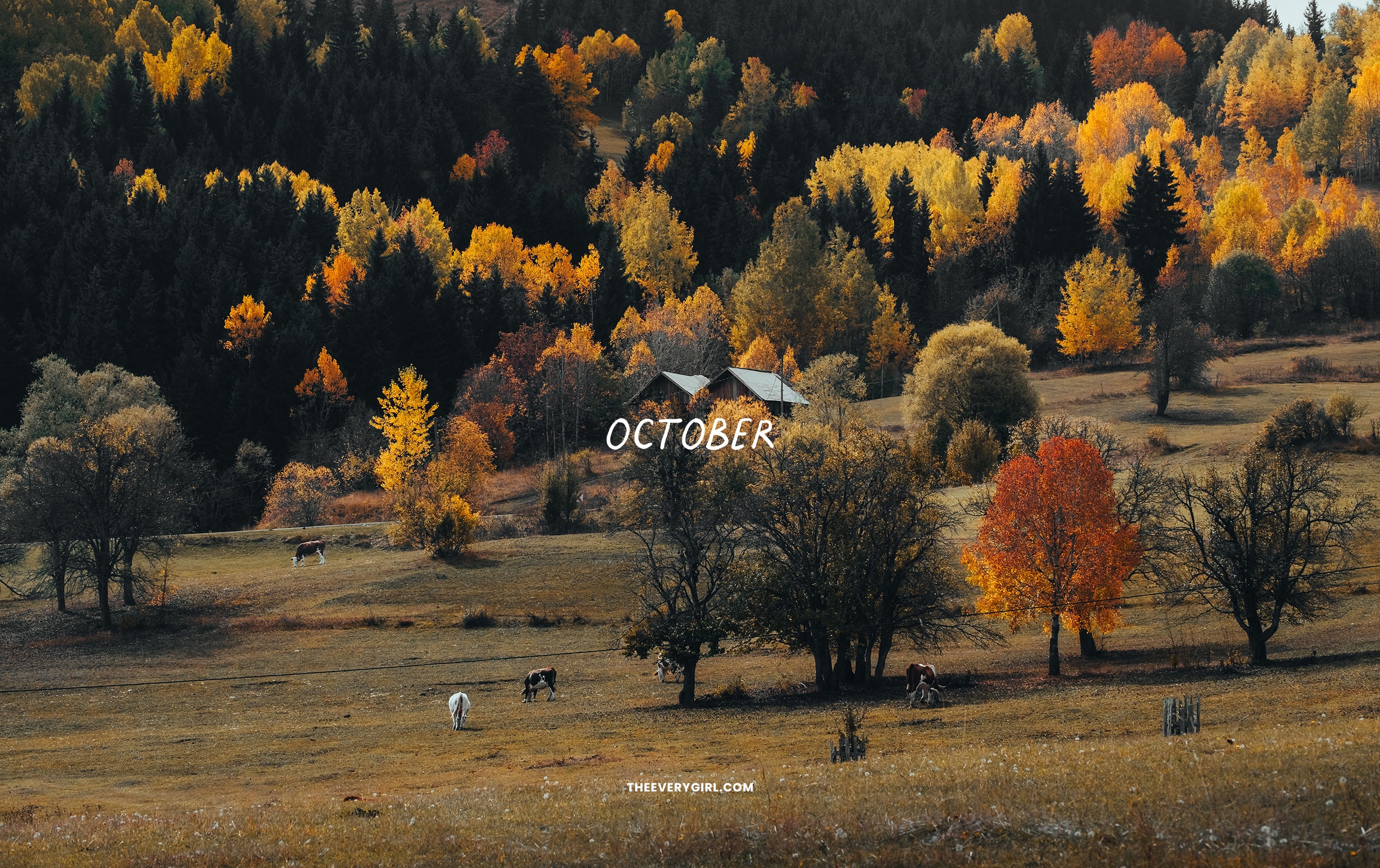
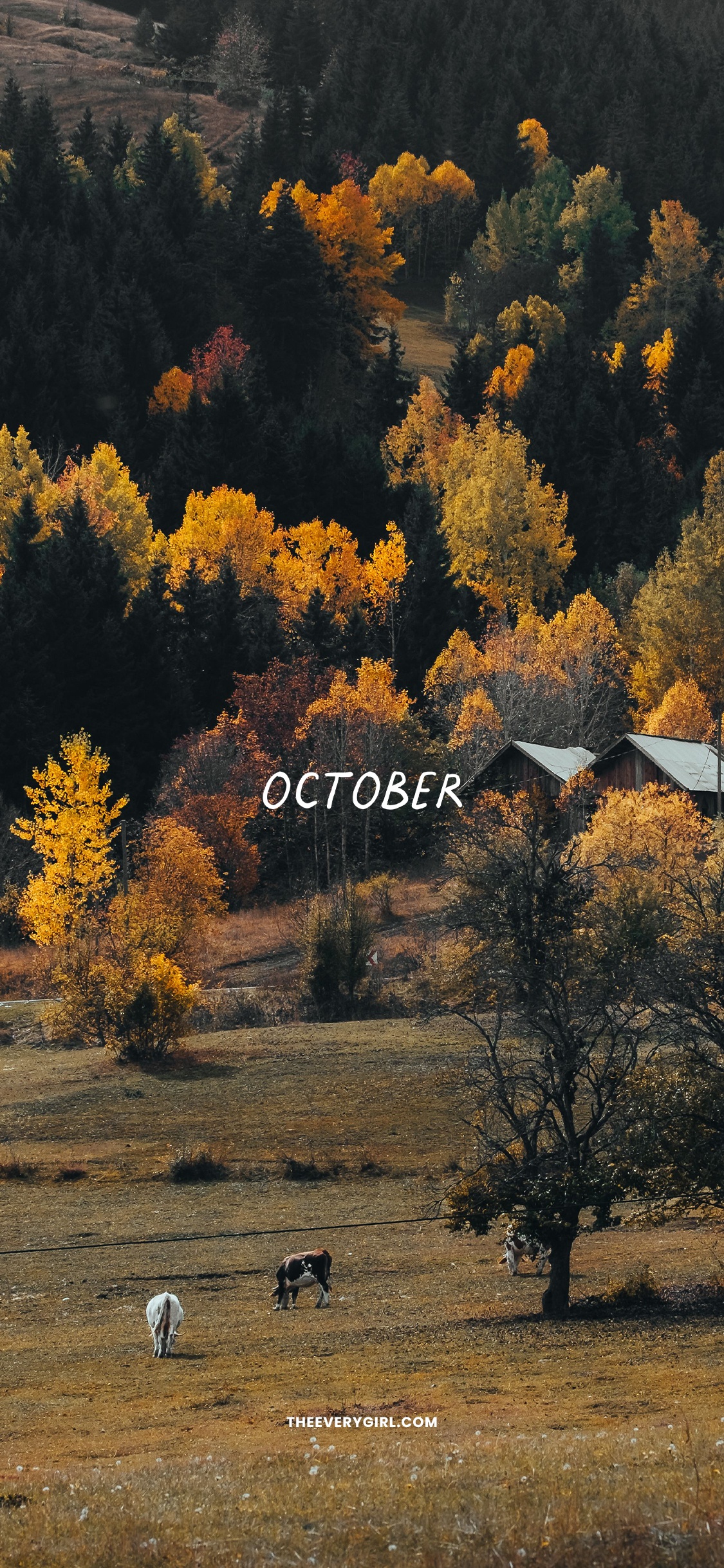
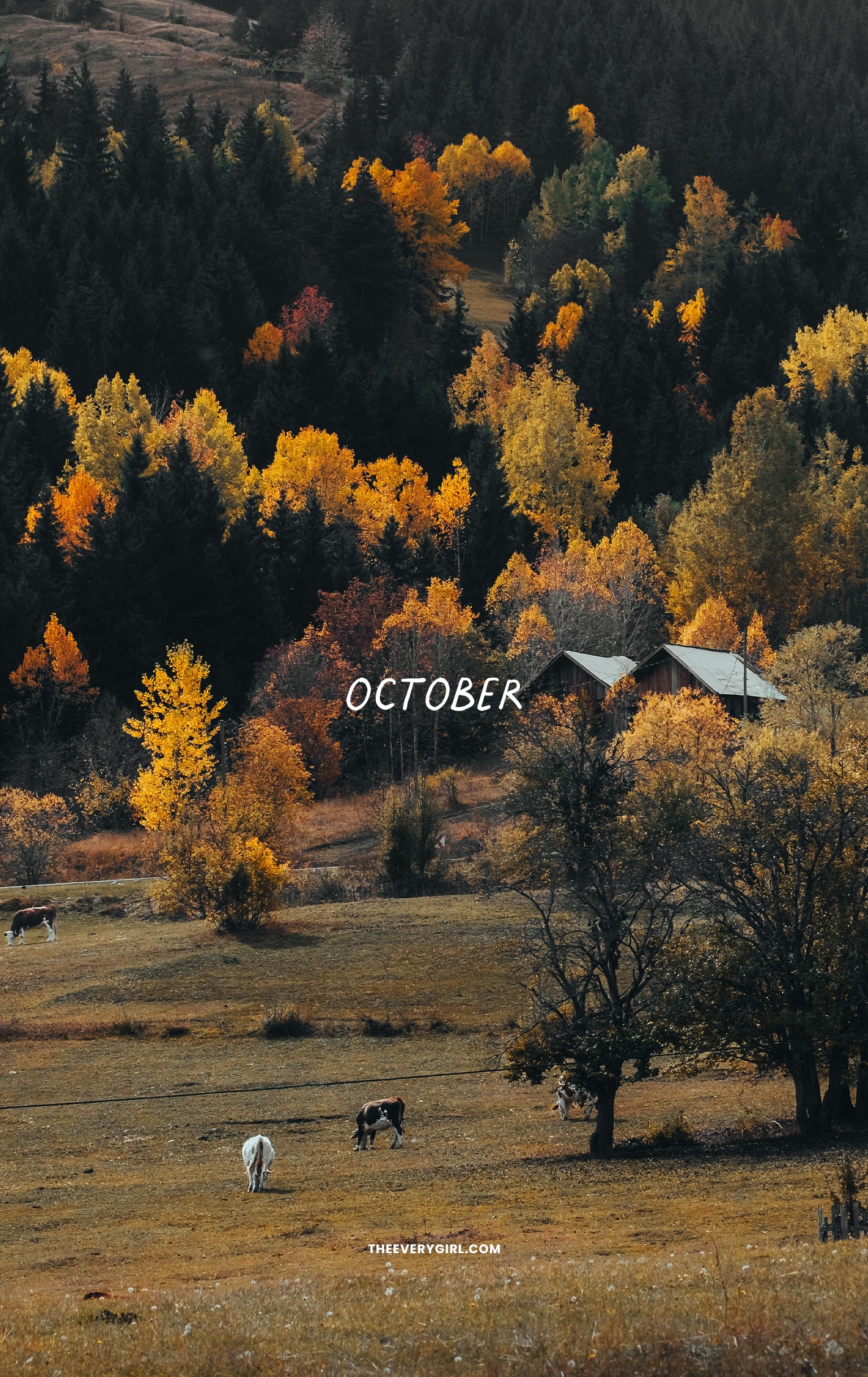
Farm Foliage Tech Background
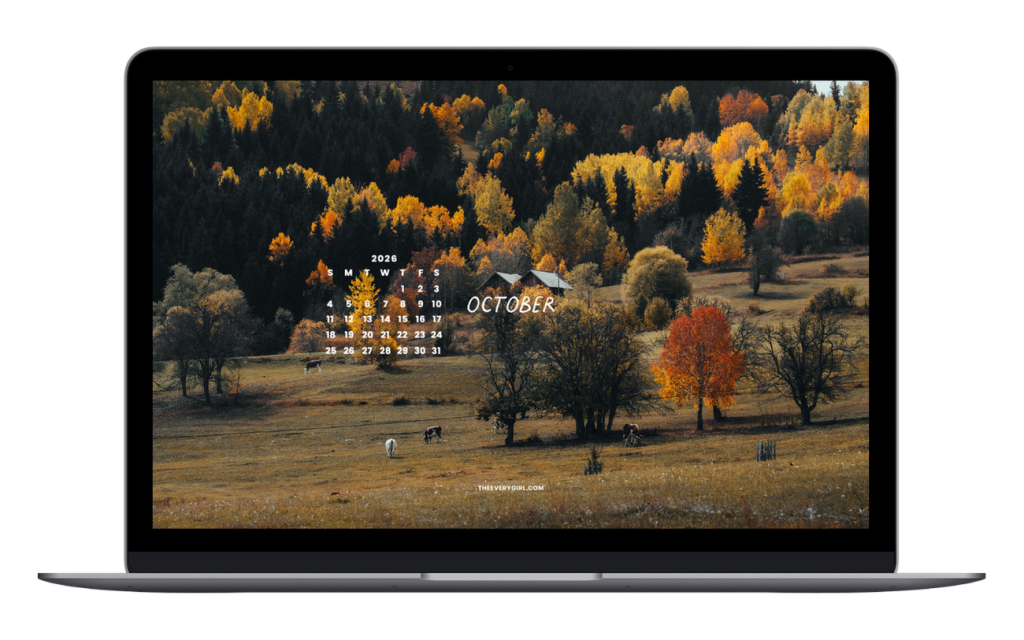
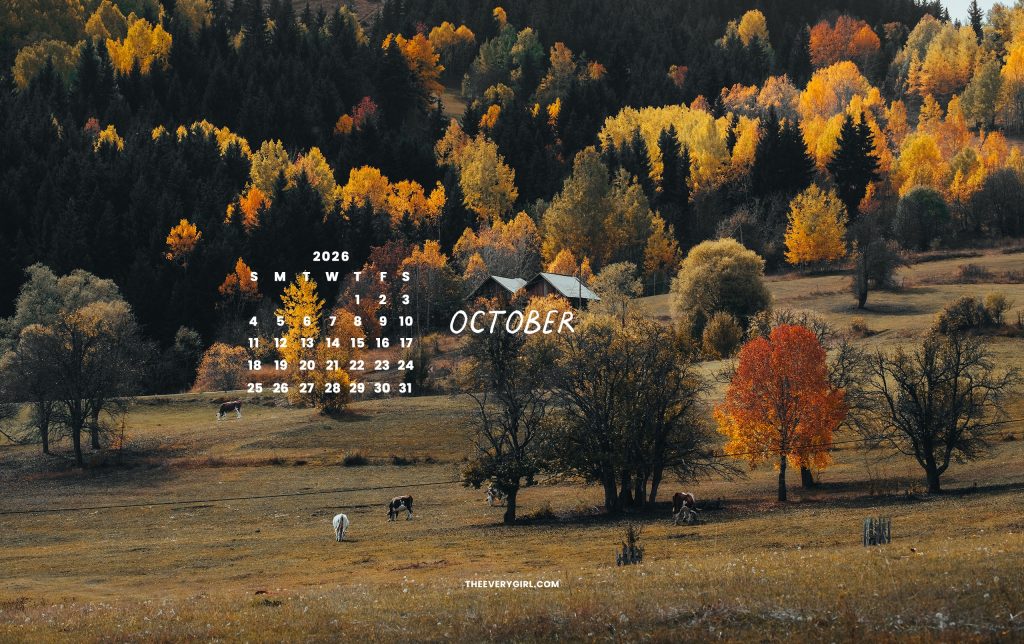
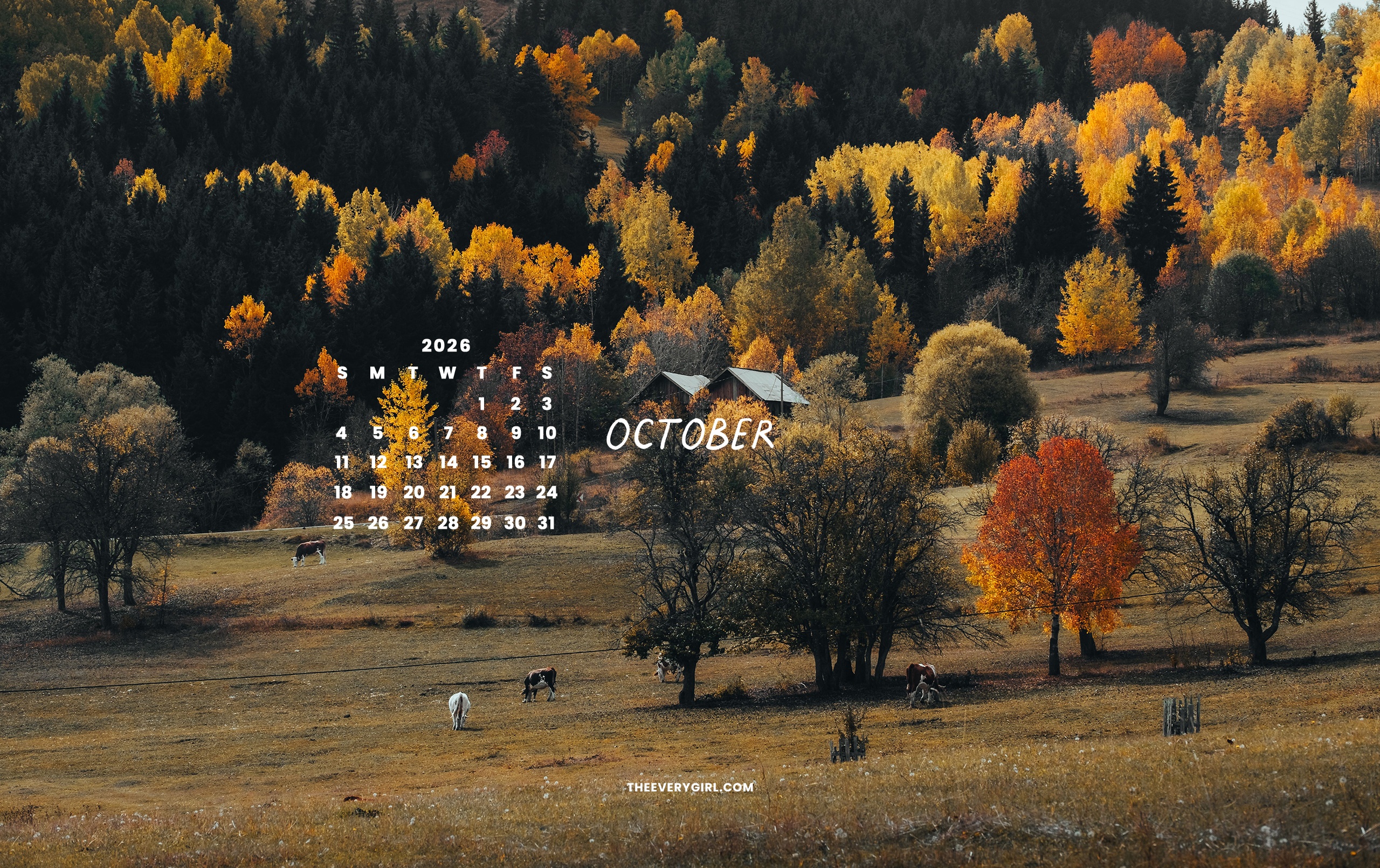
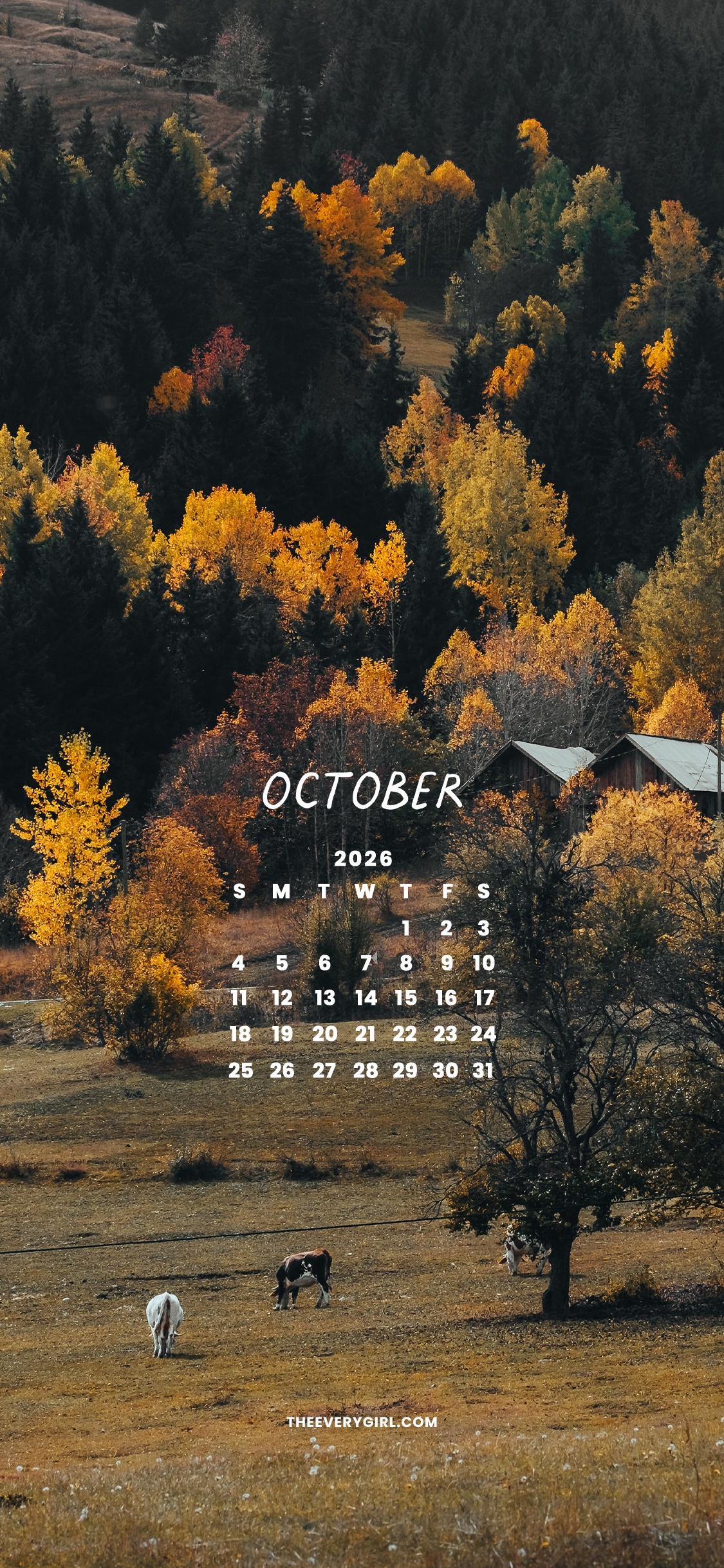
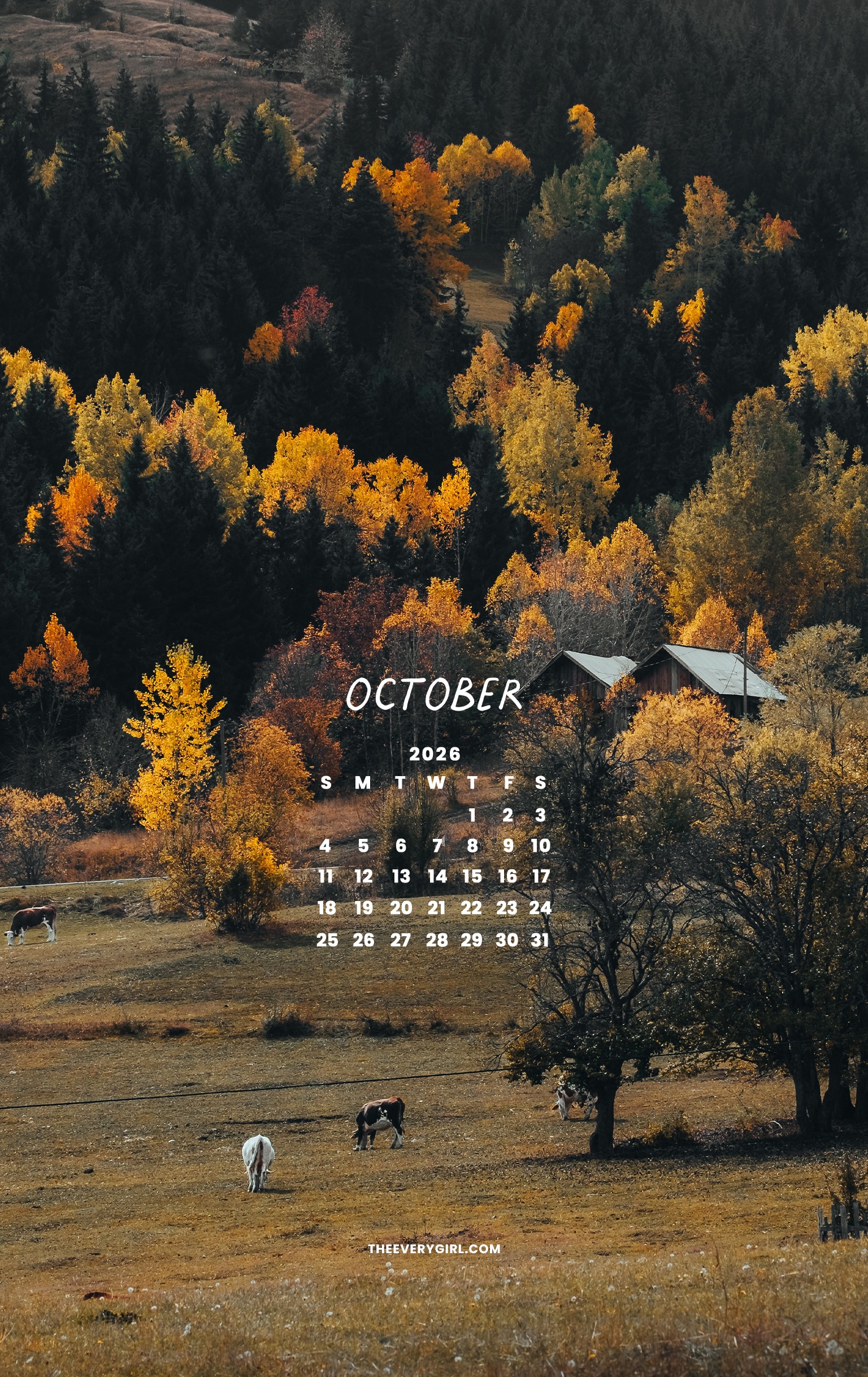
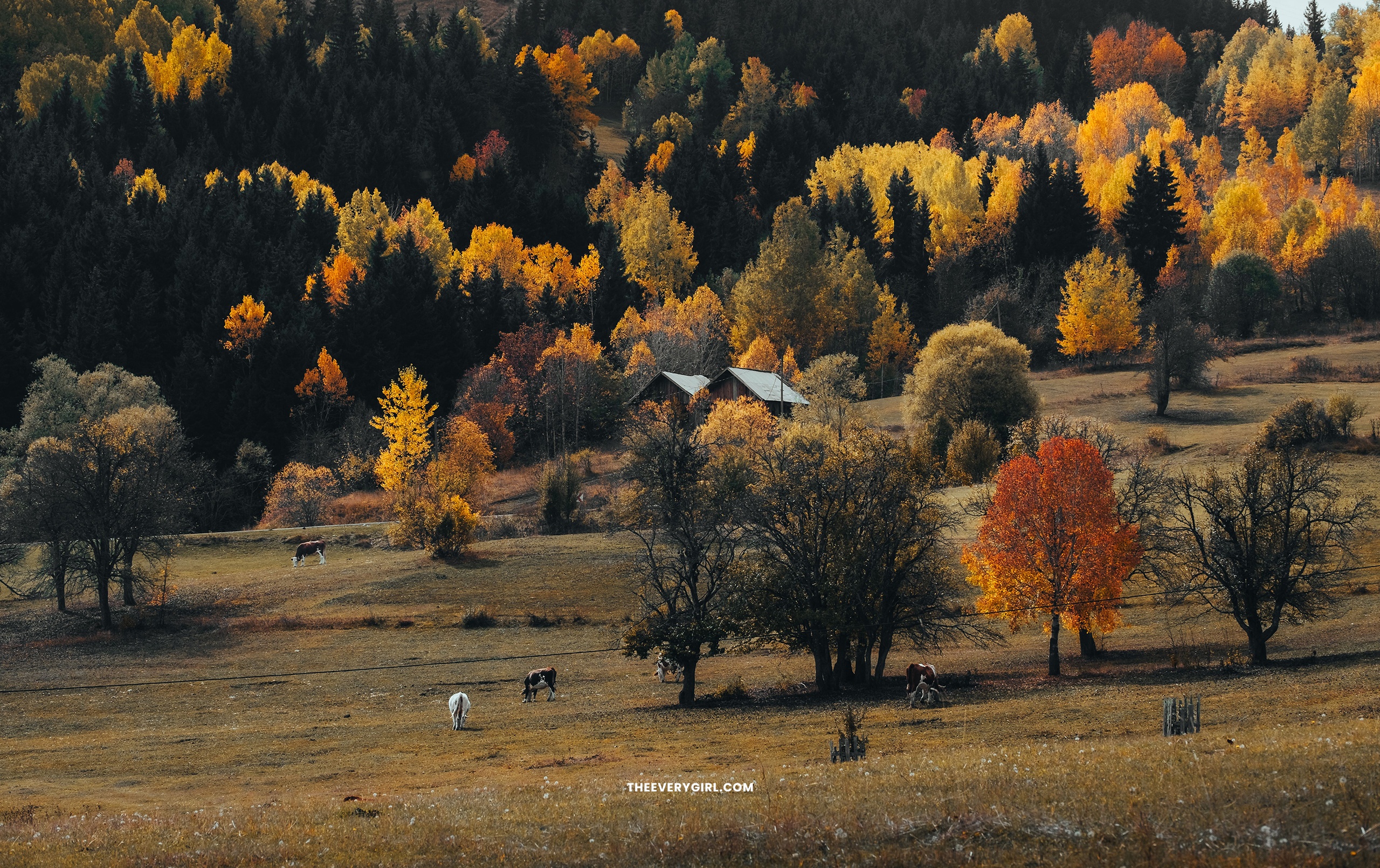
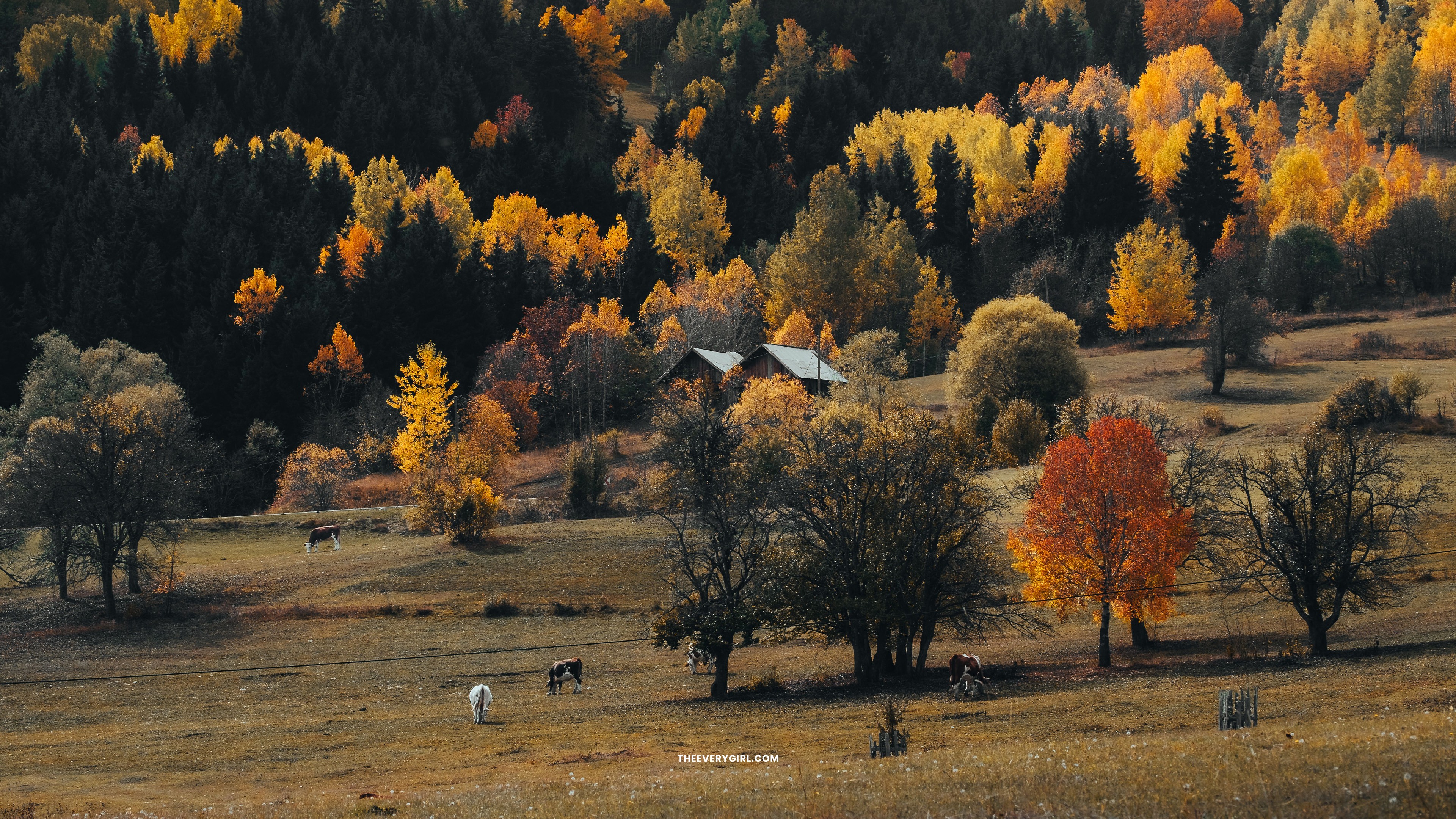
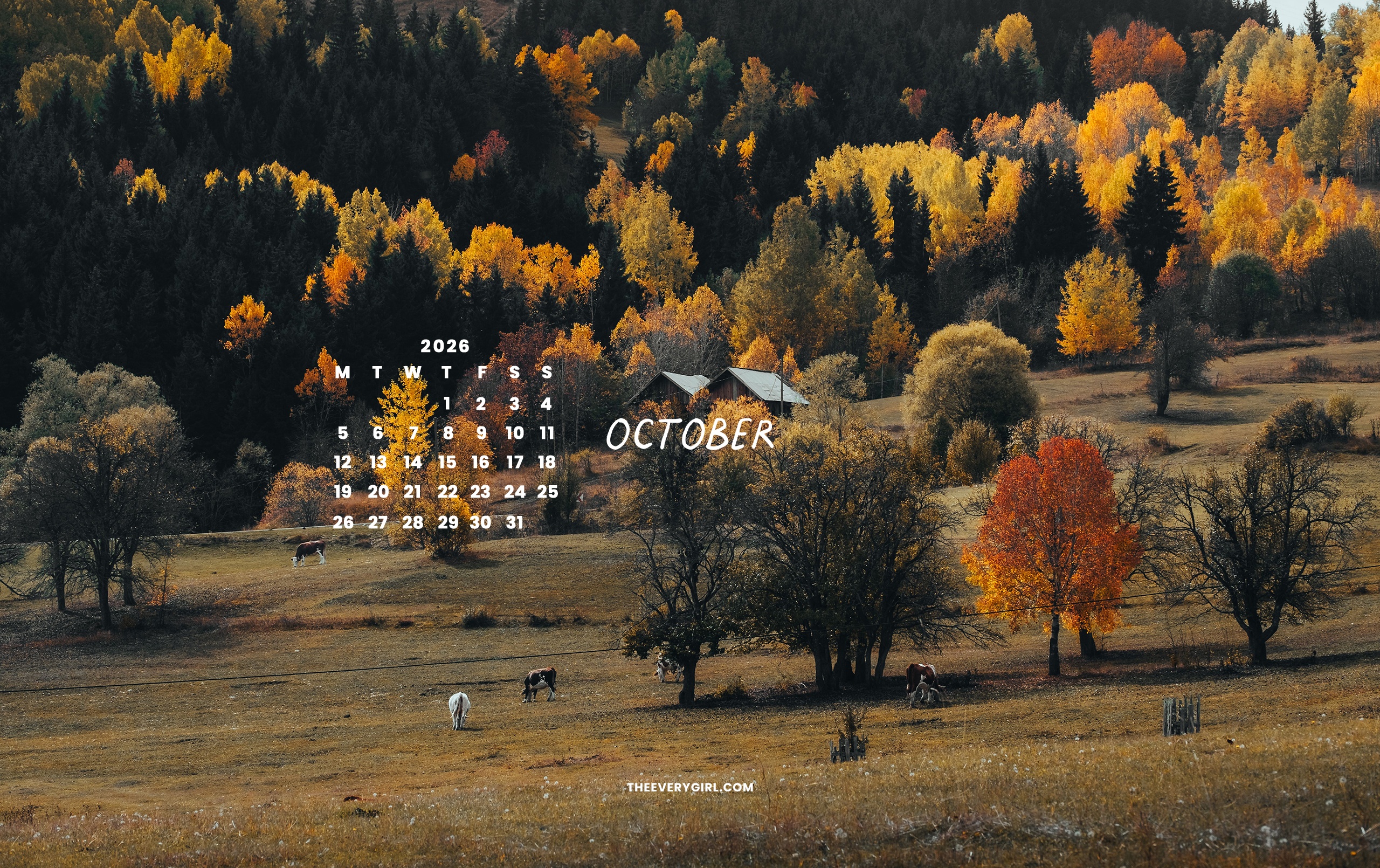
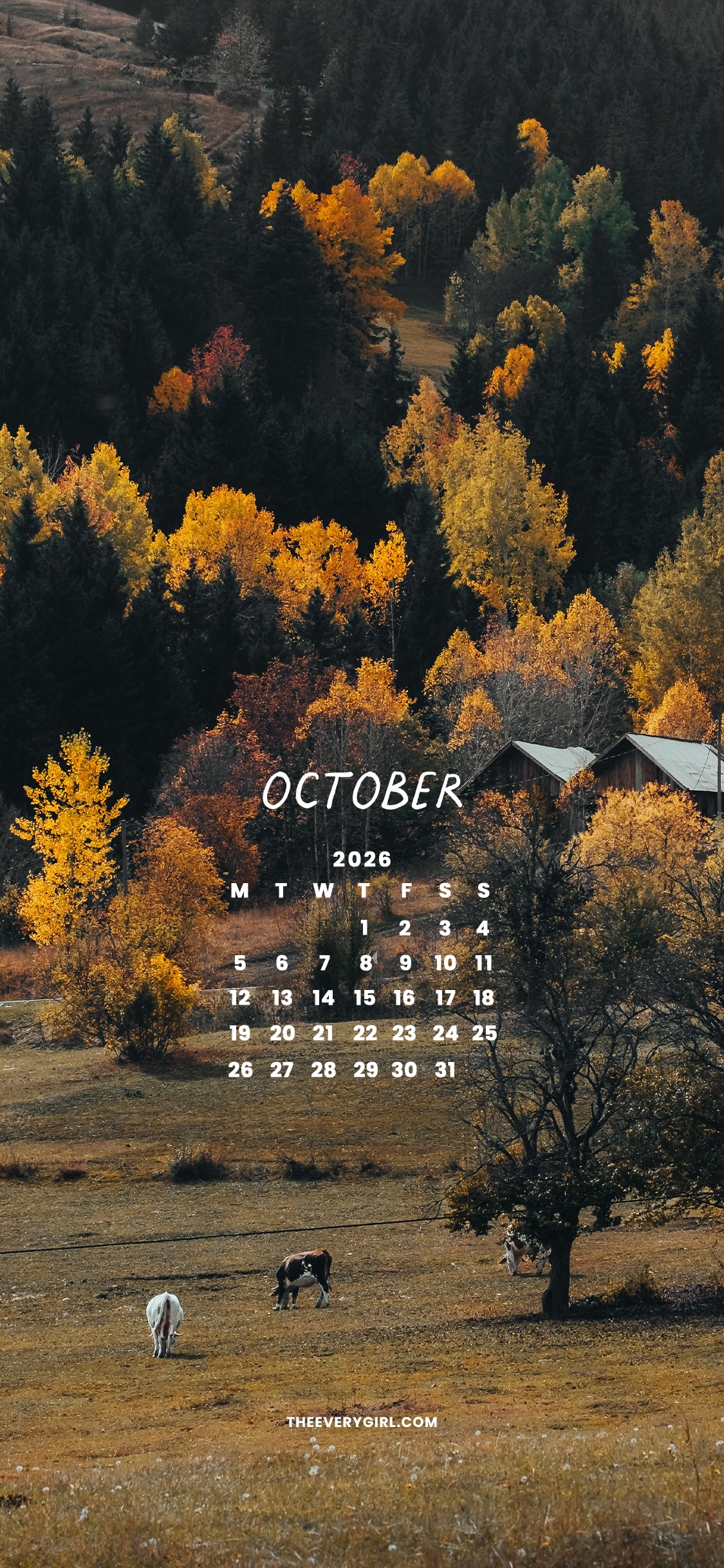
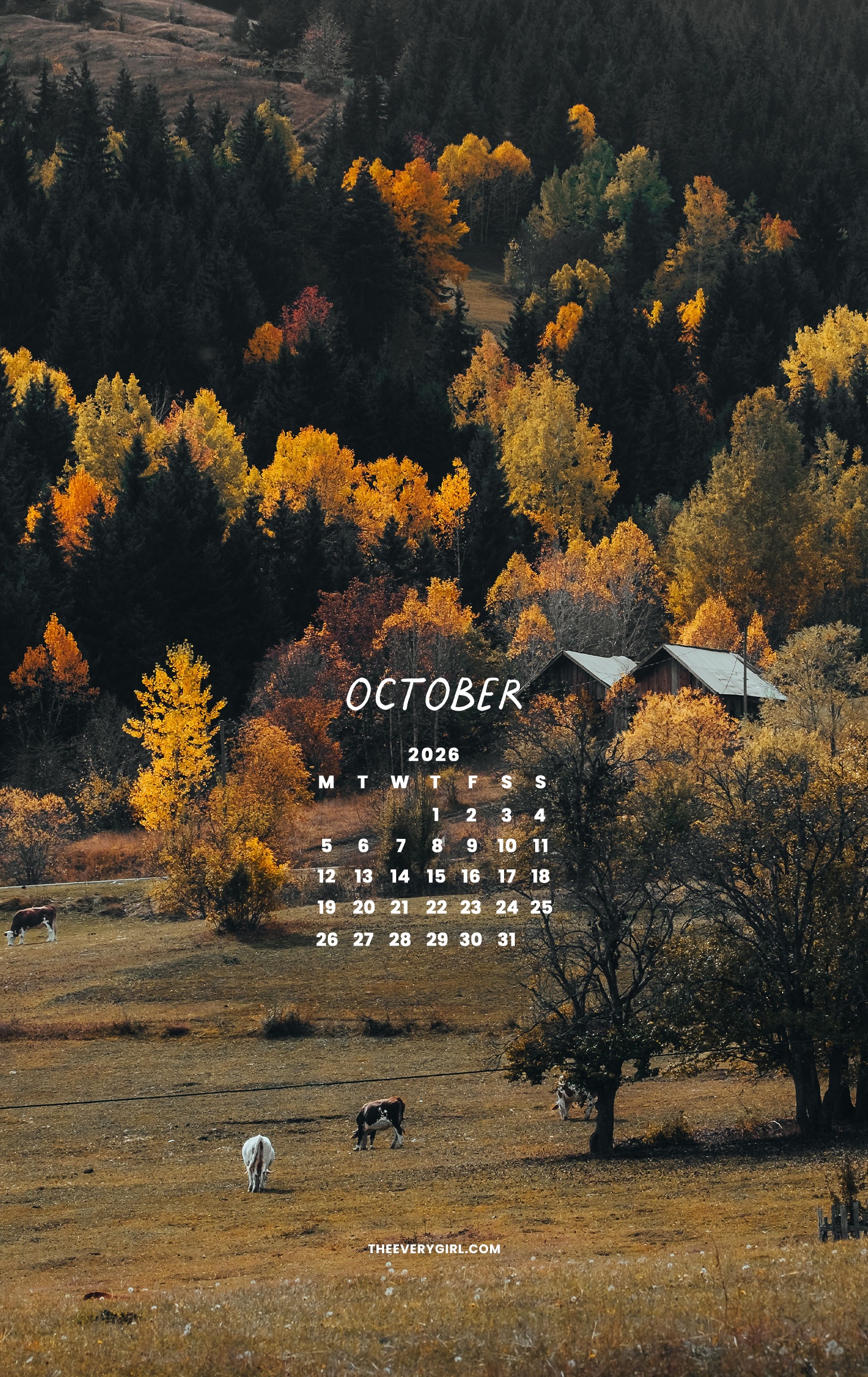
Glowing yellow trees pepper the pine tree forest in this gorgeous shot of farmland in all its autumnal glory. Grazing cows remind you to slow down and enjoy a wandering walk outside while the air is crisp and the leaves are showing off. Dark winter days indoors will be here soon enough, so this background serves as a reminder to enjoy nature’s beauty while you can.
CLICK TO DOWNLOAD
Calendar—Sunday Start
Desktop | iPhone | iPad / Tablet | Second Screen | TV Version
Calendar—Monday Start
Desktop | iPhone | iPad / Tablet
No Calendar
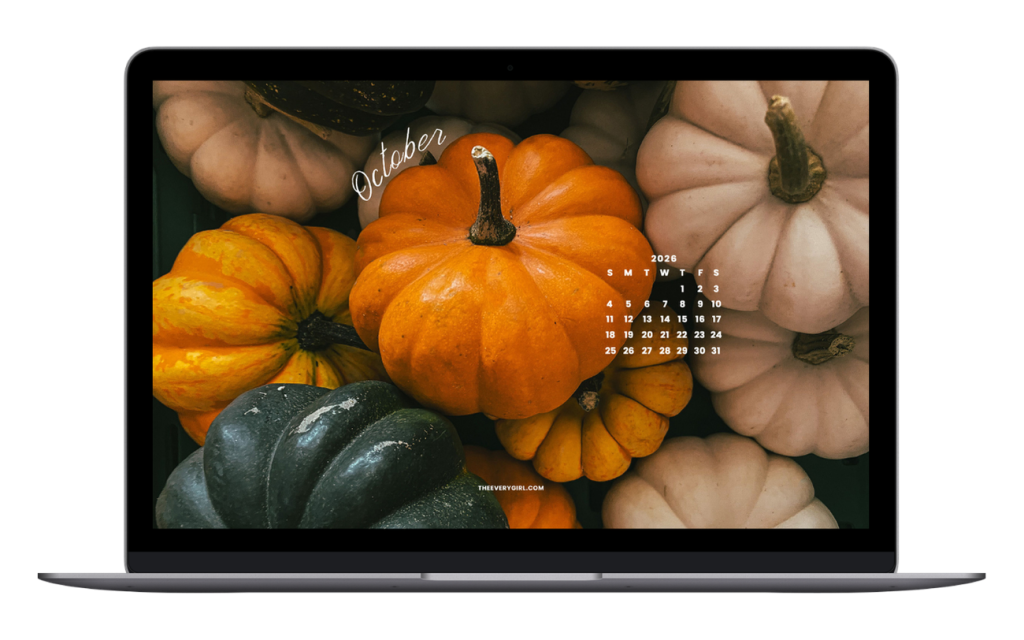
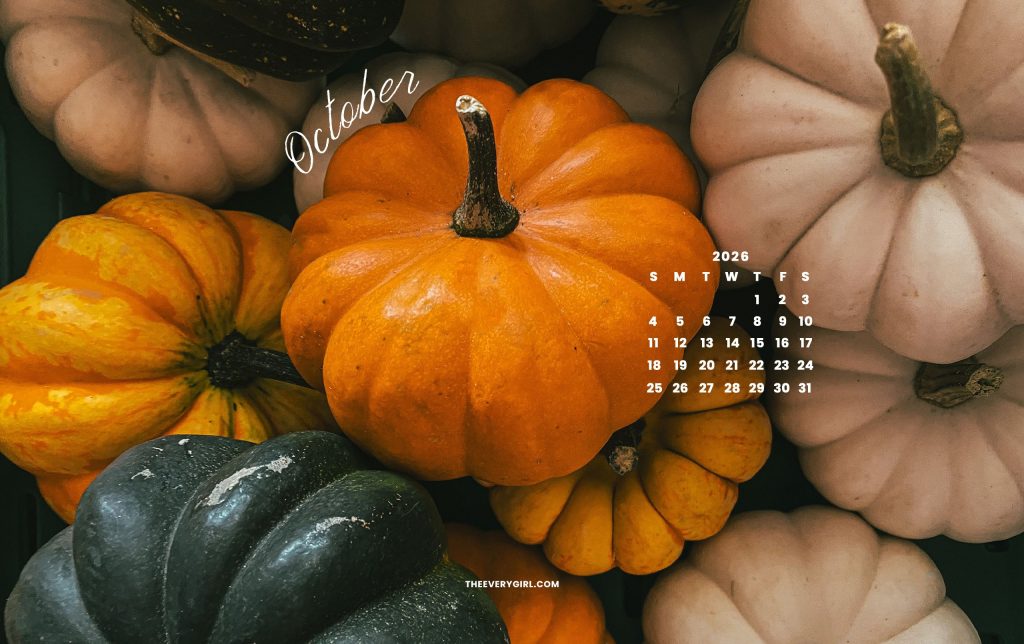
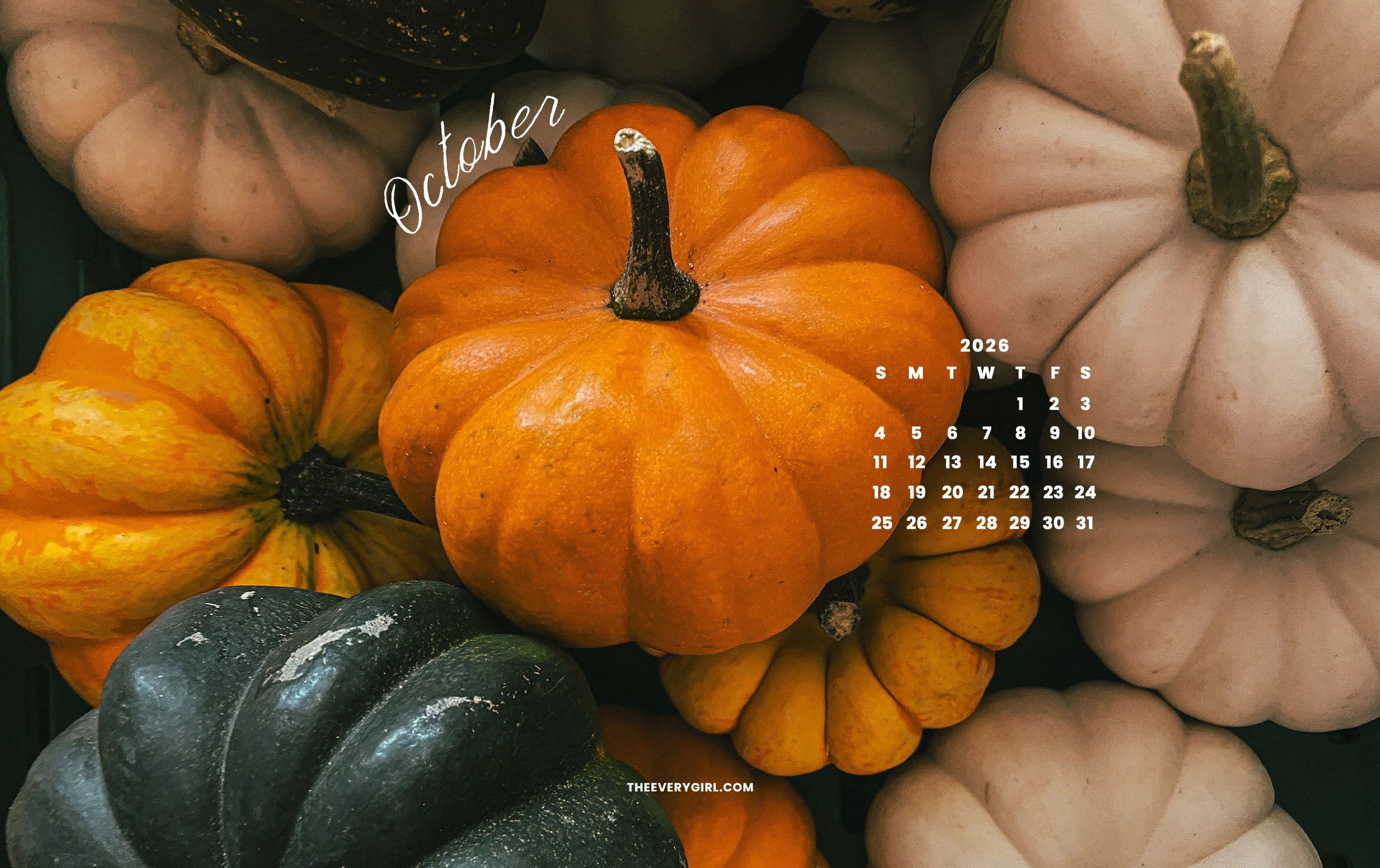
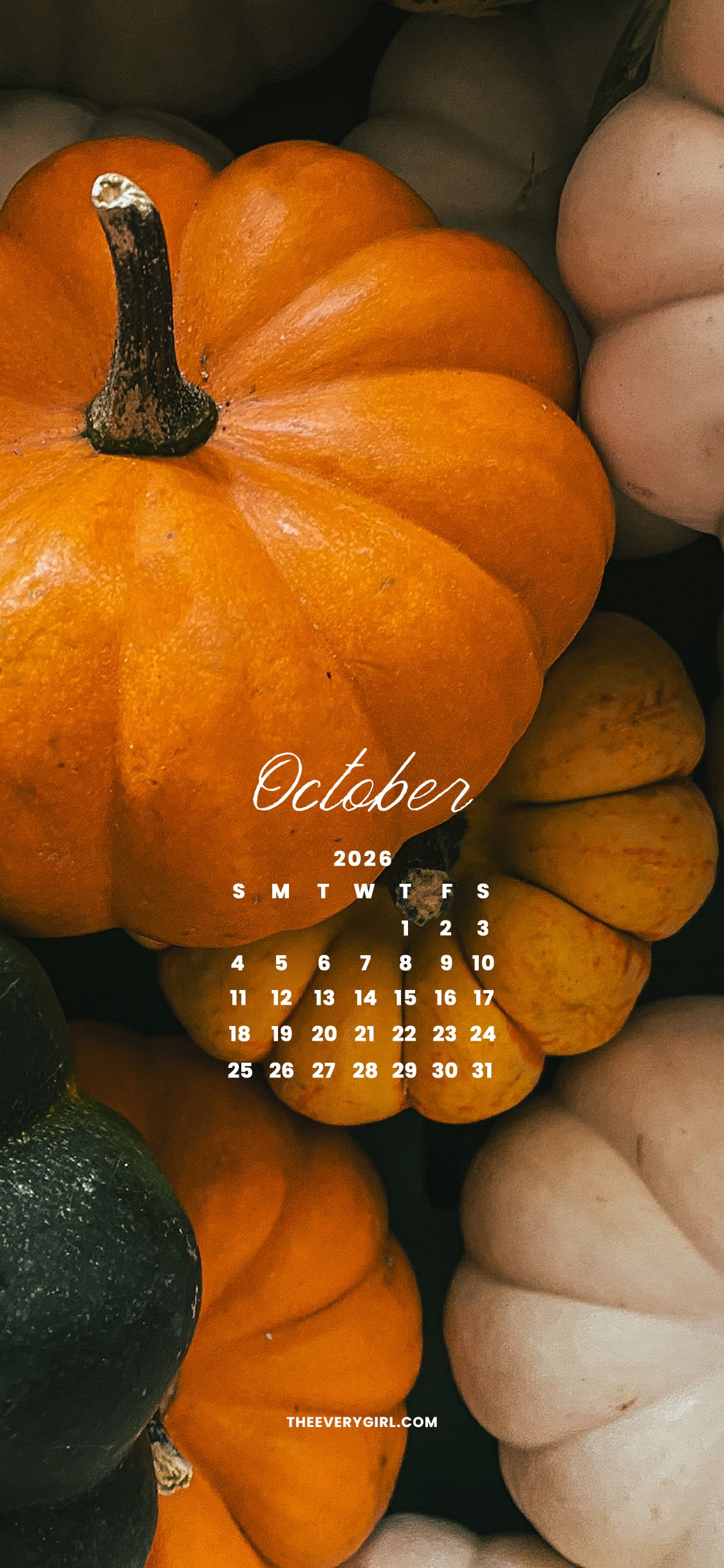
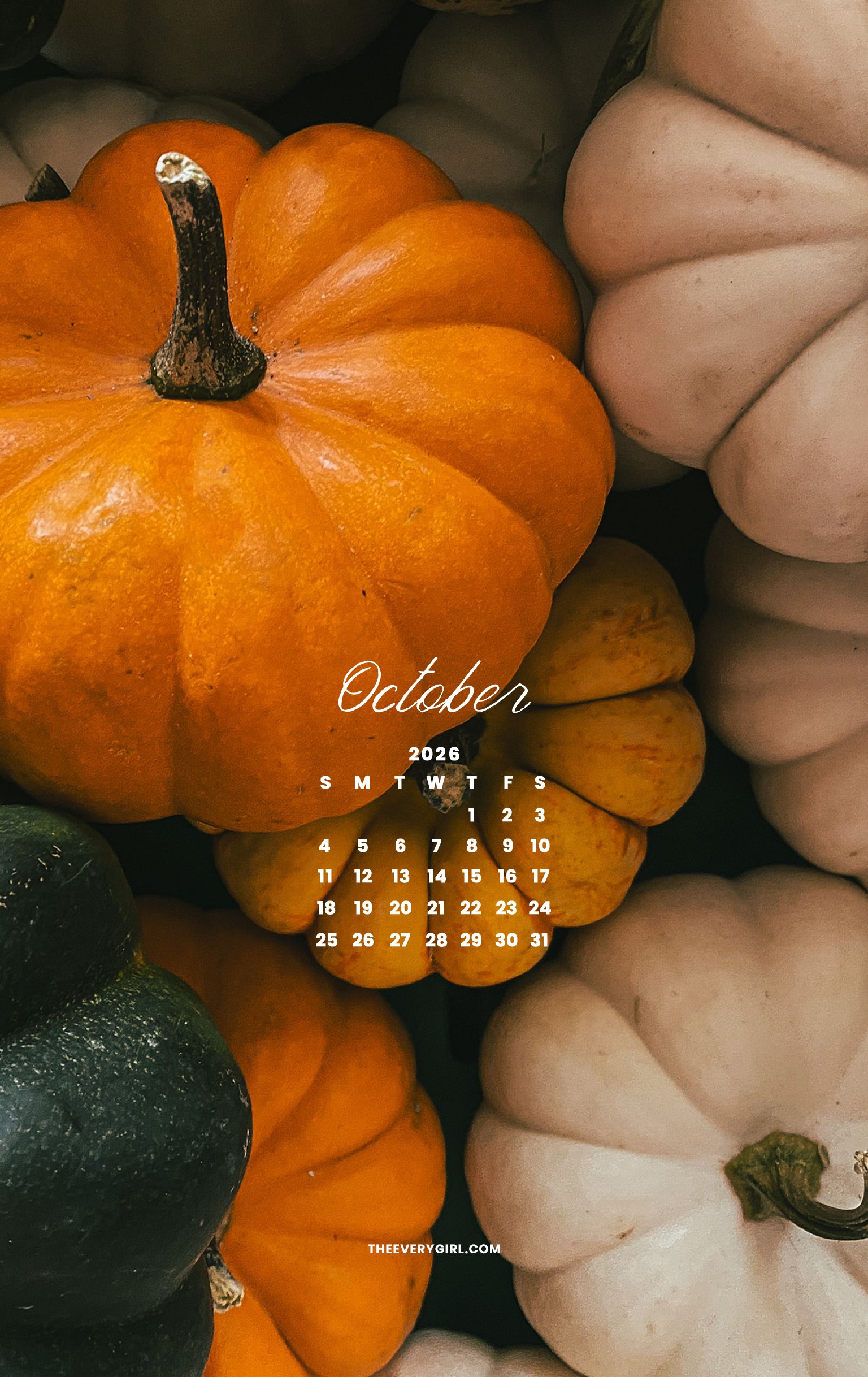
Petite Pumpkins Wallpaper
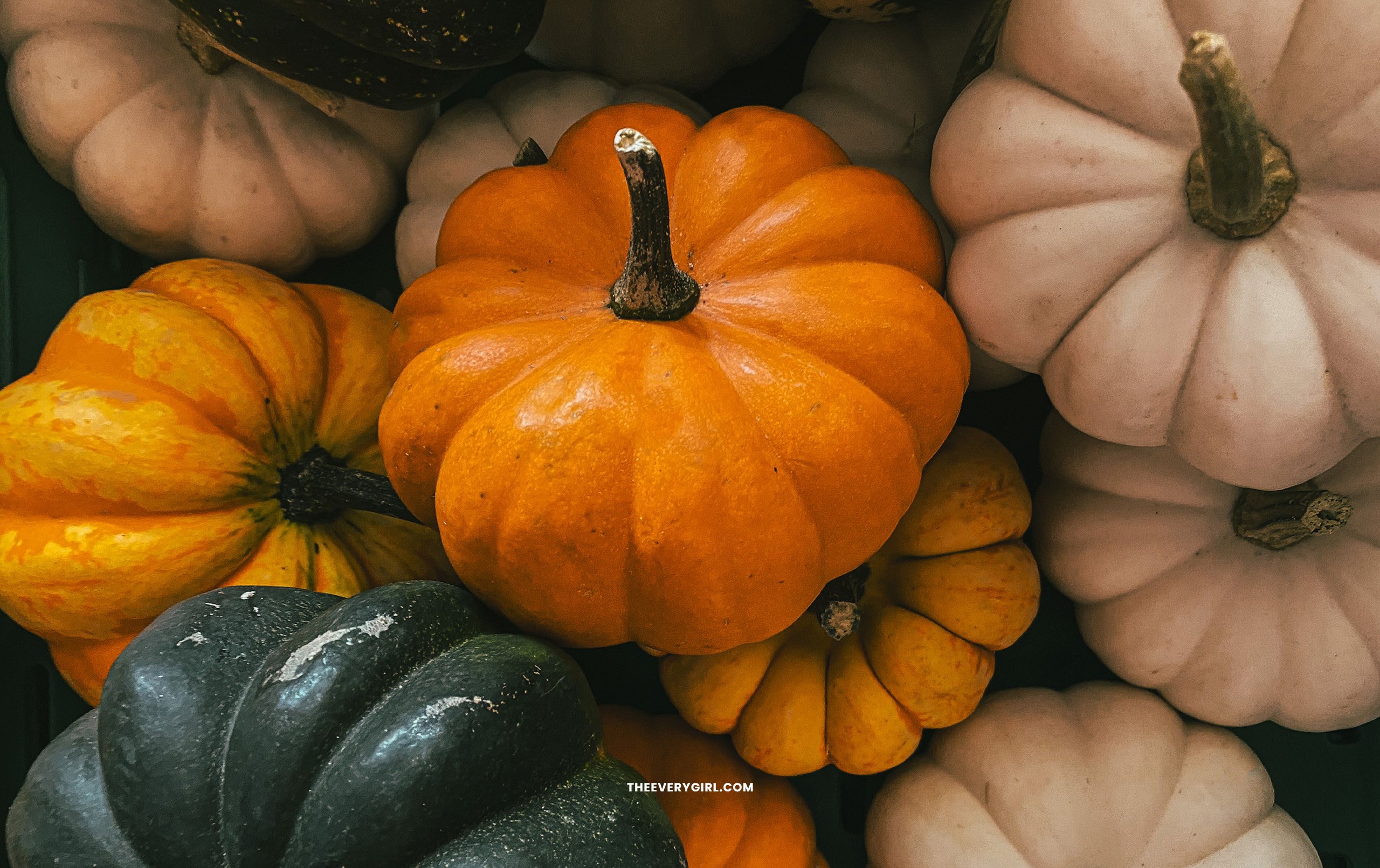
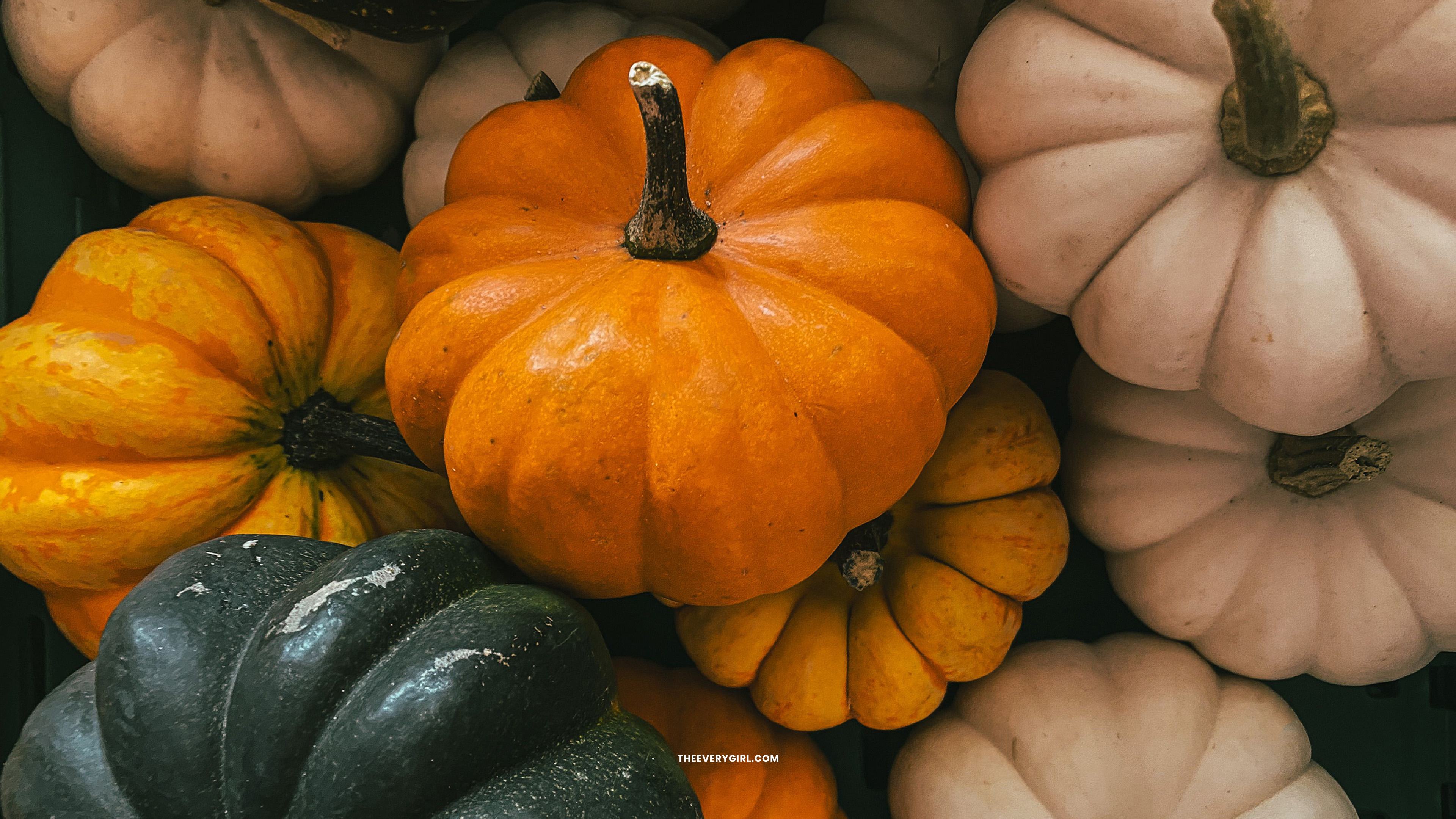
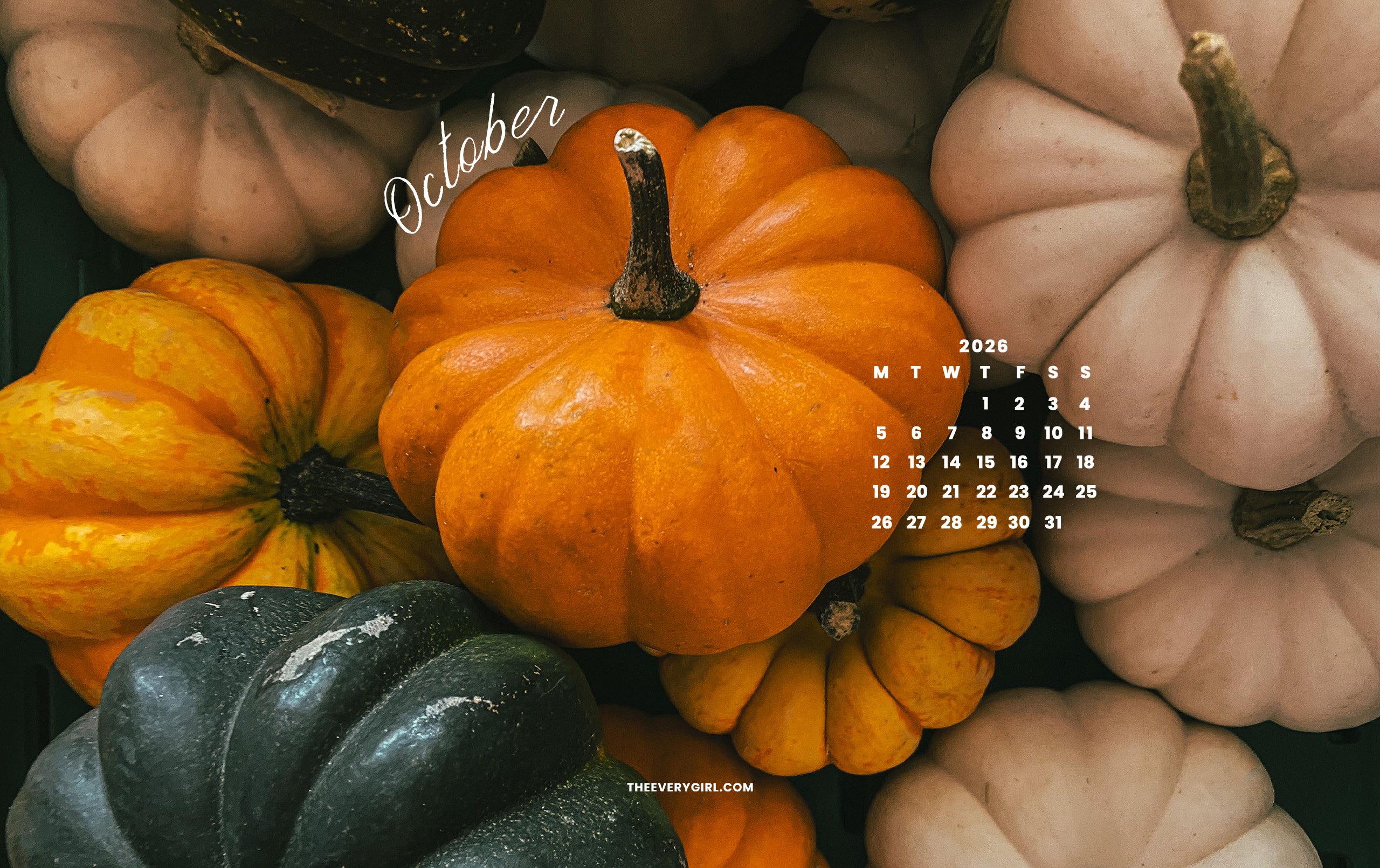
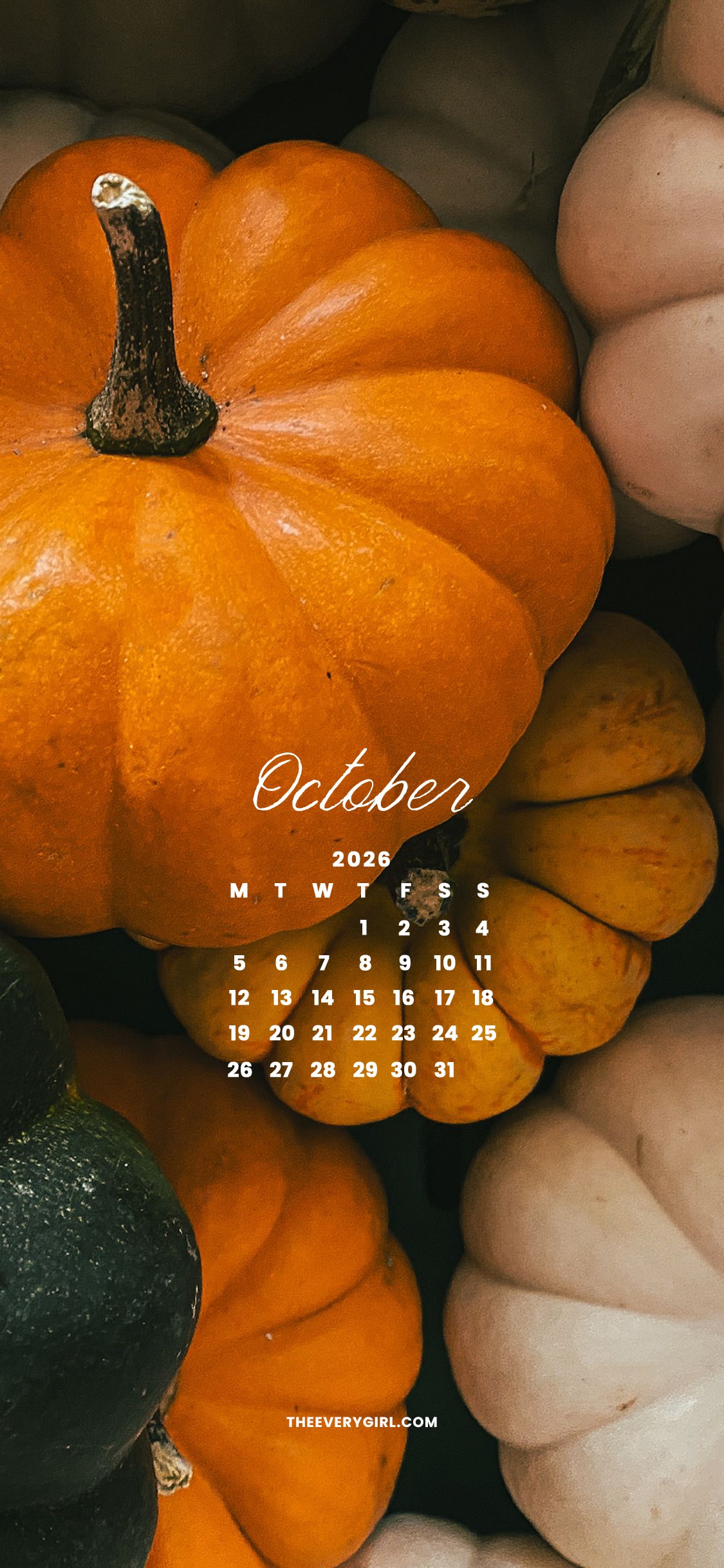
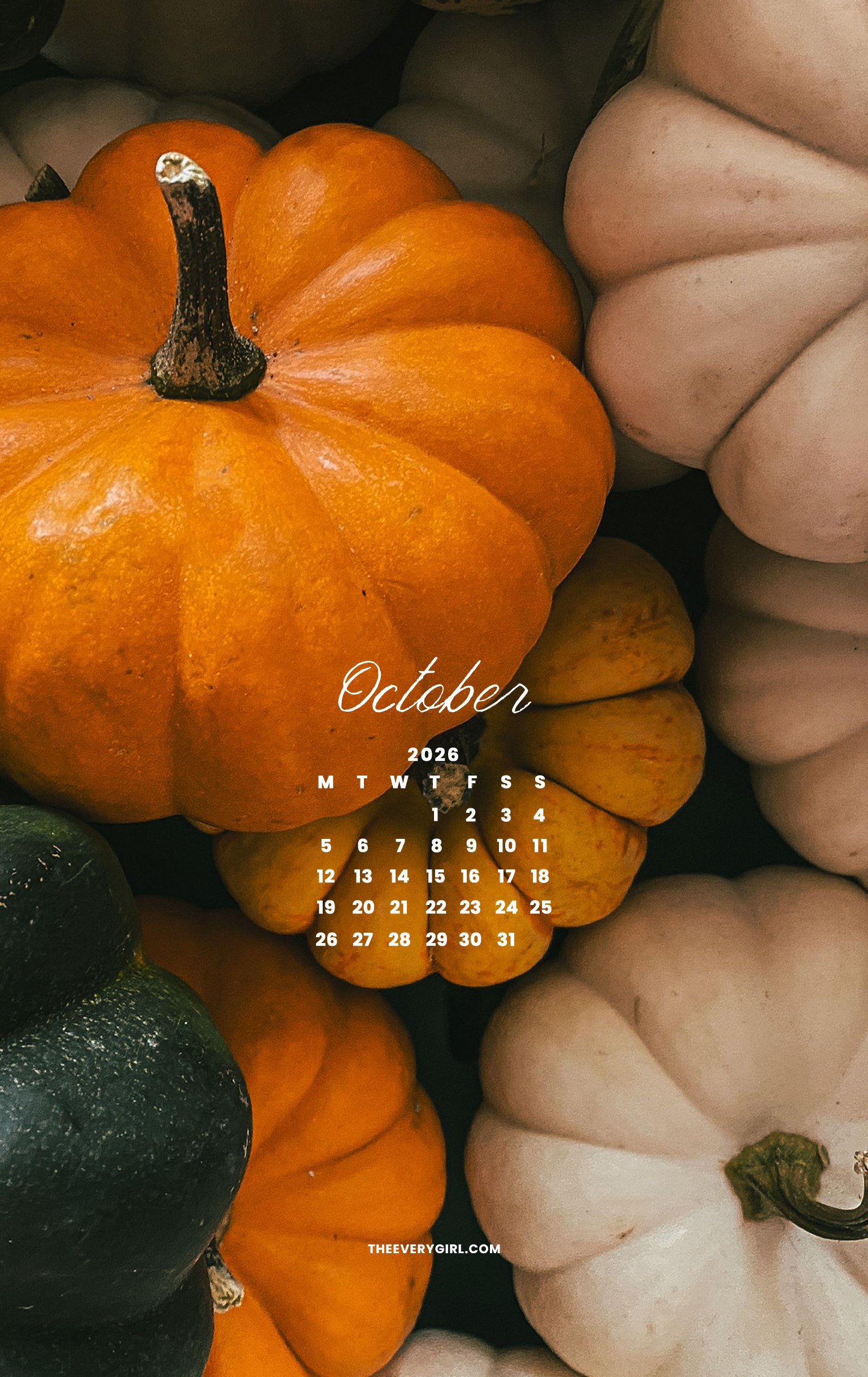
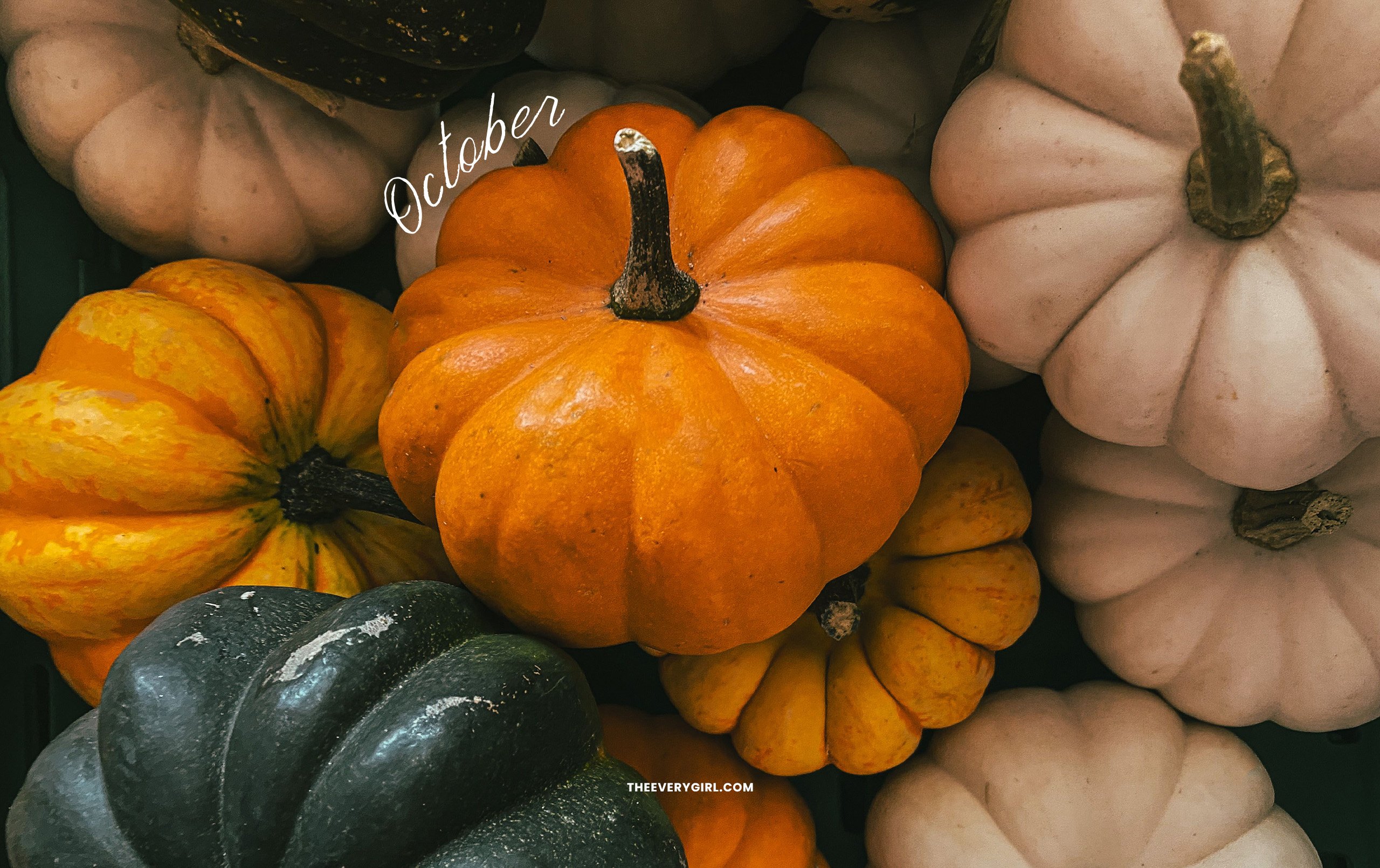
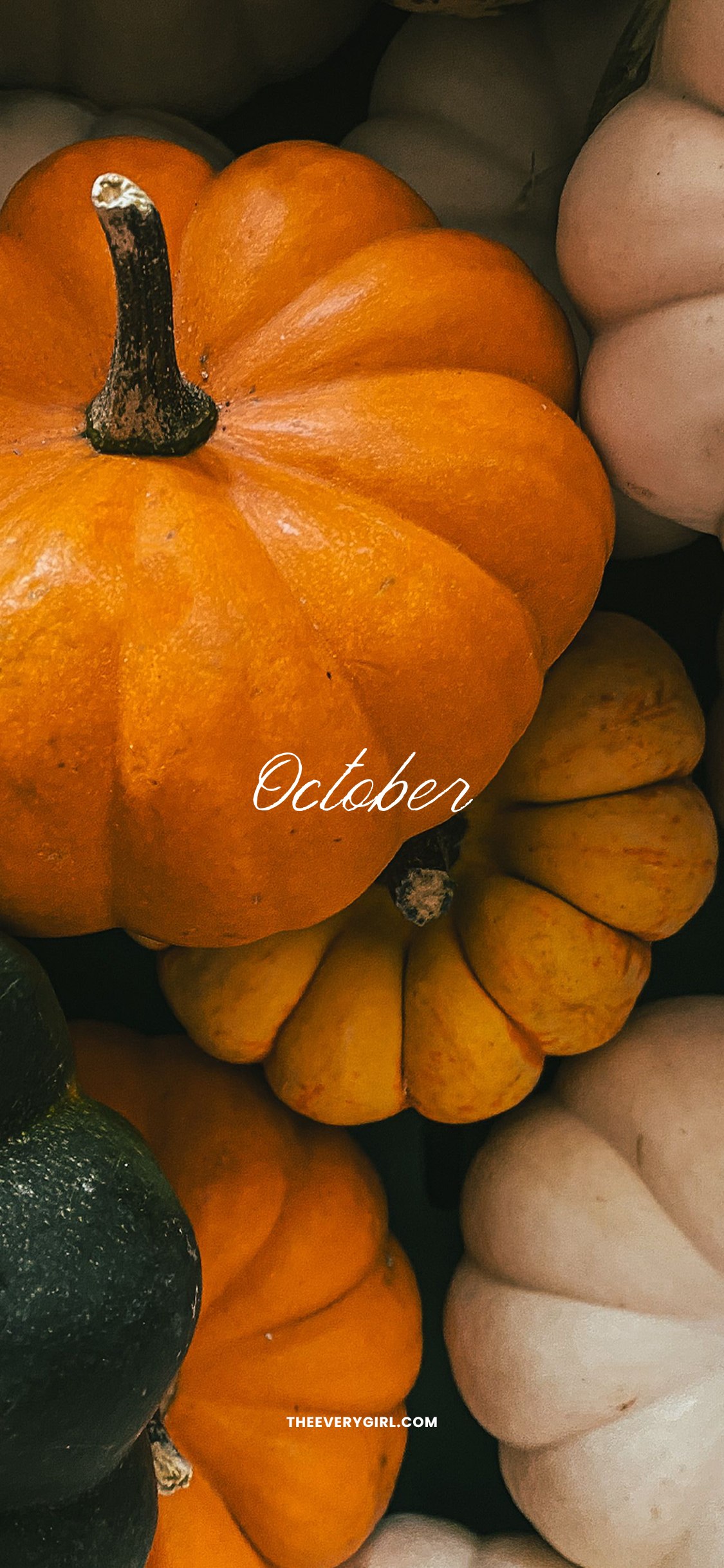
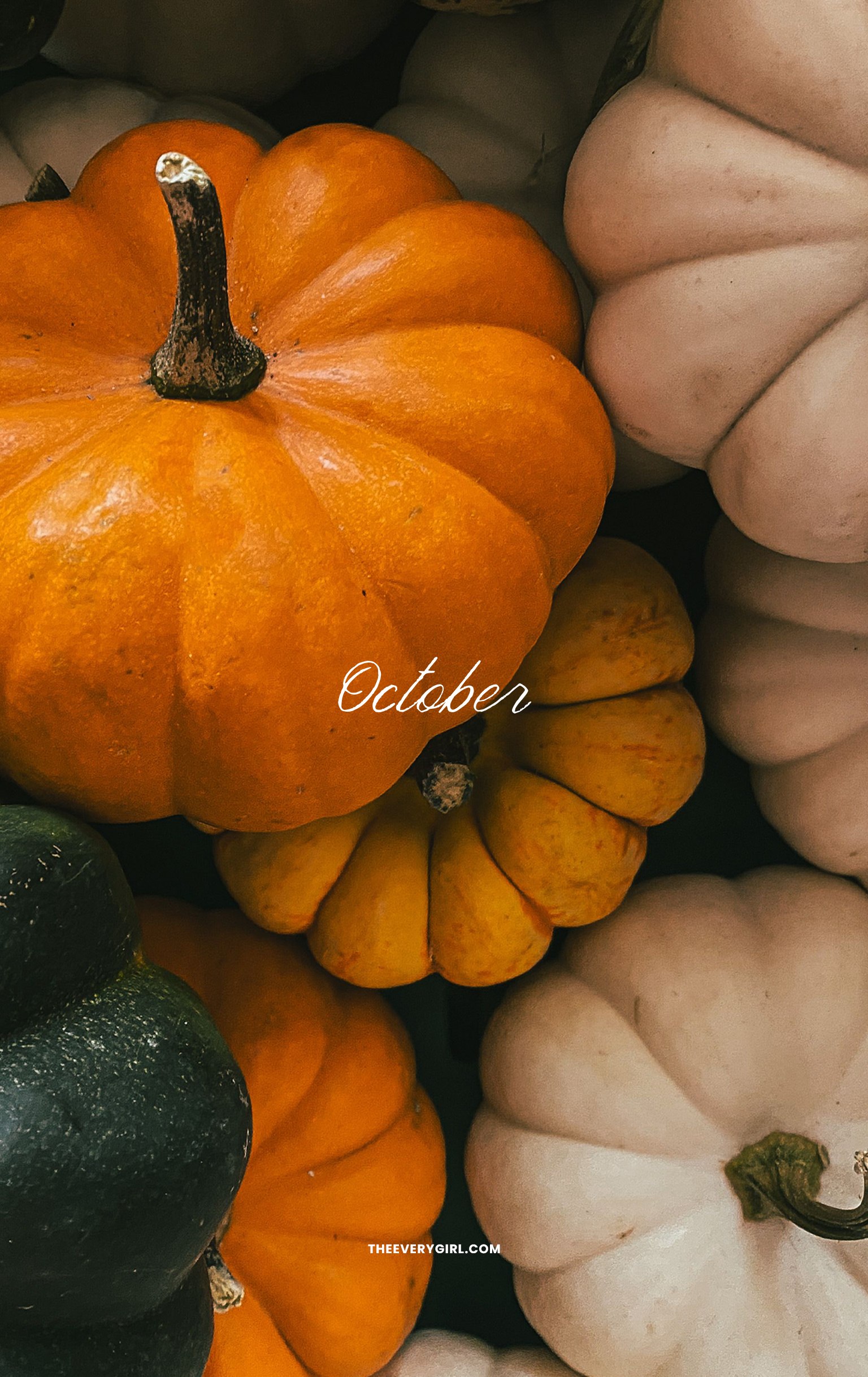
If October had a mascot, it would be a pumpkin. It should be everywhere this month—in your coffee, as your home decor, and even on your screens. Traditional bright orange, deep green, and chic cream pumpkins collide for this quintessential October image. Trader Joe’s has an abundance of these itty bitty pumpkins for a dollar apiece, so run, don’t walk to the store for your annual pumpkin haul.
CLICK TO DOWNLOAD
Calendar—Sunday Start
Desktop | iPhone | iPad / Tablet | Second Screen | TV Version
Calendar—Monday Start
Desktop | iPhone | iPad / Tablet
No Calendar
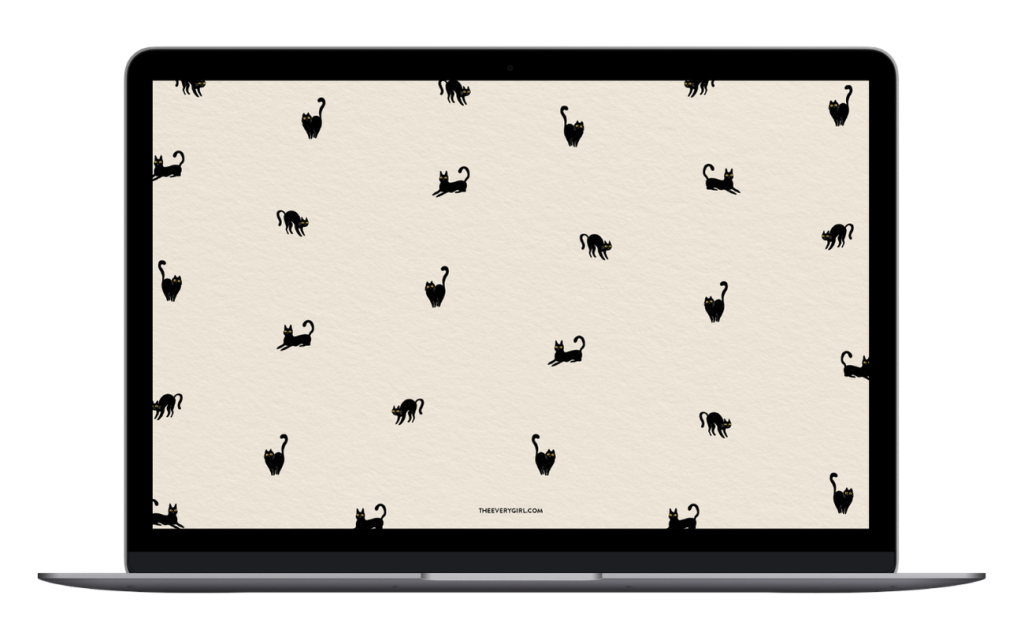
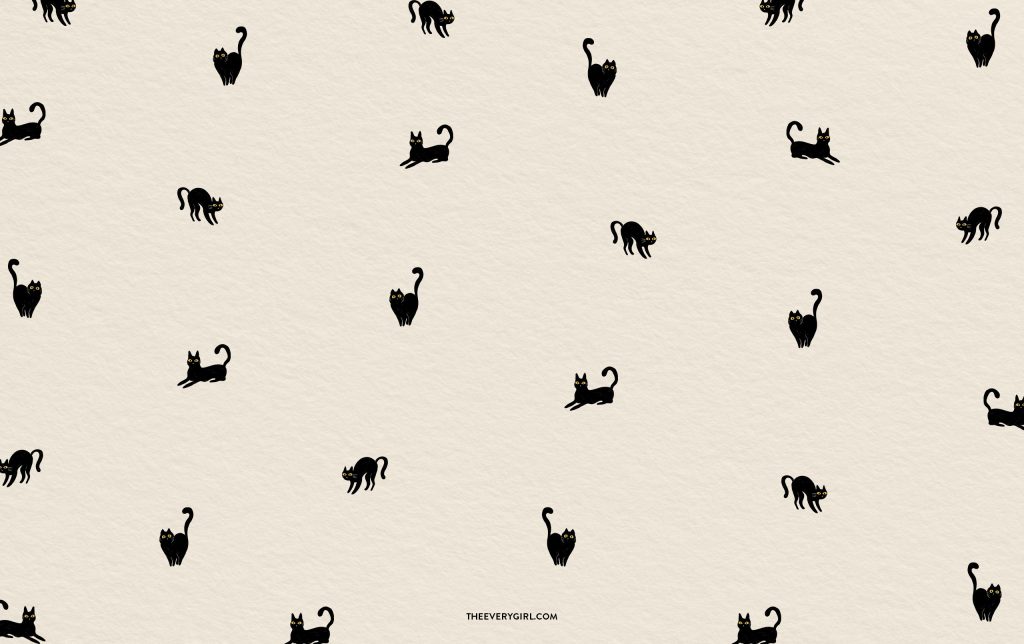
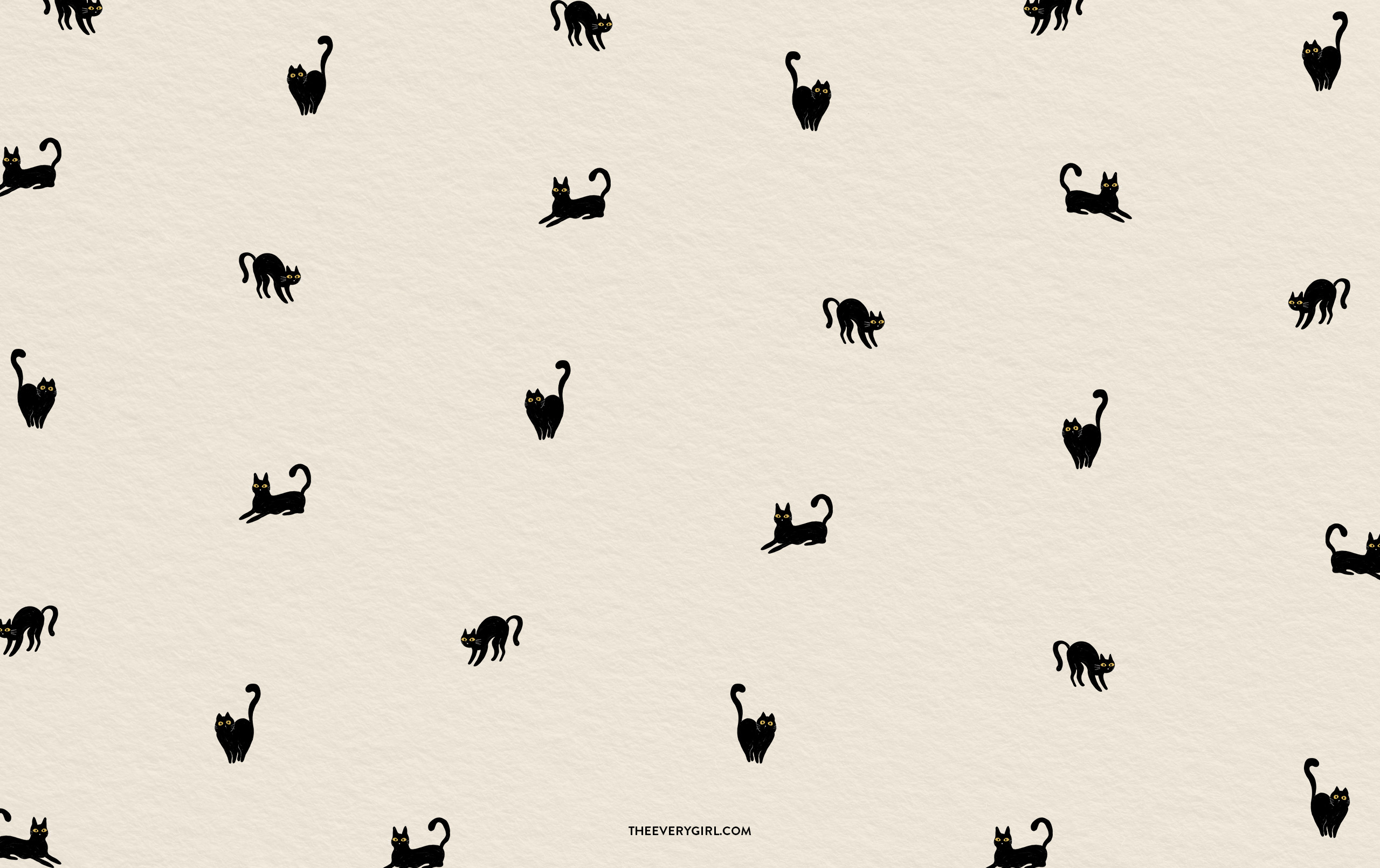
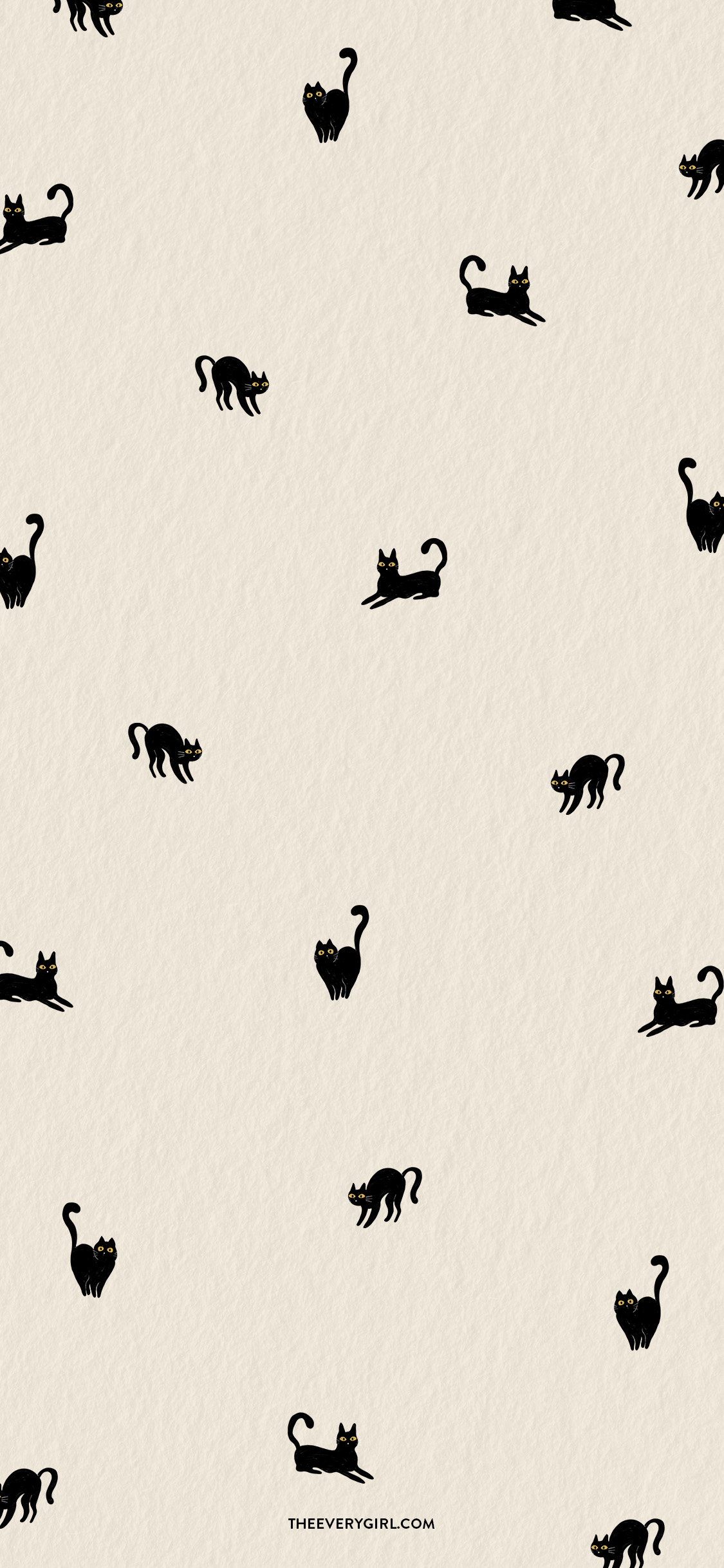
Black Cat Tech Background
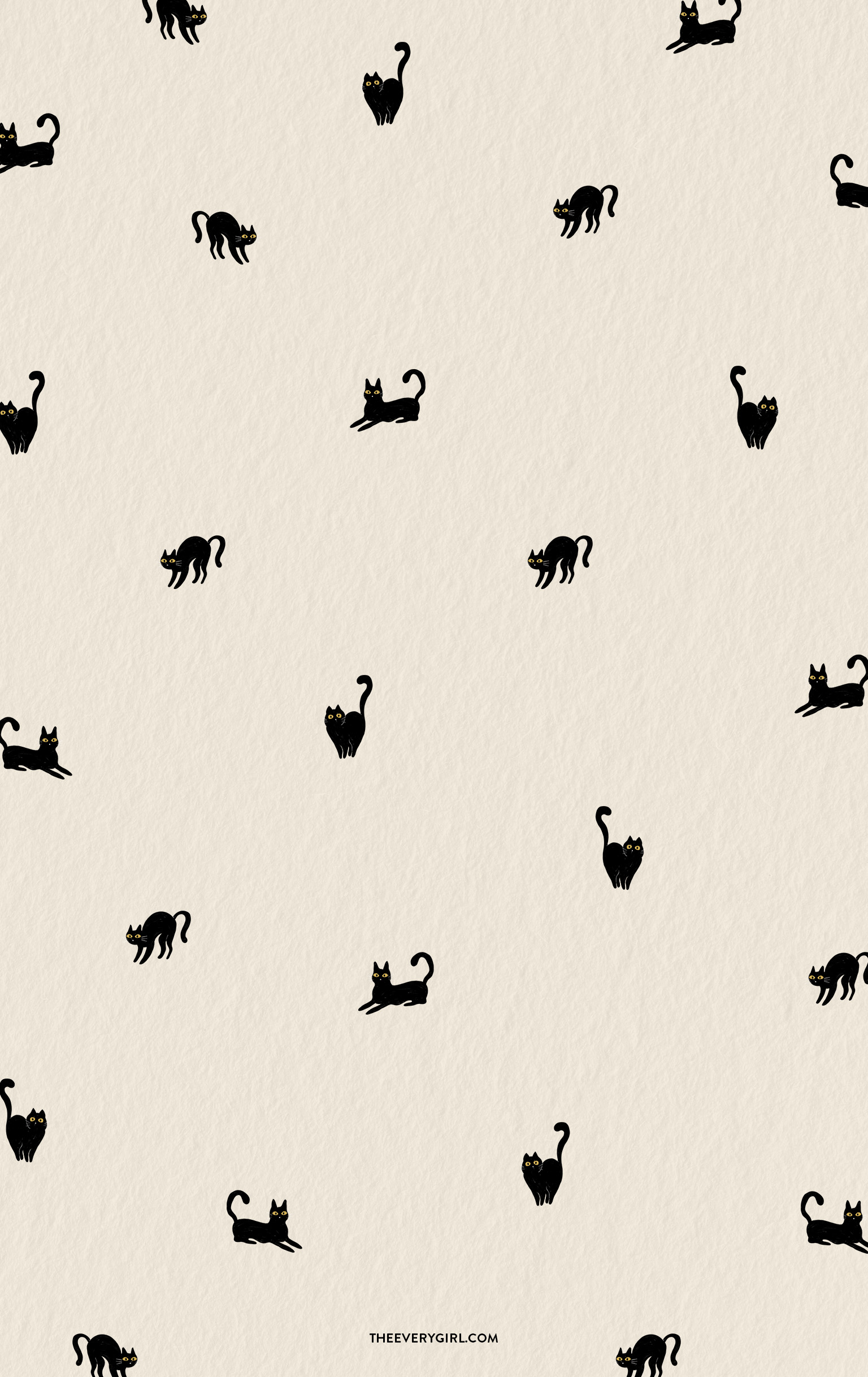
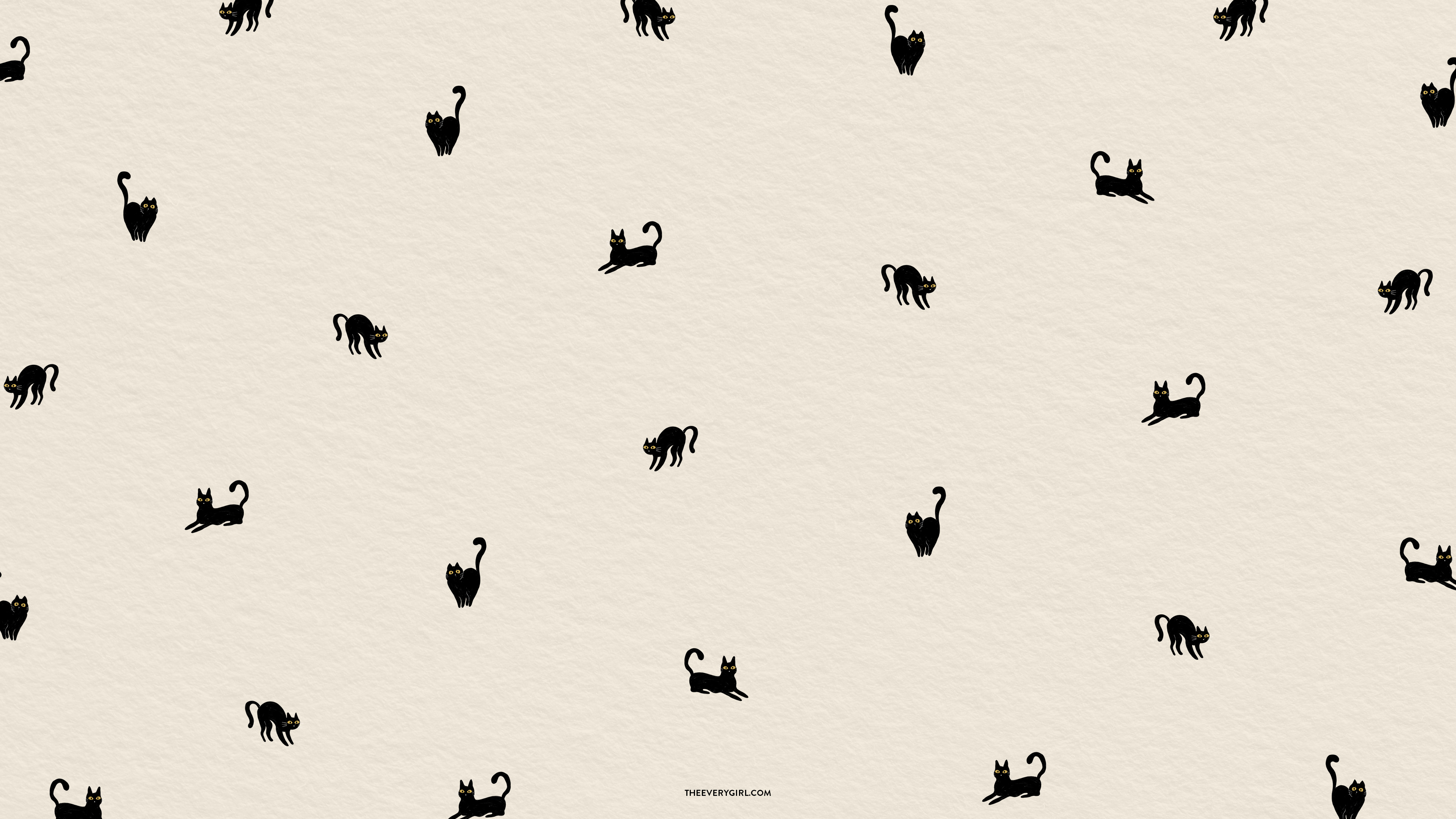
Calling all cat lovers: October is your time to shine. An array of black cats pop against this soft cream background that’s subtly playful. Curled tails, pointed ears, and alert yellow eyes make these kitties as spooky as they are cute. No calendar is needed—the cats take center stage here.
CLICK TO DOWNLOAD
Desktop | iPhone | iPad / Tablet | TV Version
Friendly Ghosts Tech Background
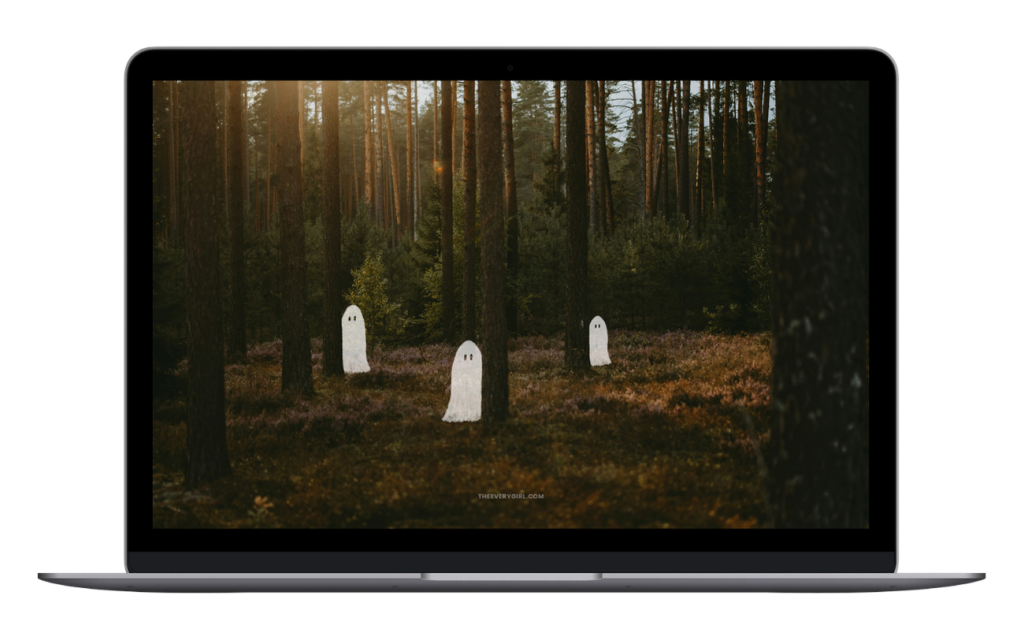
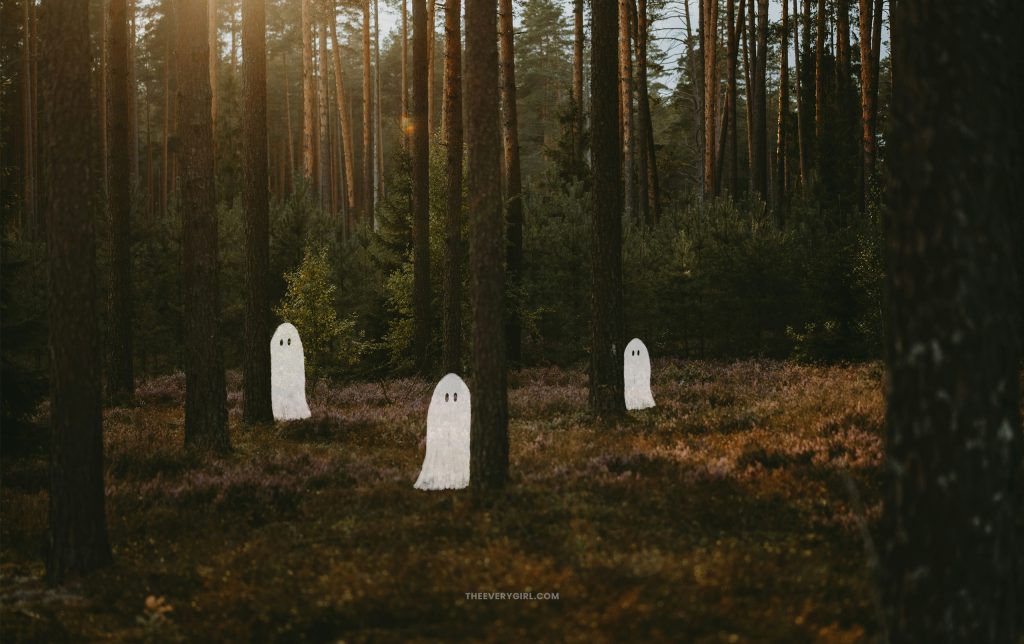
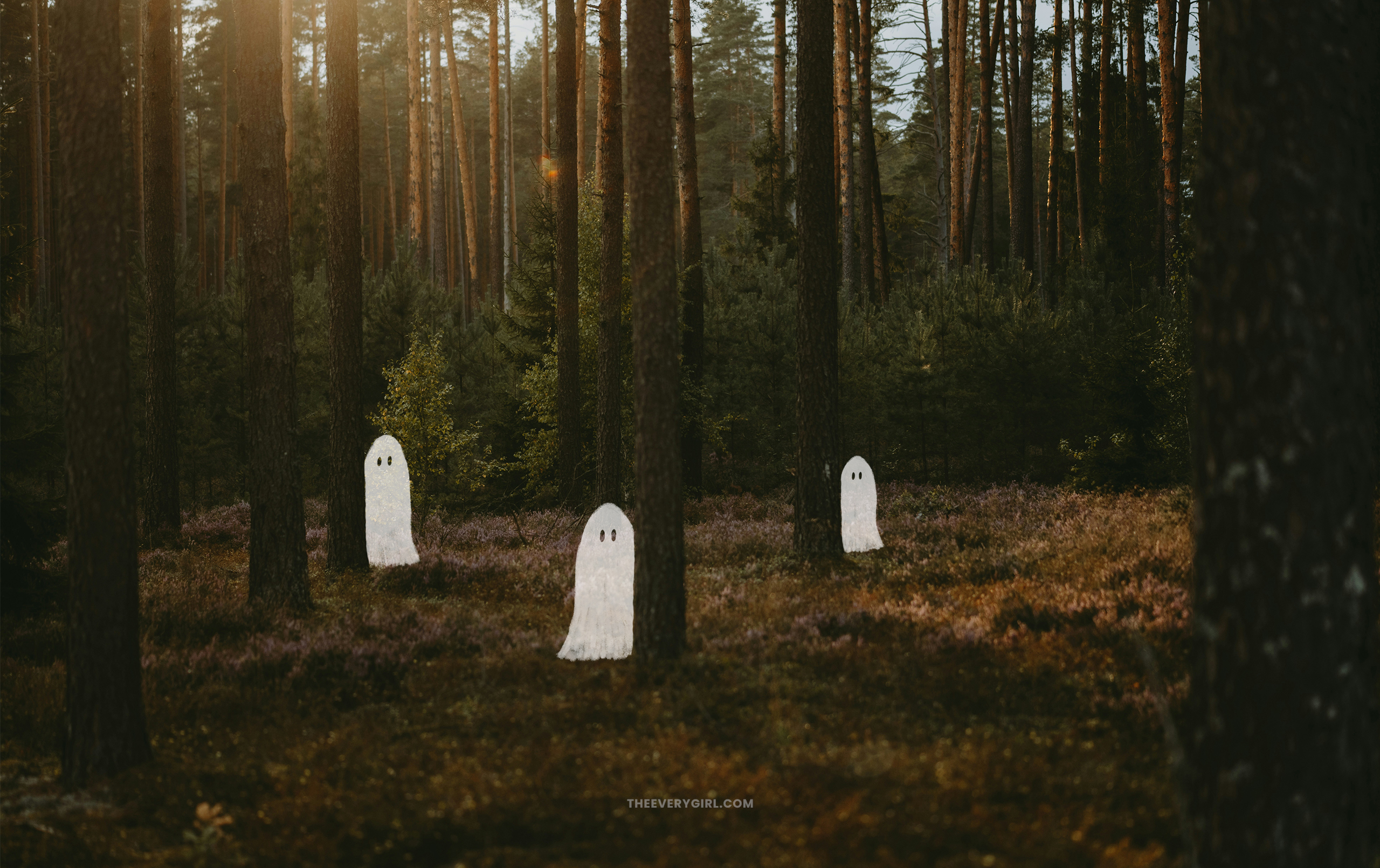
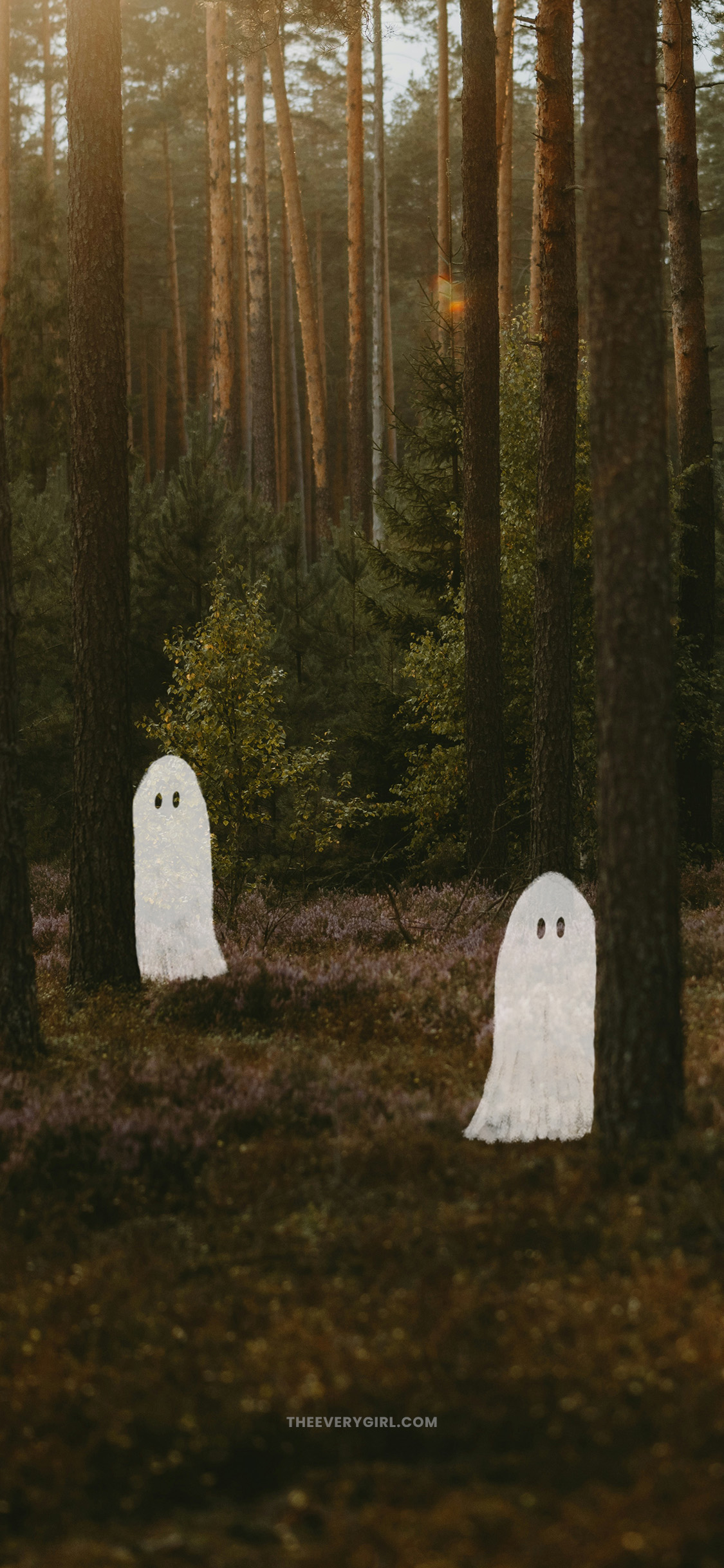
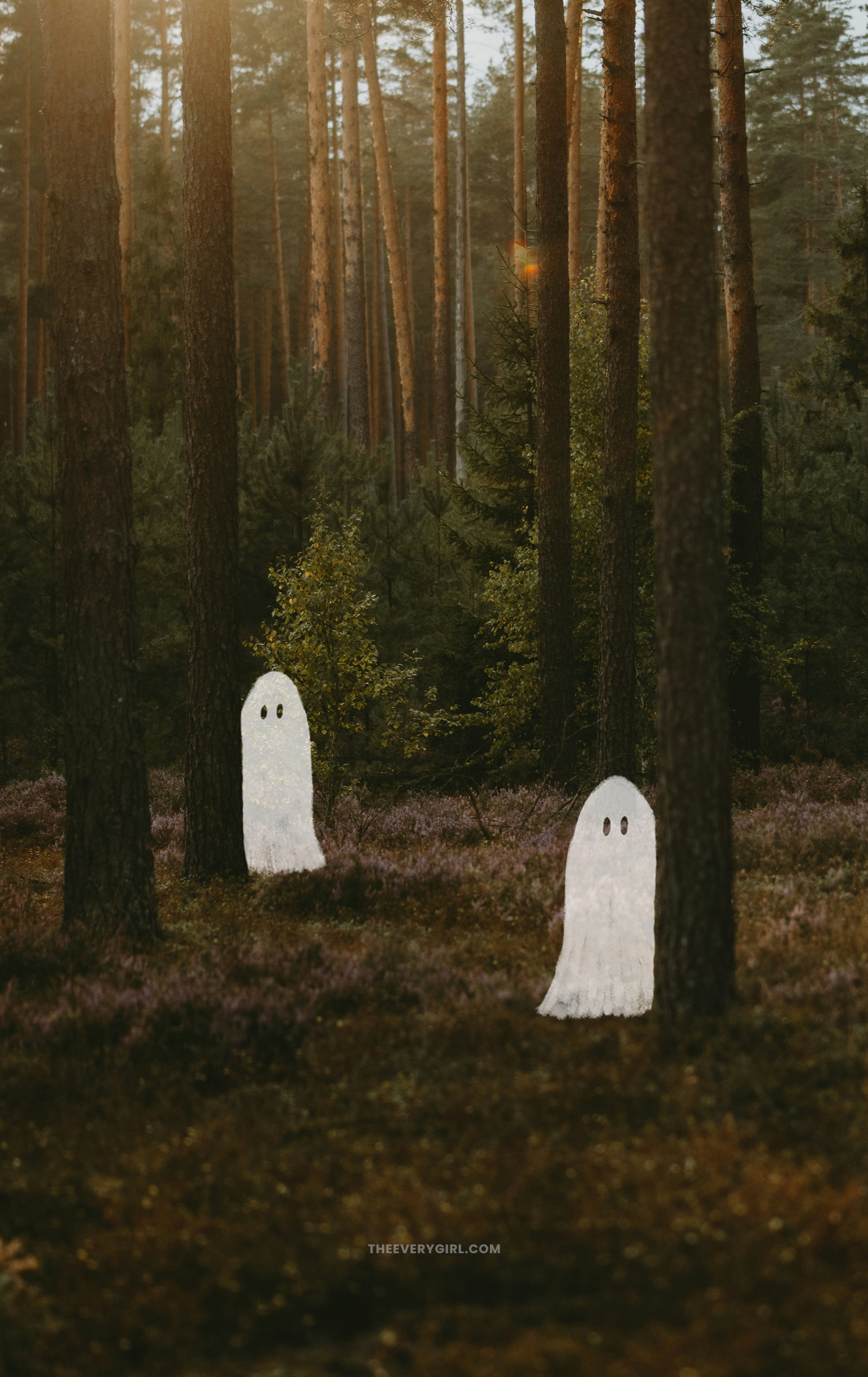
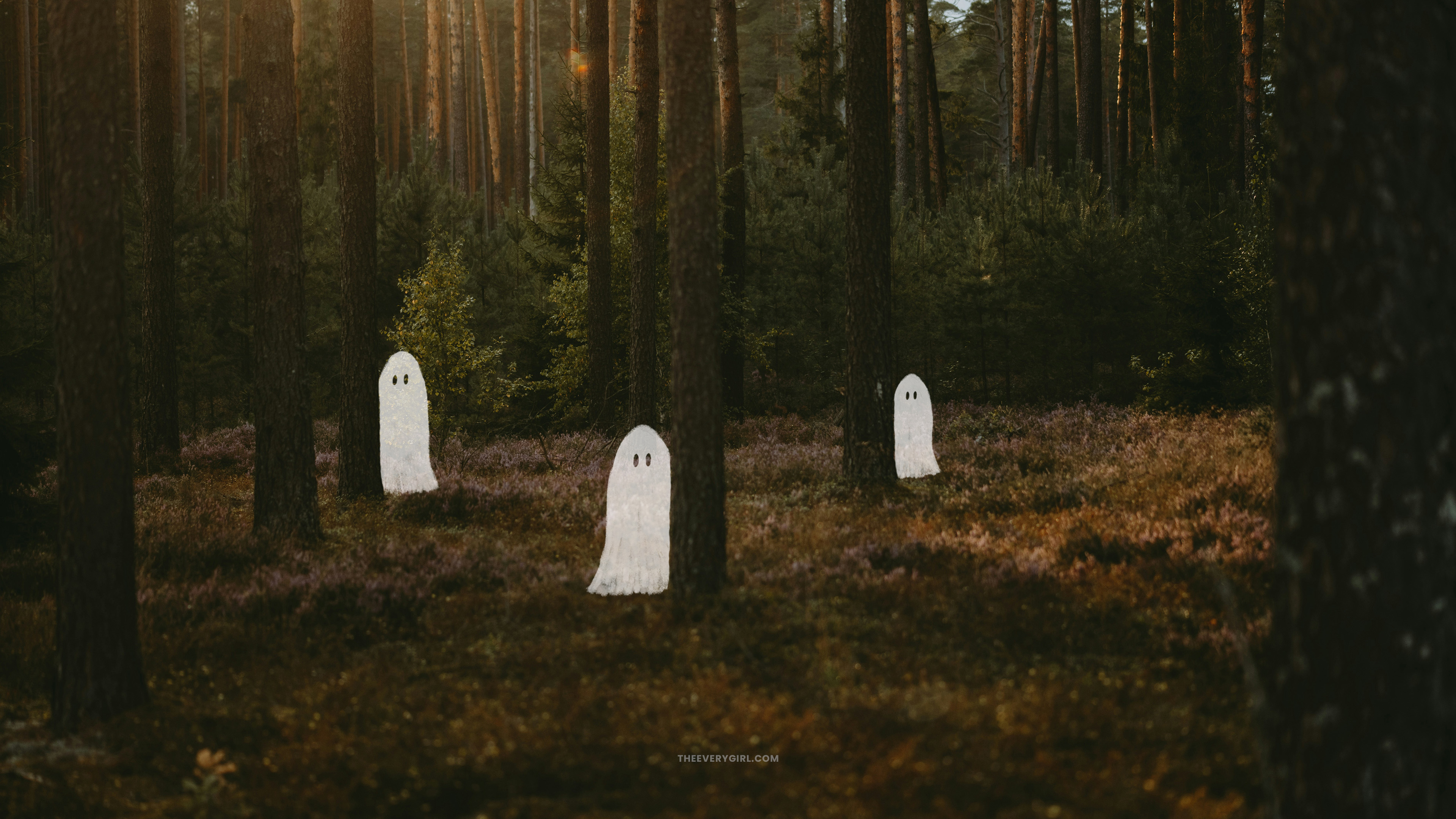
Golden hour light seeps into this dense forest filled with Charlie Brown pine trees—oh, and three ghosts hiding in plain sight. While they might be ducking behind matchstick-like trunks, these bright white ghosts stand out against the earthy tones of brush and pine needles. The traditional bedsheet ghosts feel innocent and playful—and they inspire a listen of Phoebe Bridgers’ Stranger in the Alps.
CLICK TO DOWNLOAD
Desktop | iPhone | iPad / Tablet | TV Version
Foggy Forest Fall Wallpaper
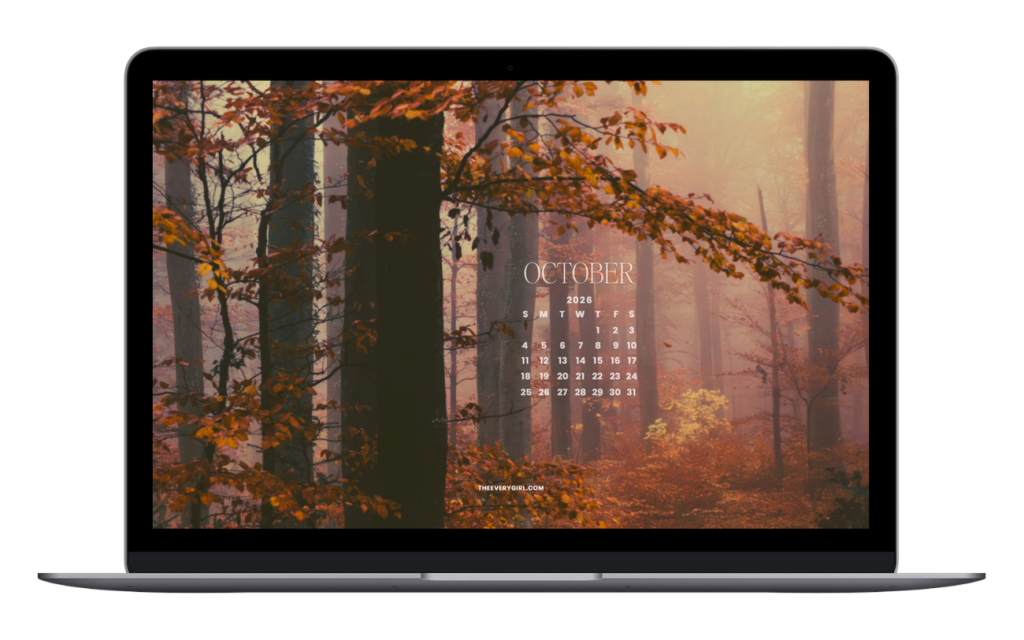
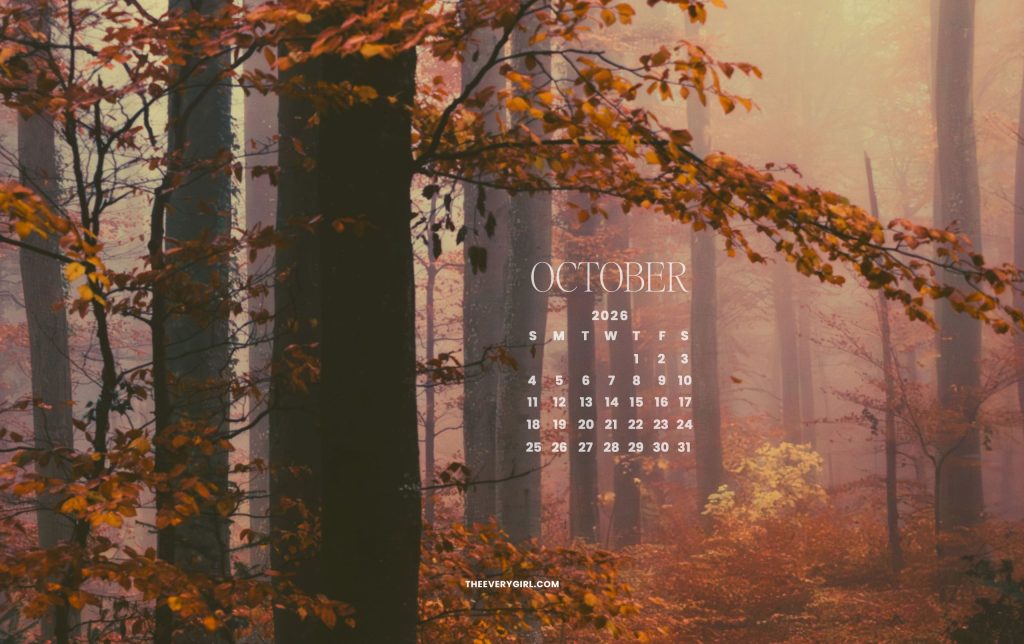
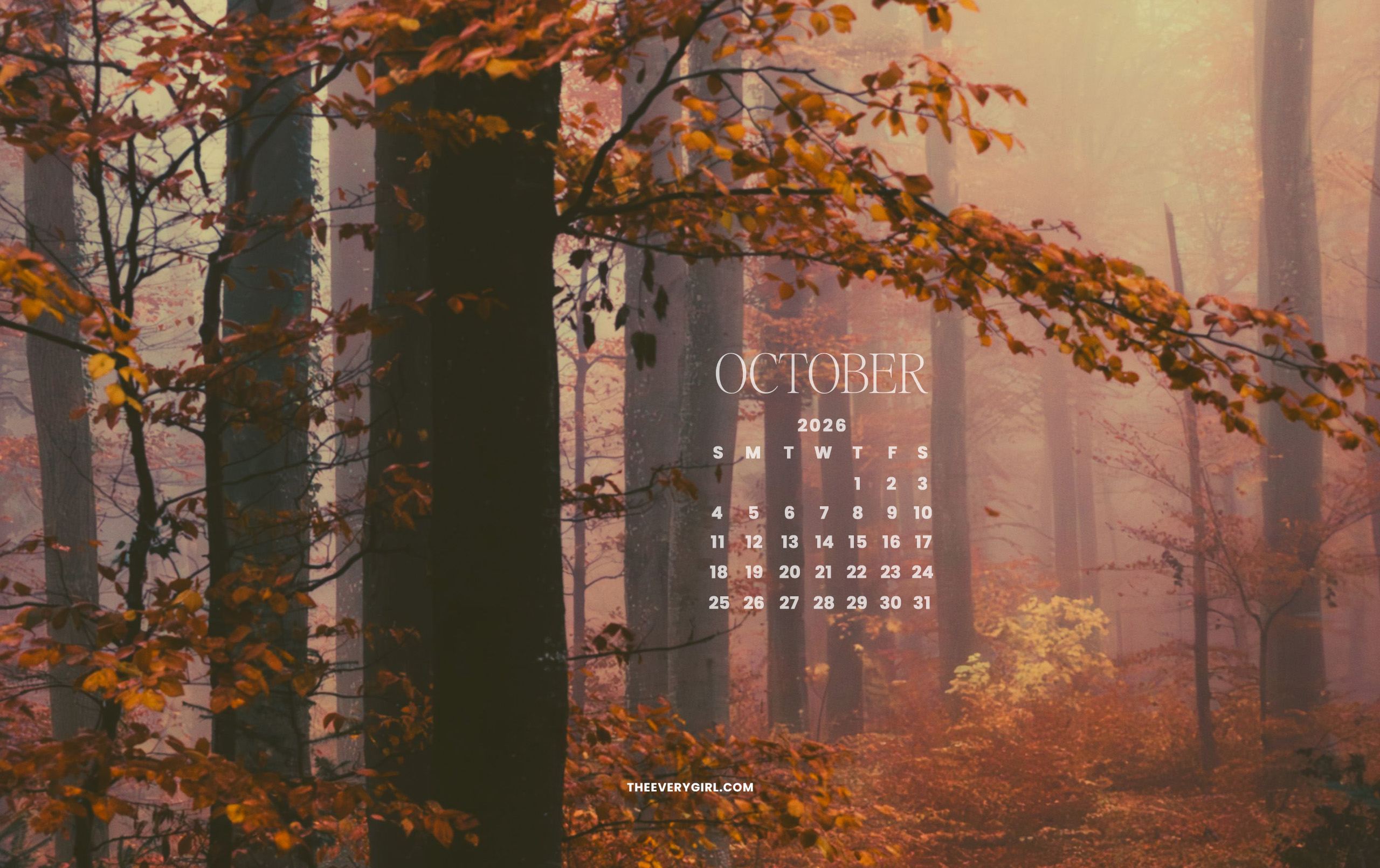
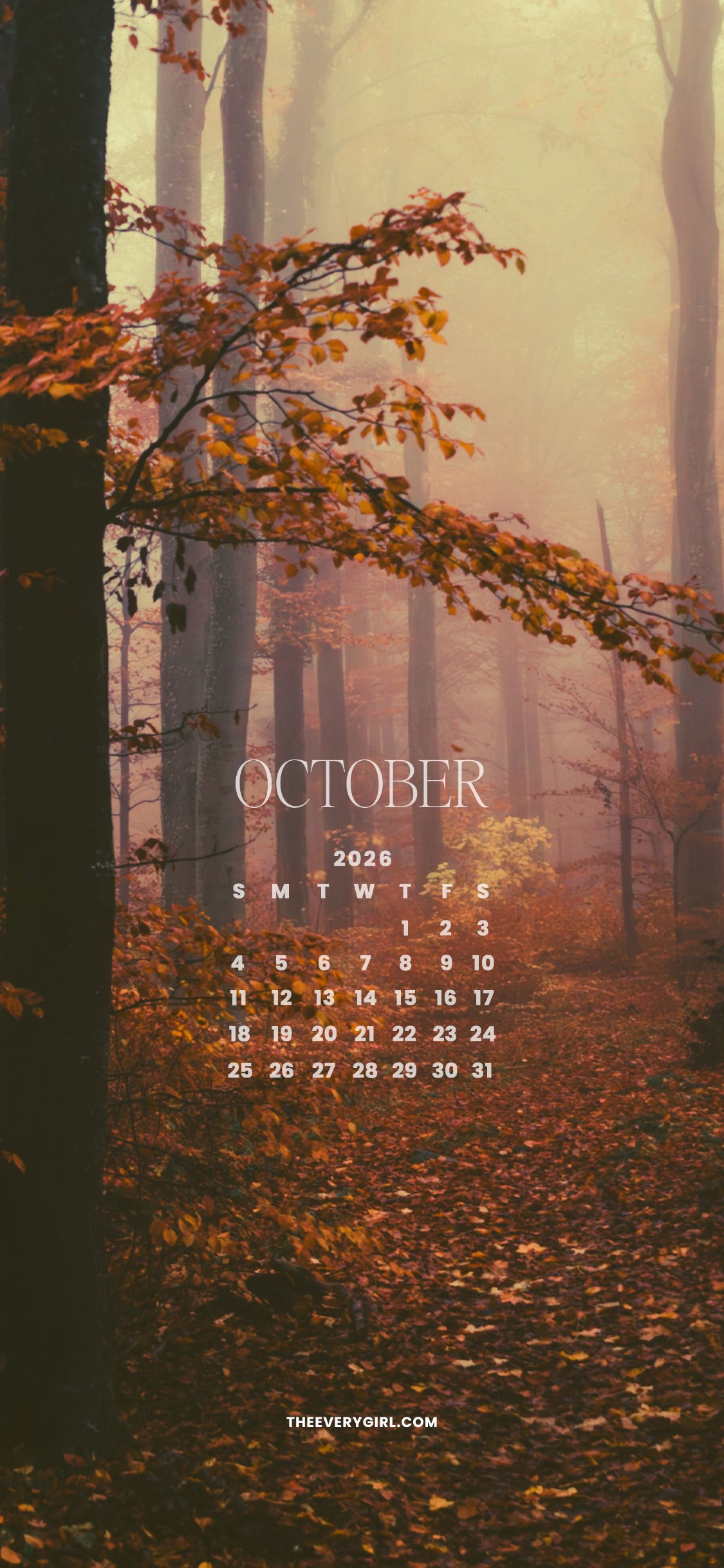
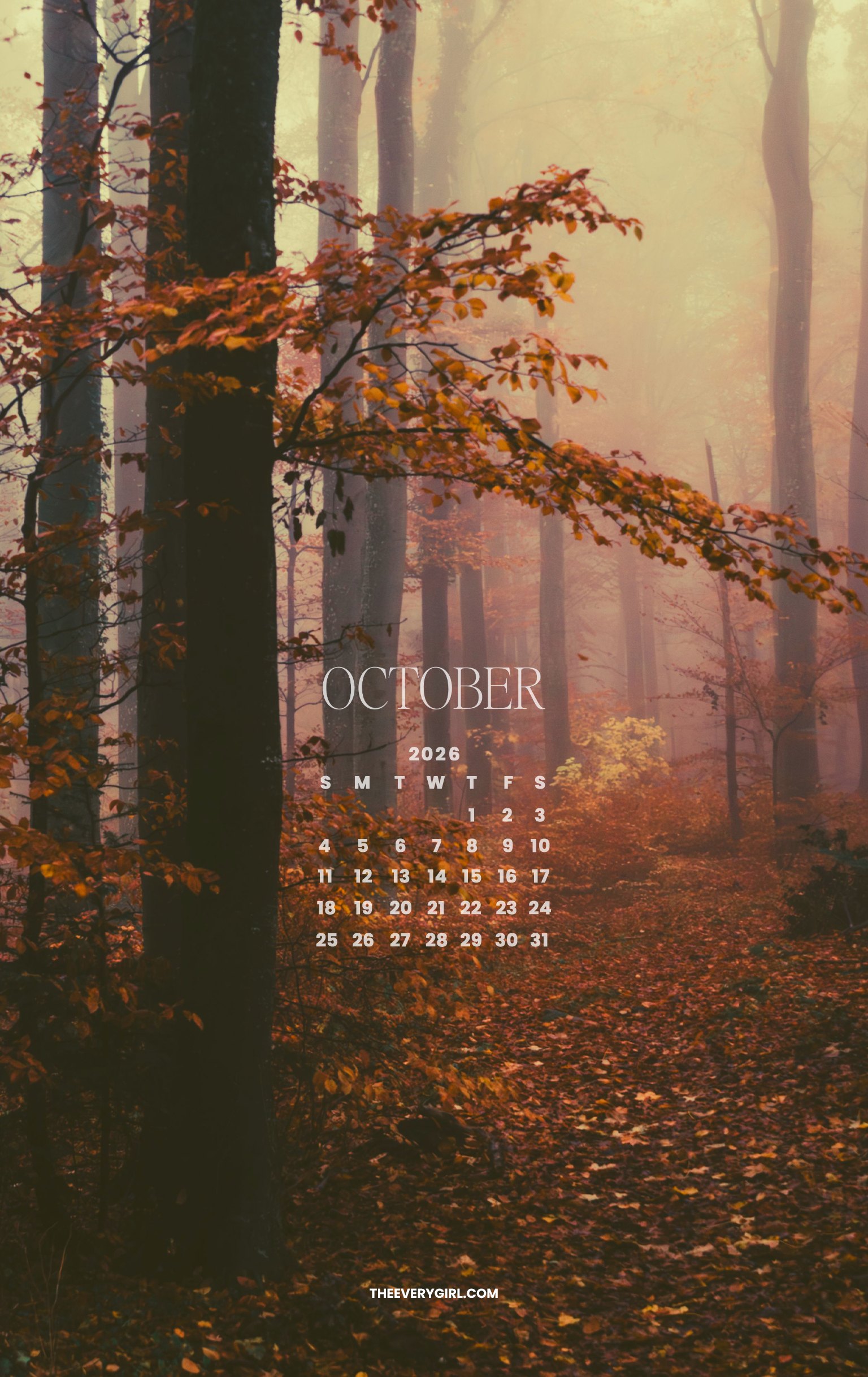
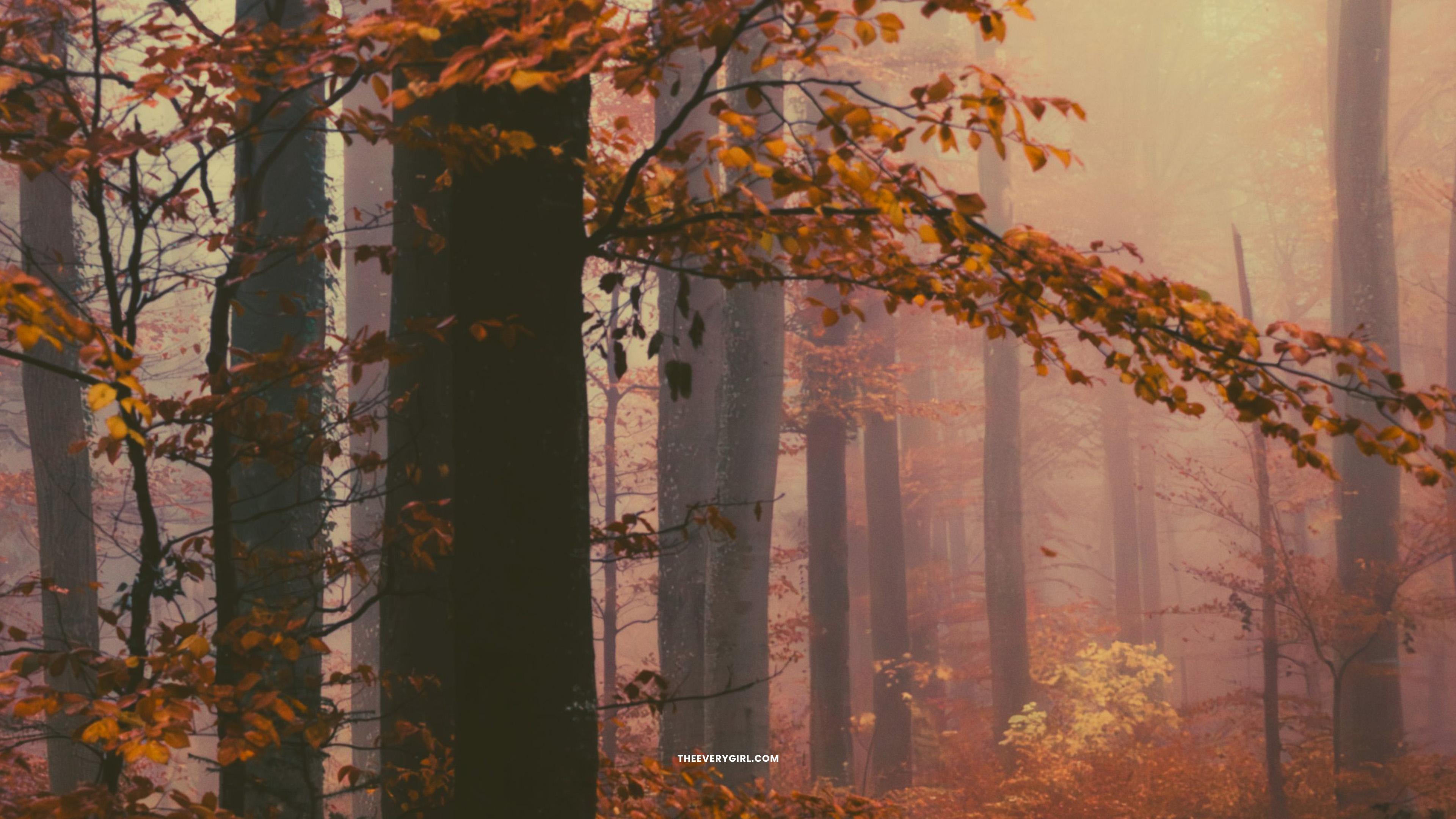
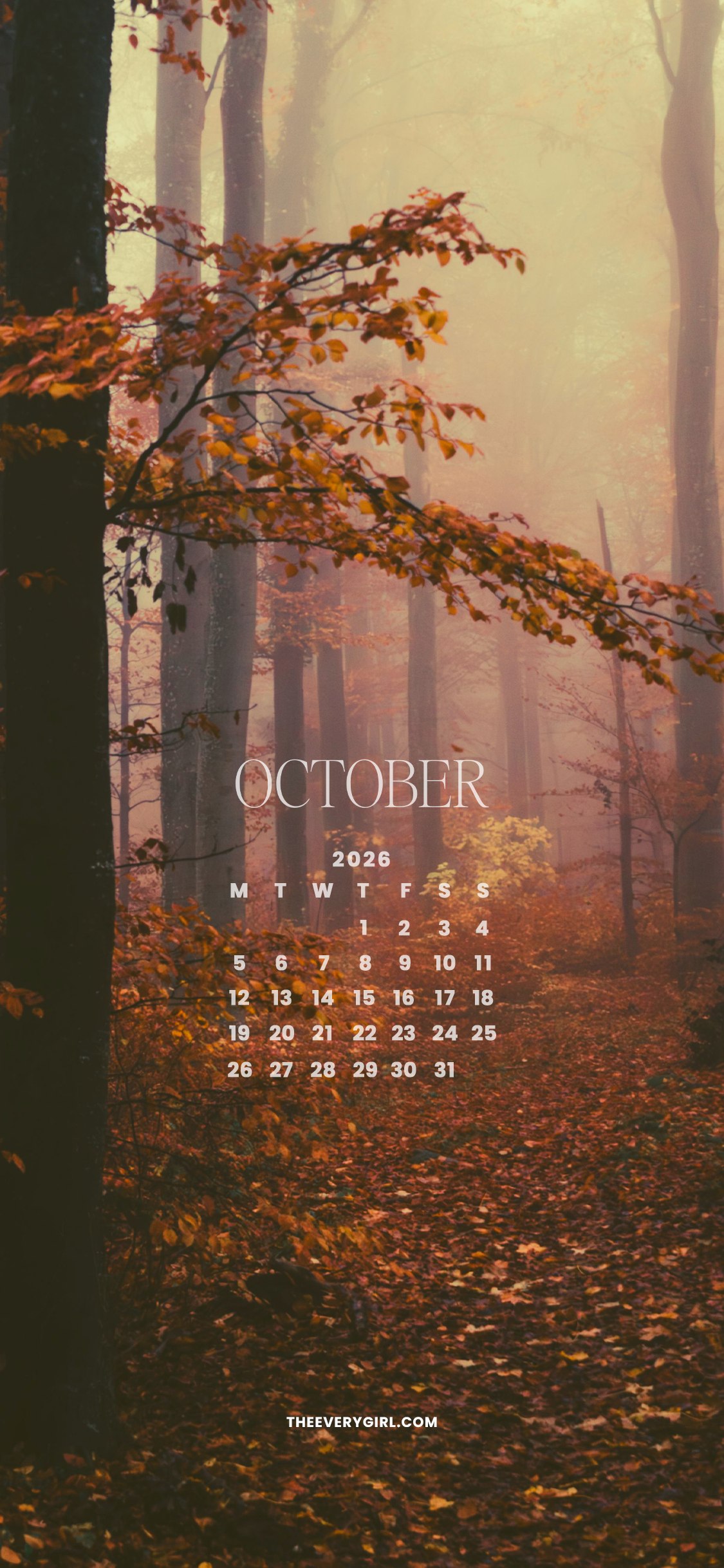
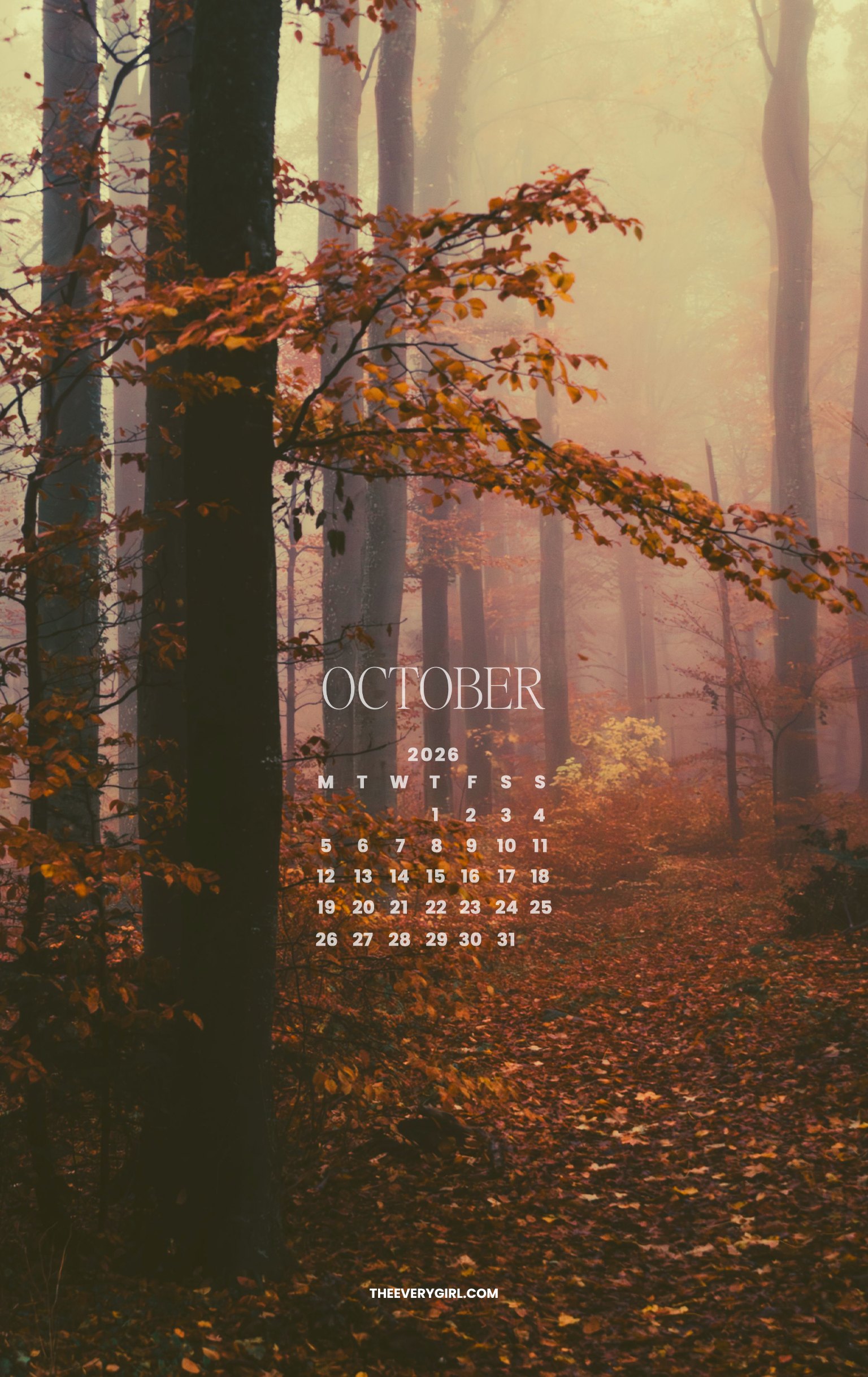
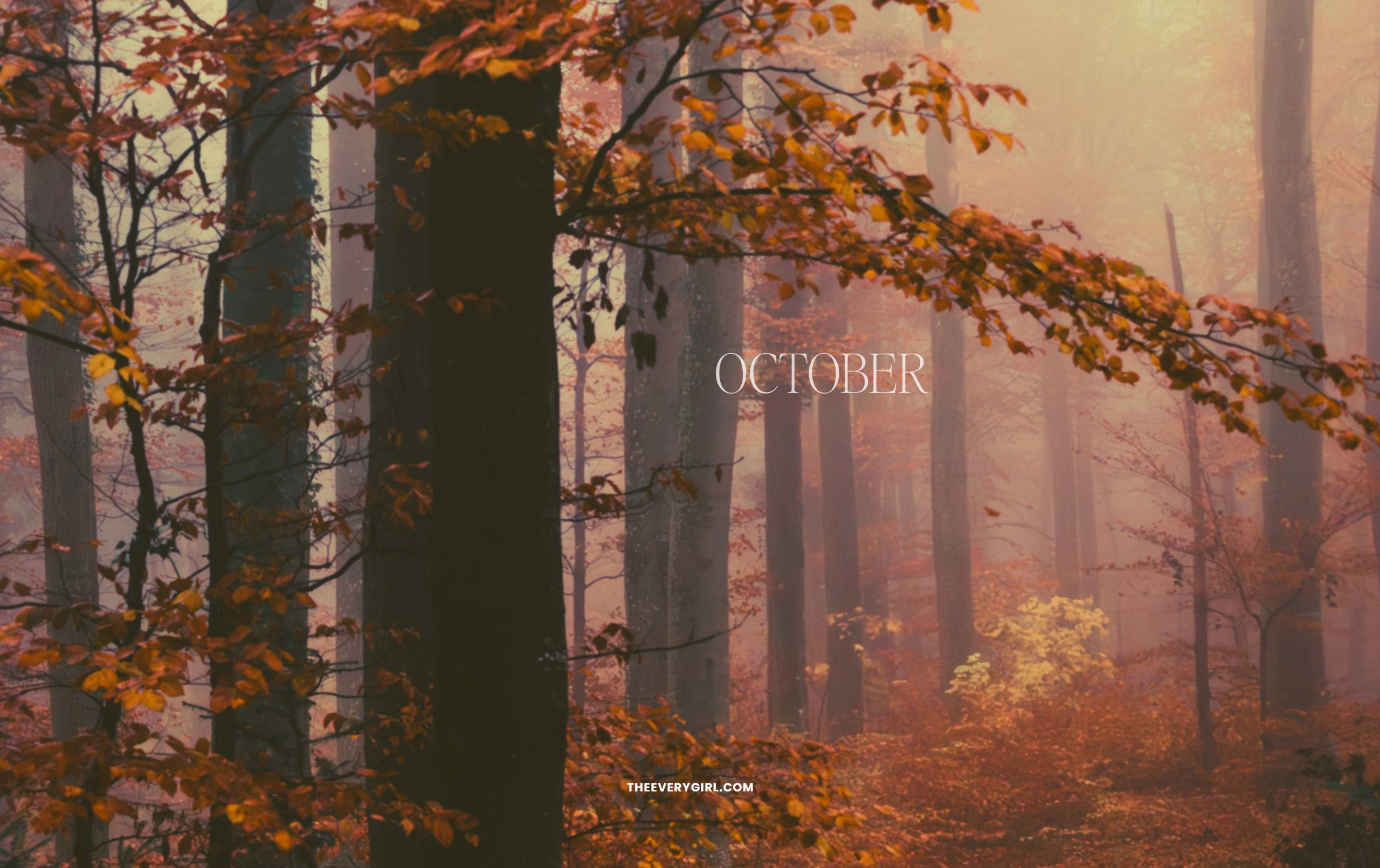
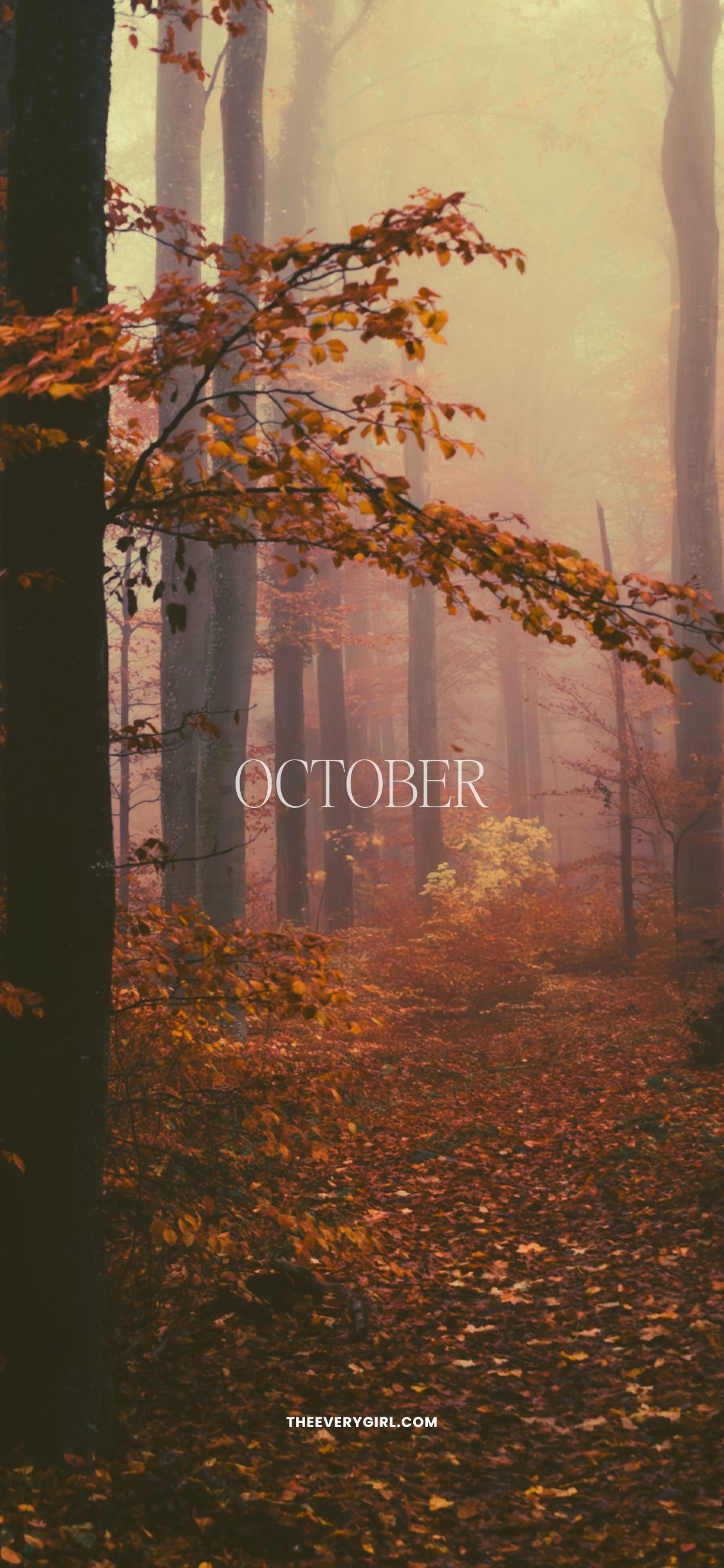
Slip away into a foggy forest with nutmeg- and amber-colored foliage, mist hanging in the air, and maybe even a deer padding through the crunchy blanket of leaves. Looking at this makes me want to slip into a cozy flannel shirt, lace up my comfiest boots, and hike for hours on end, phone-free with the trees as my only company.
CLICK TO DOWNLOAD
Calendar—Sunday Start
Desktop | iPhone | iPad / Tablet | Second Screen | TV Version
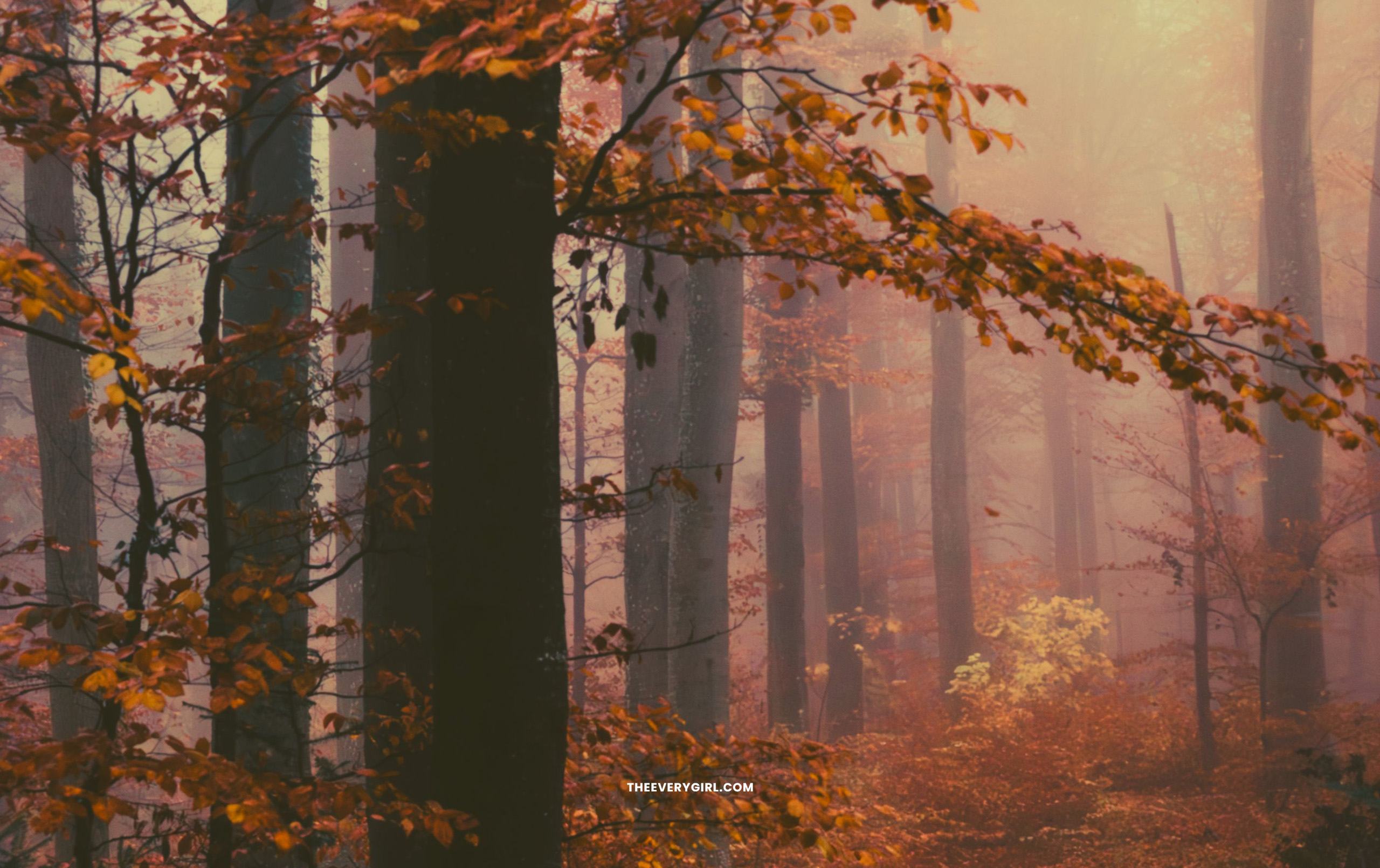
Calendar—Monday Start
Desktop | iPhone | iPad / Tablet
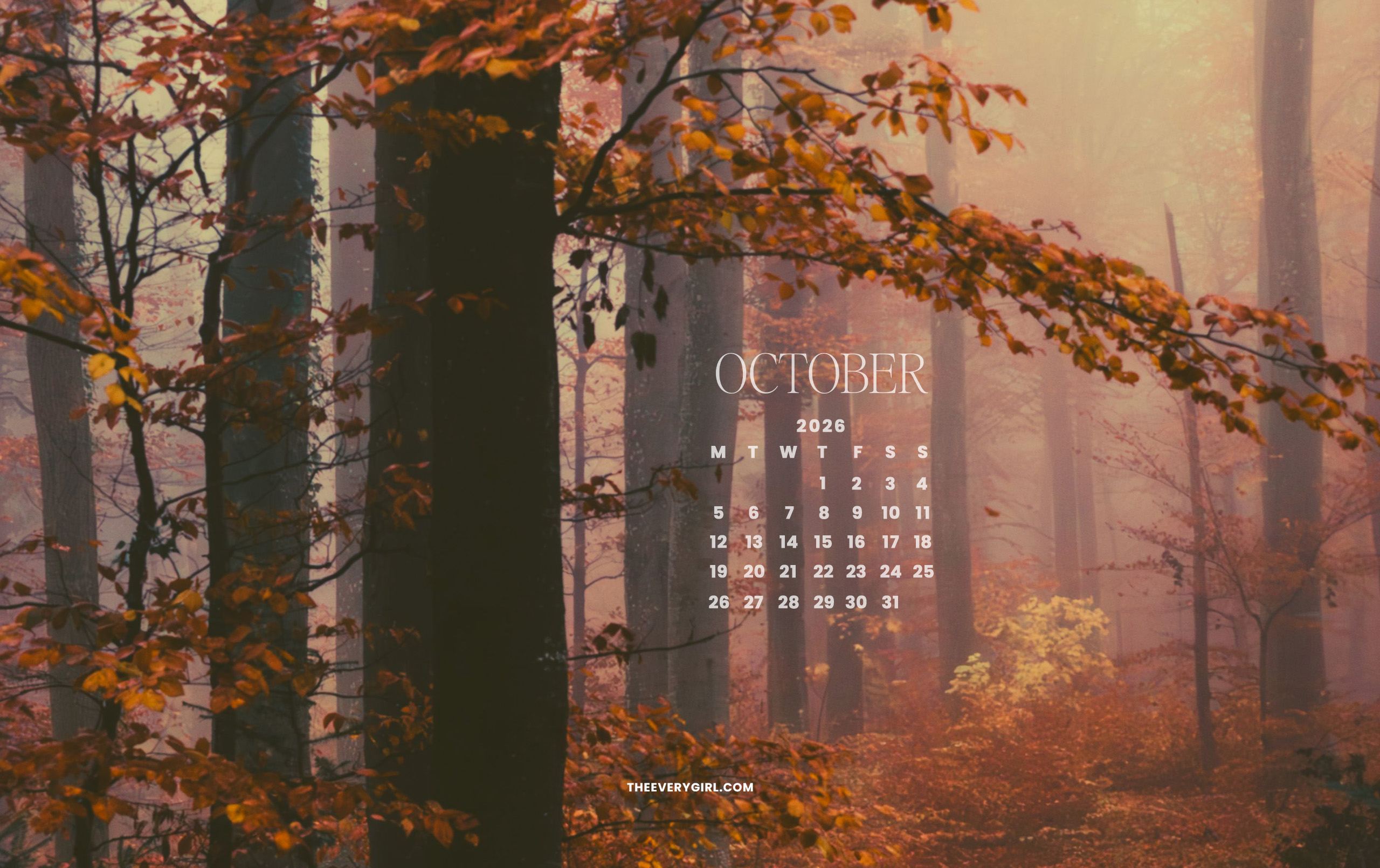
No Calendar
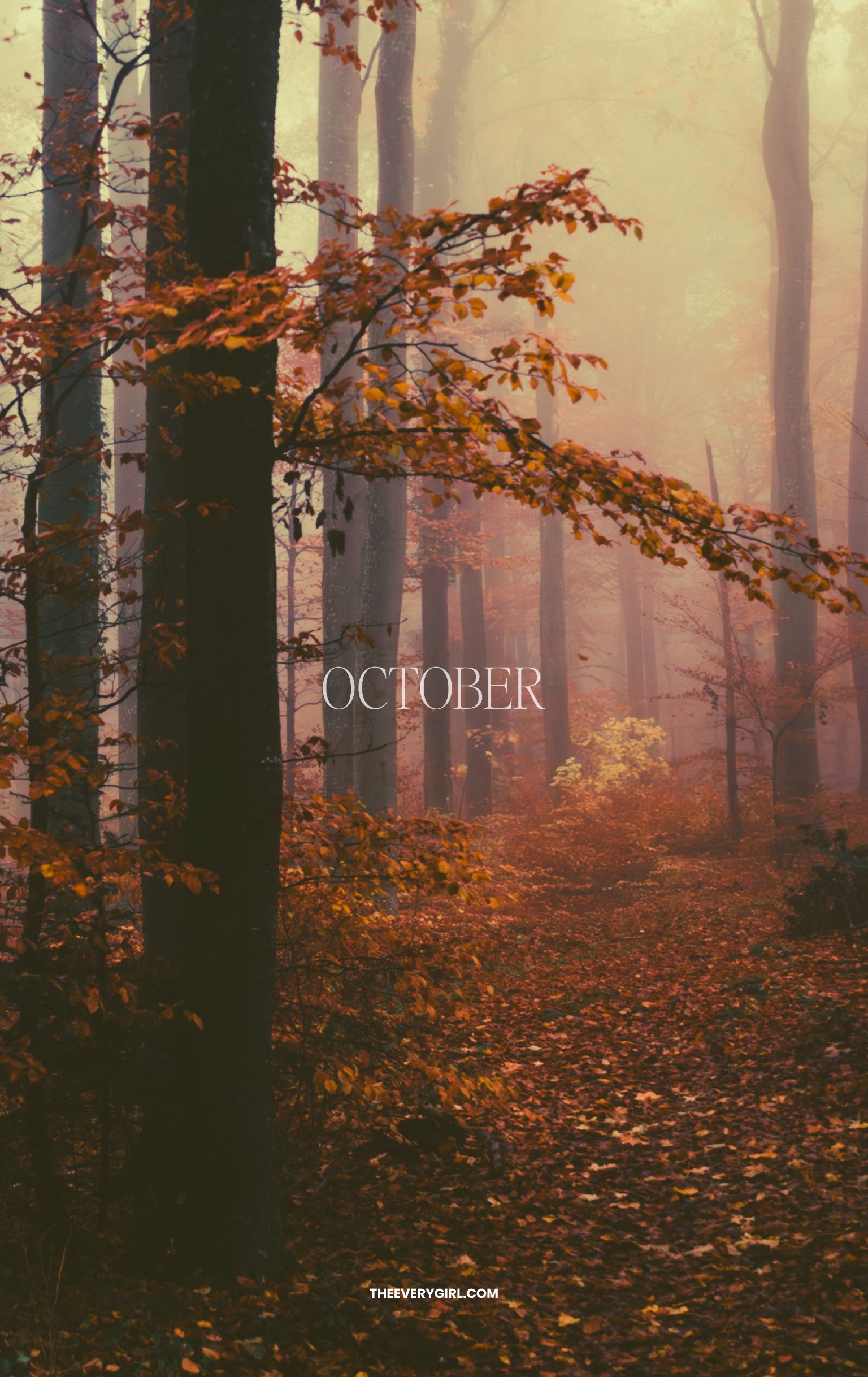


October Fall Aesthetic Tech Background
Trench coats and barn jackets. Fallen leaves on cars and cobblestone. Glowing street lamps and melting taper candles. Cameras slung around your neck and books in your lap. Croissants and coffee daily. Need I say more? October is fall’s moodiest and most magical month, and this scrapbook screensaver will remind you to not let it slip away.
CLICK TO DOWNLOAD
Desktop | iPhone | iPad / Tablet | TV Version




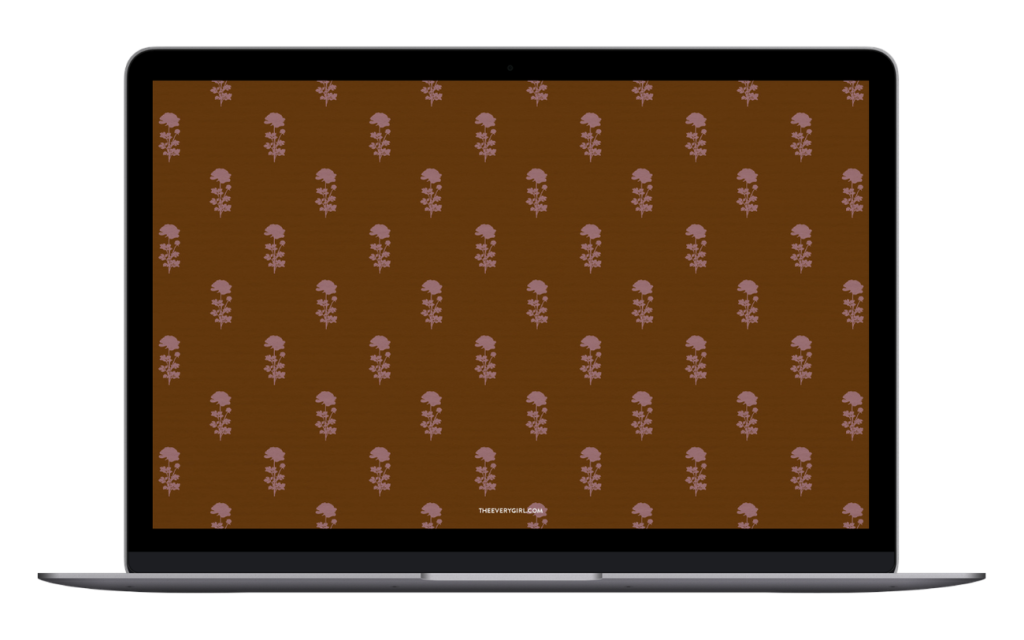
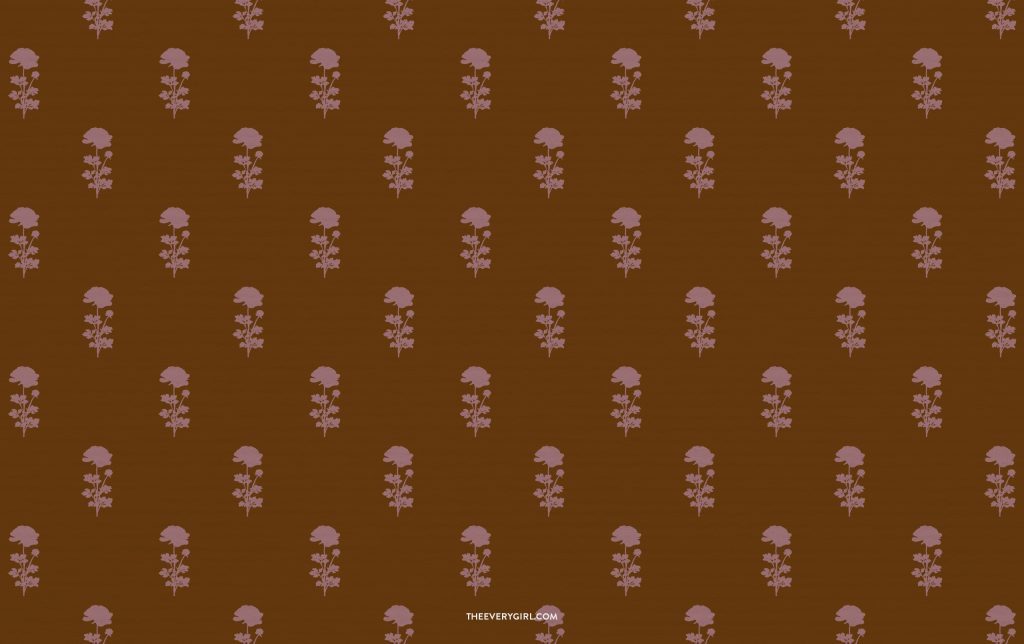
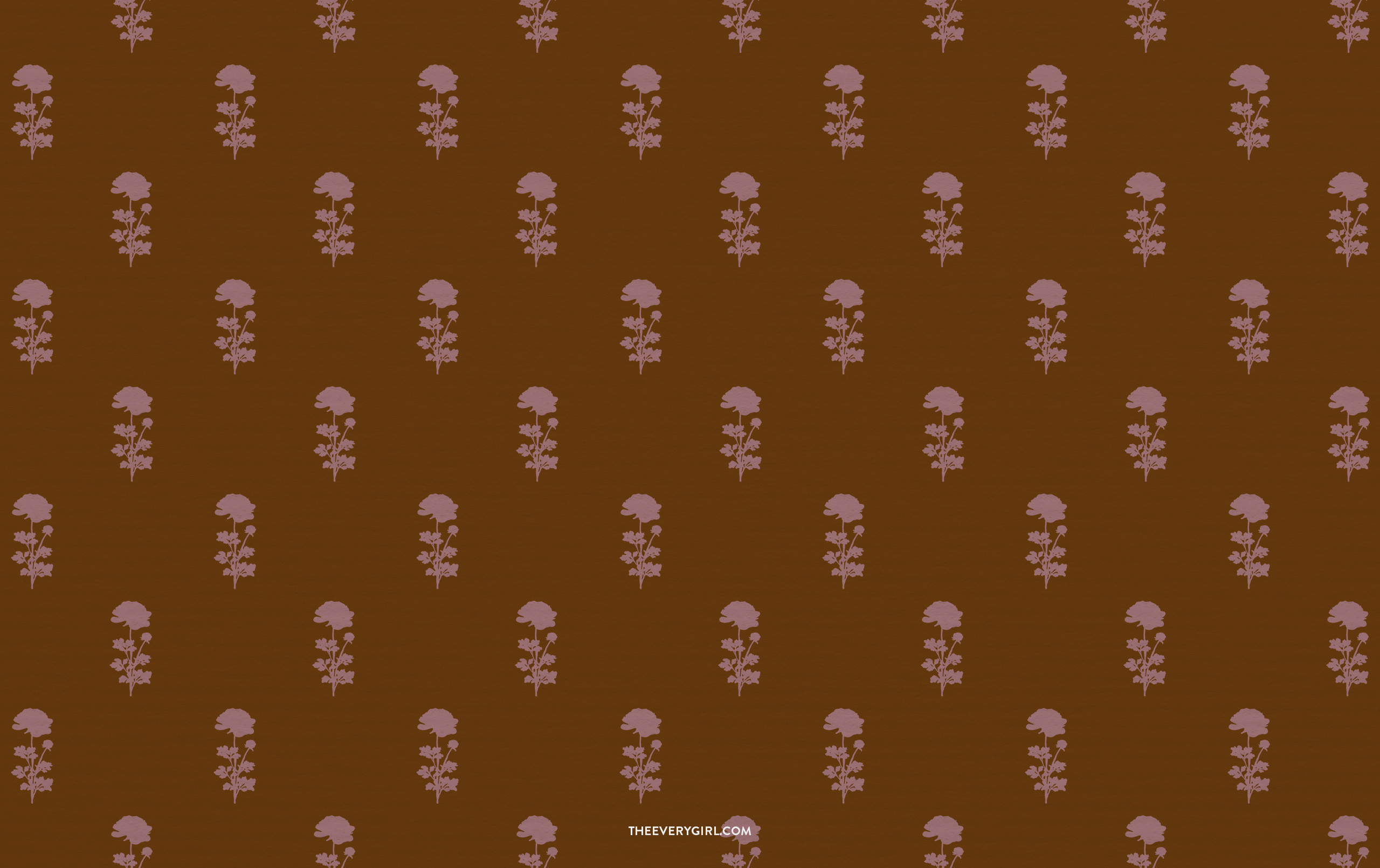
Cozy Floral Wallpaper
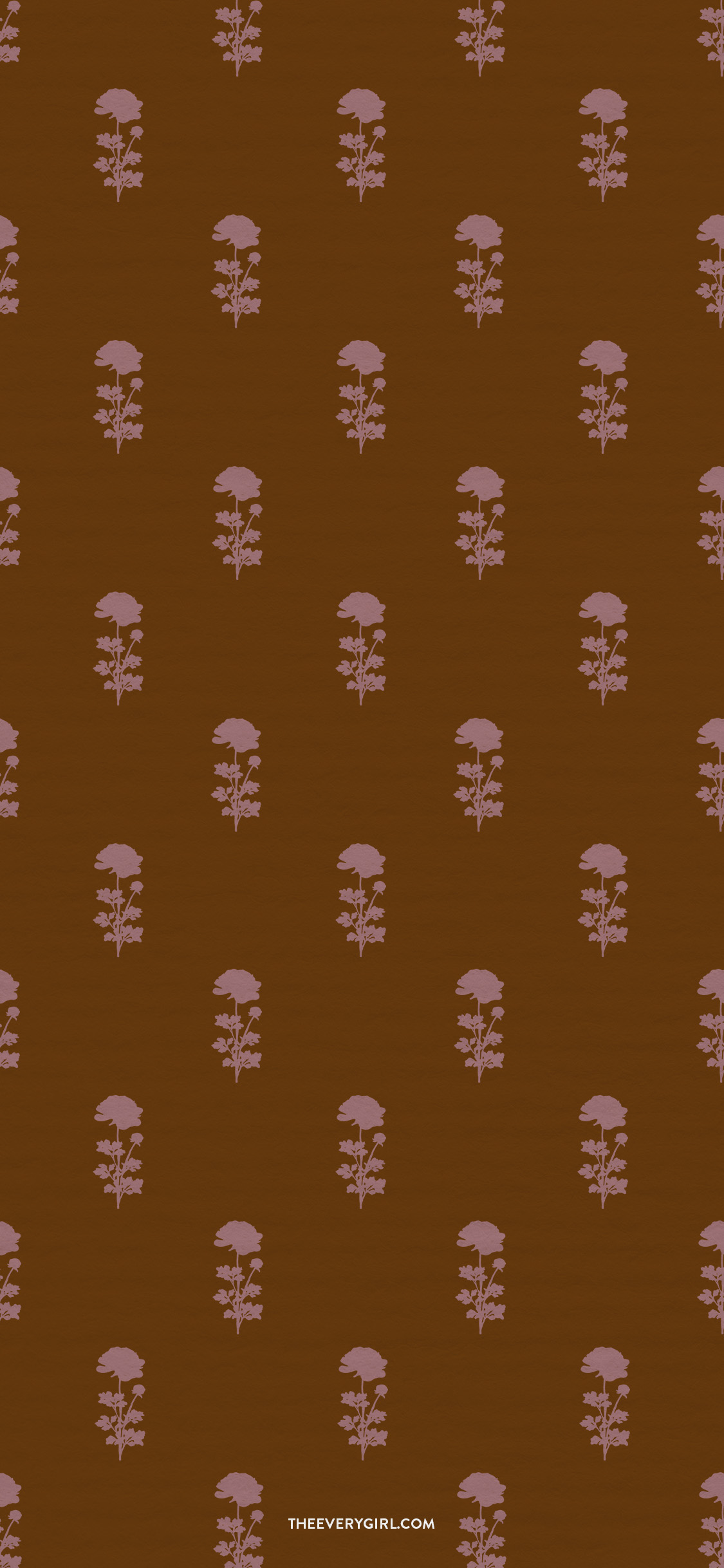
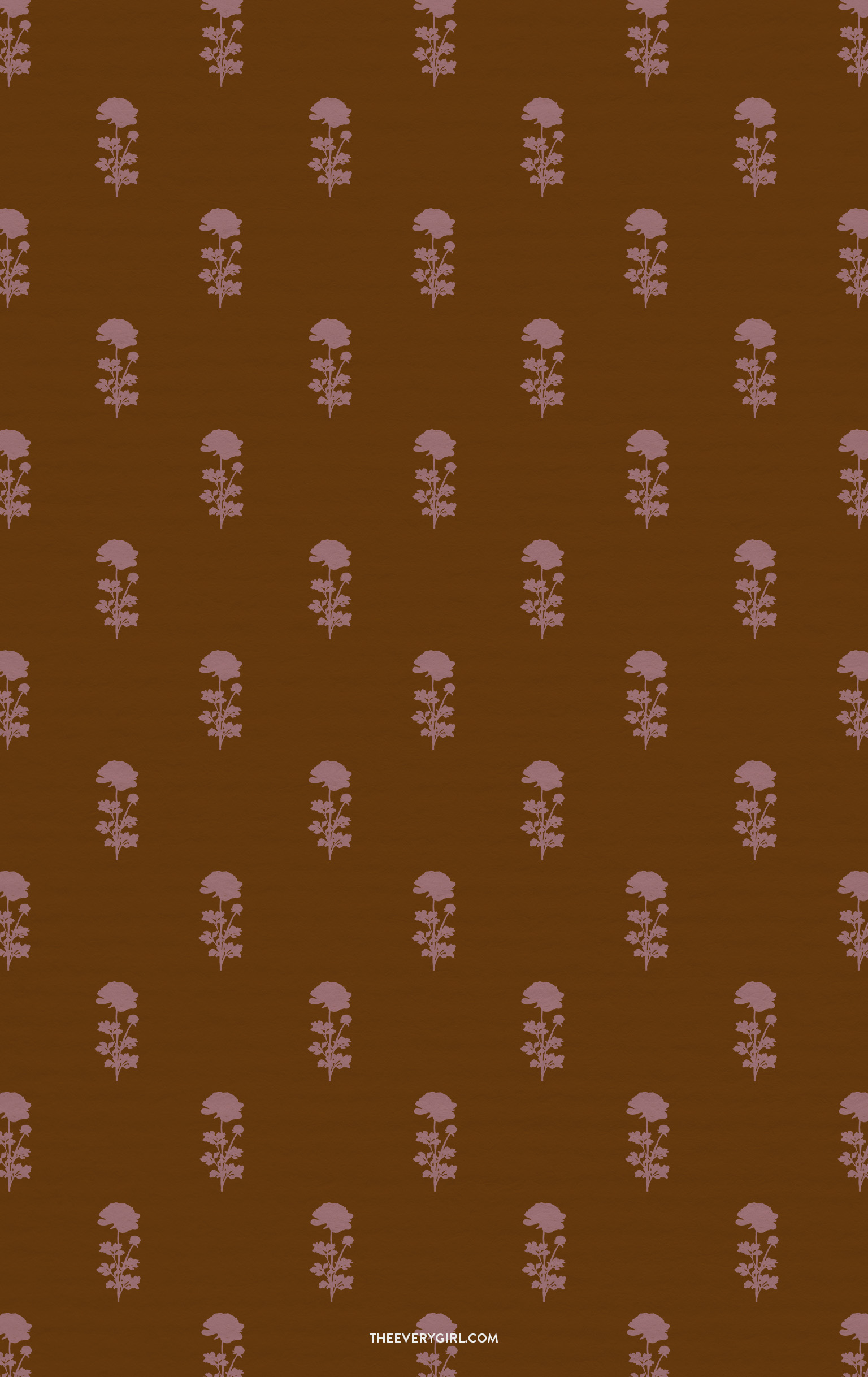
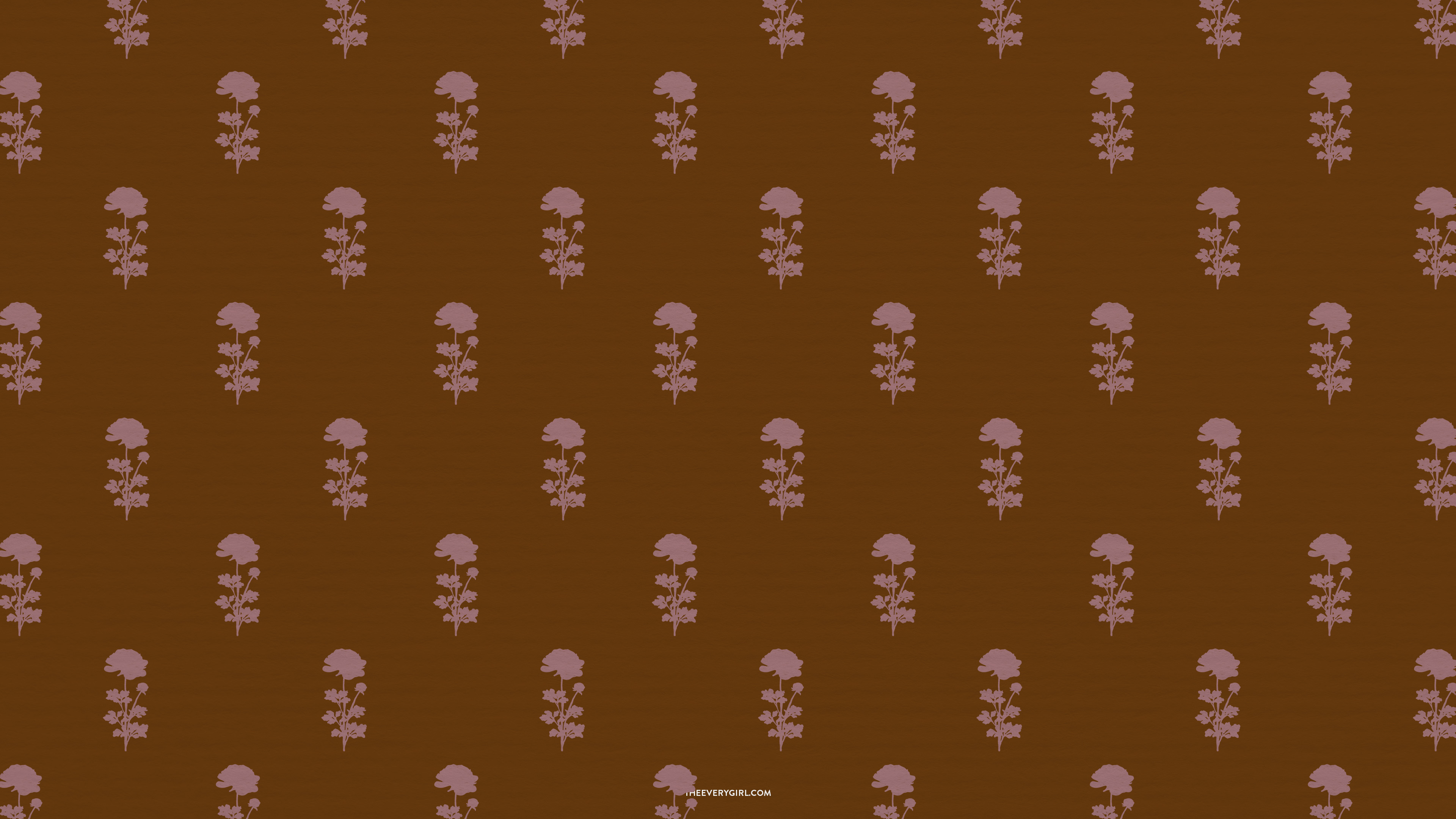
A rich, cinnamon-brown background peppered with pale pink wildflowers evokes a cottagecore vibe, autumnal style. This pattern would look lovely on a throw pillow for a fall bedroom refresh, but putting it on my laptop and phone screen is the next-best thing. It feels elevated yet cozy.
CLICK TO DOWNLOAD
Desktop | iPhone | iPad / Tablet | TV Version
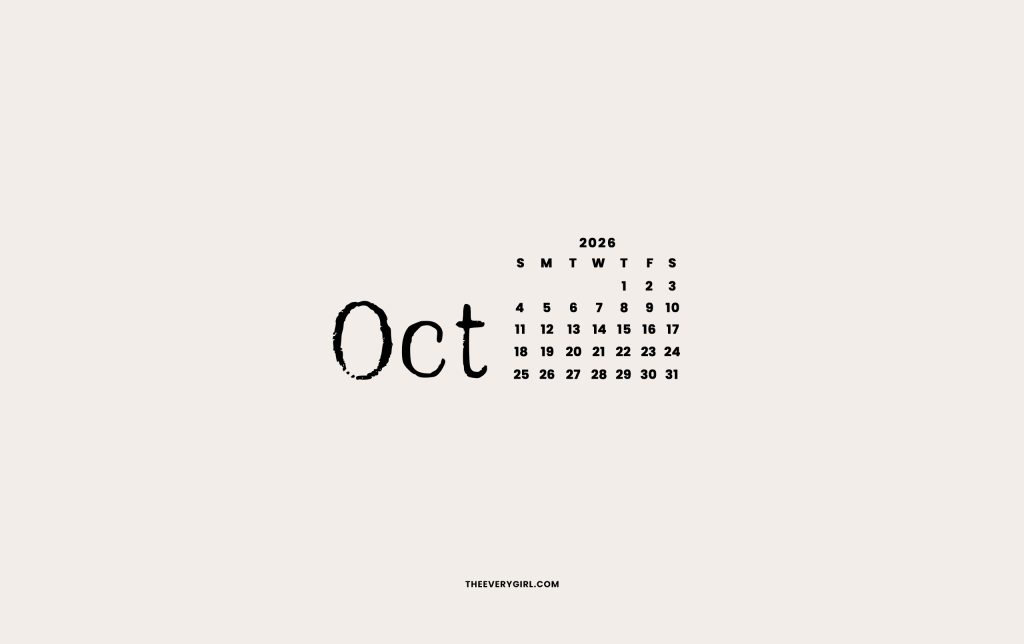
Minimalist October Calendar Wallpaper
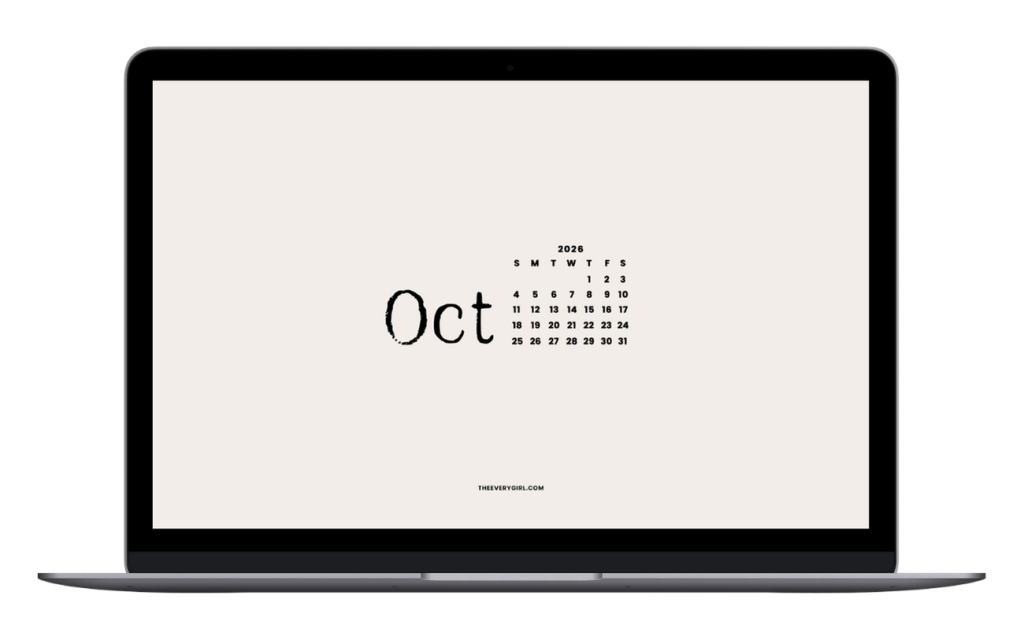
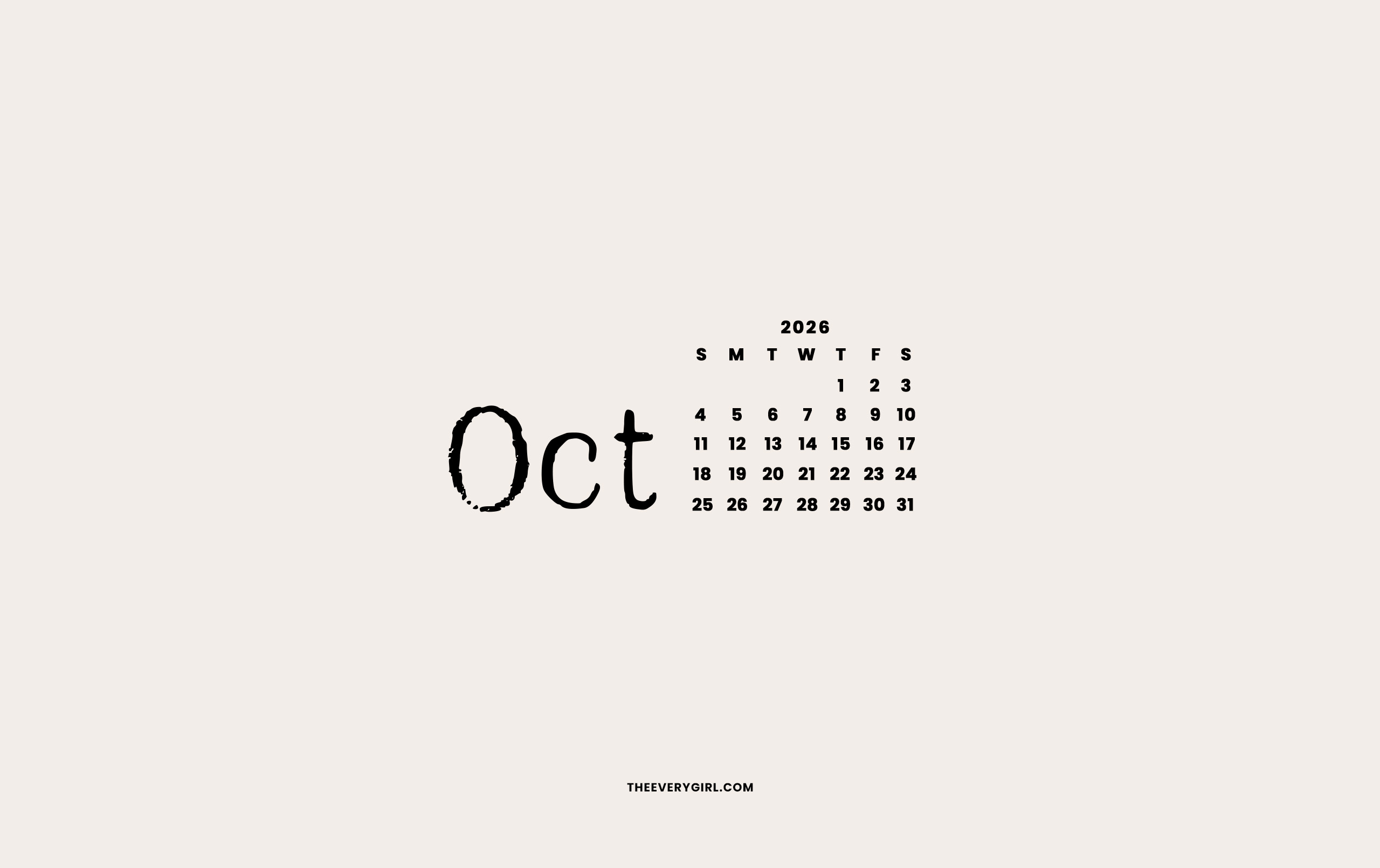
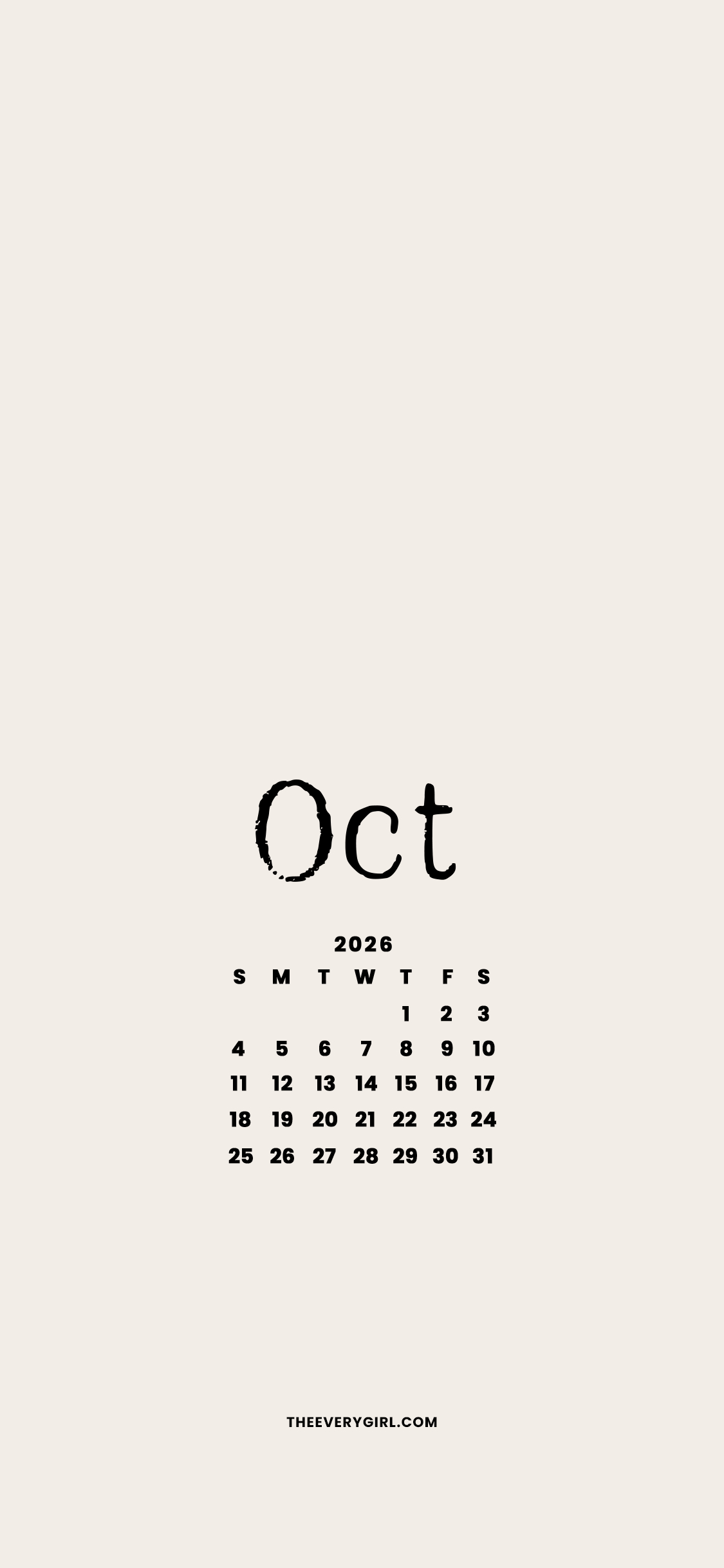
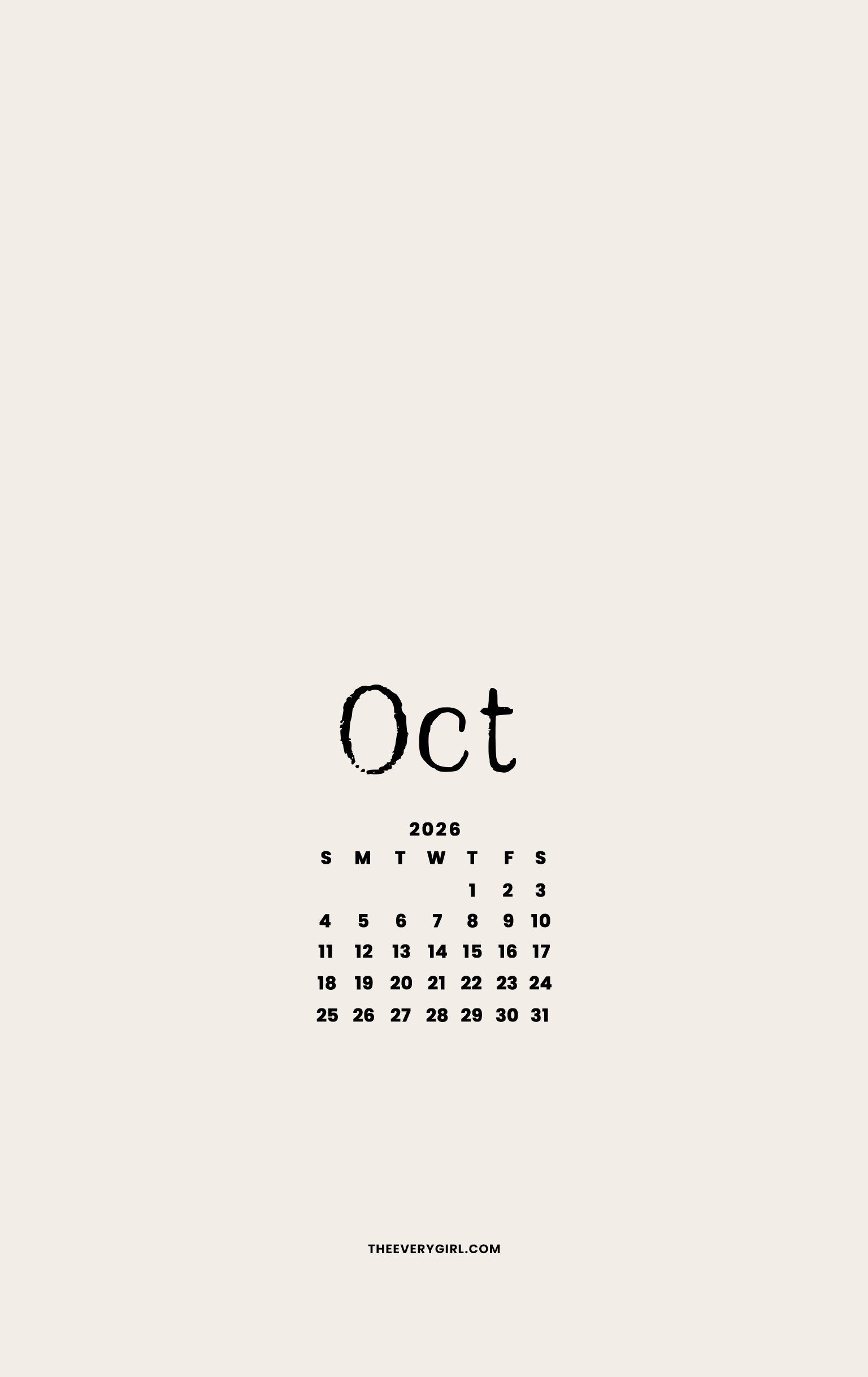
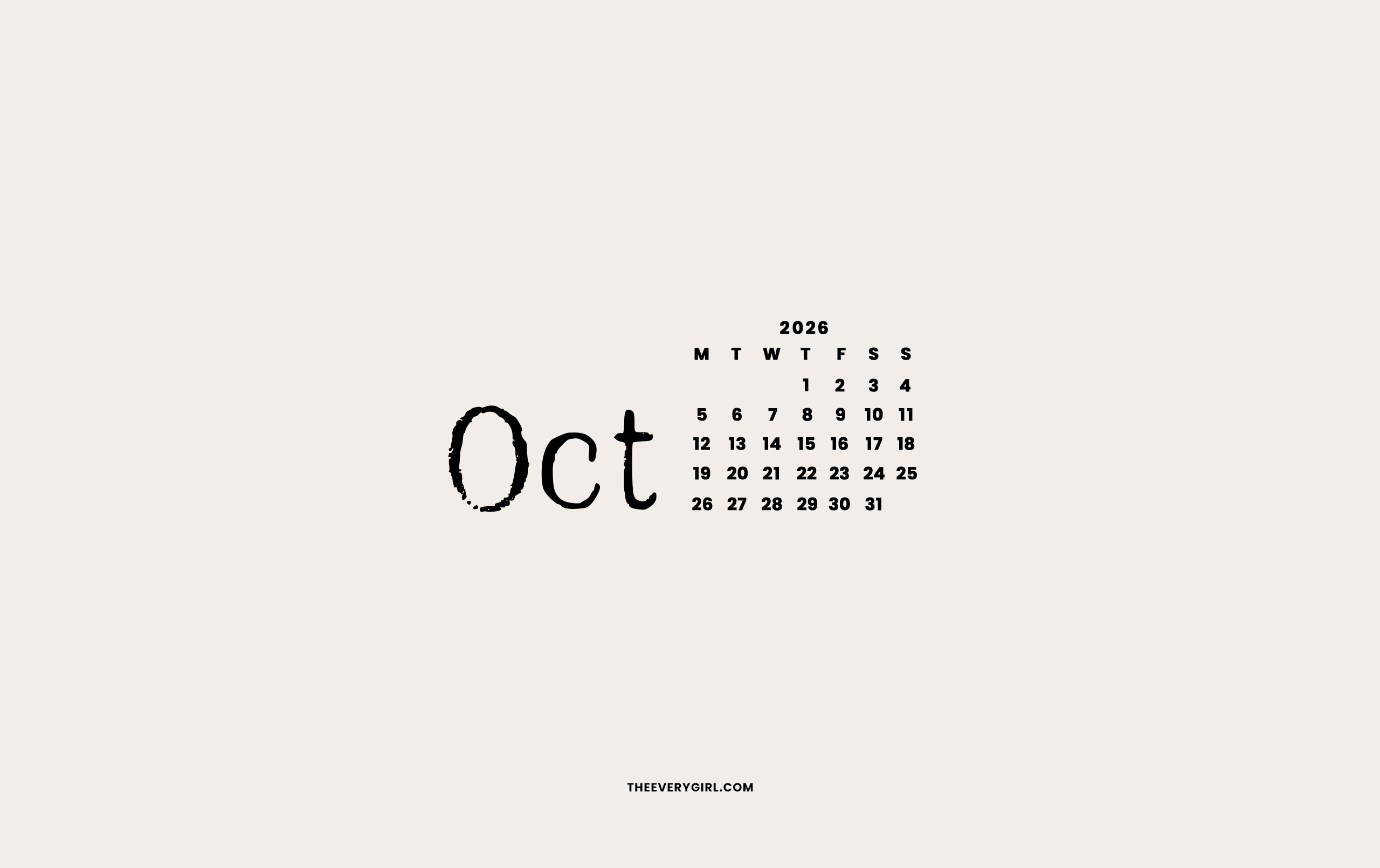
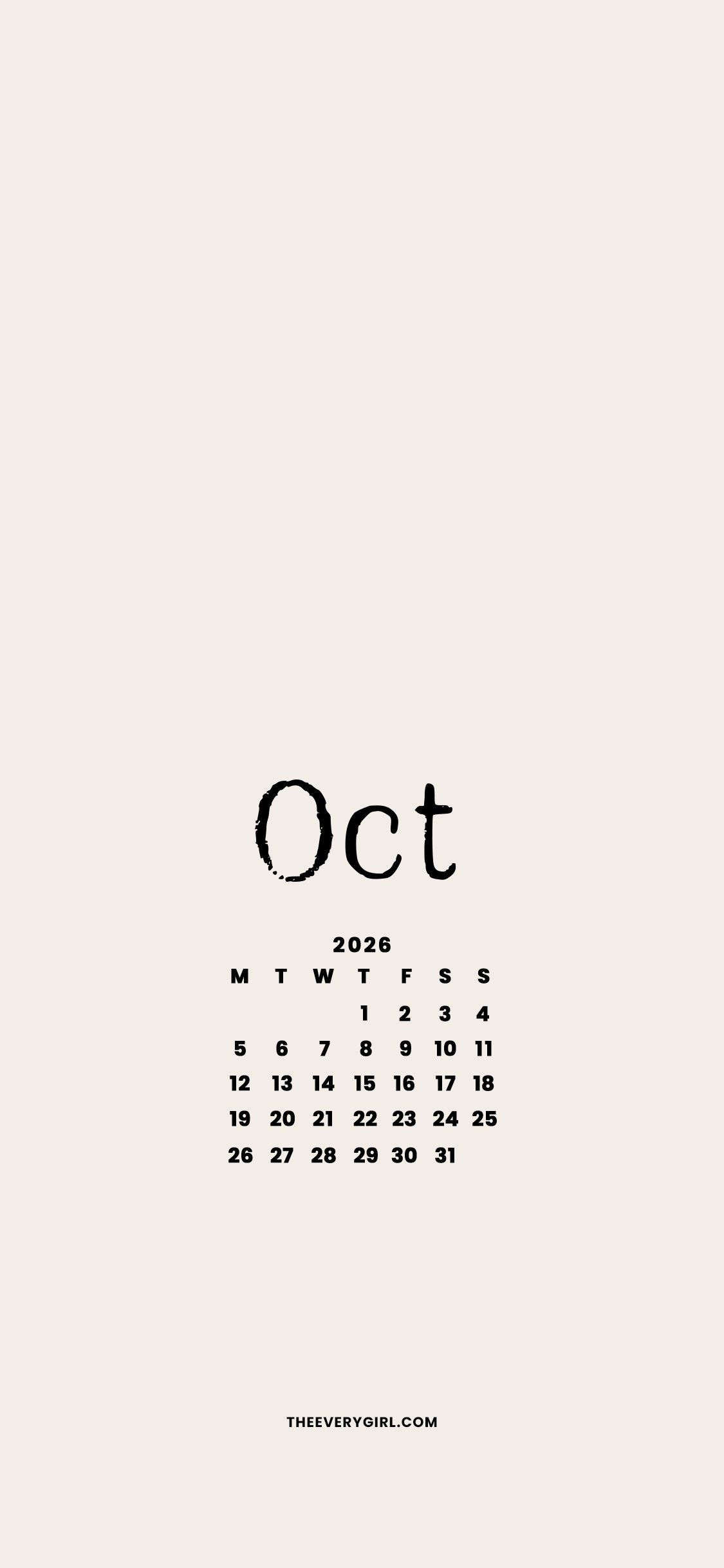
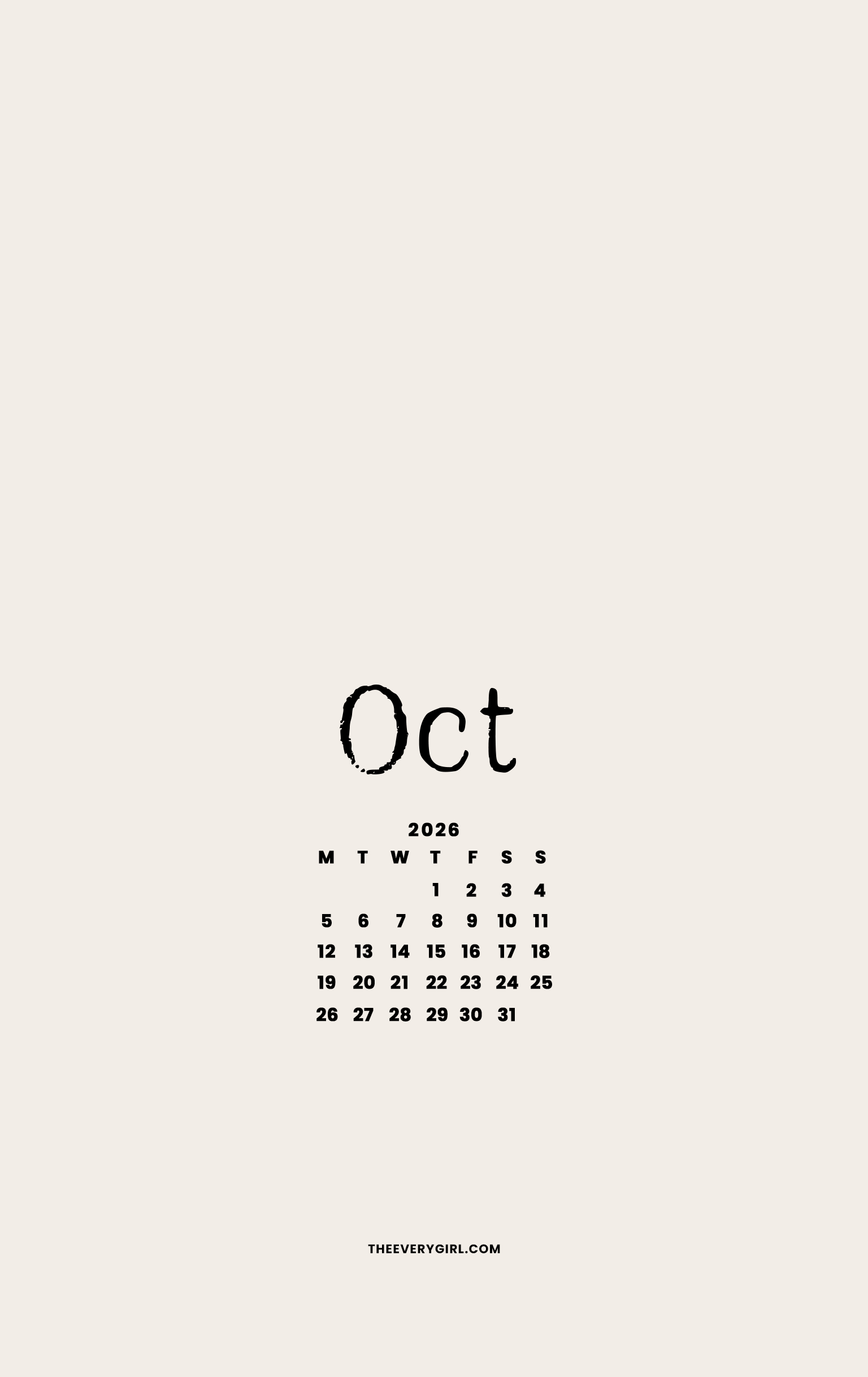
Sometimes, less is more. Quickly see the month at a glance with this minimal calendar background for the intellectual girl who doesn’t need any bells and whistles to get things done. The abbreviated month font looks like it came from a typewriter, which gives off academic energy.
CLICK TO DOWNLOAD
Calendar—Sunday Start
Desktop | iPhone | iPad / Tablet | Second Screen

Calendar—Monday Start
Desktop | iPhone | iPad / Tablet
No Calendar




October List Tech Background
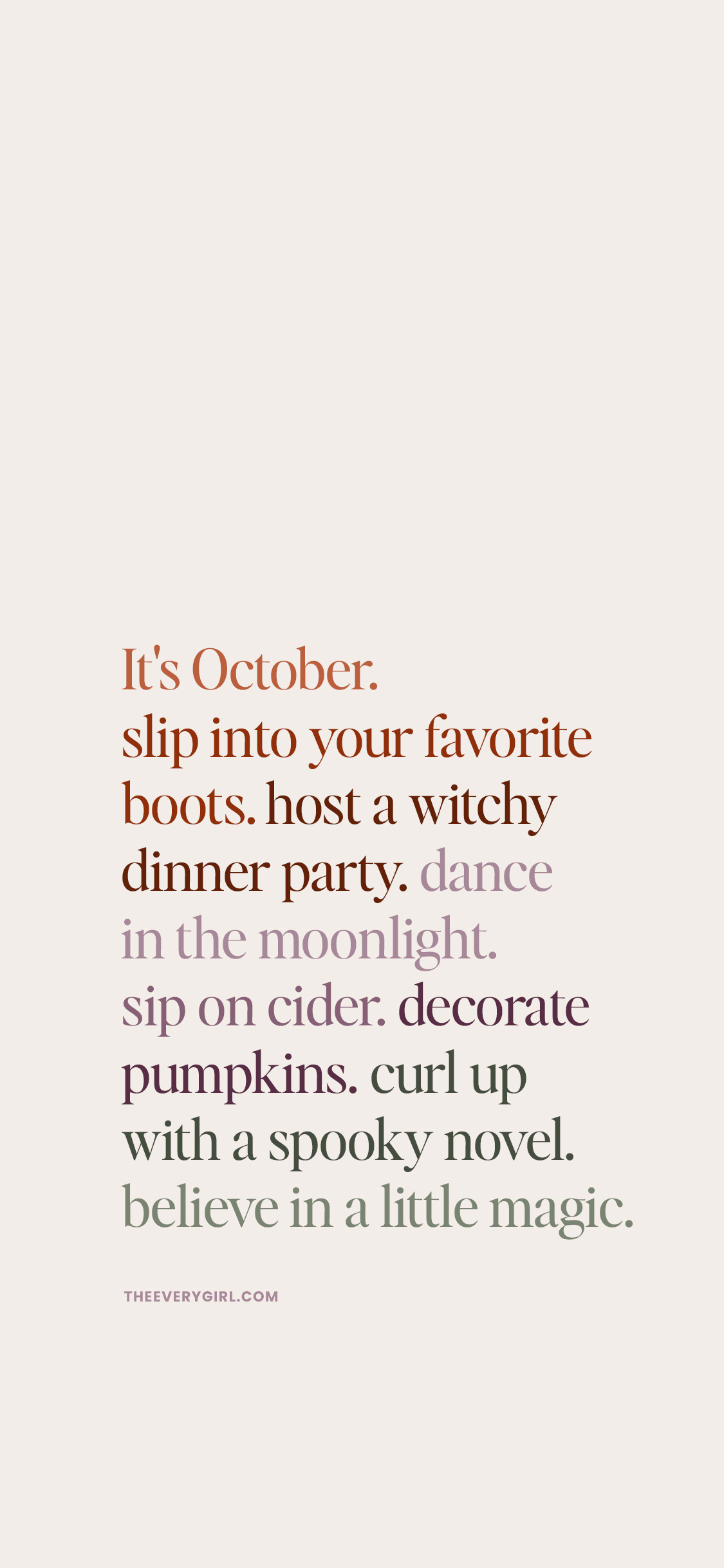
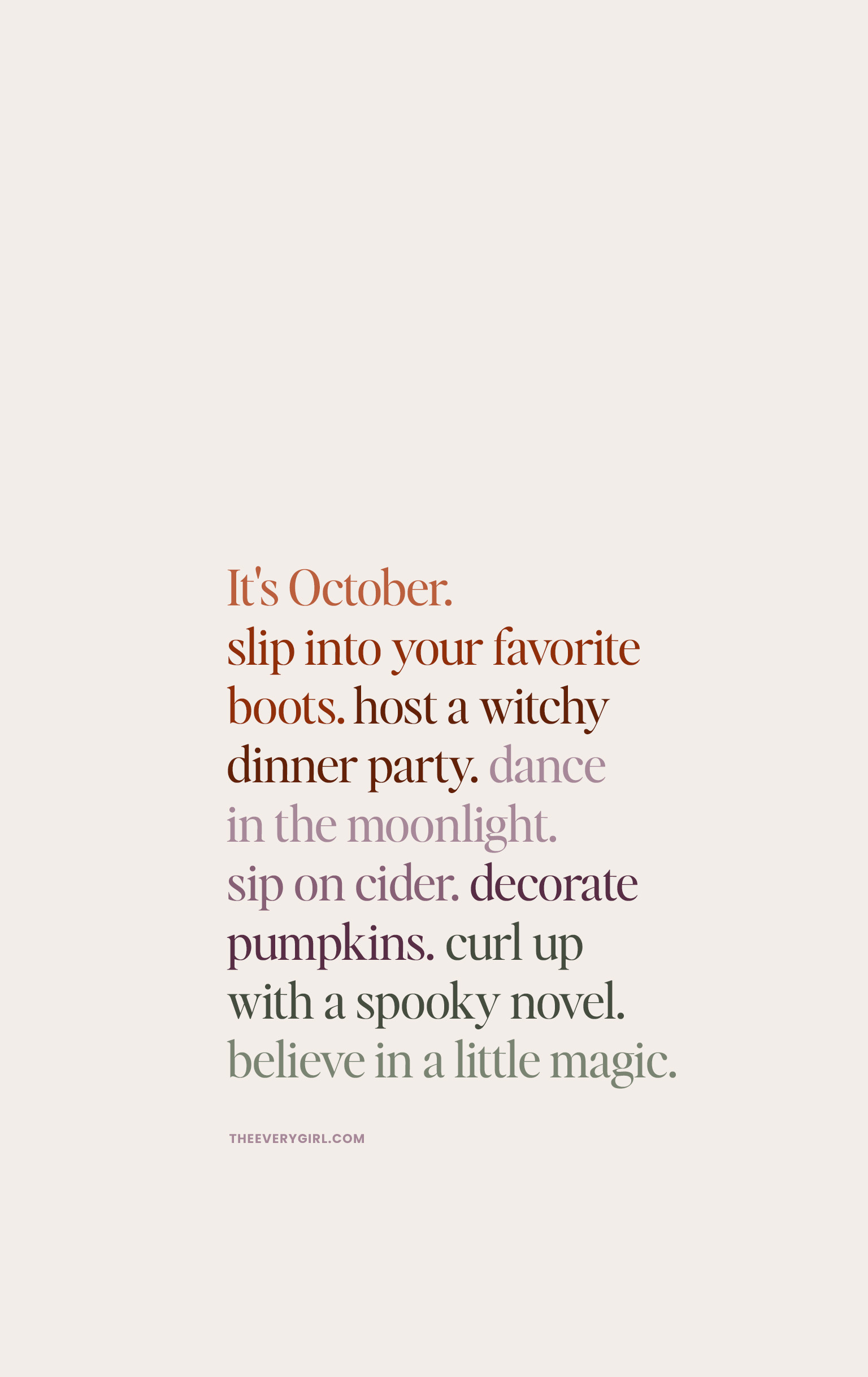
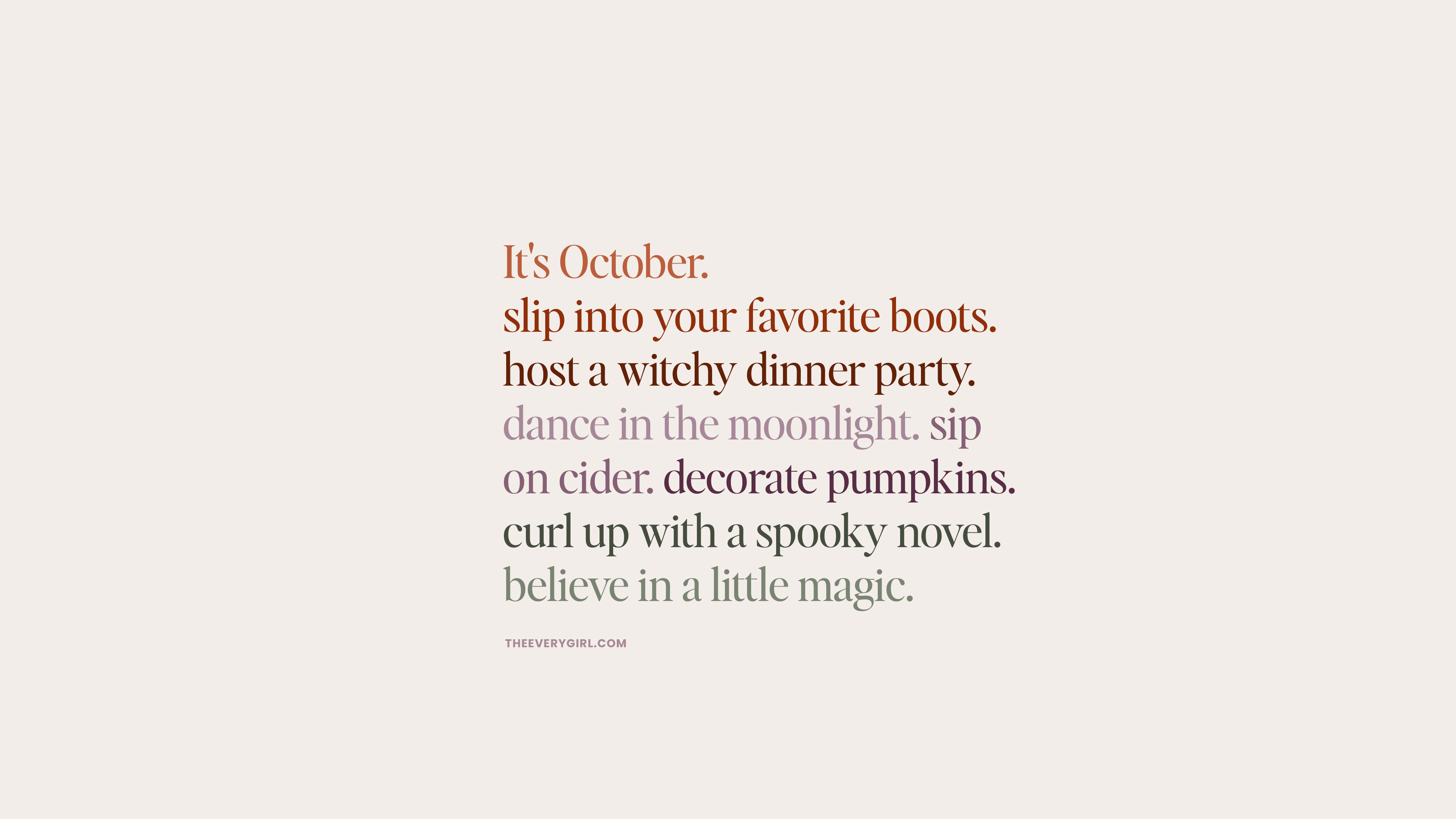
This typographic design reads like a permission slip for the whole month: it’s October. slip into your favorite boots. host a witchy dinner party. dance in the moonlight. sip on cider. decorate pumpkins. curl up with a spooky novel. believe in a little magic. Written in a cool, earthy type, it’s a daily nudge to lean into everything October has to offer.
CLICK TO DOWNLOAD
Desktop | iPhone | iPad / Tablet | TV Version

Even More: Download Your Zodiac Tech Backgrounds
Explore zodiac tech backgrounds for every sign! From zodiac phone backgrounds to zodiac desktop backgrounds, find zodiac wallpapers, astrology wallpapers, and zodiac aesthetic wallpapers that match your energy. Customize your lock screen or iPhone wallpaper with personalized zodiac tech backgrounds and astrology-inspired wallpapers for phone and laptop—perfect for every sign’s style.
- Aries (March 21–April 19)
- Taurus (April 20–May 20)
- Gemini (May 21–June 20)
- Cancer (June 21–July 22)
- Leo (July 23–Aug 22)
- Virgo (Aug 23–Sept 22)
- Libra (Sept 23–Oct 22)
- Scorpio (Oct 23–Nov 21)
- Sagittarius (Nov 22–Dec 21)
- Capricorn (Dec 22–Jan 19)
- Aquarius (Jan 20–Feb 18)
- Pisces (Feb 19–Mar 20)
Aesthetic Tech Backgrounds You’ll Love:
- Dark Academia Tech Backgrounds
- Ralph Lauren Aesthetic Tech Backgrounds
- Coastal Grandma Tech Backgrounds
- Chic, Minimalistic Tech Backgrounds
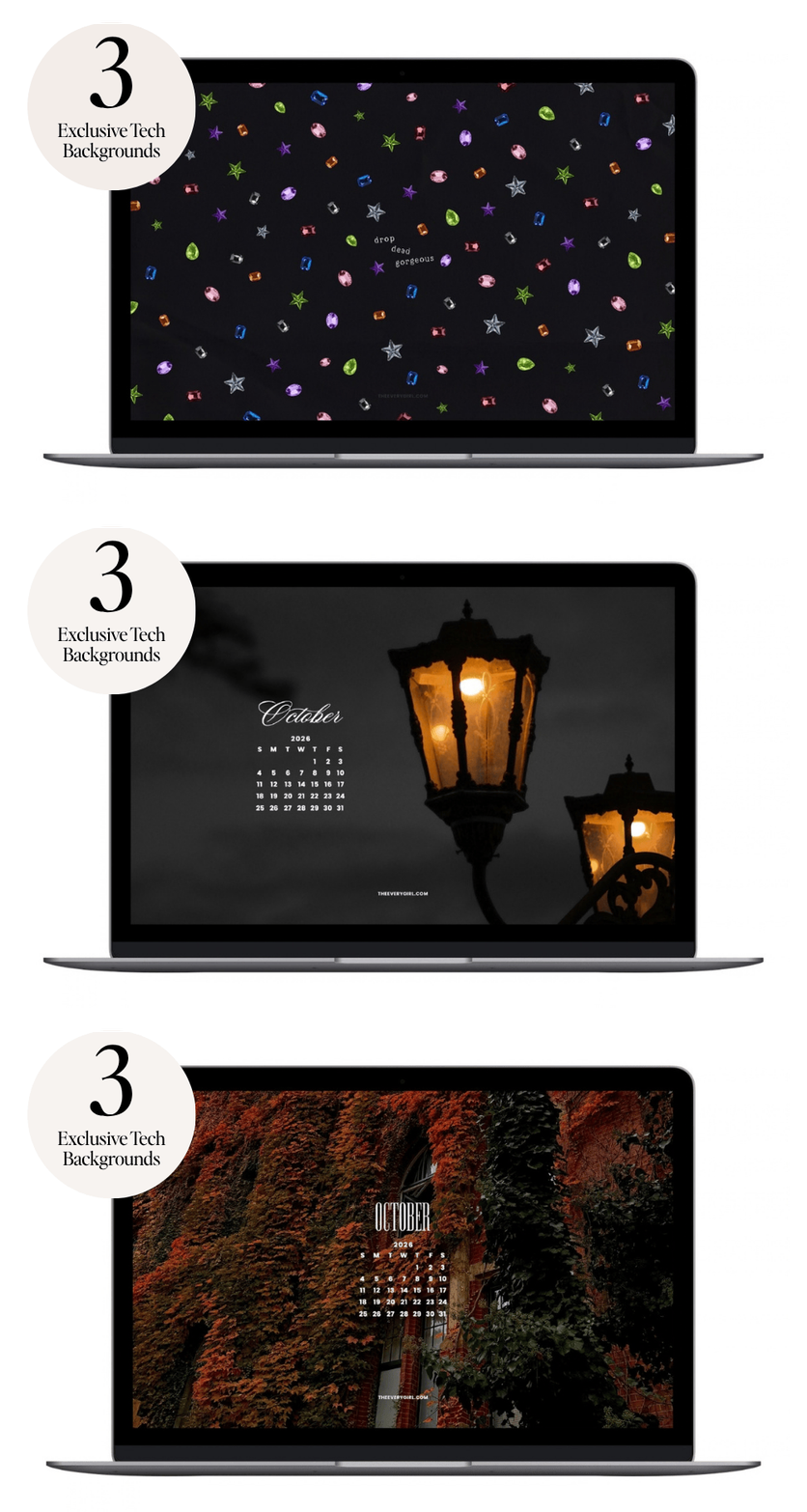
These spooky tech wallpapers are perfect for anyone who wants to embrace October’s festive energy.
Get into the spirit of spooky season with these October tech backgrounds! From cute Halloween wallpapers to scary Halloween backgrounds, pumpkin phone screens, ghost laptop wallpapers, and October aesthetic tech wallpapers, this collection has everything you need to make your devices festive. Whether you’re searching for free Halloween tech backgrounds, witchy phone wallpapers, or cozy fall tech backgrounds, these Halloween phone backgrounds and October desktop wallpapers are perfect for every vibe.
Frequently Asked Questions About The Everygirl Tech Backgrounds
When do The Everygirl Tech Backgrounds come out?
The Everygirl’s monthly tech backgrounds are available three days before the first of each month to give you plenty of time to change your screens. We also release bi-monthly tech backgrounds midway through the month and special drops (like our zodiac tech backgrounds!) so you have even more to choose from. You can see all the tech backgrounds available here.
How do I download the tech backgrounds?
Downloading our free tech backgrounds is easy. Scroll through the designs below until you find one you love, then select the download link for your device. We offer different sizes for phones, desktops, laptops, tablets, and more, plus calendar and no-calendar options. Once the image opens, save it to your device and set it as your wallpaper or background. Repeat with as many designs as you’d like—there’s no need to choose just one.
Can I use more than one October wallpaper?
Yes! If you’re using a Mac, you don’t have to commit to just one October wallpaper. Start by downloading all of your favorite tech backgrounds and saving them to one folder. Then, head to the Wallpaper tab in your Mac settings, scroll down to “Add Folder,” and select the folder you created. From there, turn on the “Rotate” option and choose how often you want your wallpapers to shuffle. It’s an easy way to enjoy all your favorite fall designs without having to pick just one.
Are The Everygirl October wallpapers free?
Yes, every single one of our October tech backgrounds is completely free to download. We release a fresh batch each month, with options for your phone, desktop or laptop, and tablet, so you can refresh all your screens for the new season without spending a thing. Just scroll to the design you love and click the link for the size you need.
How do I change my desktop wallpaper on a Mac?
It’s quick and easy. First, download your favorite October wallpaper to your computer. Then head to System Settings, click Wallpaper, and select Add Photo (or drag your downloaded image in). Choose your newly added background, and you’re all set. Pro tip: if you can’t pick just one, download several, drop them into a single folder, and use the “Add Folder” option under the Wallpaper settings to have them rotate automatically at whatever frequency you like.
When will November wallpapers be available?
Our tech backgrounds are typically available about three days before the first of each month, so you can expect the November wallpapers to drop in late October, right around the 27th or 28th. That gives you plenty of time to swap out your screens before the new month begins. Keep an eye out, because sometimes we release them even earlier.
Do the October wallpapers come with calendars?
Most of them do, and you’ve got options. For the calendar designs, you can choose between a Sunday-start layout or a Monday-start layout, depending on how you like to map out your week. Prefer a clean, uncluttered screen? We also offer calendar-free versions, including our “Second Screen” wordless option, so you can enjoy the design without any dates at all. Whatever your preference, there’s a version to match.

Caitlin Schneider, Brand Design Lead
Caitlin is the Brand Design Lead for The Everygirl and The Everymom. She oversees design execution and visual standards. Caitlin also sets the creative vision, leads campaign and tentpole concepting, assigns work across the team, and leads design direction to ensure brand consistency and elevated standards.

Aryana Johnson, Senior Designer
Aryana is a Chicago-born artist working as a Senior Designer for The Everygirl and The Everymom. She leads the execution of campaign assets and design build-outs, owns UX/UI and website system implementation, and operates autonomously within approved design direction.

Marta Taras, Marketing Designer
Marta is a passionate designer who constantly pushes creative limits. In her role as Marketing Designer, she leads the creation of performance-driven marketing visuals while maintaining scalable templates and visual consistency across channels.

Claire West, Editor
As an Editor for the Home & Living category of The Everygirl, Claire writes and edits stories spanning topics like food, travel, hobbies, and decorating. During her eight years in the media industry, Claire has touched everything from fashion to relationships to celebrity interviews at magazines like People and InStyle.
Love The Everygirl’s tech backgrounds? Browse our full archive with wallpapers from September, August, and more.
Want more wallpapers? We just launched our Zodiac tech backgrounds for all the girls who can’t stop talking about their birth chart. Happy Libra and Scorpio season, lovelies.
